

If your school or workplace blocks Facebook, or you need a safer way to manage multiple business accounts without getting flagged, a Facebook Proxy Server can be a helpful solution. It allows you to access Facebook more reliably while protecting your identity and avoiding restrictions.
In this blog, 9Proxy will guide you step by step on how to set up a Facebook Proxy Server on different devices, explain which proxy types work best for each use case, and share practical tips to reduce the risk of account bans while keeping your browsing private, stable, and secure.
What is a Facebook Proxy Server and Why You Need One?
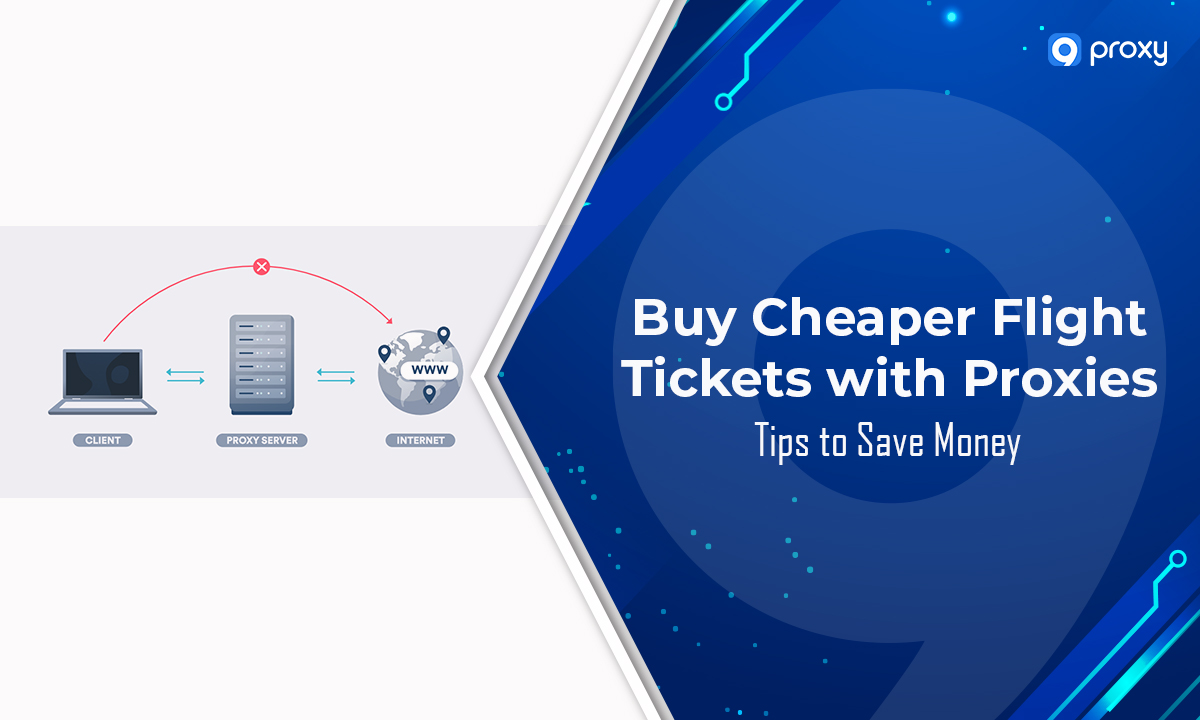
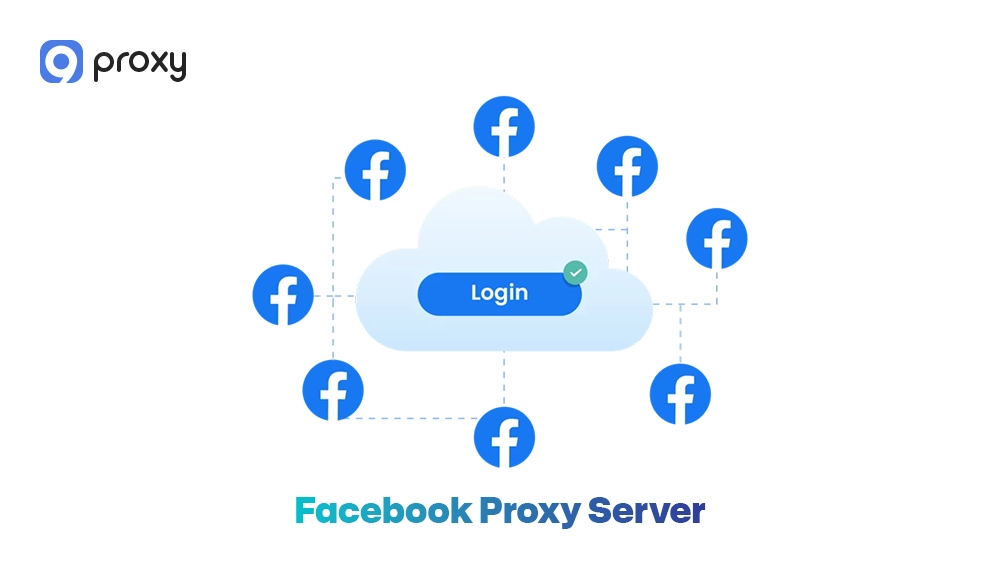
A Facebook Proxy Server is a middle layer between your device and Facebook that hides your real IP address and replaces it with another one. Instead of connecting directly, your traffic is routed through the proxy, making it look like you are accessing Facebook from a different location.
Using a Facebook Proxy Server can bring many advantages. Before exploring specific use cases, here are the key benefits you should know:
- Access Facebook from a different location: A proxy makes it look like you are browsing from another country, which is useful for viewing region-specific content or testing.
- Improve privacy and anonymity: Your real IP address stays hidden, helping protect your identity and reduce tracking risks. This is also a key advantage when using a social media proxy for managing multiple platforms securely.
- Manage multiple Facebook accounts safely: Each account can run on a different IP, lowering the risk of detection or account bans.
- Run marketing and research tasks: You can test ads, analyze competitors, and view local content without needing to be in that location.
How Proxy Servers Route Facebook Traffic
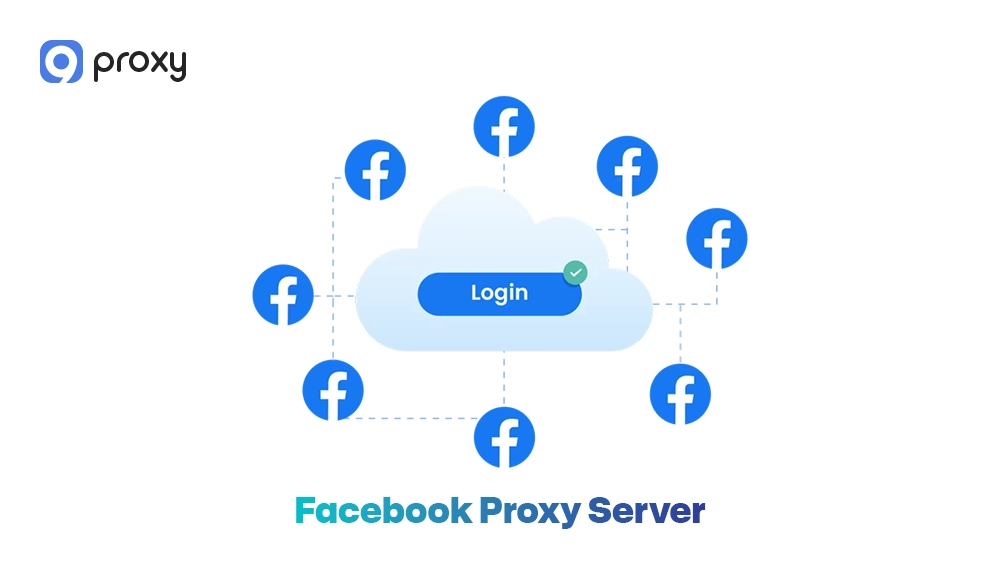
When you send a request to Facebook, the proxy server first receives it and then forwards it using its own IP address. After Facebook sends a response, the proxy passes that data back to you. This process acts like a “middleman” and uses protocols such as HTTP, HTTPS, or SOCKS5 to keep the connection stable and secure.
Because Facebook only sees the proxy’s IP address, your real identity stays hidden. This setup also lets you appear as if you are browsing from a different location or device, including mobile or residential networks that are generally more trusted by Facebook’s systems.
How to Set Up a Facebook Proxy Server
Setting up a Facebook Proxy Server is simple and usually requires four key details: proxy IP, port number, username, and password. The setup steps may vary depending on your browser or device, but the process is generally similar.
If you are working across multiple platforms, similar setup logic also applies when configuring tools like a TikTok proxy server for managing accounts on mobile or desktop.
Setting Up a Proxy in Chrome or Edge
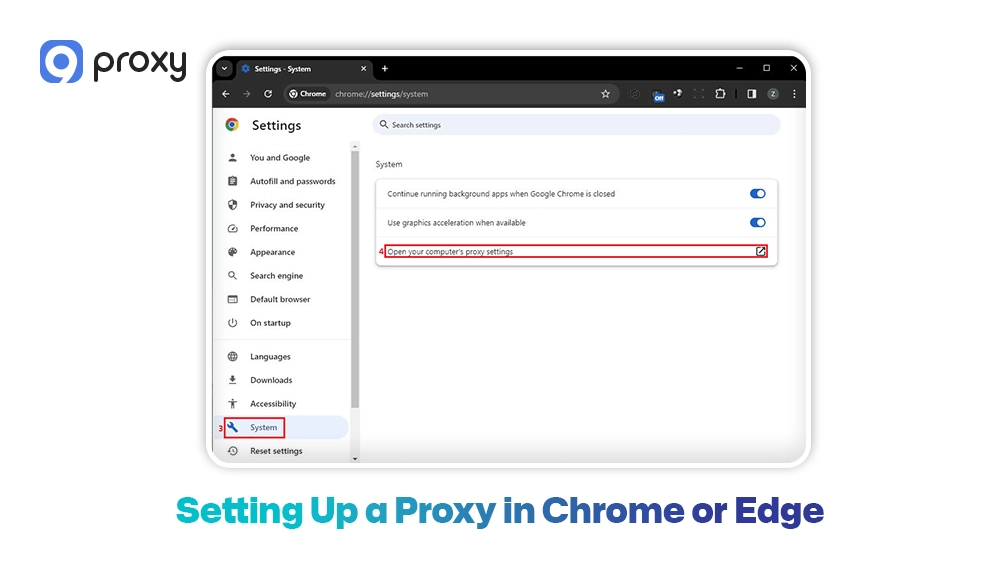
Both Google Chrome and Microsoft Edge use your computer’s system proxy settings, so configuring a proxy server Chrome setup or a Facebook Proxy Server in either browser will take you to the same system panel.
Steps for Chrome and Edge:
- Open the browser and go to Settings
- Search “Proxy” (or go to System settings in Edge)
- Click Open your computer’s proxy settings
- Turn on Use a proxy server
- Enter your proxy IP and port
- Save changes and restart the browser
Once done, your Facebook Proxy Server will be active and ready to use.
Setting Up a Proxy in Firefox
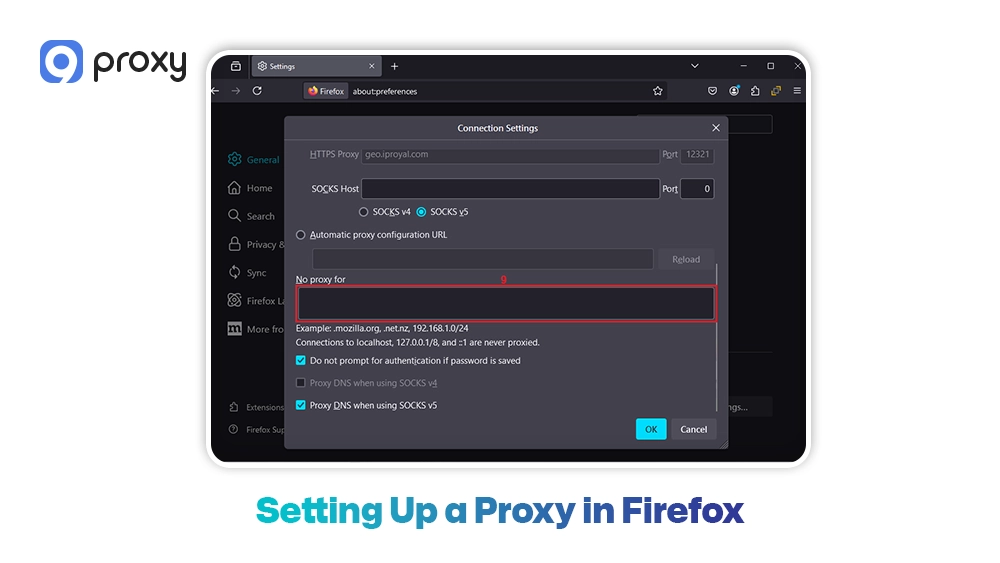
Unlike Chrome and Edge, Firefox lets you set up a proxy directly in the browser without changing your system settings. This makes it easier to manage a Facebook Proxy Server for specific tasks.
Steps to set up a proxy in Firefox:
- Open Firefox → go to Settings
- Scroll to Network Settings → click Settings…
- Select Manual proxy configuration
- Enter your proxy IP and port (HTTP/HTTPS or SOCKS5)
- (Optional) Enable proxy server DNS handling for SOCKS5 connections to improve privacy and prevent DNS leaks
- Click OK to save and apply immediately
Setting Up a Proxy on Mobile Devices
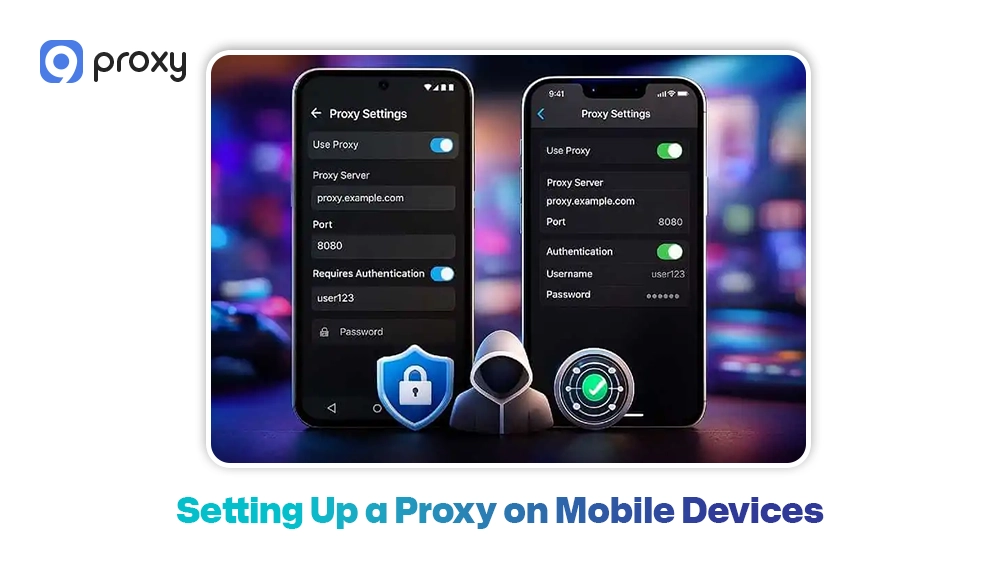
On mobile devices, proxy settings are linked to your Wi-Fi network, so you need to set them up for each connection when using a Facebook Proxy Server. This setup process is similar to configuring a mobile proxy server for apps that rely on mobile IP routing and location consistency. This setup approach is also useful when accessing platforms that often require anonymity, such as using an Omegle proxy for private browsing.
Android:
- Go to Settings → Wi-Fi
- Tap your connected network → Modify / Advanced settings
- Change Proxy to Manual
- Enter proxy IP and port → Save
iPhone:
- Go to Settings → Wi-Fi → tap the “i” icon
- Scroll to HTTP Proxy → Configure Proxy
- Select Manual, enter proxy IP and port
- Add username/password if needed → Save
Mobile Data:
- Go to APN settings
- Enter proxy IP and port
- Save and restart mobile data
Common Problems When Using a Facebook Proxy
Even with a proper setup, you may still face some issues when using a Facebook Proxy Server. Since Facebook has strict security checks, knowing how to fix common problems is important.
- Login verification requests: If your location suddenly changes, Facebook may ask for verification. Use a stable residential IP to avoid this.
- Slow connection speeds: This often happens with overloaded servers. Switching to a high-quality provider like 9Proxy can improve speed.
- Pages not loading: Make sure your proxy supports secure protocols like HTTPS or SOCKS5, as Facebook requires them.
- Proxy connection failures: Check your username, password, or IP whitelist settings to ensure everything is correct.
- Frequent security alerts: If your IP changes too often, Facebook may flag it. Use sticky sessions to keep the same IP longer.
By understanding these common issues and applying the right fixes, you can use a Facebook Proxy Server more smoothly, securely, and without unnecessary interruptions.
Types of Facebook Proxy Servers
Not all proxies are the same. Each type of Facebook Proxy Server offers different levels of trust, speed, and cost. Choosing the right one is important for a stable and safe Facebook experience.
Residential Proxies
Residential proxies use IP addresses from real Internet Service Providers (ISPs), so they look like normal home users. Because of this, Facebook trusts them more. They are the best choice for managing business accounts or running ads since they rarely trigger security checks.
This is especially important if your goal is to use an unblock Facebook proxy in restricted environments while keeping your activity natural and undetected.
Datacenter Proxies
Datacenter proxies come from cloud servers instead of real devices. They are fast and affordable, but easier for Facebook to detect because they don’t look like real users. They are suitable for tasks like testing or data scraping.
Mobile Proxies
Mobile proxies use IPs from 3G, 4G, or 5G networks. Since many users share the same mobile IP, they are highly trusted by Facebook. This makes them ideal for large-scale account management and automation.
Choosing Facebook Proxy Types by Use Case
The table below helps you choose the right Facebook Proxy Server based on your needs, performance, and reliability.
| Use Case | Recommended Proxy Type | Reason |
| Personal Browsing | Datacenter | Fast and low cost for simple access. |
| Ad Testing | Residential | Looks like real users to test ads accurately. |
| Business Account Access | Residential | A high trust level reduces the risk of bans. |
| Regional Content Testing | Mobile / Residential | Provides accurate local IP locations. |
| Large-scale Data Collection | Datacenter | High speed for heavy data tasks. |
Choosing the right proxy type helps you balance cost and safety. While datacenter proxies are fast and affordable, residential and mobile proxies offer a more natural user profile, making them better for long-term and sensitive Facebook activities.
Top 10 Reliable Proxy Providers for Facebook
Choosing the right provider is an important step when using a Facebook Proxy Server. Below is a comparison of top providers to help you find a reliable solution in 2026.
| Provider | Proxy Types | Geo Coverage | Session Control | Best For |
| 9Proxy | Residential | 90+ countries | Flexible Sticky | Stable FB accounts |
| Bright Data | All Types | 195+ countries | Advanced | Enterprise scaling |
| Smartproxy | Residential/DC | Global | Easy | Small businesses |
| Oxylabs | All Types | 100M+ IPs | Premium | Data extraction |
| SOAX | Residential/Mobile | Precise | Rotating/Sticky | Geo-targeting |
| NetNut | ISP/Residential | Global | Stable | High uptime |
| IPRoyal | Residential/DC | Growing | Simple | Budget teams |
| Geonode | Residential | 160+ countries | Scalable | Developers |
| Rayobyte | All Types | Worldwide | Reliable | Diverse needs |
| PacketStream | P2P Residential | Global | Basic | Low cost |
Here’s a quick overview of each provider:
- 9Proxy: Focuses on stable, clean residential IPs optimized for platforms like Facebook. These proxies can also be used alongside tools like an Instagram proxy for managing multiple social media accounts efficiently.
- Bright Data: Offers one of the largest proxy networks with advanced targeting features.
- Smartproxy: Easy to use and balances price with performance.
- Oxylabs: Enterprise-level infrastructure with a large and reliable IP pool.
- SOAX: Strong geo-targeting, allowing precise location selection.
- NetNut: Uses ISP connections for faster and more stable performance.
- IPRoyal: Affordable option for smaller teams.
- Geonode: Flexible and scalable for automation tasks.
- Rayobyte: Known for reliable uptime and ethical IP sourcing.
- PacketStream: Budget-friendly peer-to-peer residential network.
Using high-quality residential proxies can reduce issues like Facebook proxy server unblock failures or login verification loops. We recommend starting with a trial plan to make sure the provider fits your specific needs.
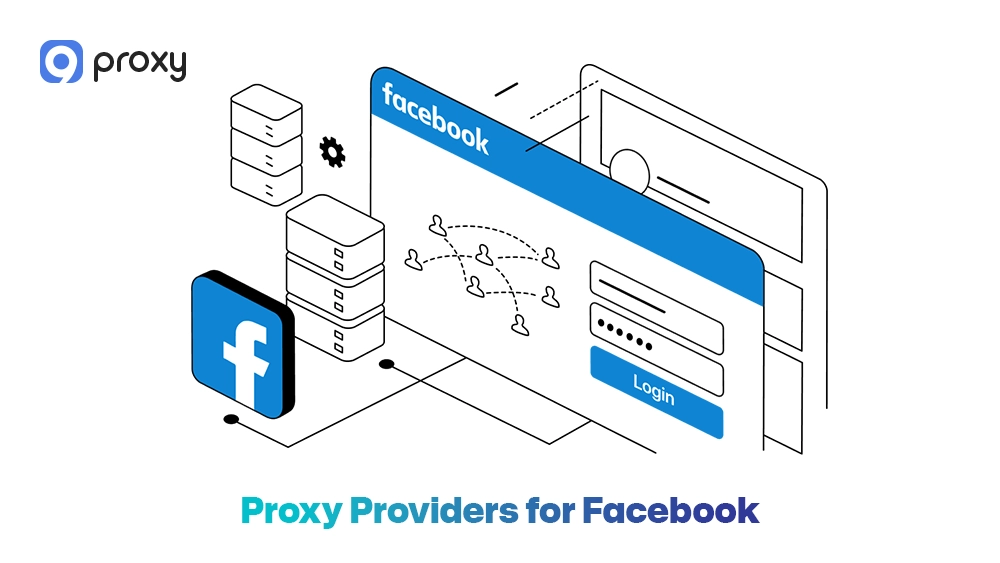
Web Proxy vs Proxy Server vs VPN for Facebook
These three tools are often confused, but they work differently. A web proxy is a simple website where you enter a link, a proxy server is set up in your browser or system, and a VPN protects your entire internet connection by routing and encrypting all your traffic.
Each option has its own strengths depending on your needs:
| Feature | Web Proxy | Proxy Server | VPN |
| Setup Difficulty | Very easy | Moderate | Easy (app-based) |
| Privacy Level | Low | High (especially residential) | Very high |
| FB Login Compatibility | Poor | Excellent | Moderate |
| Connection Speed | Slow | Fast | Varies |
| Best Use Case | Quick unblocking | Account management | General privacy |
In general, while a VPN is useful for basic privacy, a dedicated Facebook Proxy Server, especially a residential one, is a better choice for Facebook. VPN IPs are often shared by many users, which makes them easier for Facebook to detect and block.
FAQs
How many Facebook accounts can use one proxy?
For safety, you should use 1 proxy for 1 account. If multiple accounts share the same IP, Facebook may see them as connected and flag them as suspicious. This can lead to all accounts being restricted or banned at the same time. Using separate residential proxies helps each account look like a real, independent user.
What proxy location works best for Facebook?
The best location is close to where the account was created or usually used. For example, if your account was created in the US, you should keep using a US proxy. Sudden changes (like logging in from Asia after using a US IP) can trigger security alerts.
Why does Facebook ask for identity verification after using a proxy?
This usually happens when Facebook detects a low-quality or flagged IP, a sudden change in location, or unusual behavior such as performing too many actions in a short time. To reduce the risk, you should use clean residential proxies, avoid switching IPs too frequently, and maintain consistent activity patterns.
Do proxies slow down Facebook browsing?
Yes, but only slightly. Since your data goes through another server, there can be a small delay. However, with a high-quality proxy, the difference is usually very small and almost unnoticeable for normal use.
Conclusion
Facebook Proxy Server is a powerful tool for accessing Facebook, managing accounts, and protecting your identity. By choosing the right proxy type and provider, you can reduce risks and improve performance. For more proxy setup guides, comparisons, and use cases, you can also explore Blog9Proxy alongside high-quality residential proxy solutions for Facebook and other platforms. Explore your options and start using a Facebook Proxy Server safely today.