

Reverse Proxy vs Port Forwarding is a common topic for anyone managing servers, apps, or remote access. In simple terms, port forwarding works like a direct tunnel that sends outside traffic straight to one device or service. A reverse proxy, on the other hand, acts like a smart gatekeeper, sitting in front of your services to manage, filter, and route requests.
If you need quick and simple access, port forwarding is enough. But for better control, multiple apps, and cleaner routing, a reverse proxy is the better option. In practice, many setups use both together for flexibility and protection.
What Is Reverse Proxy and How Does It Work?
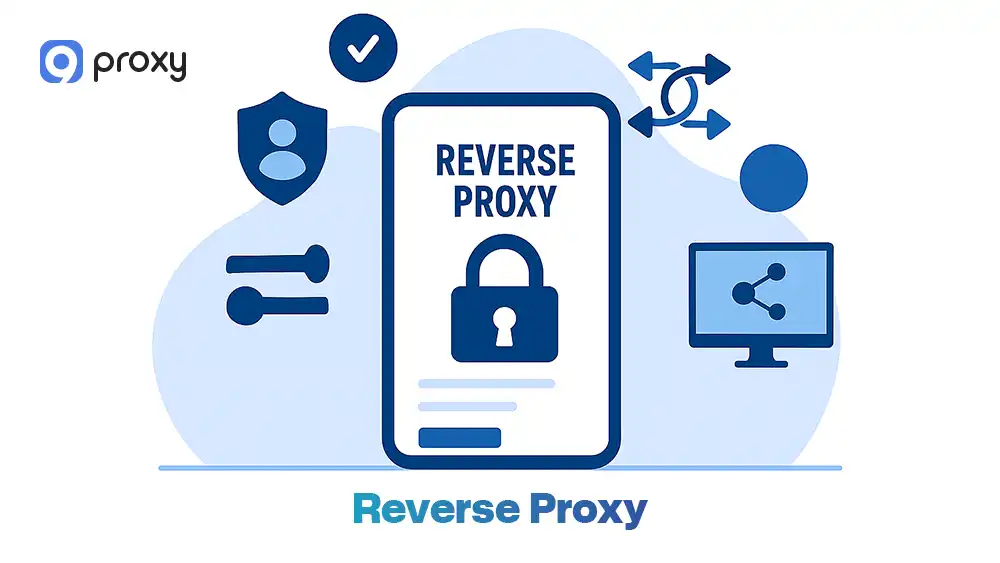
A reverse proxy is an intermediary server that sits between users and backend services. Instead of connecting directly to your server, users send requests to the proxy first. The proxy then checks rules, filters traffic, and forwards the request to the correct backend server before returning the response.
This setup helps manage traffic, improve performance, and hide internal systems from direct exposure. It is commonly used for hosting multiple websites, managing APIs, load balancing, and enhancing security.
If you want a deeper technical breakdown, you can explore how a reverse proxy works in more detail. This also explains why reverse proxy vs port forwarding behaves very differently in real environments.
What Is Port Forwarding and How Does It Work?
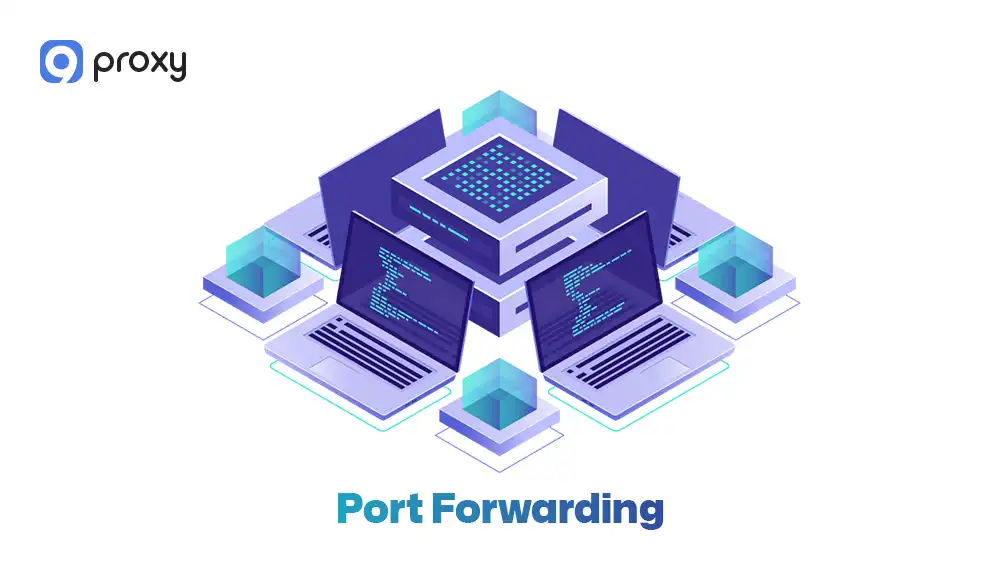
Port forwarding is a networking method that allows external traffic to reach a device inside a private network. It works through NAT (Network Address Translation), where your router maps an external port to a specific internal IP address and port. When a request comes from the internet, the router simply forwards it directly to the chosen device, without filtering or processing.
Understanding how NAT vs proxy systems differ helps clarify why NAT-based port forwarding operates at the network layer for simple address translation, while proxies work at the application layer to inspect and manage traffic content.
This makes port forwarding easy to set up and useful for quick access. However, in reverse proxy vs port forwarding, it exposes services more directly because traffic goes straight to the internal system.
Reverse Proxy vs Port Forwarding: 5 Core Differences
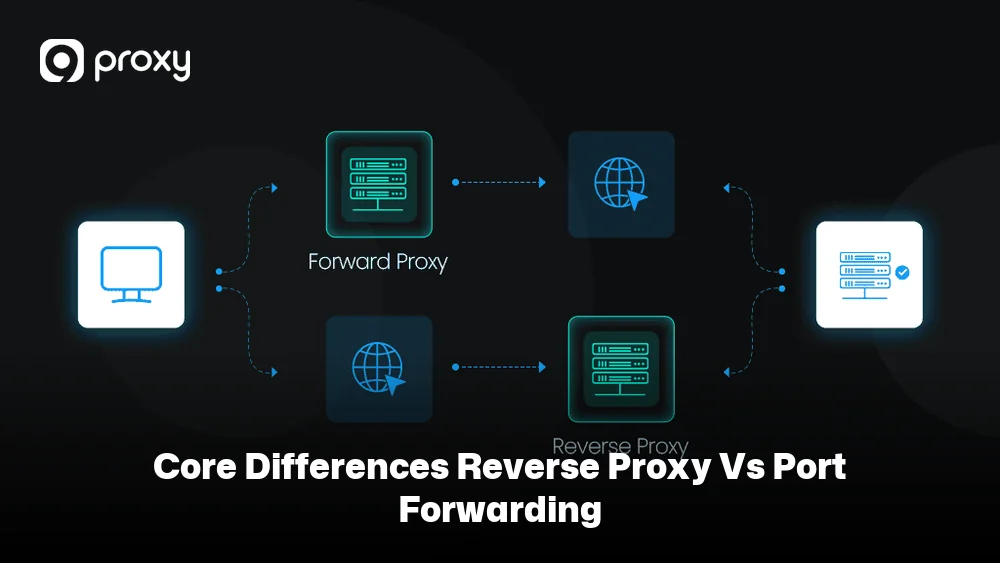
We want to make the difference easy to understand. In reverse proxy vs port forwarding, the key is how each method handles traffic, security, and scalability in real situations. One is a simple, direct path, while the other adds a managed control layer in front of your services.
|
Feature |
Port Forwarding |
Reverse Proxy |
|
Network Layer |
Transport Layer (Layer 4) |
Application Layer (Layer 7) |
|
Traffic Handling |
Direct redirection |
Managed routing and inspection |
|
Security |
Direct exposure of services |
Backend services are hidden |
|
HTTPS/SSL |
Managed by each device |
Centralized at the proxy |
|
Flexibility |
Limited to port numbers |
Routing by domain or URL path |
In short, port forwarding is a simple way to connect directly to a service, while a reverse proxy adds a control layer to manage traffic and organize multiple services more effectively.
How Traffic Is Handled
Port forwarding sends traffic directly to one internal service without checking the data inside. It acts like a straight path from the internet to your device. A reverse proxy works differently. It receives the request first, reads important details, and then decides where to send it. This extra step allows more control and flexibility when comparing reverse proxy vs port forwarding.
In high-traffic environments, reverse proxies can also implement caching strategies-learning about cache server proxy systems reveals how frequently requested content is stored at the proxy layer to reduce backend load and improve response times.
One Service vs Multiple Services
Port forwarding is a good choice when you only have one simple service, such as a single PC or app. It is easy to set up and works well for basic needs. However, if you run multiple services, a reverse proxy becomes much more useful. It lets you manage many apps through one entry point by using different domains or URL paths.
Security and Public Exposure
Port forwarding exposes your service directly to the internet, which can increase risk if the service is not updated or protected. A reverse proxy adds a control layer in front of your services and hides internal systems from direct access. It does not guarantee full security, but it gives you better control over traffic and who can connect.
For organizations requiring advanced threat detection, deploying a proxy server firewall alongside reverse proxies creates layered defenses that filter malicious requests, block unauthorized access, and log suspicious activity before traffic reaches backend infrastructure.
HTTPS, SSL, and Domain-based Routing
Reverse proxies allow you to manage HTTPS and SSL certificates in one central place. This makes it easier to handle multiple websites or services without repeating setup steps. With port forwarding, you need to configure SSL on each device separately, which can take more time and increase complexity as your system grows.
In more advanced setups, reverse proxies are often compared with other tools like API gateways. If you want to understand that distinction, you can check reverse proxy vs API gateway to see how request handling differs at scale.
Set Up Difficulty and Long-term Maintenance
Port forwarding is quick and simple to set up, usually requiring only a few changes in your router settings. A reverse proxy needs more initial setup and some technical knowledge. However, 9Proxy recommends using a reverse proxy for long-term use because it becomes easier to manage, organize, and scale as your system expands.
Reverse Proxy vs Port Forwarding: Benefits & Drawbacks
We compared both options to help you clearly understand their strengths and limitations in real use. The table below expands on the key benefits and drawbacks so you can better evaluate performance, flexibility, and security needs.
|
Proxy Type |
Benefit |
Drawback |
|
Port Forwarding |
Very easy to set up |
Exposes internal IPs |
|
Low latency for gaming |
Limited to one service per port |
|
|
Direct connection with minimal overhead |
Lacks traffic filtering, harder to scale |
|
|
Works well for single-service setups |
Requires manual security handling |
|
|
Reverse Proxy |
Better traffic control supports multiple services on one entry point |
A more complex setup requires technical knowledge |
|
Enables load balancing, centralized SSL management |
May need a dedicated server, which adds slight overhead |
|
|
Enables load balancing, centralized SSL management |
Requires ongoing configuration management |
These added details show that port forwarding is simple and fast but limited, while a reverse proxy offers more control and scalability at the cost of higher complexity. In many architectures, it also overlaps with other systems, such as load balancers. You can learn more by comparing load balancer vs reverse proxy in real-world deployments.
In What Cases Should You Choose Reverse Proxy & Port Forwarding?
Choosing between reverse proxy vs port forwarding depends on how your system is set up, how large it is, and how much control and security you need. If your setup is small and simple, port forwarding may be enough. But as your system grows or requires better management and protection, a reverse proxy becomes a more suitable option.
When Reverse Proxy Is the Better Choice
A reverse proxy is often a better choice for modern web setups, especially when your system becomes more complex. You should use it in the following cases:
- You are hosting multiple web applications on one server and want to manage them easily
- You want to use one SSL certificate for different domains instead of setting it up many times
- You need to hide your backend server to reduce direct exposure to the internet
- You expect high traffic and want to use load balancing to keep performance stable
In many enterprise environments, reverse proxies are also compared with traditional forward proxies. If you are curious about that difference, you can explore proxy server vs reverse proxy for a clearer understanding.
When Port Forwarding Is the Better Choice
Port forwarding works best for simple and fast connections. It is a good choice in the following situations:
- You want to set up a private gaming server for friends with low latency
- You need quick access to a device using SSH or Remote Desktop
- You only have one service to share and want a fast, easy setup
- You are using non-web protocols that do not require traffic inspection or advanced routing
Port forwarding is a practical solution when you need quick setup, direct access, and minimal complexity for a single service.
When You Should Use Both Together
In many real setups, we use both together to get better performance and control. Your router uses port forwarding to send incoming traffic from ports 80 and 443 to a reverse proxy server inside your network.
Then, the reverse proxy receives each request, checks the rules, and forwards it to the correct internal app or service. This approach creates a more organized, flexible, and controlled entry point for your home or office network, especially when running multiple services.
Common Cybersecurity Mistakes to Avoid
Managing your network safely means paying attention to small mistakes that can lead to serious risks like data leaks or unauthorized access. Below are some common issues you should avoid when using reverse proxy or port forwarding.
Exposing Services Without Authentication
One common mistake is opening access to a service without proper login protection. For example, if you use port forwarding for a database or storage system without a password, anyone on the internet could access it. Always make sure every service has strong authentication, such as passwords or access controls.
Opening Too Many Ports Unnecessarily
Each open port can act like an entry point for attackers. Opening too many ports increases your risk. We recommend only opening the ports you really need. If possible, use a reverse proxy to manage multiple services through one or two ports instead of exposing many.
Misconfiguring Reverse Proxy Rules
Incorrect proxy settings can create security problems. For example, you might accidentally expose admin panels or private data. Always review your routing rules carefully and test them before going live. It is also important to keep your proxy software updated to fix security issues and reduce risks.
When troubleshooting reverse proxy issues, understanding error messages like 504 Gateway Timeout helps diagnose whether the problem stems from backend server delays, network congestion, or improper timeout configurations at the proxy layer.

FAQs
Can A Reverse Proxy Replace Port Forwarding Completely?
You still need port forwarding (usually ports 80 and 443) to send traffic to the reverse proxy. After that, the proxy handles routing to internal services, so you don’t need to open more ports. Some tools, like Cloudflare Tunnel, can avoid port forwarding, but they work differently.
Do I Need A Domain Name To Use A Reverse Proxy?
Not required, but strongly recommended. A domain helps the reverse proxy route traffic to different services using names instead of ports. It also makes it easier to use SSL certificates and manage multiple apps on one IP.
Can I Use A Reverse Proxy For Non-HTTP Services Like Games or SSH?
Yes, but it depends on the setup. Some tools support TCP or UDP proxying, but for SSH or gaming, port forwarding is often simpler and faster because it has less delay.
What Is The Safest Way To Access Home Servers Remotely?
The safest setup combines a VPN and a reverse proxy. The VPN controls who can access your network, while the reverse proxy manages traffic and adds another layer of protection. Keep only necessary services public and limit exposure as much as possible.
Conclusion
Reverse Proxy vs Port Forwarding depends on your needs. Port forwarding is simple and fast for basic setups, while a reverse proxy gives better control and works well for multiple services. In many cases, using both together is the best solution. Choose the option that matches your setup, and focus on keeping your system secure and easy to manage.
For advanced proxy solutions that support both reverse proxy configurations and secure network routing, explore 9Proxy for reliable proxy services tailored to your infrastructure needs. For more detailed guides, tutorials, and expert insights on proxy architectures and network security, visit Blog9Proxy.