An Email Proxy Server is becoming essential in 2026 for anyone who depends on email but worries about privacy, security, or geo-restricted access. If you handle business communication, manage multiple accounts, or simply want to stay anonymous, an email proxy server gives you full control over how your email traffic is routed and protected. It hides your real IP, prevents tracking, reduces account-ban risks, and helps you access mail services safely from any region.
To help you understand this technology better, 9Proxy will explain how an Email Proxy Server works, why it matters, and how you can choose and set up the right solution.
What Is an Email Proxy Server?
An Email Proxy Server is an intermediary that sits between your email client and the mail server, routing all your email traffic through its own secure connection. Instead of connecting directly to Gmail, Outlook, or a corporate server, your requests go to the proxy first. It then forwards them to the destination while hiding your real IP address.
The key function is to act as a shield: it masks your original IP address with its own, ensuring the mail server only sees the proxy’s location, thus hiding your real identity and location. It also manages connection requests and can provide security layers before the email reaches you.
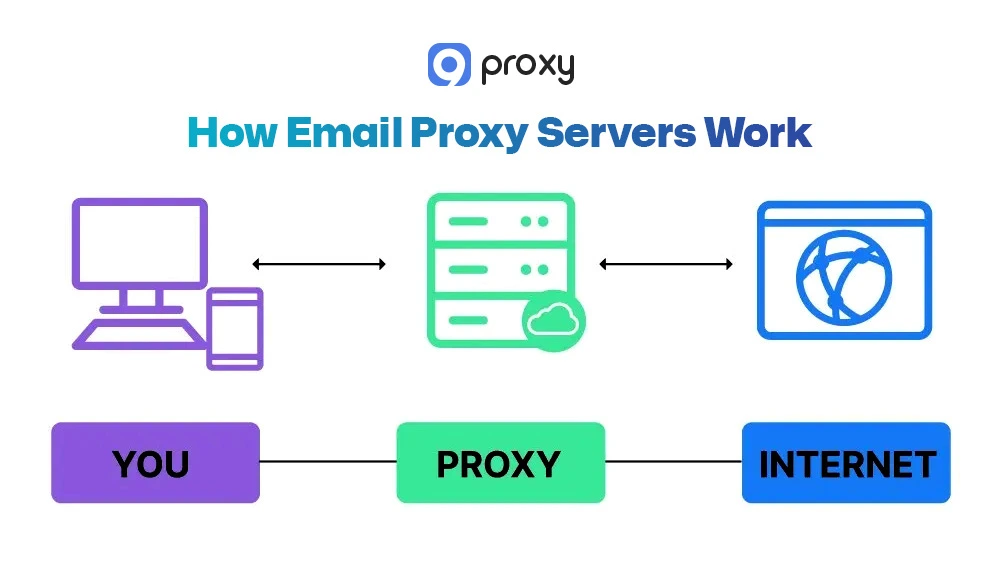
How Email Proxy Servers Work
Email Proxy Server works in three basic steps to keep your identity hidden while still sending and receiving emails normally.
Client-to-Proxy: When you send an email in Outlook or another app, the message is sent to the Email Proxy Server first, not directly to Gmail or your company’s mail server. Your client logs in using your proxy credentials.
Proxy Masking & Relay: The proxy takes your request, hides your real IP address, and replaces it with its own. After checking everything for security, it forwards the email to the final mail server. This protects your location and keeps your real IP from being flagged.
Server-to-Recipient: The mail server receives the email from the proxy’s IP and delivers it to the recipient. Incoming mail (POP3/IMAP) is also sent back through the proxy in the same protected way. This makes an anonymous proxy server email setup safe and effective.
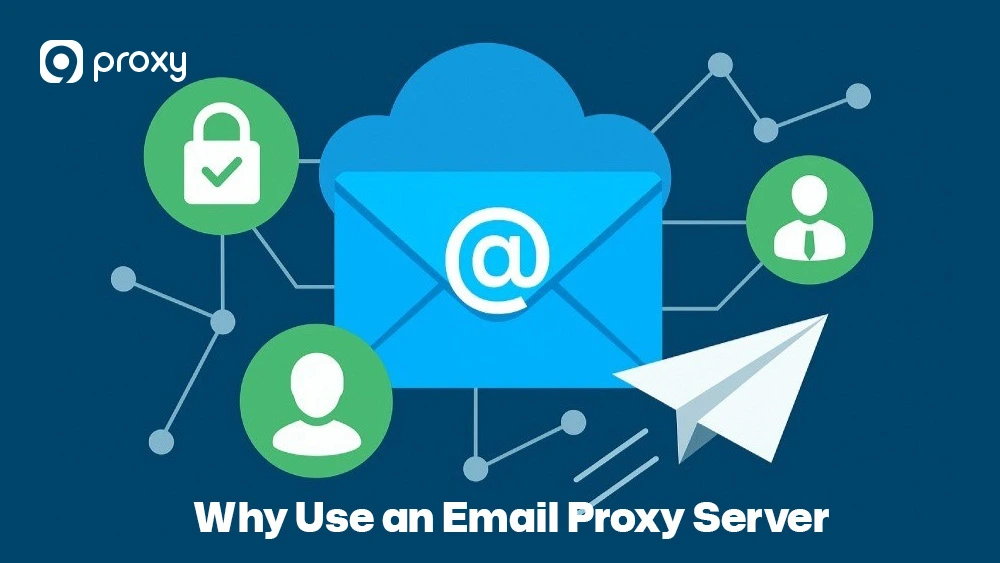
Why Use an Email Proxy Server?
Individuals and businesses use email proxy servers for many important security and operational reasons.
Anonymity and IP Masking: A proxy hides your real IP address so recipients, mail servers, and third parties cannot track your identity or location. This is the main advantage of using an anonymous proxy server email setup.
Anti-Blocking and Access Control: If you manage multiple email accounts or send large volumes of messages, proxies help spread out the traffic. This prevents reaching provider rate limits and avoids IP throttling or permanent blocks. A setup like a forward proxy makes it easier to route outgoing requests through different IPs and maintain stable sending activity.
Geo-Restricted Access: If you are traveling or working in a region where certain email services (like Gmail or Outlook) are blocked, an email proxy server located in an unrestricted country allows you to bypass local restrictions and access your mailbox normally.
IP Reputation Management: If your network’s IP is flagged or has a poor reputation, switching to a clean proxy IP helps protect your deliverability and keeps your emails out of the spam folder.
Enhanced Security: A proxy can filter out spam, malware, and phishing attempts before they reach your device or internal network, adding an extra layer of protection.
Types of Email Proxies
Choosing the right proxy type is key to getting the best performance and compatibility with email protocols like SMTP, POP3, and IMAP. In larger systems, incoming traffic is sometimes filtered before it reaches internal infrastructure, which is where a reverse proxy can play a role in adding an extra security layer.
To get reliable email performance, it’s important to understand how each proxy type affects anonymity, deliverability, speed, and stability.
|
Proxy Type |
Protocol Compatibility |
Anonymity Level |
Spam Filter Risk |
Recommended Use Case |
|
SOCKS5 Proxies |
SMTP, POP3, IMAP (Best) |
Very High |
Low to Medium |
Multi-account management, security, and hiding IP location. |
|
HTTP(S) Proxies |
Webmail access (browser only) |
Medium |
High |
Accessing web-based email portals in geo-restricted zones. |
|
Residential Proxies |
Any (via SOCKS5) |
Top Tier |
Very Low |
Critical business mail, ensuring maximum deliverability and trust. |
|
Datacenter Proxies |
Any (via SOCKS5) |
Medium |
High |
Temporary access, testing, and non-critical low-volume mail. |
SOCKS5 proxies are the most versatile and recommended choice for email clients because they support all major protocols (SMTP, POP3, and IMAP) smoothly and without compatibility issues. Residential proxies are also very reliable, offering the lowest spam-related risks because their IPs come from real ISP networks.
Benefits & Drawbacks of Email Proxy Server
A high-quality Email Proxy Server can greatly improve your privacy, security, and email performance. Still, it is helpful to understand both the strengths and the possible limitations before relying on one.
Key Benefits of Using an Email Proxy
Using an Email Proxy Server provides much more than simple IP hiding. It gives you stronger control, protection, and reliability for both personal and business email use.
- Privacy Protection: A proxy hides your real IP so your email headers never reveal your true location. This protects you from tracking and keeps your identity private. For maximum isolation and control, many businesses prefer using a dedicated private proxy instead of shared proxy pools.
- Security and Phishing Prevention: An Email Proxy Server can act as a security layer. It scans incoming emails for signs of spam, malware, or phishing before they reach your inbox, reducing the chance of harmful messages slipping through.
- Access Control and Compliance: Proxies can record all email connections, giving companies a clear audit trail for compliance. Admins can also allow or block access to certain mail servers based on location or IP ranges, adding another level of control.

Risks and Limitations
While the benefits are strong, it’s important to understand the possible downsides of using an Email Proxy Server, especially when it comes to deliverability and speed.
- Slower Speeds (Latency): Because your email traffic is routed through an extra server, you may experience slight delays. Premium proxies keep this minimal, but a free socks5 proxy server with heavy traffic can noticeably slow down sending and receiving.
- Deliverability Issues (Spam Risk):If the proxy IP you are using has a bad reputation, your emails may end up in the recipient’s spam folder. This is a frequent problem with many free proxy server options that rely on overused or low-quality IP pools.
- Configuration Errors: Incorrect settings, such as the wrong port or protocol, can prevent your email client from sending or receiving messages. These errors require careful checking and troubleshooting.

Setting Up an Email Proxy (Step-by-Step)
Setting up an Email Proxy Server means entering the correct proxy information into your email program or system so all of your email traffic is routed safely through the proxy. The process changes slightly depending on what you are configuring: outgoing mail (SMTP), incoming mail (POP3/IMAP), a desktop email client, webmail in a browser, or command-line tools.
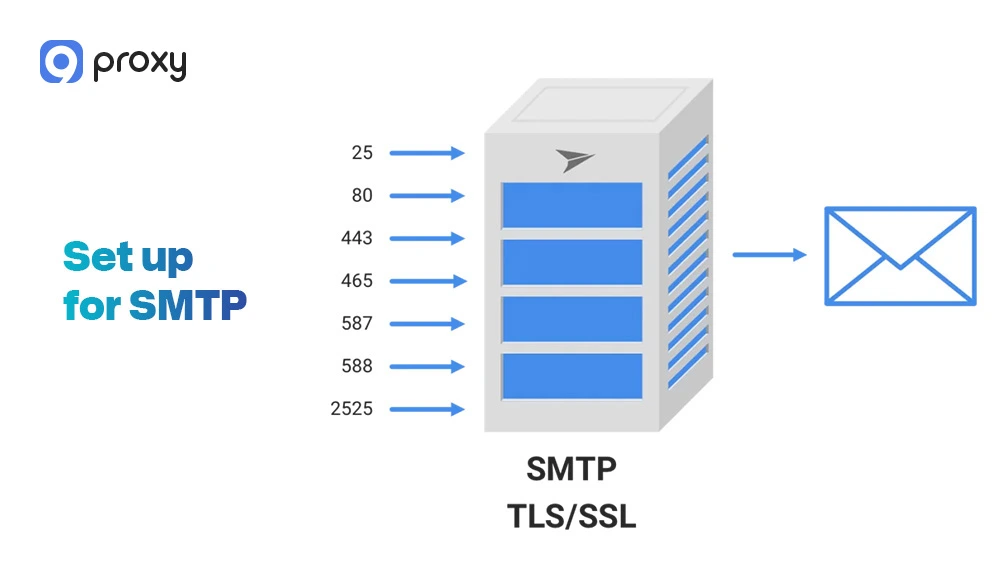
Set up for SMTP
SMTP controls all outgoing emails, making it the most common place to configure an anonymous proxy server email setup. Using a proxy here ensures your identity stays hidden every time you send a message.
- Locate Outgoing Server Settings: Open your email app, go to the Account Settings menu, and look for the Outgoing Mail Server (SMTP) section. This is where all sending details are stored.
- Input Proxy Details: Replace the normal SMTP server address with the IP address or hostname provided by your Email Proxy Server. This tells your client to send all outgoing mail through the proxy first.
- Specify Port: Set the port to the one used by your proxy service. Many SOCKS5 proxies use port 1080, but your provider may give you a different one for secure connections.
- Enable Authentication: Turn on proxy authentication and enter your proxy username and password. This step is essential to establishing a secure connection before your email is relayed.
Set up for POP3/IMAP
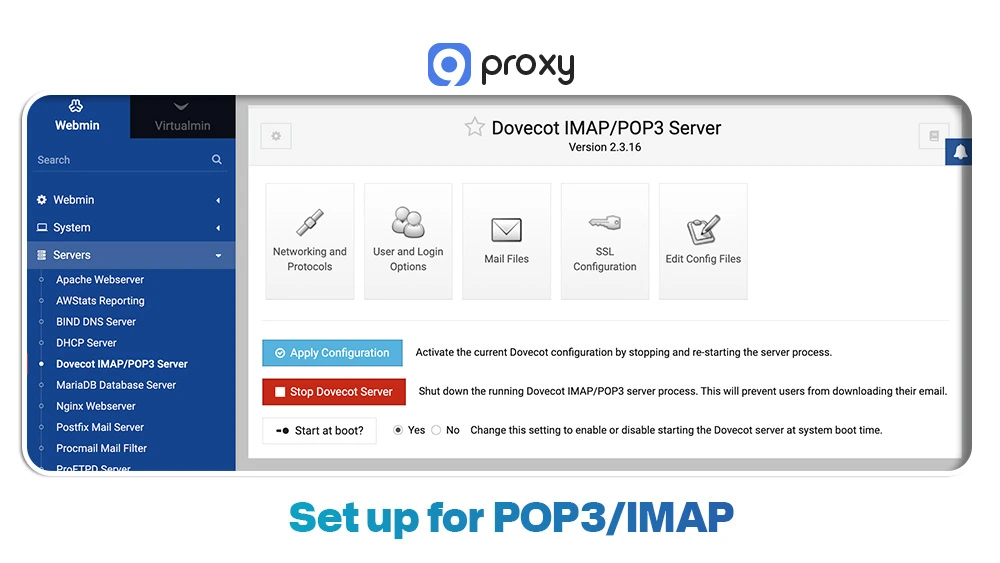
POP3 and IMAP manage incoming emails. Routing them through a proxy ensures your incoming data is protected and your real IP remains hidden.
- Locate Incoming Server Settings: In your email client, open the Incoming Mail Server section (POP3 or IMAP).
- Input Proxy Details: Replace the usual server address with your proxy’s IP or hostname so all incoming mail is routed through the Email Proxy Server.
- Specify Port: Enter the correct proxy port. Again, SOCKS5 usually uses port 1080, but follow your provider’s instructions.
- Apply Authentication: Save your proxy username and password so your client can connect to the proxy before retrieving emails.
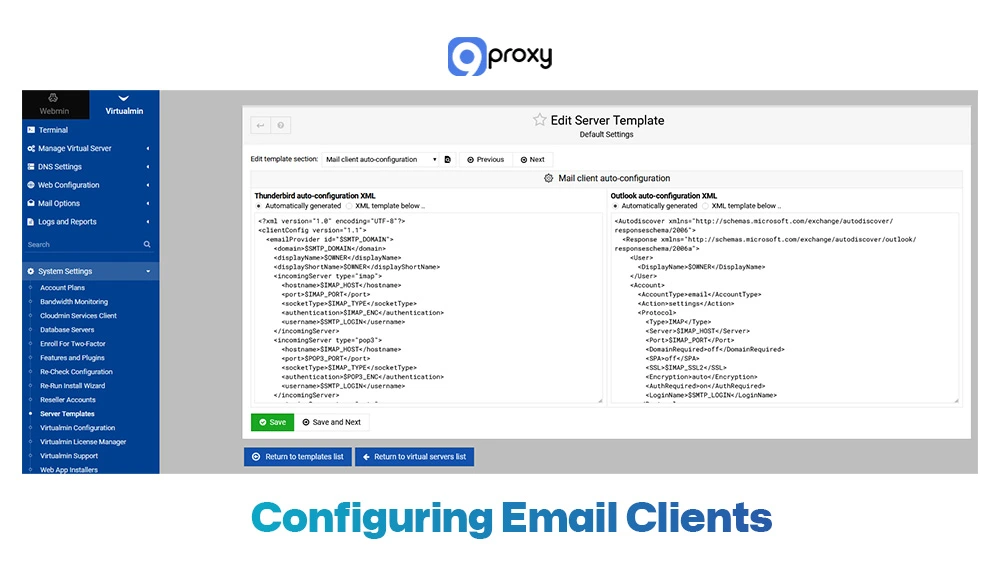
Configuring Email Clients (Outlook, Thunderbird, Apple Mail)
Many desktop email clients can route all traffic through system-level proxy settings. This makes configuration easier and keeps every connection protected.
- Outlook: Go to File > Options > Advanced > Network Settings. Outlook relies on Windows system proxy settings, so configure your system proxy, and Outlook will automatically use it.
- Thunderbird: Open Tools > Options > Advanced > Network & Disk Space > Connection Settings. Choose “Manual proxy configuration” and enter your SOCKS5 or HTTP proxy details.
- Apple Mail: On macOS, email apps use system proxy settings. Go to System Settings/Preferences > Network > Advanced > Proxies. Check “SOCKS Proxy,” then enter your proxy’s IP, port, and login.
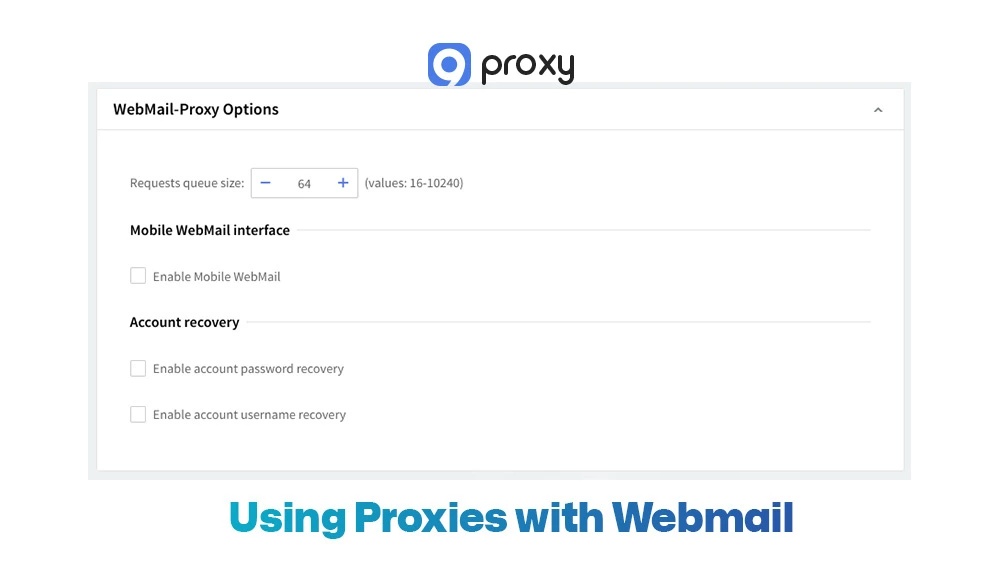
Using Proxies with Webmail
Webmail apps like Gmail, Yahoo, and Outlook Web Access run inside your browser, so you need to proxy the browser itself.
- Use a Browser Extension: Install a trusted proxy extension like 9Proxy or follow a guide to set up a proxy server on Chrome so that every webmail tab is routed correctly.
- Configure the Extension: Enter your Email Proxy Server information: IP, port, protocol (SOCKS5), and any login details.
- Activate: Turn the proxy on for specific domains (for example, mail.google.com) to make sure all webmail traffic passes through the proxy.
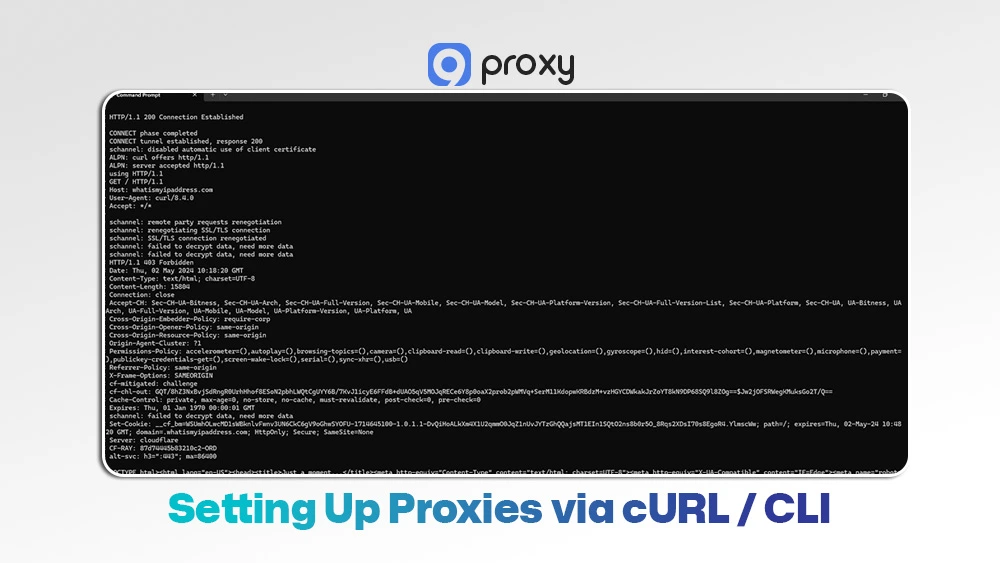
Setting Up Proxies via cURL / CLI
Developers and advanced users can send or test email connections directly from the command line using cURL.
Define Proxy: Use the -x or --proxy flag to specify the proxy protocol and credentials.
Send Test Mail: Run a test command to confirm your anonymous proxy server email configuration is working correctly:
curl --url smtp://mail.example.com \
--mail-from [email protected] \
--mail-rcpt [email protected] \
-x socks5h://user:[email protected]:1080
This verifies that your SMTP request is being routed through the proxy.
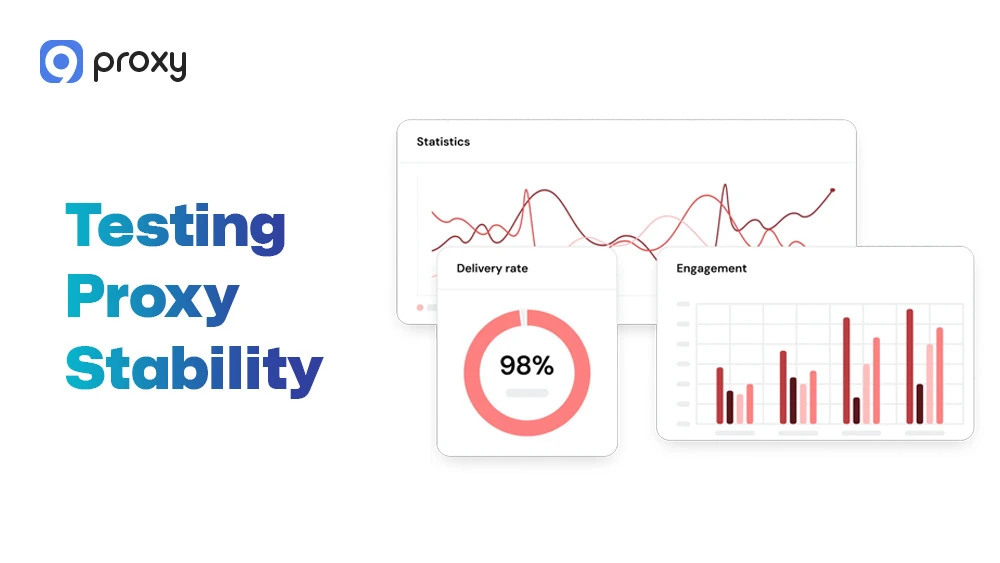
Testing Proxy Stability & Email Deliverability
After setup, it’s important to make sure your proxy is stable and that your emails aren’t landing in spam folders.
Test Latency: Use a ping command or a proxy testing tool to measure the delay between your device and the proxy server. Lower latency means faster email sending and checking.
Test Deliverability: Send test emails to services like Mail-Tester.com. These tools check your email headers, verify the reputation of your Email Proxy Server IP, and scan for any issues that may cause emails to be flagged as spam.
Choosing the Right Email Proxy Server
Choosing the right provider is extremely important. A bad provider can cause slow speeds, wasted time, and serious email deliverability problems.
IP Quality (Residential vs. Datacenter): Always choose Residential Proxies when deliverability matters. They are more trusted and far less likely to be blacklisted compared to datacenter IPs.
Protocol Support (SOCKS5): Make sure the service supports SOCKS5, since it is the most flexible and reliable protocol for configuring email clients.
Geo-Coverage: If you need to access geo-restricted email services or want your messages to appear as if they come from a certain region, check that the provider offers IPs in that specific location.
Pricing and Logs: Review the provider’s pricing model, whether it’s based on bandwidth or sessions. Most importantly, choose a provider with a strict no-logging policy to protect your privacy and maintain the security of your anonymous proxy server email.
Free vs Paid Email Proxies
A free email proxy server may sound tempting, but the loss in speed, stability, and security makes it a poor choice for important or business-related email tasks. Many low-cost services rely on shared datacenter proxies, which may be fast but are often easier for mail providers to detect and distrust.
For strong security, better deliverability, and consistent performance, a paid, high-quality proxy is always the smarter and safer option compared to any free email proxy server.
|
Feature |
Paid Email Proxies |
Free Email Proxy Server |
|
Speed/Latency |
Low latency, high speed |
High and inconsistent latency |
|
IP Quality/Trust |
High (Residential, ISP) |
Low (Overused Data Centre) |
|
Deliverability |
Very High (Clean IPs) |
Very Low (High Spam Flag Risk) |
|
Security/Logging |
Guaranteed No-Logging |
Unknown, high risk of data logging |
Free proxies are risky and not recommended for real email activity because they often come with slow speeds, unstable connections, high spam-flag rates, and serious privacy concerns. These services may reuse overworked IPs, log your traffic, or expose your email credentials, making them unsafe for anything beyond basic testing.
Paid proxies, on the other hand, offer the safety and stability needed for secure daily communication. They provide clean, trusted IPs, better performance, proper encryption support, and strong privacy protection, making them the only reliable choice for sending and receiving emails without interruptions or deliverability issues.
9Proxy: Your Trusted Email Proxy Server Provider
9Proxy provides high-quality, compatible proxy solutions designed for every email use case, from managing multiple accounts to adding strong protection for corporate systems. You can explore more technical insights and proxy guides on the Blog 9Proxy to better understand how different proxy types work in real-world scenarios.
- 100% Real Residential Proxies: We provide IPs from real users in more than 90 countries. This gives your outgoing mail a trusted identity and makes it far less likely to be flagged as spam.
- Clean and Private Proxy Pool: Our proxy pool is exclusive to 9Proxy and not shared with other providers. If you are looking for a reliable provider with stable performance and strong anonymity, 9Proxy offers scalable solutions tailored for secure email communication.
- Unlimited Bandwidth Per IP: You can send and receive large volumes of email without worrying about data limits or extra charges.
- Affordable Pricing: We make secure, high-quality proxy solutions accessible, helping you manage hundreds of accounts without overspending.
- Crypto Payment Perks: When you pay with cryptocurrency, you receive a 5% bonus in IPs, giving you extra value for your security setup.

FAQ
Does using an email proxy server affect email deliverability?
Yes, but usually in a positive way if you use a premium provider. Low-quality or poorly configured IPs, especially from a free email proxy server, may get flagged and push your emails into spam. Clean Residential Proxies from 9Proxy help maintain strong deliverability.
What’s the difference between an email proxy server and a VPN for accessing emails?
A VPN encrypts all traffic from your entire device. An Email Proxy Server, however, handles only your email traffic (SMTP, IMAP, POP3), giving you more focused control over your email security and IP origin.
Will using an email proxy server slow down my email access?
With a premium Email Proxy Server, the delay is minimal and barely noticeable. But a free email proxy server may slow things down due to weak infrastructure and heavy user load.
Can I use an email proxy server on mobile devices?
Yes. Most anonymous proxy server email setups work perfectly on mobile. You can configure proxies in your mobile email app or set them up at the system level using SOCKS5.
Conclusion
The Email Proxy Server is a vital tool for anyone who values security, privacy, and reliable email delivery in 2026. High-quality proxies, especially Residential and SOCKS5 types, could help you stay anonymous, avoid regional restrictions, and maintain a trusted IP reputation.
By following the setup steps in this guide and choosing a clean, reputable provider, you can keep your email communication secure and stable worldwide. For the best protection and deliverability, we encourage you to choose the fast, clean, and dependable proxy solutions from 9Proxy for your business.