

An Instagram Proxy Server is essential in 2026 if you manage multiple accounts, automate tasks, or need stable access without bans. With the right proxy setup, you can appear as a local user from almost anywhere, bypass strict network filters, and reduce the risk of account flags.
At 9Proxy, we focus on practical results, not theory. In this article, we will explain when you actually need proxies, which types work best for Instagram, how to set them up correctly, and how to avoid common mistakes that trigger warnings. You can also get a curated list of reliable paid providers and a clear setup guide to grow safely and professionally.
What Is an Instagram Proxy Server?
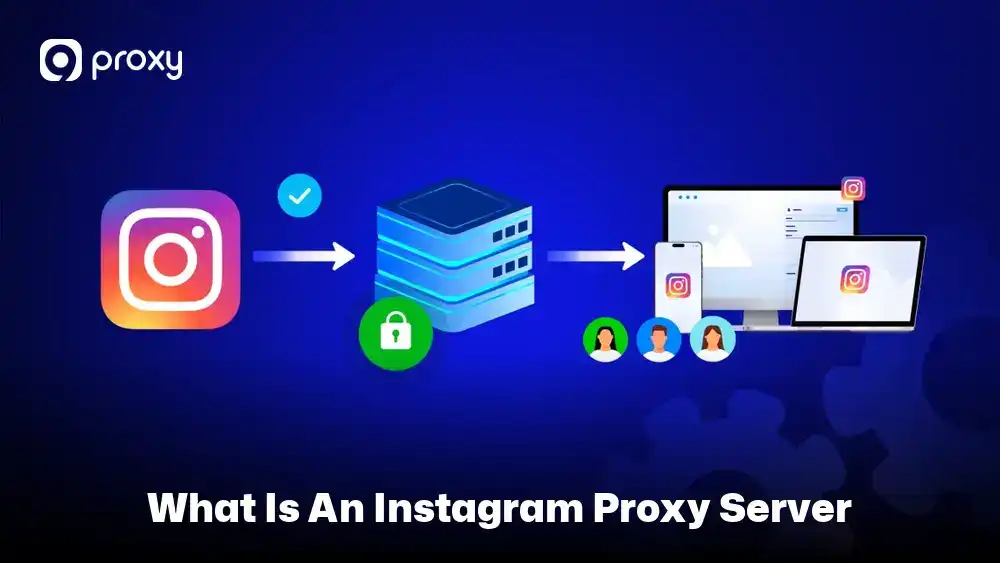
An Instagram Proxy Server is a tool that sits between your device and Instagram, replacing your real IP address with another one. Instead of connecting directly, your traffic is routed through the proxy first, making your activity appear to come from a different location or device. Instagram is not the only platform where proxies are useful. Many marketers also rely on a social media proxy setup for platforms like Facebook, TikTok, and WhatsApp, while others use proxies for music streaming via Spotify proxy servers and online selling workflows with e-commerce proxies.
By masking your digital identity, an Instagram Proxy Server allows your connection to look more natural to Instagram’s security systems. These proxies work best when they use clean, real-user IPs and are applied carefully, helping you avoid detection while maintaining stable and reliable access to Instagram.
Why Do People Use a Proxy for Instagram?
There are many practical reasons why both professionals and everyday users rely on these servers. Instagram is very sensitive to how accounts connect, and using proxies gives you the flexibility needed for modern social media work. Here are the most common use cases:
- Managing Multiple Accounts: We use proxies to assign a unique IP address to each account, which helps prevent Instagram from linking them together and banning multiple profiles at once.
- Web Scraping: Marketers use proxies to collect public data on trends, hashtags, and competitors without getting blocked for sending too many requests.
- Geo-targeting: Proxies let you see how ads or content appear to users in specific cities or countries.
- Bypassing IP Bans: If your local network is restricted or blocked, a proxy can help you access and manage your Instagram account again. Similar proxy setups are also widely used to unblock facebook proxy access in restricted regions or managed office networks.
Types of Instagram Proxy Servers
Not all proxies work in the same way. Choosing the right type depends on what you need most, such as speed, cost, or a higher level of trust from the platform. Some proxies are better for safety, while others focus on performance or affordability.
The table below clearly shows the different types of proxies and explains how each one helps you stay secure and manage your online presence more effectively.
|
Proxy Type |
Description |
Benefits for Brand Protection |
Ideal Use Case |
|
Residential |
IPs from real home devices |
High trust, low detection |
Long-term account management |
|
ISP / Static Residential |
Fixed residential IPs |
Stable sessions |
Main accounts, logins |
|
Mobile |
4G/5G carrier IPs |
Highest trust level |
Automation, scaling |
|
Datacenter |
Server-based IPs |
Fast, cheap |
Scraping only |
Mobile and residential proxies are the best choices for staying undetected because they look like real, everyday users to Instagram. In contrast, datacenter proxies are more affordable and faster, but they come with a higher risk of being flagged or blocked due to Instagram’s strict and sensitive security systems.
How to Choose a Proxy Provider
Choosing a proxy provider is about more than finding the lowest price. A good provider helps keep your Instagram accounts safe and your daily work running smoothly. We suggest using the checklist below before making a decision.
- Location Targeting: Make sure the provider offers IP addresses in the cities or countries you need for your marketing or account locations.
- Rotation & Sticky Sessions: Check if you can keep the same IP for a long time to avoid suspicious login alerts, or rotate IPs when doing tasks like scraping.
- IP Pool Quality: The provider should have a large and clean IP pool. Avoid services that reuse IPs that are already blocked or flagged by Instagram.
- Technical Support: Choose a provider with 24/7 support. Instagram updates its rules often, and fast help can prevent account issues.
- Trials and Refunds: Always test the service with one account first. Providers that offer trials or refunds usually have more confidence in their service quality.
Free vs Paid Instagram Proxies – What’s the Real Difference?
It can be tempting to search for a free Instagram proxy server, but this choice often results in account bans, data leaks, or serious security risks. Free proxy infrastructure is commonly reused across many industries, including free gaming proxy server use cases, which makes these IPs highly exposed and unreliable.
The table below shows why a paid Instagram Proxy Server is the only dependable option for serious business use.
|
Feature |
Free Proxies |
Paid Proxies |
|
Speed |
Very slow and heavily shared |
Fast with dedicated resources |
|
Privacy |
Your data may be tracked or sold |
Secure and private connections |
|
Reliability |
IPs are often already banned |
Clean, high-quality IPs |
|
Support |
None |
Professional technical support |
We strongly recommend avoiding free options. Many are honeypots designed to collect login details or are filled with spam activity. Using them can cause your Instagram account to be flagged or restricted almost immediately.
10 Reliable Paid Instagram Proxy Servers for Account Management
To help you make a confident choice, we’ve carefully reviewed and gathered the top proxy services that are widely recognized for their strong performance in social media automation and account management this year. You can also explore more proxy comparisons and platform-specific guides on Blog9Proxy. These providers are trusted for their stability, clean IP pools, and ability to support long-term Instagram use without frequent restrictions.
9Proxy
9Proxy is known for its high-quality residential proxy network that is simple and easy to use. We offer a large pool of clean IP addresses that help reduce CAPTCHA and avoid common blocks when managing Instagram accounts.
- Features: Easy one-click proxy setup and fast residential connections.
- Pros: Very affordable pricing (around ~$0.04/IP), support for 90+ countries, and unlimited bandwidth (with IP-Based Packages).
- Cons: Mainly focused on residential proxies, so it may not suit users who only need datacenter IPs.
- Best Use Case: Safely managing multiple Instagram accounts with high trust at a low cost.
IPRoyal
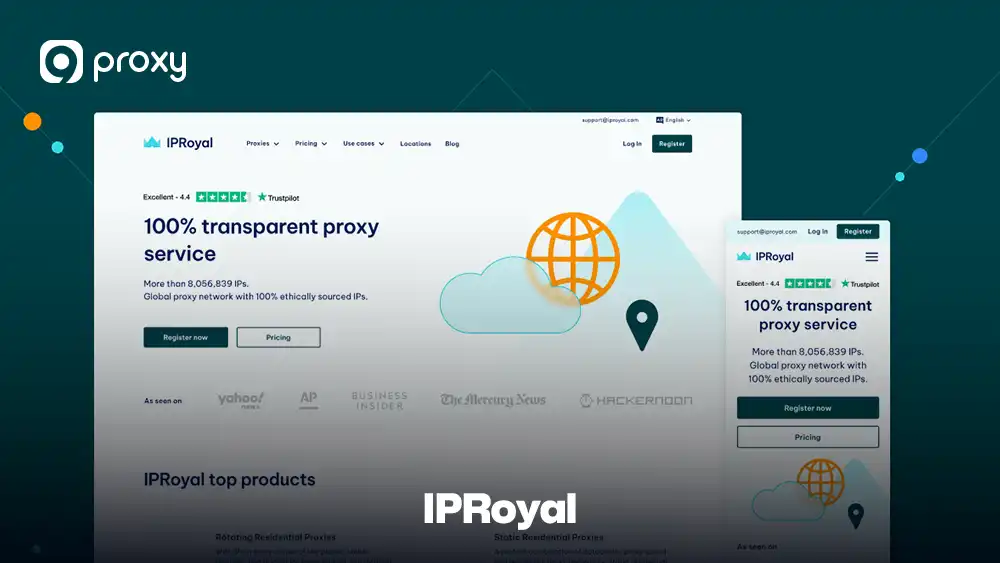
IPRoyal is well known for its residential proxies sourced from real users around the world. This makes the IPs look natural and trustworthy, which is useful for Instagram tasks that require location accuracy. IPRoyal also offers precise city-level targeting.
- Features: Supports SOCKS5 and offers traffic plans that do not expire.
- Pros: Ethically sourced IPs and a clean, easy-to-use dashboard.
- Cons: The mobile proxy pool is smaller compared to some larger providers.
- Best Use Case: Ideal for users who need to target specific cities or niche locations on Instagram.
Oxylabs
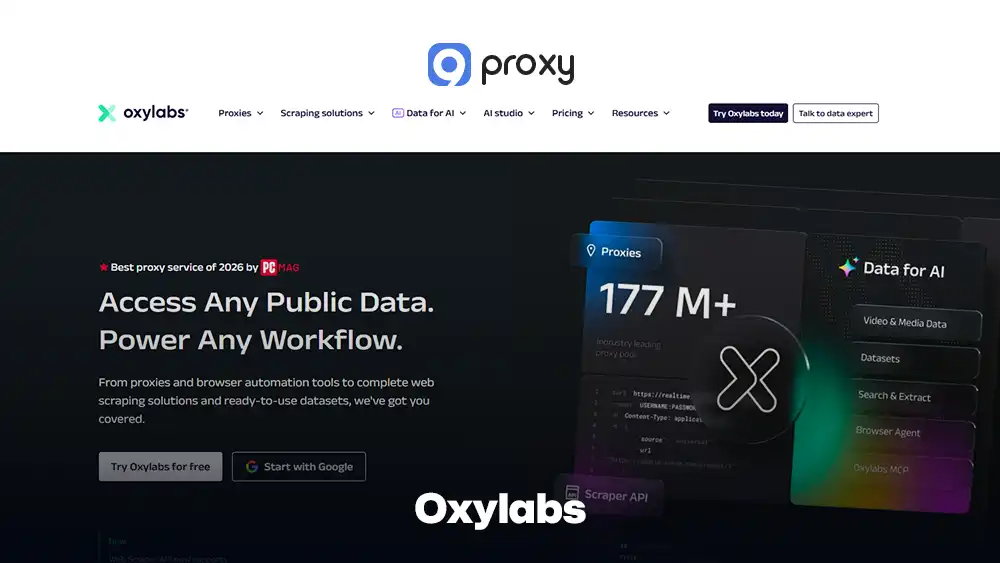
Oxylabs is a premium proxy provider trusted by many large companies and data teams worldwide. It offers a powerful network of residential and mobile proxies designed for stability and high success rates.
- Features: Enterprise-grade residential and mobile proxy network with advanced targeting options.
- Pros: Very clean IP pool, strong reliability, and excellent documentation for developers.
- Cons: Pricing is on the higher side and may not be ideal for beginners or small projects.
- Best Use Case: Large-scale Instagram data collection, brand monitoring, and professional automation where accuracy and uptime are critical.
Bright Data
This provider offers a very large network of residential and mobile IPs, making it a strong choice for users who need to work at scale. Its infrastructure is designed to deliver accurate location targeting and stable connections, which is ideal for projects that require both precision and high performance.
- Features: Advanced data collection tools and a powerful proxy management system.
- Pros: Huge IP pool and very precise geo-targeting options.
- Cons: Pricing is high, and the platform can feel complex for beginners.
- Best Use Case: Best suited for large agencies or enterprise teams handling high-volume Instagram automation or data collection.
NetNut
NetNut is known for its direct connections to internet service providers, which help deliver fast and stable static residential proxies. Because the IPs come straight from ISPs, connections feel natural and consistent.
- Features: One-hop ISP connectivity for better speed and reliability.
- Pros: Very stable performance, ideal for tasks that need a sticky IP that does not change.
- Cons: Pricing is higher and mainly suited for professional or large-scale users.
- Best Use Case: Managing long-term business or brand accounts that require a consistent IP without frequent changes.
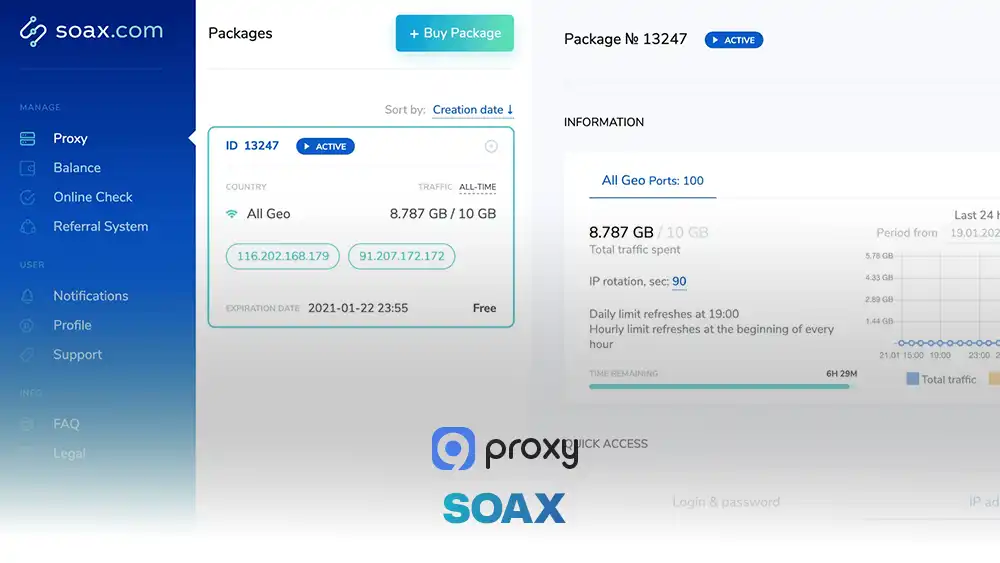
SOAX
SOAX offers a large and carefully maintained network of over 8 million residential and mobile IPs. These proxy setups are commonly used for Instagram automation, TikTok management, and workflows that require a stable tiktok proxy server environment. These IPs are refreshed regularly, helping ensure clean connections and reliable performance for long-term Instagram use.
- Features: Detailed targeting by country, city, and even mobile carrier.
- Pros: Easy-to-use dashboard and stable, well-controlled IP rotation.
- Cons: Lower-tier plans may come with limited bandwidth.
- Best Use Case: Safe Instagram automation and bot activity that requires clean, trustworthy IPs.
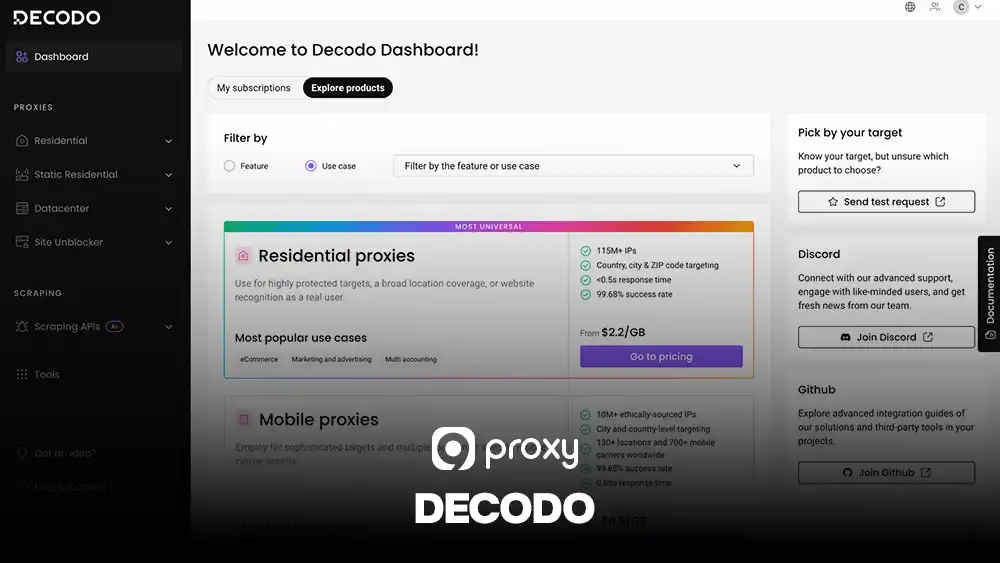
Decodo (Smartproxy)
This provider is a reliable mid-range option that balances cost and performance well. It is a good fit for growing teams that need stable proxy services without paying enterprise-level prices.
- Features: Site-specific proxy endpoints for better control.
- Pros: Clear documentation and fast residential proxy speeds.
- Cons: Fewer mobile proxy options compared to larger providers like Bright Data.
- Best Use Case: Scaling operations for social media marketing agencies that need stability without enterprise-level costs.
Rayobyte
Rayobyte focuses on delivering strong and reliable proxy infrastructure with a reputation for excellent customer support. Its services are built for stability, making it a trusted option for users who need dependable proxy performance.
- Features: Full end-to-end proxy management tools.
- Pros: Large US-based IP pool and very stable connections.
- Cons: The setup can feel more technical for beginners or casual users.
- Best Use Case: Bulk account management and ad verification tasks that require consistent performance.
MarsProxies
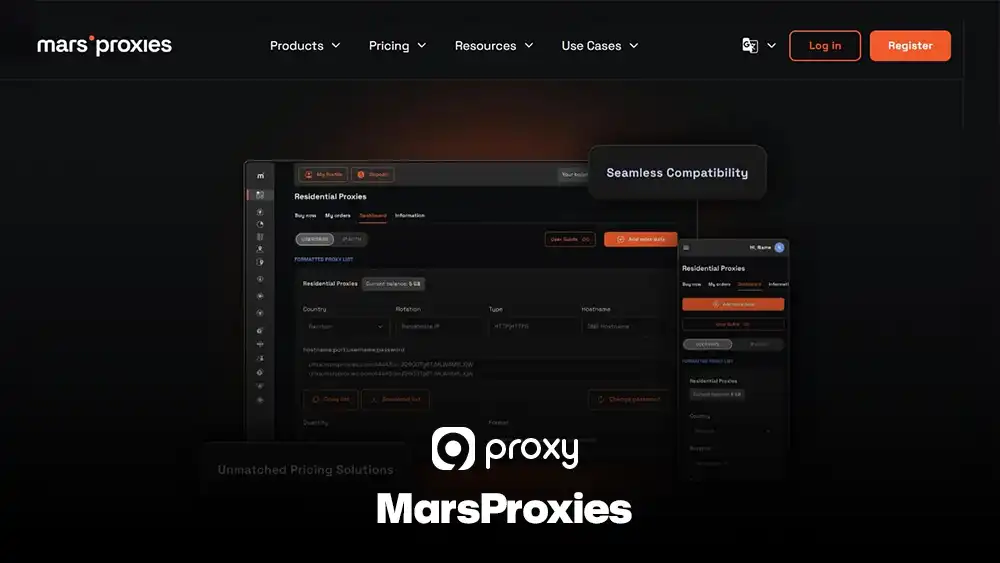
MarsProxies provides a dedicated Instagram-focused proxy package that uses IPs pre-tested for the platform, helping users get started quickly with fewer setup issues and a lower risk of blocks.
- Features: Access to over 550,000 clean and unbanned IPs.
- Pros: Budget-friendly pricing and settings optimized for social media use.
- Cons: The overall IP pool is smaller compared to larger providers.
- Best Use Case: Beginners who want a proxy solution that works smoothly for Instagram with minimal setup.
Nimbleway
Nimbleway uses AI technology to automatically choose the best IP address for each request, helping ensure higher success rates and fewer failed connections.
- Features: AI-driven proxy selection and smart routing.
- Pros: Very strong performance for complex tasks and difficult scraping jobs.
- Cons: Higher pricing because of the advanced technology behind the service.
- Best Use Case: Advanced data mining and complex automation projects that need high accuracy and reliability.
Provider Key Features Comparison Table
The table below gives you a clear and quick comparison of the top Instagram Proxy Server providers, helping you easily choose the option that best matches your budget, needs, and long-term goals.
|
Provider |
Proxy Types |
IP Locations |
Rotation Options |
Sticky Sessions |
Best For |
Pricing Level |
Trial / Refund |
|
9Proxy |
Residential |
90+ countries |
Rotating & Static |
Yes |
Multi-account management |
Low |
Trial available |
|
IPRoyal |
Residential, Mobile |
195+ countries |
Rotating |
Yes |
City-level targeting |
Medium |
Refund policy |
|
Oxylabs |
Residential, Mobile |
Global |
Advanced rotation |
Yes |
Data teams & enterprises |
High |
Trial available |
|
Bright Data |
Residential, Mobile, DC |
Global |
Advanced rotation |
Yes |
Enterprise & large agencies |
High |
Trial available |
|
NetNut |
ISP Residential |
Mainly the US & EU |
Static-focused |
Yes |
Long-term business profiles |
High |
Demo on request |
|
SOAX |
Residential, Mobile |
Global |
Flexible rotation |
Yes |
Automation & bots |
Medium |
Trial available |
|
Decodo (Smartproxy) |
Residential |
195+ countries |
Rotating |
Yes |
Beginners & marketers |
Medium |
Refund policy |
|
Rayobyte |
Residential, DC |
Mainly US |
Rotating & Static |
Limited |
Bulk account management |
Medium |
Refund policy |
|
MarsProxies |
Residential |
200+ locations |
Static-focused |
Yes |
Beginners on Instagram |
Low |
Limited trial |
|
Nimbleway |
Residential, Mobile |
Global |
AI-based rotation |
Yes |
Advanced automation |
High |
Demo available |
For most social media managers, 9Proxy or MarsProxies deliver the best balance of price and reliability. Agencies or teams with large data and automation needs may benefit more from advanced providers like Bright Data or Nimbleway, which offer powerful features for large-scale operations.
Pros and Cons of an Instagram Proxy Server
Before using these tools for your business, it’s helpful to understand what they do well and where they may cause issues. Knowing both sides will help you make better decisions and avoid unnecessary risks.
Pros
Using proxies brings several clear advantages for managing Instagram more safely and efficiently. Below are the key benefits that explain why many businesses and social media managers rely on them to enhance security, improve automation performance, and gain global access.
- Security and Privacy: Proxies hide your real location and protect your personal IP address from tracking.
- Better Automation Results: They help bots and management tools run smoothly without triggering “suspicious login” warnings. Agencies also use these proxy environments for campaign validation, ad account testing, and proxies for affiliate testing across multiple geo-locations.
- Faster Loading in Some Cases: If you access international content, cached proxy routes can sometimes improve loading speed.
- Global Access: You can view Instagram content, ads, or profiles as if you were browsing from another country. This approach is also useful for managing messaging platforms through a whatsapp proxy server when businesses need region-specific access.
Cons
Despite their benefits, proxies also come with certain limitations that you should consider before using them. Understanding these drawbacks will help you prepare properly, choose the right provider, and avoid mistakes that could affect your Instagram accounts.
- Cost: High-quality residential and mobile proxies usually require a paid subscription.
- Setup Required: You need to configure proxies correctly in your browser or software to avoid IP leaks or errors.
- Provider Quality Matters: Poor or unreliable proxy services can increase the risk of account restrictions or bans instead of reducing it.
Step-by-Step: How to Set Up an Instagram Proxy
Setting up a proxy server for Instagram is easy once you have the correct login details. Follow the steps below to secure your connection and avoid common mistakes.
- Step 1 – Get Your Credentials: Start by logging in to your proxy provider’s dashboard (for example, 9Proxy). Locate and copy all required details, including the Proxy IP address, Port number, Username, and Password. Keep this information handy, as you will need it during setup.
- Step 2 – Browser Setup: If you are using Chrome or Firefox, open your browser and go to Settings > System > Open your computer’s proxy settings. Enter the proxy IP address and port provided by your proxy service. If authentication is required, make sure to enter your username and password correctly.
- Step 3 – Mobile Setup: For iPhone or Android, open your device’s Wi-Fi settings. Tap the network you are currently connected to, select Configure Proxy, then choose Manual. Enter the proxy IP, port, and login details, and save the changes.
- Step 4 – Verify the Connection: Before opening Instagram, visit a website like whoer.net or a similar IP-checking tool. Confirm that your IP address and location now match the proxy, not your real network.
- Step 5 – Log in to Instagram: Finally, open the Instagram app or website and log in. Because the login comes from a new location, Instagram may ask you to confirm your identity with a security code. This is normal and means the proxy is working correctly.
Tip: Datacenter proxies may work for testing scenarios like a proxy server PS5, but Instagram account creation and warm-up should always use residential or mobile IPs.
Troubleshooting Instagram Proxy Server Problems
If your setup doesn’t work as expected, try the fixes below before stopping. Most issues are common and easy to solve.
- Open Proxy Errors: This usually means the IP address has been blocked. Switch to a new residential IP from your provider’s pool and try again.
- CAPTCHA Loops: This often happens when actions are performed too quickly. Slow down your activity or switch to a more trusted mobile proxy.
- Suspicious Activity Warnings: These appear when your login location changes too much in a short time. Use one sticky IP and keep it for the entire session.
- Slow Speeds: Choose a proxy server that is closer to your real location or nearer to Instagram’s servers for better performance.
Legal and Policy Basics: What You Can and Cannot Do with Instagram Proxies
We want to clarify that proxies are legal tools used by millions for privacy and security. However, how you use them on Instagram is governed by their platform rules.
Using a proxy does not break any laws in most countries. However, Instagram’s Terms of Use prohibit aggressive automation, spamming, and managing too many accounts from one place. If you act like a “bot” (liking 500 photos a minute), your account will be restricted regardless of the proxy quality.
- Avoid aggressive automation that doesn’t look like human behavior.
- Don’t log in from three different countries within the same hour.
- Keep your account management responsible and slow to build long-term trust with the platform.
FAQ
Do proxies make Instagram slower?
In most cases, there may be a very small delay because your connection passes through an extra server. That said, high-quality paid proxies are fast and stable, so the difference is usually unnoticeable during normal Instagram use.
Can Instagram track proxy usage?
Instagram can detect transparent or low-quality proxies. However, when you use trusted residential or mobile proxies from reliable providers like 9Proxy, your activity looks like that of a normal user, making detection much harder.
Do proxies work for Stories, DMs, and Reels?
Yes, a proxy applies to your entire app or browser session, so it works across all Instagram features, including Stories, DMs, Reels, and posts.
Conclusion
An Instagram Proxy Server is an important tool for handling Instagram’s strict security systems. By hiding your real IP address and giving you a clean digital identity, it helps you manage multiple accounts and collect data more safely. In this article, we covered how to choose a reliable provider, why free options are risky, and how to set up your proxy step by step.
The key to long-term success is using high-quality residential or mobile IPs and behaving like a real human user. To keep your social media activities safe and professional, we recommend exploring the trusted residential proxy options available at 9Proxy.