

A Torrent Proxy Server lets you route your torrent traffic through another IP address so peers, trackers, and even your ISP can’t see your real IP. If you’re an IT administrator, network engineer, or tech-savvy user working with uTorrent, qBittorrent, or other clients for legal file sharing, you’ve likely looked for a safer and smoother way to download.
At 9Proxy, we’ve supported many users in building fast, stable, and secure torrent proxy server setups. By following the steps and tips shared in this article, you’ll gain the knowledge to protect your privacy, pass over common restrictions, and download torrents using by proxy server with greater speed and control.
What is a Torrent Proxy Server?
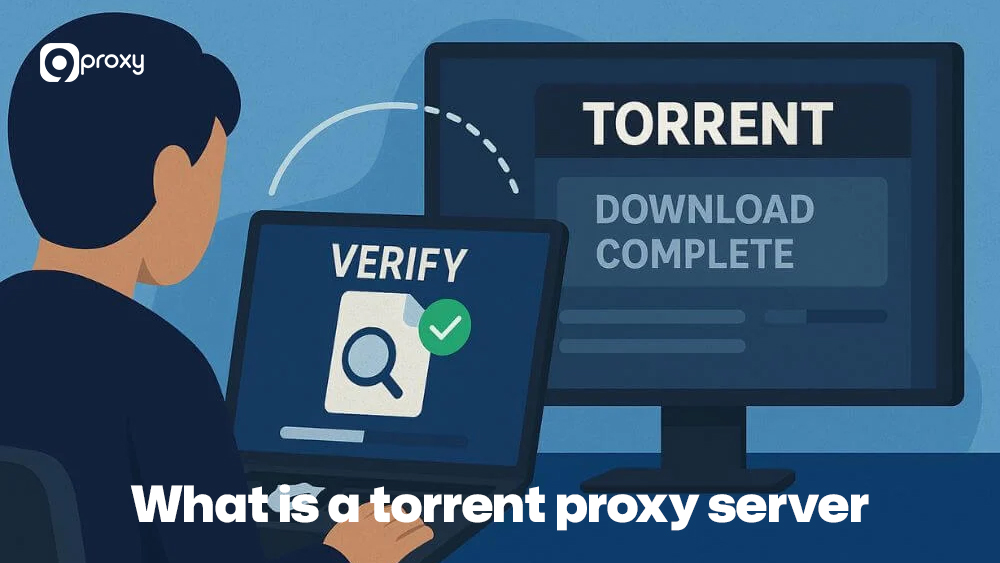
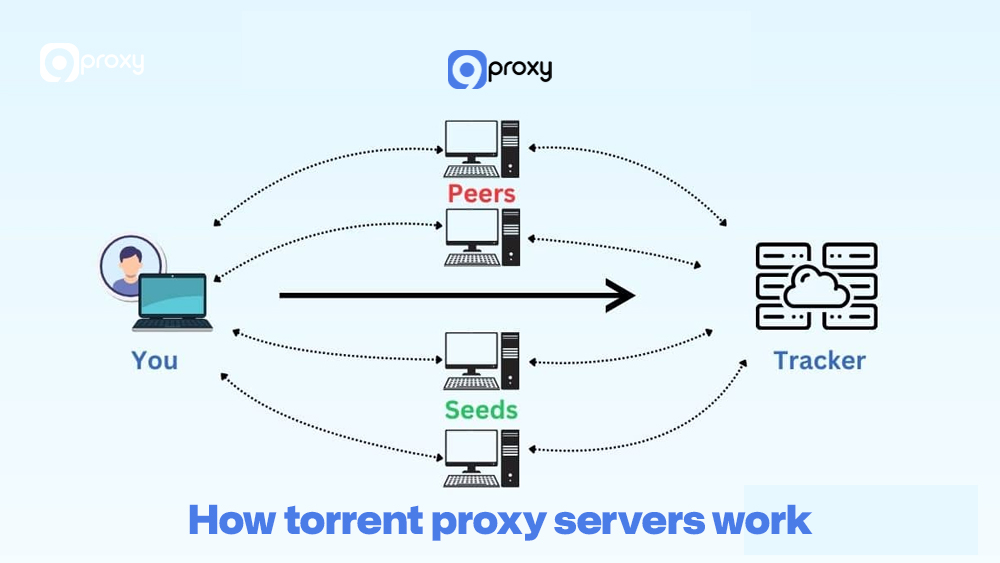
A Torrent Proxy Server is a middleman that routes your torrent traffic through its own IP address instead of your real one. Instead of connecting directly to peers and trackers, your torrent client connects to the proxy first, and the proxy communicates with the torrent network on your behalf. This means everyone in the swarm sees the proxy’s IP.
Using a torrent proxy server helps you stay more anonymous, avoid simple IP-based blocks, and access torrents in restricted regions. It’s a practical way to protect your privacy and keep more control over how your identity appears when downloading legal torrent files.
Types of Torrent Proxies
Choosing the right kind of proxy is important if you want your Torrent Proxy Server setup to stay fast, stable, and secure. Not every proxy can handle the heavy traffic and constant connections involved in P2P file sharing. The key differences come from how each proxy processes data and what level of protection it offers.
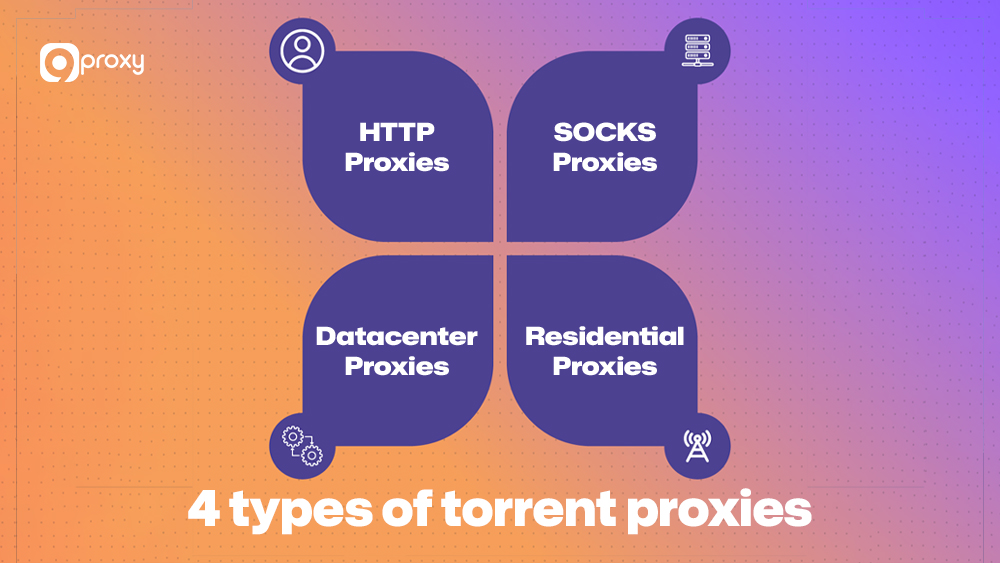
HTTP Proxies:
These proxies are quick for normal browsing but are not designed for P2P traffic. They also lack strong security, so they are not recommended for torrenting.
SOCKS Proxies (SOCKS4/SOCKS5):
SOCKS, short for Socket Secure, can handle many types of traffic, including torrenting. SOCKS5 is the best choice because it supports both TCP and UDP, works smoothly with most torrent clients, and allows authentication. This makes it the best torrent proxy server option for users who want reliability.
Datacenter Proxies:
These proxies use IPs hosted in data centres rather than residential networks. They offer stronger performance and lower cost, but they can be easier for trackers to flag. For more details about how these IPs work, see datacenter proxies.
Residential Proxies:
These proxies use IP addresses from real households, so your activity looks natural to ISPs and trackers. Using residential IPs provides stronger anonymity and reduces the chance of prohibitions, making them ideal for secure torrenting. They also offer advantages when comparing datacenter proxies vs residential for privacy and stability, as residential IPs have a much lower risk of being disabled.
How Torrent Proxy Servers Work
In the context of torrenting, a proxy server takes your P2P data and sends it through its own IP address instead of yours. When you start a download, your torrent client first sends the request to the proxy. The proxy then connects to the torrent swarm (trackers and peers) on your behalf.
Only the proxy’s IP address is visible to the swarm, which means your real IP stays hidden from everyone in the P2P network. This separation is important for protecting your identity and keeping your torrent activity from being linked to your personal internet connection. It operates similarly to other proxy-based systems, such as an email proxy server, a gaming proxy for latency control in online matches, or even setups used in a PS4 proxy server configuration, where traffic is routed through an intermediary before reaching its final destination.
Why You Need a Torrent Proxy Server?
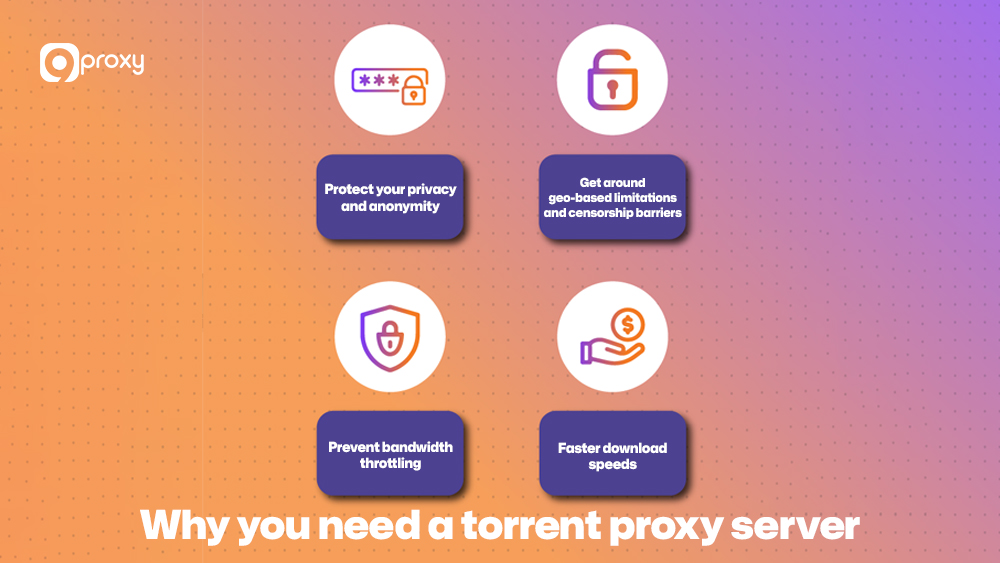
If you download torrents often, using a secure Torrent Proxy Server becomes essential. It offers much more than simple IP masking and can improve your privacy, safety, and download performance. The same IP-masking principle is also used in other streaming and entertainment scenarios, such as when users unblock YouTube in restricted networks or configure a Spotify proxy to bypass regional playback limits. Here are the main benefits:
Protect Your Privacy and Anonymity: A Torrent Proxy Server hides your real IP address, making it harder for copyright monitors, trackers, or other peers to identify you or your location.
Get around Geo-based Limitations and Censorship Barriers: If your ISP or region limits certain trackers or torrent sites, using a proxy with an allowed IP helps you access them and download torrents through a proxy server without restrictions.
Prevent Bandwidth Throttling: Some ISPs slow down your speed when they detect P2P activity. Routing torrents through a proxy makes it harder for them to identify your traffic, which can help maintain faster and more stable download speeds.
Faster Download Speeds: A high-quality SOCKS5 proxy may give better routing paths and support multiple peer connections, resulting in smoother and possibly faster torrent downloads.
Torrent Proxy vs VPN: Key Differences
While both a Torrent Proxy Server and a Virtual Private Network (VPN) help improve your privacy, they work in different ways. Knowing how each one protects you will make it easier to choose the right option for your torrenting needs.
The table below shows the main differences between a proxy and a VPN, with a focus on security, speed, and the way each tool handles P2P connections.
| Feature | Torrent Proxy Server | VPN for Torrenting |
| Encryption | Usually no full encryption (SOCKS5 is not encrypted) | Encrypts all traffic between the device and the VPN server |
| Speed | Often faster, less overhead | Slightly slower due to encryption overhead |
| Anonymity | Hides IP in the torrent swarm only | Hides IP for all apps and websites |
| Setup Complexity | Configured per the torrent client | Configured once at the OS or app level |
| Torrent Support | Depends on the provider’s P2P policy | Must choose a VPN that allows P2P on specific servers |
In short, a VPN is better if you want device-wide encryption and privacy for everything, not just torrents. A Torrent Proxy Server is better if you only care about your torrent client, want lighter overhead, and know how to configure it correctly.
For many users, the best setup is to use a VPN for full-system encryption and a dedicated Torrent Proxy Server inside the torrent client. This combination provides strong security while keeping good speeds.
Easy proxy setup instructions for the 5 common torrent clients
Setting up your Torrent Proxy Server is simple once you know where the connection settings are in each torrent client. Similar proxy configuration logic is also used on gaming consoles, including the PS5 proxy server setup process, where network traffic is manually routed through a specified IP and port.
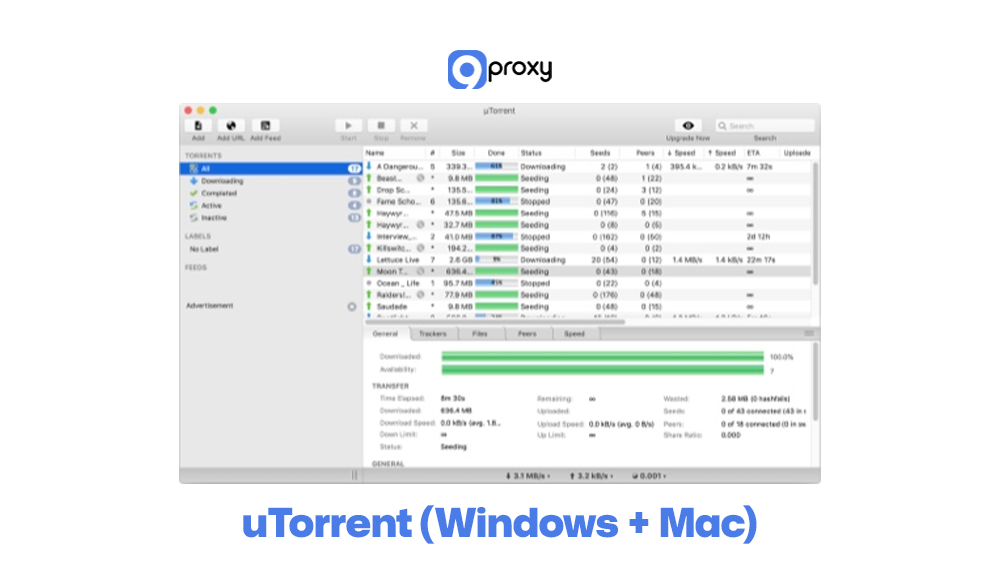
uTorrent (Windows + Mac)
uTorrent is still one of the most widely used torrent clients, and it supports proxy configuration directly in its settings. Adding a SOCKS5 proxy in uTorrent only takes a moment.
Basic steps:
- Open Settings: Go to Options → Preferences (or press Ctrl + P on Windows).
- Go to Connection: In the left menu, click Connection.
- Configure Proxy: Under Proxy Server, set Type to SOCKS5.
- Enter Details: Add the IP Address and Port from 9Proxy.
- Enable Authentication: If needed, tick Authentication and enter your username and password.
- Security Check: Enable options like Disable all local DNS lookups, Disable features that leak identifying information, and Disable connections unsupported by the proxy.
- Apply Changes: Save and restart uTorrent.
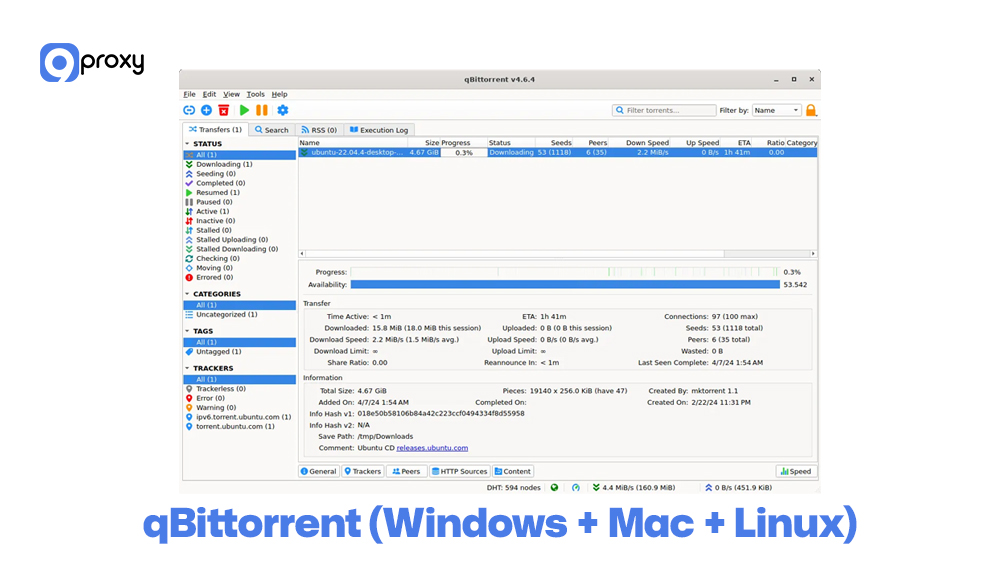
qBittorrent (Windows + Mac + Linux)
qBittorrent is a popular open-source torrent client known for its clean interface, lightweight performance, and reliability. It includes built-in support for proxy connections, making it a great choice for users who want a simple way to protect their privacy without installing extra tools.
Basic steps:
- Open qBittorrent and go to Tools → Options (or Preferences).
- Click the Connection tab.
- In the Proxy Server section, choose SOCKS5 or your configured proxy type.
- Fill in the Host and Port from your 9Proxy dashboard.
- Tick the boxes for “Use proxy for peer connections” and “Use proxy for trackers” to route all torrent traffic.
- If required, enable Authentication and enter your proxy credentials.
- Save and restart qBittorrent, then use a legal test torrent to confirm that the IP seen by trackers is the proxy IP.
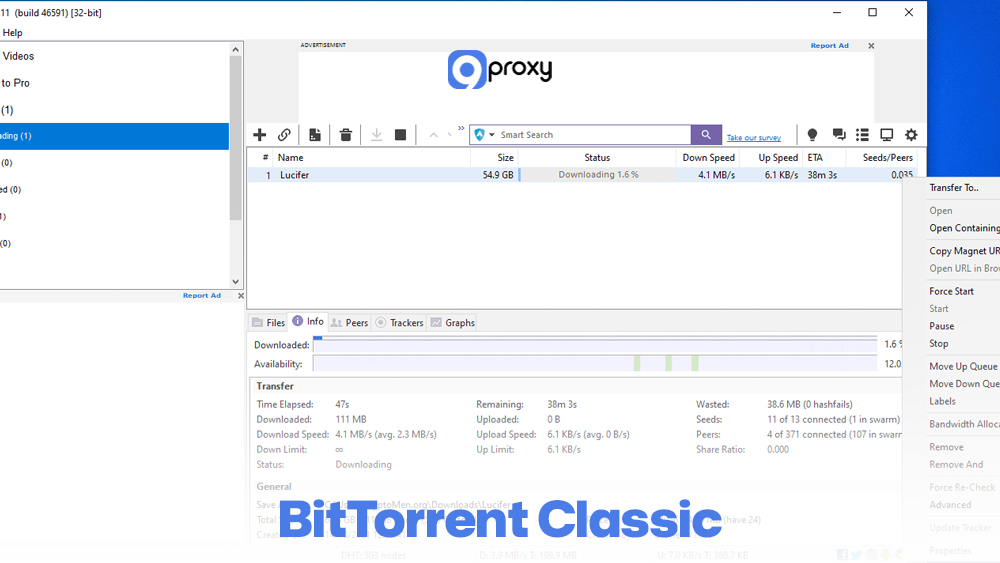
BitTorrent Classic
BitTorrent Classic works almost the same as uTorrent, so setting up your Torrent Proxy Server is very familiar.
Basic steps:
- Open Preferences: Go to Options → Preferences.
- Select Connection: Click Connection.
- Configure SOCKS5: In Proxy Settings, set Type to SOCKS5.
- Input IP and Port: Enter the proxy IP Address and Port.
- Authentication: Fill in your 9Proxy Username and Password.
- Final Security Steps: Enable all options that prevent DNS leaks and IP leaks.
- Restart: Apply changes and restart the client
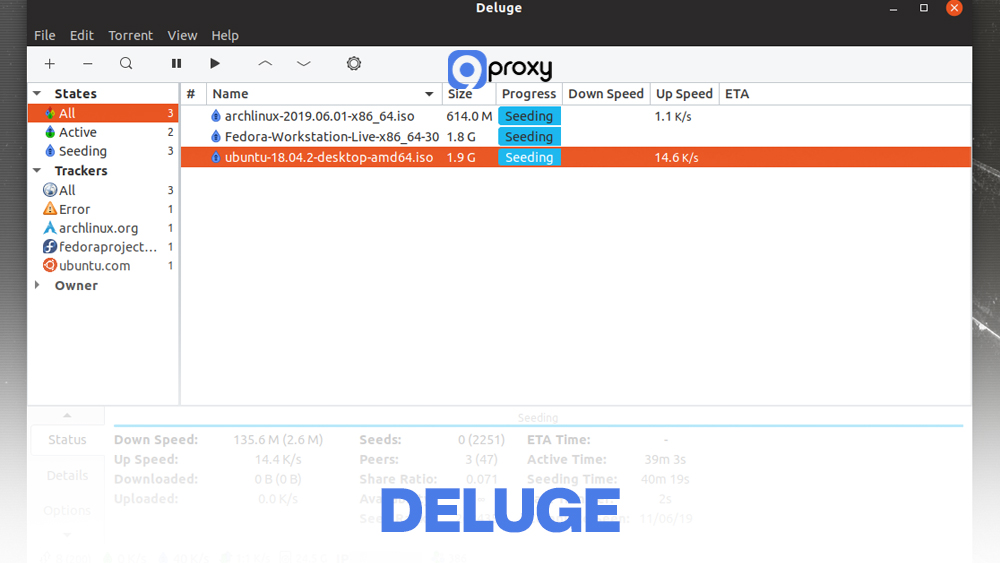
Deluge
Deluge is widely used on Linux but also works smoothly on Windows and macOS, making it a flexible choice for many users. It’s known for its lightweight design, plugin-friendly structure, and support for detailed proxy options
Basic steps:
- Open Deluge and go to Edit → Preferences.
- Navigate to the Proxy tab.
- For each category (Peer, Web Seed, Tracker, DHT), select the same proxy type (e.g., SOCKS5).
- Enter the Host and Port from 9Proxy for each category you want to route.
- If login is needed, fill in the Username and Password fields.
- Confirm and restart Deluge; then check the connection using a test torrent and an IP-checking tool.
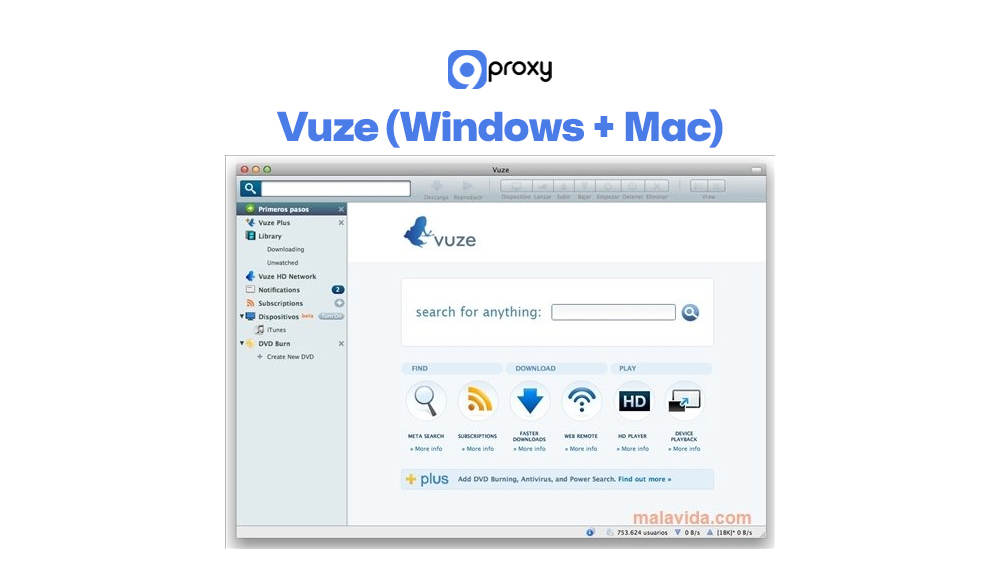
Vuze (Windows + Mac)
Vuze (formerly Azureus) is one of the most feature-rich torrent clients available, offering advanced tools for power users and a wide range of network settings. Among these options are detailed proxy controls, allowing you to customize how your torrent traffic is routed, secured, and managed.
Basic steps:
- Open Vuze and go to Tools → Options.
- Under the Mode section, choose Advanced if you don’t see all settings.
- Go to Connection → Proxy.
- Check “Enable proxying of tracker communications” and/or “peer communications” as needed.
- Choose the proxy type (HTTP or SOCKS, usually SOCKS5) and enter the proxy Host and Port.
- Fill in authentication details if required, then save settings.
- Restart Vuze and run a legal test torrent to verify the proxy works as expected.
Issues with Torrent Proxy Servers and How to Fix Them
While a Torrent Proxy Server offers many advantages, you may sometimes face issues that interrupt or slow down your downloads. These problems are usually simple to fix once you know what to look for. The table below highlights the most common errors and how to solve them quickly.
This table lists the typical issues users encounter when using a Torrent Proxy Server and provides practical, easy-to-follow solutions to help keep your downloads stable and running smoothly.
| Issue | Cause | Simple Fix |
| Slow Speeds | Low-quality, overcrowded, or HTTP proxy type. | Switch to a high-quality SOCKS5 proxy (like 9Proxy) or try a different proxy location. |
| Connection Errors | Firewall is preventing the proxy port or incorrect port forwarding. | Check your local firewall settings and confirm the proxy port is entered correctly in the torrent client. |
| IP Leakage | DNS lookups are not disabled in the torrent client settings. | Go back to your client’s proxy settings and ensure all “Disable” boxes (DNS, local, features) are checked. |
| Proxy Server Not Working | Proxy IP is blacklisted, or the subscription has expired. | Contact your proxy provider’s support team or simply switch to a fresh, clean IP from your 9Proxy dashboard. |
Most torrent proxy problems are solved by checking your client settings, testing another proxy location, and confirming that your subscription is active and supports P2P. Some connection problems also relate to how routing is handled, similar to architecting between a load balancer vs reverse proxy setup, where flows must be directed correctly.
How to Choose the Best Torrent Proxy Server
The quality of your Torrent Proxy Server has a direct effect on both your security and your download speeds. Choosing the best torrent proxy server means checking a few important factors to make sure your P2P activity stays fast, safe, and anonymous.
Speed and Reliability: Torrenting moves a large amount of data, so your proxy must provide strong bandwidth and low latency. Choose a provider with high uptime and a stable network to avoid slow or interrupted downloads.
Security Features: Your proxy should support the SOCKS5 protocol because it works best with P2P traffic. It’s also important that the provider offers a clean, private pool of residential IPs that are not already flagged or disabled by major trackers.
Anonymity and Logging Policies: A trustworthy provider must follow a strict No-Logs policy. This means they do not store your IP address, connection data, or activity history, ensuring your torrent usage cannot be traced back to you.
Compatibility with Torrent Clients: Make sure the proxy works smoothly with SOCKS5 settings in popular clients like qBittorrent, uTorrent, and Deluge. Proper compatibility prevents setup problems and ensures your Torrent Proxy Server integrates correctly with your software.
These same principles apply in other tools, such as Multilogin, where identity management depends heavily on IP quality.

9Proxy – Best Torrent Proxy Server Provider for Anonymous & Safe Downloading
At 9Proxy, we provide high-quality residential, mobile, and datacenter proxies that work well with major torrent clients. Our network is designed for heavy, consistent workloads like P2P, scraping, and streaming, so you’re not fighting constant disconnects or overloaded nodes. You can explore more proxy insights and technical guides directly on Blog 9Proxy, where we regularly publish in-depth resources about proxy usage across different platforms.
Some key advantages of using 9Proxy as your Torrent Proxy Server provider:
- Real residential IPs in 90+ countries: Our residential pool uses IPs from real users and ISPs, which look natural in torrents and are less likely to be blocked.
- Clean, private proxy pool: We actively maintain and refresh our IPs so you’re not stuck with abused or blacklisted addresses.
- Unlimited bandwidth per IP on many plans: Ideal for large legal torrents, frequent seeding, or long-running P2P tasks.
- Affordable pricing and flexible plans: Our pricing is designed so you can start small and scale up only when needed, instead of overpaying from day one.
- Crypto and flexible payment options: You can pay using several methods, including cryptocurrency, which is convenient for users who want more flexibility.
With 9Proxy, you can fine-tune how you download torrents by proxy server, stay more private, and keep performance steady across long sessions.

FAQ
Are all proxy servers suitable for torrenting?
No. Most HTTP proxies cannot handle P2P traffic and may leak your real IP. You should always use a Torrent Proxy Server that supports the SOCKS5 protocol, as it is designed for the flexibility and heavy data flow required in torrent connections.
Are there any downsides to using a proxy server for torrents?
The main limitation is that a proxy does not provide built-in encryption. A proxy will hide your IP, but the data you download is still visible if someone monitors the proxy server directly. For full protection, especially on sensitive networks, pairing your proxy with a VPN is the safest option.
Is there a difference in speed between different proxy types (e.g., HTTP, SOCKS4, SOCKS5)?
Yes. There is a clear difference. SOCKS5 is usually the fastest and most reliable for torrenting because it supports UDP and works at a lower level of the network stack. HTTP proxies are slower and not suitable for torrents, while SOCKS5 performs better than SOCKS4 thanks to features like authentication and IPv6 support.
Conclusion
Setting up a Torrent Proxy Server inside your torrent client is an effective way to increase privacy, pass over simple network restrictions, and control how your IP appears in torrent swarms, as long as you use it for legal content. 9Proxy has explained what a torrent proxy server does, how it differs from a VPN, how to configure it in the most popular clients, and how to choose a secure and reliable provider.
If you’re ready to upgrade your torrenting experience, review your needs, pick a trusted proxy plan, and let 9Proxy help you build a faster, safer setup. With the right tools in place, you can download torrents by proxy server confidently while keeping your real IP protected at all times.