

An API Proxy is a secure middle layer that connects your application to backend systems, helping control traffic, enhance security, and keep internal server details hidden. It allows developers to manage authentication easily, improve API performance, and simplify integration.
By using an API Proxy, you can route requests safely while maintaining flexibility and consistency across your services. This article will help you understand how an API Proxy works, explore its security benefits, compare it with API gateways, learn about rotating proxy APIs, and choose the best proxy service API for your project.
What is an API Proxy?
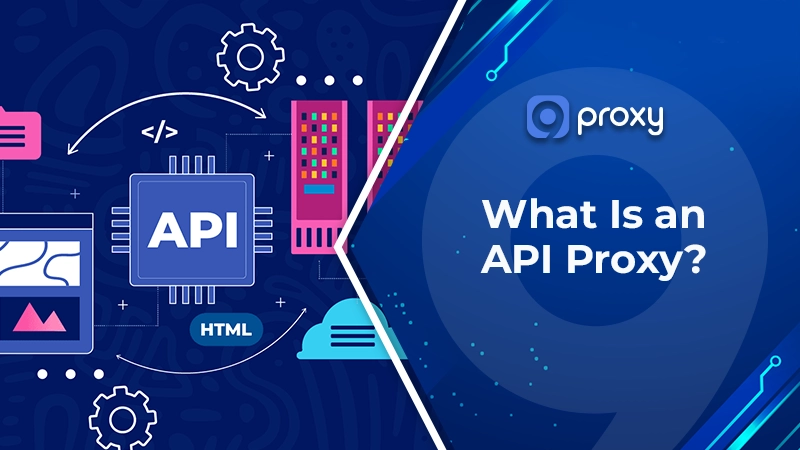
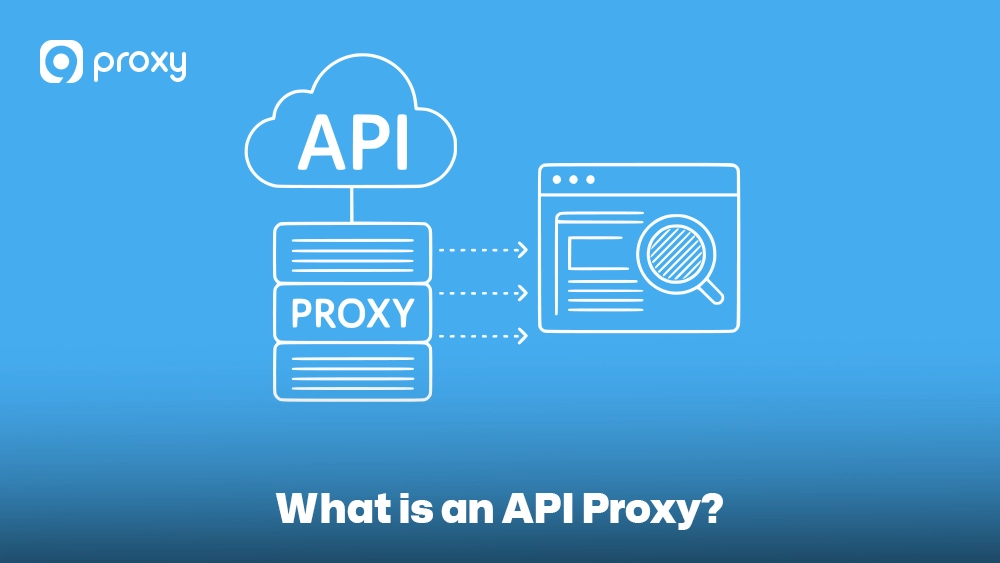
An API Proxy is a simple layer that connects your application (the client) to backend services in a secure and organized way. It receives requests from the client, checks if they are valid, and then forwards them to the right backend API. When the backend sends a response, the proxy delivers it back to the client.
You can imagine it like a receptionist in an office: visitors talk to the receptionist instead of going directly to different departments. In the same way, an API Proxy hides internal servers, improves security, and keeps communication smooth even when backend systems change.
How an API Proxy Works
The flow of an API Proxy is simple and secure. When your app sends a request to the proxy’s public address, the proxy receives and validates it by checking details like API keys or headers. If needed, it modifies the request by adjusting headers, paths, or data formats, such as converting XML to JSON.
The proxy then forwards the request to the hidden backend server, which processes it and sends back a response. Finally, the API Proxy returns the response to your app while removing sensitive information and adding security tokens to keep communication safe and efficient.
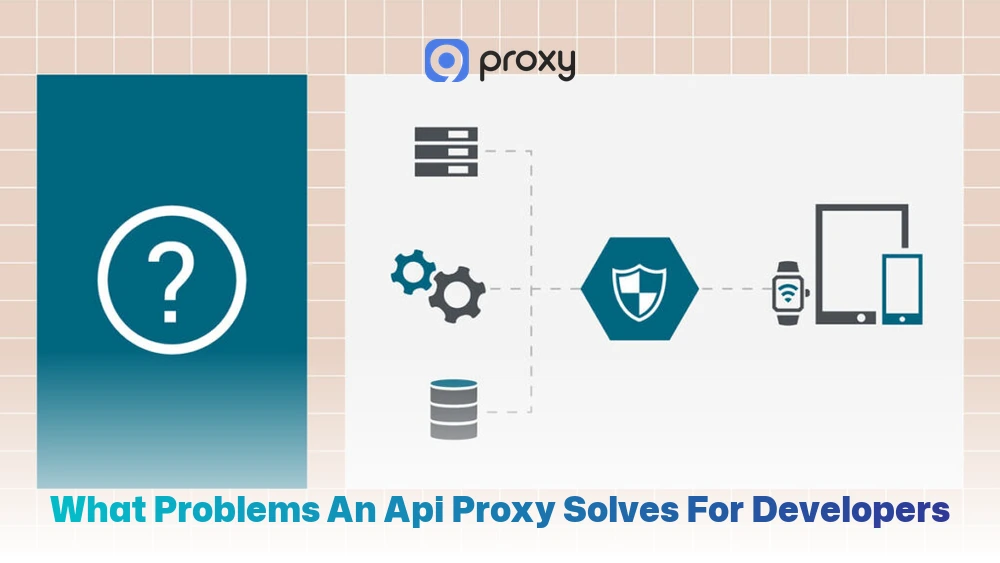
What Problems an API Proxy Solves for Developers
Developers often face problems with security, performance, and flexibility when they connect backend APIs directly to the internet. Here’s how an API Proxy can help and where it might not be enough.
When an API Proxy Helps
- Hides backend details: Keeps your internal servers private and safe from public access.
- Simplifies authentication: Handles API keys or OAuth tokens in one central place.
- Controls traffic: Limits requests to stop system overloads or abuse.
When an API Proxy Isn’t Enough
- Managing complex connections between many microservices.
- Handling advanced tasks like analytics, version control, or monetization.
An API Proxy may add a tiny delay, but the improved security and easier management are worth it. For big projects, combining it with an API Gateway gives even more control and flexibility. If you’re comparing these architectures for larger systems, understanding api proxy vs api gateway can help you decide which option fits your traffic management and security needs best.
Security Benefits and Risks of Using an API Proxy
Before learning how to set it up, it’s important to understand the security side. API Proxies help protect your APIs by adding an extra security layer, but if they’re set up incorrectly, they can also create new risks.
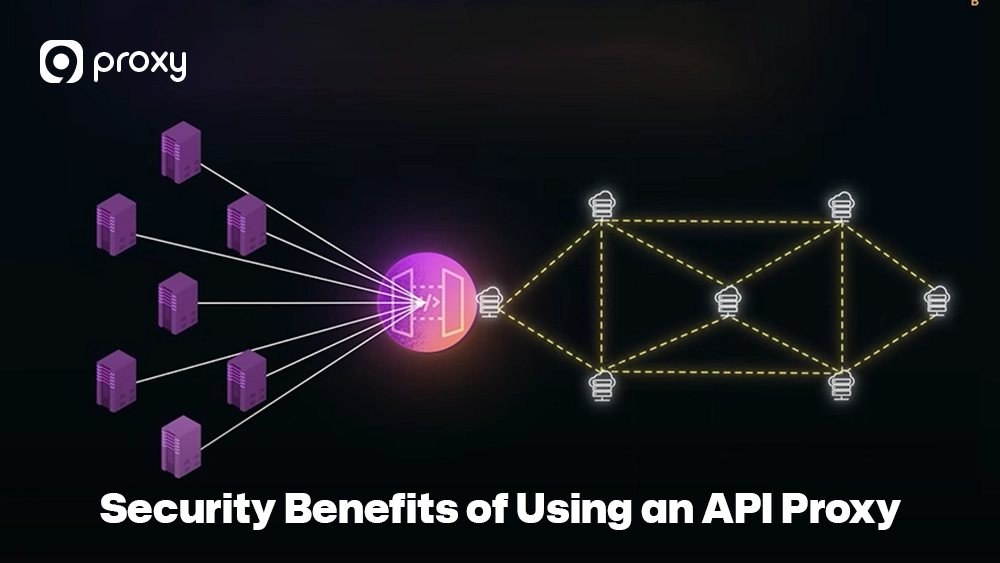
Security Benefits of Using an API Proxy
Using an API Proxy helps create a secure boundary that protects your internal systems from the open internet. This controlled layer is a key part of building a strong “defense-in-depth” strategy for our customers.
- Hides backend services: Keeps your real servers hidden from public access.
- Centralized authentication: Stores and manages all keys and tokens in one place.
- Rate limiting & throttling: Prevents brute-force attacks and misuse of resources.
- DDoS mitigation layer: Blocks or absorbs sudden spikes in suspicious traffic.
- Request validation: Filters out bad or harmful requests before they reach your database.
Security Risks and Misconfiguration Issues of API Proxies
To keep your system secure, it’s important to remember that a poorly managed API Proxy can also cause serious problems. The right setup can act as a strong shield, while a wrong one may become an easy target for hackers.
- Single point of failure: If the proxy stops working, your whole application could lose access to backend services.
- Misconfigured rules: Even a small mistake in access settings can expose your data to the public.
- Over-trusting internal traffic: Never skip validation just because a request comes from inside the proxy.
- Added attack surface: The proxy software must be updated regularly to avoid being exploited.
- Log exposure risk: Unsecured logs can leak sensitive customer data or API keys.
In short, API Proxies make your system safer when configured properly, but a poor setup can create new security holes.
API Proxy vs API Gateway vs Reverse Proxy: Clear Comparison for Developers
Choosing the right tool depends on how big your project is and what you plan to achieve in the long run. To make it easier, we’ve created this table to clearly show the differences between these three common technologies.
| Type | Scope | Key Features | Best For | Complexity |
| API Proxy | One backend service | Request forwarding, basic auth, caching | Simple APIs | Low |
| API Gateway | Multiple APIs | Centralized auth, policy enforcement, analytics | Microservices architecture | High |
| Reverse Proxy | General HTTP traffic | Load balancing, SSL termination | Web servers, CDN | Medium |
Use a Reverse Proxy for handling basic web traffic. Choose an API Proxy when you want to control or secure the behavior of a single service. Pick an API Gateway if you need to manage and monitor a large group of microservices across your system.
For projects focused on online privacy or secure browsing, it’s also worth understanding the difference between a proxy vs VPN, as each provides unique layers of protection and use cases.
Step-by-Step: Create a Basic API Proxy
Setting up a basic API Proxy is an effective way to start controlling, monitoring, and protecting your API traffic. It allows you to manage incoming requests, apply security rules, and ensure your backend remains safe from direct access. Follow these easy steps to set up your first route successfully:
- Define a public route: Choose the URL path that your users will call, such as /v1/search. This will be the external entry point for your API requests.
- Map the upstream backend: Connect that public route to your internal server address, for example, 10.0.1.5:8080. This ensures that incoming requests are automatically forwarded to the correct backend service.
- Add authentication: Enable a plugin that requires every request to include a valid API key or token. This helps prevent unauthorized access and keeps your data secure.
- Add rate limiting: Set a limit, such as 100 requests per minute, to protect your system from abuse or overload. Rate limiting also helps maintain consistent performance during high traffic periods. Many developers use dedicated proxy server software to apply traffic filtering, caching, and access policies more efficiently across multiple endpoints.
- Test with curl: Use a command-line tool to verify that your API Proxy is working as expected. For example:
curl -H “X-API-KEY: your_secret_key” https://proxy.yourdomain.com/v1/search
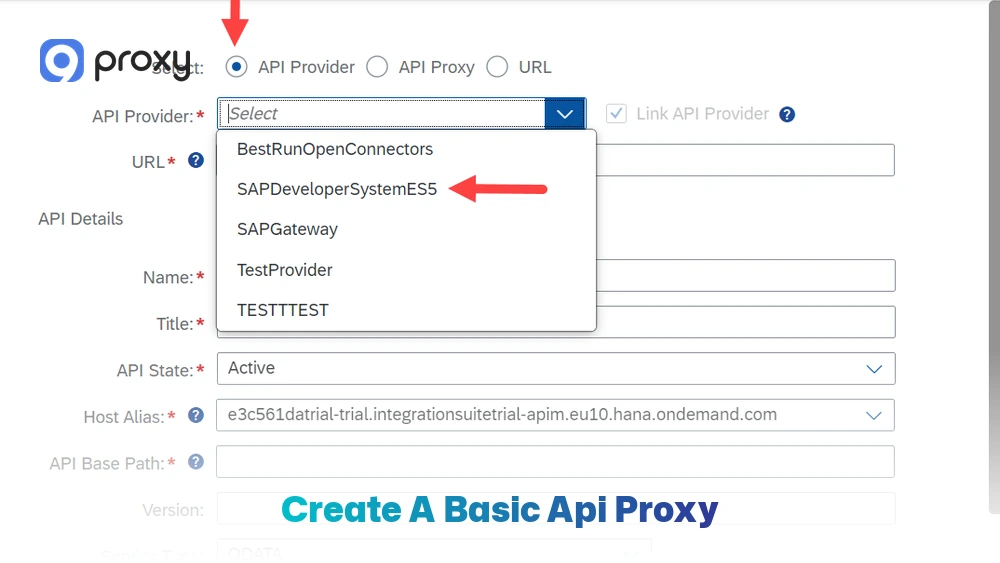
By completing these steps, you’ll have a secure, well-structured API Proxy in place that helps manage traffic efficiently, prevents attacks, and keeps your backend flexible for future growth.
Common Failure Modes (And How to Avoid Them)
Even with a perfect setup, things can go wrong. This table highlights common errors we see and the fastest ways to fix them.
| Issue | Cause | Fix |
| 502/504 errors | Backend unreachable | Check upstream configuration or health |
| Stale cache | Over-aggressive caching policy | Set appropriate cache headers |
| Auth misconfiguration | Missing or wrong API key validation | Double-check the authentication plugin setup |
| Retry storms | Client auto-retries after errors | Add a circuit breaker or exponential backoff |
| Slow response time | Proxy overloading | Enable load balancing or increase node capacity |
Most API Proxy issues come from incorrect configurations rather than software bugs. You can avoid most problems by testing your setup regularly, monitoring system performance, and setting clear rules for caching and authentication. These steps help keep your API stable, reduce downtime, and ensure consistent, secure performance.
Choosing an API Proxy Service
When choosing a proxy service API, it’s important to consider more than just the cost. A structured scoring system (from 0 to 5) can help you compare providers fairly and make a smarter decision.
- Documentation Quality: Check if the setup guides and API references are clear and easy to use.
- Uptime SLA: Make sure the provider guarantees at least 99.9% uptime to keep your services running smoothly.
- Scalability: Confirm that the service can handle sudden traffic spikes, such as a 10x increase in requests.
- Security Support: Look for advanced features like rotating proxy API options or built-in DDoS protection. Providers such as 9Proxy often include residential IP rotation and authentication controls that help reduce detection risks for automation-heavy workloads.
- Compliance: Verify that the provider follows key standards such as GDPR or SOC2 for data protection.
Once you score each factor, add up the points. A reliable proxy service API provider should earn at least 20 out of 25, showing strong overall performance and trustworthiness.
Pricing Models Explained for Proxy Service APIs
Most proxy service API providers follow one of three main pricing models, and understanding them can help you avoid unexpected charges later.
- Per Request: You’re charged a small fee for every set number of API calls, usually per million requests.
- Per Node/Instance: You pay a fixed monthly rate for each server or instance running your proxy.
- Bandwidth-based: Pricing depends on the total amount of data transferred, measured in gigabytes (GB).
For example, if a provider charges $0.50 per 1 million requests and you send 10 million requests, your base cost will be $5.00. Always review the fine print for overage fees or hidden costs if you go beyond your plan’s limit.
Free Proxy API: Risks and Safer Alternatives
A free proxy API might sound appealing when you’re starting a new project, but it often comes with serious risks that can harm your system or data. Most free services don’t have the infrastructure or security needed to protect your information, and in some cases, users may also question are proxies legal in certain regions.
- Logging: Some free providers track your data and may sell it to third parties.
- Instability: Their IP addresses are often blacklisted by major websites, causing frequent access issues.
- No Support: When the service fails, there’s usually no technical help available.
Instead of taking these risks, it’s safer to use free tiers offered by reputable paid providers or to self-host your own proxy using open-source tools like NGINX. If your project needs browser-based cross-origin access, a properly configured cors proxy server can also help manage frontend API requests securely while keeping backend endpoints protected.

FAQs
What is the difference between a forward and a reverse proxy?
A forward proxy helps users browse the internet anonymously by hiding their identity from the websites they visit. A reverse proxy (such as an API Proxy) works the opposite way; it sits in front of servers to protect them, manage incoming requests, and control access on behalf of the server owner.
Is an API Gateway too complex for small projects?
Usually, yes. If you’re working on a small project or have only one backend service, a simple API Proxy is easier to set up, faster to manage, and perfectly sufficient for your needs.
Are free proxy APIs safe for business use?
No. Free proxy APIs generally don’t provide the security, stability, or uptime guarantees that businesses require. They can expose your data or fail under heavy usage, so it’s better to choose a reliable paid option.
Can proxy APIs be used for web scraping?
Yes. A rotating proxy API is especially useful for web scraping because it automatically switches IP addresses, helping you avoid rate limits or temporary bans from target websites. Many teams also explore broader proxy use cases such as ad verification, multi-account management, market research, and geo-targeted testing.
Conclusion
An API Proxy serves as the secure front door to your backend services, helping you control, filter, and route traffic efficiently. It strengthens protection, hides backend complexity, and simplifies traffic management. Whether you’re testing a rotating proxy API, setting up your own proxy service API, or securing multiple endpoints, API Proxy technology forms the foundation of safe and scalable online communication.
Start your journey today and choose the best API Proxy for your business to achieve safer, faster, and more reliable API performance. You can also explore more proxy infrastructure guides and developer resources on Blog9Proxy to compare architectures, deployment methods, and security practices for modern API environments.