

Node Unblocker has become an essential tool for anyone who needs flexible, unrestricted access to the web, whether for testing, research, learning, or everyday browsing. This article from 9Proxy gives you a complete look at how Node Unblocker works, why it’s widely used, and how you can apply it safely and efficiently.
We have broken down the top 10 tools available today, including both free node unblocker options and advanced enterprise-grade solutions. After reading, you’ll understand how to choose the right tools, integrate the right proxies, and optimise your workflow for speed, privacy, and reliability.
What Is Node Unblocker?
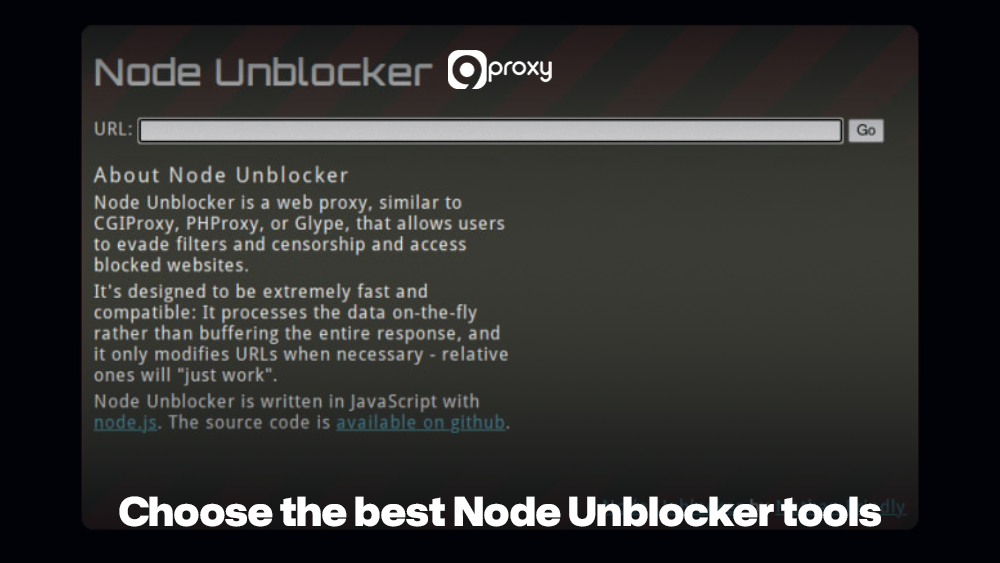
Node Unblocker is a simple web proxy built with Node.js that sends your web requests through another server instead of directly from your device. By acting as a middle layer, Node Unblocker helps you load websites that are blocked by school or office networks, geo-restricted services, or basic IP filters. When you use Node Unblocker, the website only sees the proxy’s IP address, so many restrictions no longer apply.
Because it runs on Node.js, it’s easy to customize, deploy, and use for different purposes. It can fetch pages, rewrite links, and handle scripts before returning the content to your browser. This makes Node Unblocker helpful for testing web apps, scraping data, or keeping your real IP more private. However, it’s not a full security tool, so using HTTPS and good proxy practices is still important.
How Does Node Unblocker Work?
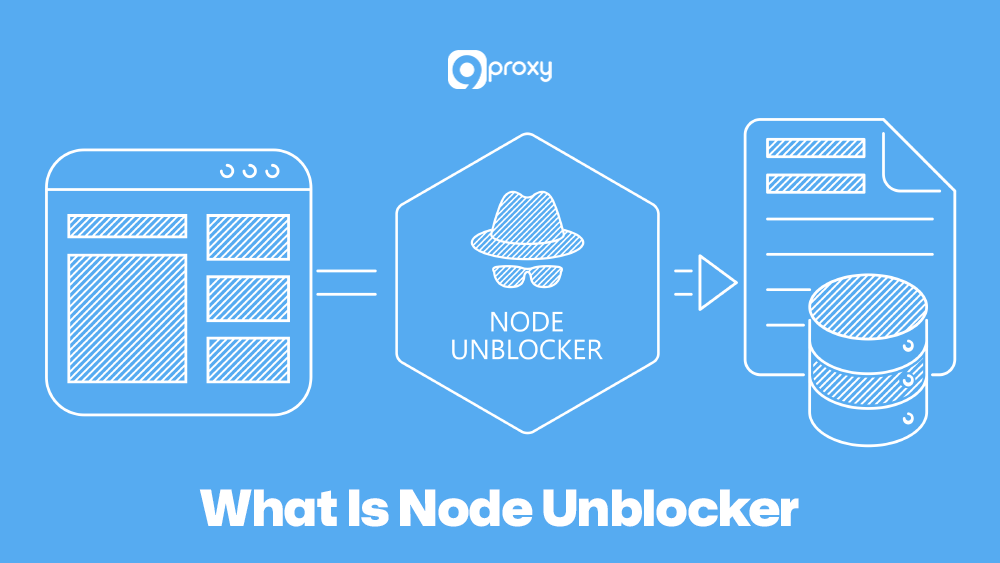
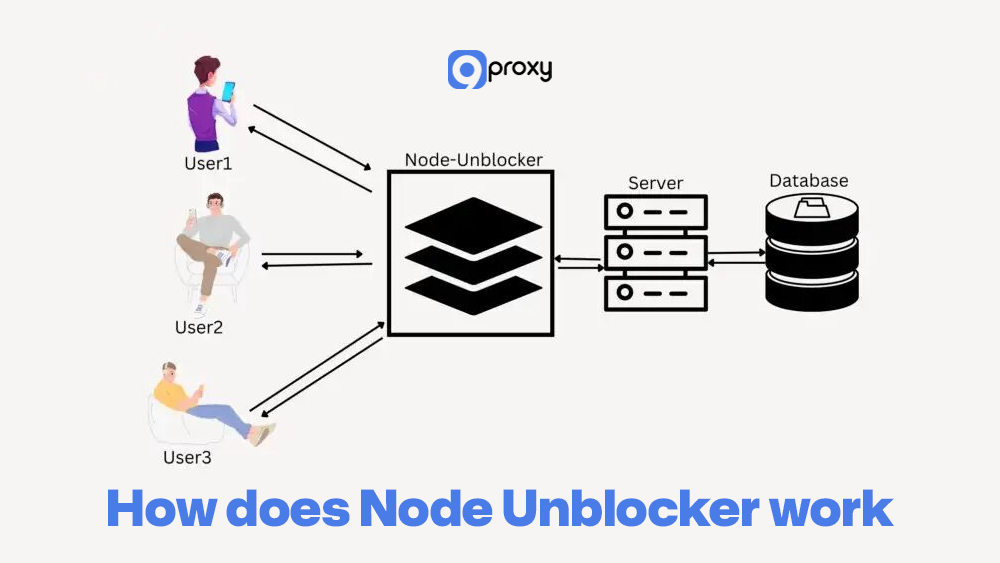
A Node Unblocker works by handling the full communication flow between your device and the website you want to reach. The idea is simple: instead of your computer talking to the blocked site directly, the Node Unblocker server does it for you.
When you enter a blocked URL into the Node Unblocker, your request goes to the proxy server you set up. That server then uses its own IP address to request the page from the restricted website. In many cases, this helps users load pages that are normally unreachable, especially when accessing content similar to services discussed in a proxy for blocked sites resources.
Before returning the page to you, the Node Unblocker processes everything it receives and rewrites any internal links. This ensures that images, scripts, and other resources also load through the proxy. After this cleanup, the final usable webpage is delivered to your browser, letting you interact with it just as if you accessed it directly.
Benefits Of Using Node Unblocker
Using a Node Unblocker brings more than just “opening blocked sites.” Here are some practical benefits:
Research or monitor restricted content: Many networks block social media, news sites, or streaming platforms. For example, users who want access similar to situations described in YouTube unblocked guides often rely on Node Unblockers to pass over simple restrictions.
Testing websites from different locations: Developers, SEOs, and QA teams often need to see how a site behaves in other regions. Combined with geo-targeted proxies, Node Unblocker helps simulate visitors from different countries without changing your local machine setup. For instance, using region-specific networks like US Residential Proxy allows teams to test how websites load, display ads, or enforce restrictions for U.S.-based visitors while keeping their development environment unchanged.
Safer experiments and learning: Building or using a Node Unblocker is a good way to learn about HTTP, routing, and Node.js. You can experiment with headers, caching, and content rewriting in a controlled environment, improving your technical skills.
Helping with scraping and automation: When used responsibly, Node Unblocker can support web scraping or automation by routing traffic through a separate layer. Many developers combine it with a dedicated web scraping proxy to distribute requests across multiple IP addresses and reduce the risk of detection. When paired with rotating IPs and proper respect for robots.txt, this setup makes large-scale data collection smoother and less fragile.
Developers who need stable proxy infrastructure for these workflows often rely on residential IP networks such as Residential Proxy to improve request success rates and reduce blocks during large-scale data extraction.
How Node Unblockers Are Used in Different Fields
Node Unblockers are flexible tools used in many professional and personal situations where people need access to information without restrictions. Because all traffic is routed through an intermediary proxy, users can reach content that would normally be limited.
Here are some real-world applications of Node Unblockers:
Web Scraping and Data Extraction: Developers often rely on Node Unblockers to send requests through different IPs when collecting large datasets for tasks like price tracking, competitive research, or market analysis. In technical workflows such as Python web scraping, the Node Unblocker layer can sit between the scraping script and the target site, helping manage headers, sessions, and IP routing more efficiently. This helps reduce anti-bot triggers and prevents IP prohibitions during high-volume scraping.
Academic and Market Research: Students and researchers can use Node Unblockers to reach scholarly articles, regional news, and other geo-restricted resources. This ensures they get complete, diverse information for reports, studies, or data comparisons.
Quality Assurance (QA) Testing: Testers use Node Unblockers to see how websites behave for users in different countries. This helps confirm that localized pages, payment flows, and region-specific warnings are displayed correctly in every target market.
Digital Marketing and SEO Analysis: Marketers use unblockers to view SERPs, ads, and landing pages as they appear in specific regions. This can also support workflows similar to topics covered in proxy server Facebook unblock guides when testing access to platform-specific environments.
How to Choose the Best Node Unblocker Tools
Choosing the right tool to help you unblock content depends on more than just cost. The best option always aligns with what you need, whether that’s simple browsing, high-volume scraping, or handling sensitive data securely.
Here are the most important factors to look at when selecting a reliable solution:
- Security and Anonymity: Your tool should fully hide your real IP address and prevent DNS or WebRTC leaks. Strong encryption and secure protocols such as HTTPS or SOCKS5 are essential for protecting your identity.
- Performance (Uptime and Latency): A good node unblocker must offer high uptime and fast response speeds. Slow or unstable connections can break scraping workflows, slow down testing, or interrupt daily tasks.
- Reputation and Ethical Sourcing: If you’re using paid services, make sure their proxy networks are ethically sourced and compliant with industry standards. A trustworthy provider reduces the chance of using blacklisted IPs.
- Maintenance and Update Frequency: For open-source tools, review the GitHub activity to ensure the project isn’t abandoned. For paid services, choose providers that regularly update their systems to stay ahead of modern anti-bot defences.
- Scalability and Customization: Your node unblock tool should grow with your needs. Features like header modifications, IP rotation, and smooth integration with Node.js or automation frameworks make it more flexible for long-term use.
Top 5 Free & Open-Source Node Unblocker Tools
Below is a simple overview of popular free and open-source tools you can use to build or run a Node Unblocker-style service. This list highlights how easy they are for beginners to use and how well they perform in long-term projects.
| Tool / Project | Type | License | SSL / HTTPS Support | Typical Performance | Update Frequency |
| node-unblocker | Web proxy framework | MIT | Via reverse proxy / TLS | Medium | Low |
| http-proxy-middleware | Express middleware | MIT | Depends on Node/host | High | High |
| node-http-proxy | General-purpose proxy | MIT | Configurable | High | Medium |
| CORS Anywhere | Node-based proxy | MIT | HTTPS supported | Medium | Low |
| Express.js base app | DIY proxy foundation | MIT | Full HTTPS support | Depends on setup | High |
These projects are free to use, flexible, and well-suited for building your own free node unblocker, as long as you manage SSL and scaling appropriately.
Top 5 Paid/Enterprise Node Unblocker
For larger teams and organizations, pure open-source tools are sometimes not enough. Enterprise solutions offer SLAs, dashboards, integrations, and dedicated support. Even though they aren’t “Node Unblocker libraries,” they work smoothly with Node.js setups and unblocker-style architectures.
The table below highlights common enterprise-grade services often used with Node.js–based proxy layers.
| Service / Platform | Primary Focus | SSL / HTTPS Handling | Performance Tier | Ideal For | Update / Support Level |
| Cloudflare Gateway | Secure web and DNS proxy | Full TLS offload | High | Remote teams, SASE setups | Enterprise support |
| Zscaler Internet Access | Cloud secure web gateway | Full TLS inspection | High | Large enterprises | Enterprise support |
| Akamai Enterprise App Access | Zero-trust app access | End-to-end TLS | High | Hybrid application environments | Enterprise support |
| Bright Data | Residential proxy network | HTTPS-friendly | High | Scraping and market research | High-touch support |
| Oxylabs | Residential & datacenter | HTTPS-friendly | High | Data extraction at scale | Dedicated support |
These tools work best when your setup requires strict compliance, detailed reporting, and official support contracts to strengthen your Node Unblocker or other proxy-based solutions. In short, free tools give you full control over the code, while paid platforms offer greater reliability and professional support for heavy, large-scale use cases.
Free vs. Paid Options Overview
The choice between a free and a paid Node Unblocker solution depends on your need for control, complexity, and project scale. Free, open-source tools like Node-Unblocker offer full flexibility, but you must manage the server, source proxies, and keep the middleware updated. This makes them cost-effective but better suited for small projects or learning.
Paid enterprise tools, on the other hand, provide simplicity and stability. They run large proxy networks, handle IP rotation, and anti-bot systems automatically. Although more expensive, they offer higher success rates and are the practical choice for commercial scraping and high-volume testing where downtime isn’t acceptable.
Setting Up Your Own Node Unblocker Proxy
Running your own node unblocker proxy gives you complete control over how traffic is routed, logged, and secured. Below is a simple, practical tutorial that uses Node.js, Express, and http-proxy-middleware to help you set everything up quickly.
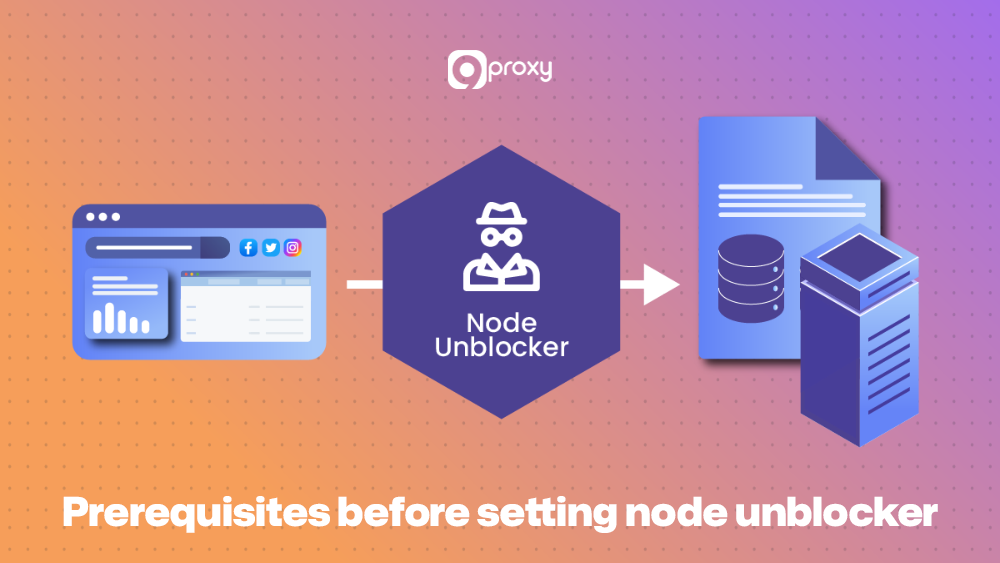
Prerequisites
Before starting, ensure you have the following software installed so the setup process runs smoothly:
- Node.js and npm: (We recommend the latest LTS version).
- A code editor (e.g., VS Code).
- Basic knowledge of JavaScript and Node.js package management.
- Hosting: A virtual private server (VPS) or cloud platform (like Render or DigitalOcean) to deploy your proxy outside your local network.
Project Setup and Installation
First, create a new project folder, initialize it, and install the required packages. In this setup, we’ll use Express for the web server and the unblocker npm package to provide the core Node-Unblocker functionality.
Bash
# Create and enter the project folder
mkdir my-unblocker-proxy
cd my-unblocker-proxy
# Initialize a new Node.js project
npm init -y
# Install Express (web framework) and Unblocker (proxy library)
npm install express unblocker
Sample Code Snippet (Express + http-proxy-middleware)
Create a file named server.js and add the following basic script. This code sets up an Express server and uses the unblocker middleware to process all incoming requests.
JavaScript
// Import required libraries
const express = require('express');
const Unblocker = require('unblocker');
// Create the Express app and Unblocker instance
const app = express();
const unblocker = new Unblocker({
// Sets the prefix for the proxy URL, e.g., /proxy/
prefix: '/proxy/'
});
// Apply the unblocker middleware to the application
app.use(unblocker);
// Define the port to listen on
const PORT = process.env.PORT || 8080;
// Start the server
app.listen(PORT, () => {
console.log(`Node Unblocker running on port ${PORT}`);
console.log(`Access at: http://localhost:${PORT}/proxy/https://example.com/`);
});
Running and Deploying the Server
Run your local instance using the command: node server.js.
To test it, open your browser and navigate to: http://localhost:8080/proxy/https://9proxy.com/.
Deployment Best Practices:
- Process Management: Use a tool like PM2 (npm install -g pm2) to keep your Node.js application running constantly and manage automatic restarts: pm2 start server.js.
- Reverse Proxy: If deploying on a dedicated server, configure a service like Nginx as a reverse proxy. This allows Nginx to handle public traffic and SSL termination, forwarding requests to your Node.js application running internally (e.g., on port 8080).
- SSL Requirements: For security, all production deployments should use HTTPS. Nginx or your hosting platform (like Vercel or Render) can issue and manage free SSL certificates via Let’s Encrypt.
Monitoring & Logging
To keep your node unblock stable:
- Logging: Use Node’s built-in logging, Morgan, or Nginx logs to track requests.
- Metrics and dashboards: Tools like Grafana, Prometheus, or hosted services can show CPU, memory, and latency.
- Centralised log services: Platforms like Logtail or similar can store logs, making debugging and audits easier.
- Alerts: Set basic alerts for high error rates (4xx/5xx), slow response times, or sudden traffic spikes.
With this foundation, your Node Unblocker setup is ready for controlled testing and real-world use.
Troubleshooting Common Problems
When deploying a proxy solution, running into errors is completely normal. The key is being able to identify common issues quickly so your Node Unblocker continues running smoothly. Below are typical problems and the fix patterns we rely on:
Problem: 403 Forbidden Errors
Fix: The target website has blocked your server’s IP. If you’re self-hosting, you’ll need IP Rotation by connecting your Node Unblocker to a reliable proxy provider (such as 9Proxy) and adding middleware that switches IPs on each request.
Problem: SSL/HTTPS Issues
Fix: Make sure your Node.js server sits behind a properly configured reverse proxy like Nginx that handles your SSL certificate and forwards requests securely. Also, confirm that the unblocker correctly rewrites and processes HTTPS resources inside the page.
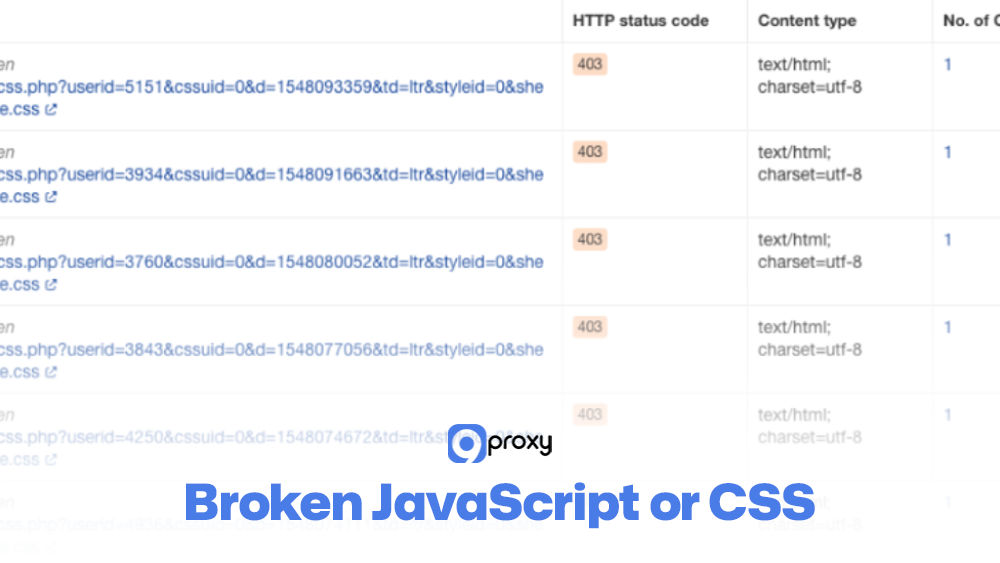
Problem: Broken JavaScript or CSS
Fix: This usually occurs when the unblocker doesn’t rewrite every resource URL. Check the page source for absolute URLs the Node Unblocker missed, and adjust your middleware to rewrite them. Updating the unblocker library often solves parsing issues as well.
Problem: Server Performance Bottlenecks
Fix: If the proxy becomes slow, your VPS may be hitting CPU or bandwidth limits. Consider upgrading your server or optimising the Node.js process with clustering (for example, running multiple PM2 instances) so all CPU cores are used efficiently.
Security, Privacy & Legal Considerations
Node Unblocker is powerful, but it must be used responsibly. Misuse can lead to violations of terms of service, local laws, or basic privacy expectations. Keep the following points in mind:
- Legal boundaries: Always follow website rules, robots.txt, and local regulations. Avoid using Node Unblocker to sidestep paywalls or access protected content that you are not allowed to view.
- Privacy risks: Using a public node unblock means your traffic goes through someone else’s server. If you are not self-hosting, assume the server operator could potentially view your data.
- Ethical usage: Do not use Node Unblock for harmful actions such as harassment, fraud, or unauthorised access. Limit your use to testing, research, education, and other legitimate purposes.
For additional tutorials and proxy-related guides, many developers refer to educational resources published on Blog 9Proxy that explain responsible proxy usage and common implementation practices.
How To Select The Best Proxy For Your Node Unblocker?
Choosing the right proxy is essential for ensuring strong performance, solid anonymity, and consistent reliability. Factors like IP rotation, accurate geo-targeting, high speed, and strong security all play a major role. These same requirements apply when you need platform-specific routing, such as configuring a TikTok local proxy server for region-based testing and content validation.
Rotational Proxies: Prioritise rotational residential or ISP proxies. These assign a new IP for every request or session, making it much harder for anti-bot systems to notice or block your Node Unblocker activity.
Geo-Targeting Capabilities: If you need access to content limited to a certain country, region, or city, choose a provider that offers detailed geo-targeting. Large proxy infrastructures often organize IP pools by geography, allowing developers to route requests through specific areas listed in Residential Proxy Locations. This makes it easier to test localized search results, region-restricted services, and market-specific content without deploying multiple physical servers.
High Bandwidth and Speed: Scraping and streaming use a lot of data. Select a provider that offers high or unlimited bandwidth per IP, since connection speed directly affects how quickly you can collect or process data.
Security and Anonymity: Your proxy should support secure protocols like SOCKS5 and provide strong anonymity. Residential IPs tied to real devices are the most reliable and hardest to block, giving your Node Unblocker the highest level of protection.
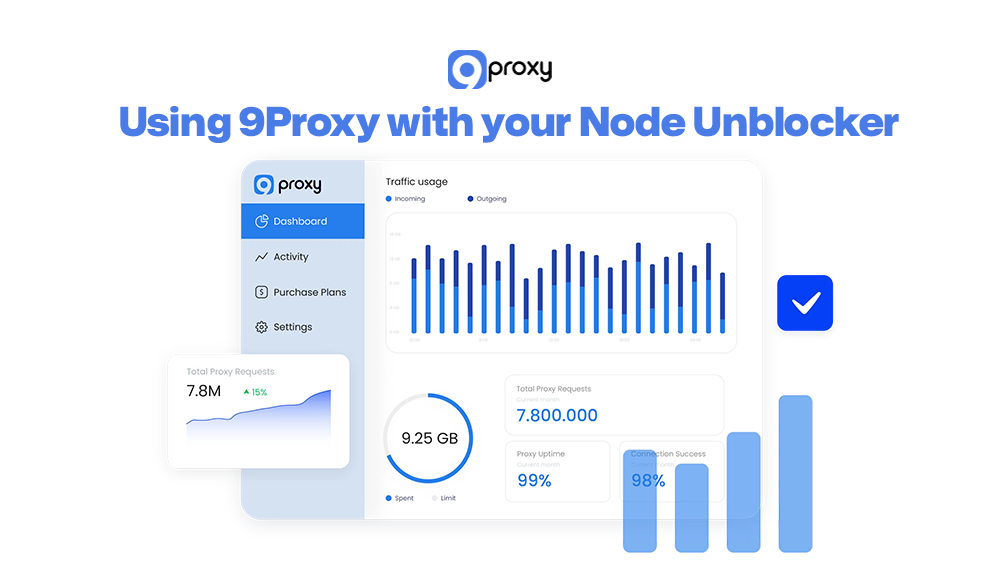
9Proxy – Best Proxy Provider for Your Node Unblocker
When you integrate a proxy network into your self-hosted Node Unblocker setup, 9Proxy provides one of the most reliable and compatible infrastructures to keep your unblocking tasks fast, stable, and ready to scale.
Here are the core benefits of using 9Proxy with your Node Unblocker:
- 100% Real Residential Proxies: Our IPs come from real residential devices in more than 90 countries.
- Unlimited Bandwidth: Most services charge by data usage, but 9Proxy charges only per IP and gives you unlimited bandwidth. This is ideal for heavy workloads like scraping, testing, streaming, or automation.
- Clean and Exclusive IP Pool: Our proxy pool is private and not shared with other major providers. Because of this, your IPs stay clean longer and are far less likely to be blacklisted due to someone else’s activity.
- Affordable Pricing: You get premium-quality residential proxies at competitive rates starting from just ~$0.04/IP, making it easy to control costs while scaling your Node Unblocker workflow.
- Crypto Payment Perks: When you pay with cryptocurrency, you receive an additional 5% bonus IPs, giving you even more value for large-scale Node Unblocker operations.
Conclusion
A well-built Node Unblocker gives you the freedom to access, test, and analyse the web without unnecessary restrictions. With the right setup, it becomes a practical tool for students, developers, researchers, and businesses that depend on accurate data and uninterrupted access.
The quality of your proxy network plays a major role in how stable, fast, and secure your unblocking environment becomes. By choosing strong infrastructure and trusted residential IPs, you ensure that every request performs smoothly and privately. If you’re ready to take your Node Unblocker projects to the next level, pairing them with a dependable provider like 9Proxy is one of the most effective ways to maximize results and long-term reliability.