Proxy for Google Ads is an important topic for advertisers who need stable access, accurate data, and fewer technical risks. A proxy for Google Ads does not help bypass Google Ads policies. Instead, it works as a protective layer that reduces IP reputation problems, geo-location mismatches, and accidental account linking.
In this article, we clearly explain when a proxy is necessary, how it works in real advertising workflows, which proxy types are most suitable for Google Ads, and how to set them up correctly. By following these practical steps, you can avoid common issues such as verification loops, access limits, and unstable logins, helping your campaigns run smoothly and with confidence.
What Is A Proxy For Google Ads?
A proxy for Google Ads is a tool that routes your connection to Google Ads through another IP address instead of your real one. In simple terms, it lets you log in and work as if you were connecting from a specific location or network, such as the US or UK, without being there.
Google Ads sees the proxy IP, which helps control IP identity, match geo-location, and keep multiple accounts separated safely. A proxy for Google Ads is mainly used to reduce IP reputation issues and support geo-based testing for advertisers and agencies working across regions.
It does not bypass Google Ads policies or guarantee account approval. This tool focuses on technical stability and trusted access, not policy avoidance, making it especially useful for multi-account and multi-region workflows.
Why Marketers Use Proxies for Google Ads Today
The digital advertising landscape is becoming more complex, which makes a proxy for Google Ads important for modern PPC teams. Many agencies use proxies to keep their accounts healthy and avoid accidental technical issues.
With a proxy, marketers can view ads exactly as local users see them, analyze competitors in different regions, and safely test campaign landing pages. These workflows also connect closely with wider proxy use cases, such as market research, local SERP checks, and campaign verification. Using dedicated IPs also helps reduce network-level warnings that can interrupt daily work.
The Main Benefits of Using a Proxy in Google Ads Campaigns
Using a high-quality connection brings clear, practical benefits to daily advertising work. When we manage global campaigns, these tools help us see the market more accurately and reduce technical risks. Based on real use, here are the key benefits that matter most:
- Geo-targeted ad previews: View your ads exactly as real users see them in specific countries or cities.
- Competitor ad scraping: Collect competitor ad data safely without exposing your main office IP.
- Ad copy testing: Check how different headlines and messages appear and perform in each region.
- Reducing IP-related flags: Protect core accounts from being linked to low-quality or risky traffic.
- Simulating local behavior: Confirm that extensions, locations, and local inventory ads work correctly for target audiences.
These benefits are useful for paid search teams, SEO teams, and agencies that compare paid placements with organic visibility. For teams running search audits, keyword tracking, and SERP monitoring, proxies for seo can support cleaner regional checks across different markets.
How to Run Successful Google Ads Campaigns with Proxies
To get the best results, it’s important to combine the right tools with the correct settings. A proper setup from the start helps reduce risks and prevent avoidable issues later. Below, we outline the essential steps to guide you through the setup process clearly and effectively.
Choose a Proxy Provider for Google Ads (Buyer Checklist)
Choosing the right provider is an important decision that directly affects how long and how safely your campaigns can run. Instead of relying on marketing claims, we suggest using a practical checklist based on real usage needs:
- Clean IP history: IPs should have low abuse rates to reduce repeated verification requests.
- Geo accuracy: The provider must support precise country or city-level targeting.
- Sticky sessions: Stable IPs that remain the same during long login sessions help prevent interruptions.
- Support & replacement: Quick support is essential if an IP stops working during a critical campaign.
- Trials or refunds: Testing the service first helps ensure it works smoothly with your existing tools.
Safe Setup: Google Ads + Proxy Step-by-Step
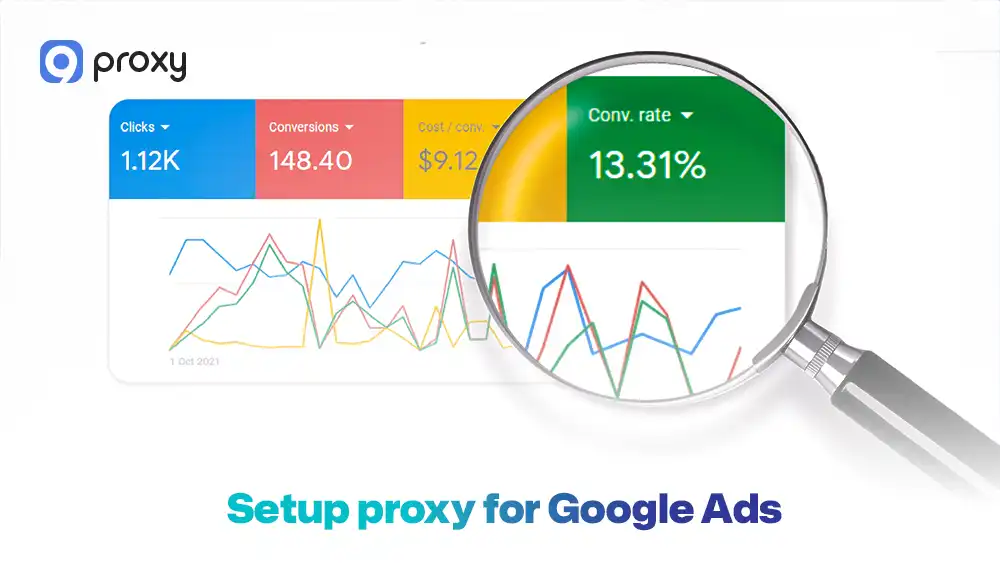
Setting up your proxy for Google Ads correctly from the beginning helps avoid many common problems later. Most issues happen when settings are inconsistent, such as logging in before the proxy is active or mixing locations. Follow these steps to stay safe:
- Step 1 – Configure the proxy first: Always turn on the proxy before opening your browser or visiting the Google Ads login page.
- Step 2 – Use separate browser profiles: Use an anti-detect browser or different Chrome profiles for each account to keep cookies and cache separated.
- Step 3 – Align local settings: Match your browser’s timezone and language with the proxy’s location.
- Step 4 – Stay consistent: Log in using the same IP, or at least the same city, each time to show stable behavior.
- Step 5 – Monitor connection quality: Check for IP leaks on tools like Whoer to confirm your real IP is hidden.
If your campaigns require frequent IP changes for testing, make sure the change process is controlled and traceable. A clear proxy server change ip setup helps prevent mixed sessions, location mismatch, and repeated verification requests.
Testing Google Ads in Different Countries
With the right setup, you can simulate ad views from different countries without leaving your desk. This makes it much easier to confirm that your budget is reaching the correct audiences. In daily work, we often use proxies to:
- Test CTR: Compare how the same ad copy performs in the US versus the UK.
- Global previews: View ad placements in Tokyo while working from New York.
- Placement verification: Make sure ads are not appearing on restricted or irrelevant sites in certain regions.
- Currency checks: Verify that landing pages show the correct local currency for international users.
These checks are also useful for online stores that run paid campaigns across countries. An ecommerce proxy can help teams review pricing, product availability, checkout flow, and regional landing pages from the buyer’s location.
Troubleshooting Common Proxy Problems in Google Ads
Problems can still happen when using proxies, but the good news is that most of them are easy to identify and fix. Understanding why an issue appears helps you react correctly instead of making quick changes that can cause more trouble.
Login verification loops
This problem usually occurs when the IP address changes too frequently or when the proxy being used has a low trust level. In these cases, Google may see the activity as unusual and repeatedly ask you to verify your identity, which can block access and slow down your work. Frequent logins from different IPs make the situation worse and increase the chances of ongoing verification loops.
How to fix it: Stop logging in multiple times in a short period, switch to a sticky IP that stays the same, and always use the same browser profile for that account. After making these changes, wait for some time to let the system stabilize before attempting to log in again.
Slow dashboard loading or timeouts
These issues usually happen when proxy servers are overloaded with too many users or when the network routing quality is poor. As a result, the connection becomes slow, pages take longer to load, or the Google Ads dashboard may time out completely. This can interrupt your work and make it difficult to manage campaigns efficiently.
How to fix it: Switch to a different proxy location with less traffic, or upgrade to a higher-quality proxy that offers better routing and more stable performance. Choosing a reliable provider with stronger infrastructure can significantly improve speed and reduce these interruptions.
Wrong country or currency showing
This issue usually happens when the location information does not match across your setup. For example, your proxy may be set to one country, while your Google Ads account or browser language is set to another. When these geo-IP details are inconsistent, Google may display the wrong country, currency, or regional settings, which can cause confusion and incorrect campaign data.
How to fix it: Check that your proxy location, Google Ads account country, and browser language all match the same region. Once everything is aligned, refresh the session or log in again to ensure the correct location and currency are displayed.
The main goal is quick recovery, so you can get back to managing your campaigns safely, calmly, and without unnecessary downtime.
Legal and Policy Basics
Proxies are legal to use, but Google Ads rules still apply. Using a proxy does not give permission to run misleading ads, use fake identities, or break any platform policies. Google looks at how accounts behave and whether they follow the rules, not only at the IP address.
A proxy should be used to improve technical stability, such as keeping access consistent and reducing IP-related problems. It is not a tool for abuse or shortcuts. Understanding these limits helps you avoid false expectations and protects your accounts from long-term risks.
For advertisers who work with partners, publishers, or commission-based campaigns, the same rule applies: proxies should support verification, not policy abuse. Clean testing environments are also useful for proxies for affiliate testing, where teams need to check tracking links, landing pages, and regional offers safely.
Common Proxy Types for Google Ads – What’s Better?
Choosing the right connection type is vital. The following table compares the most common options we see in the market today to help you decide.
The data below summarizes how different proxy categories perform regarding speed, trust levels, and their overall suitability for managing sensitive advertising accounts.
| Proxy Type | Trust Level | Best Use Case | Risk Level |
| Residential | Very High | Account Management | Low |
| Datacenter | Medium | Basic Scraping | High |
| Mobile | Highest | Ad Verification | Very Low |
Residential proxies are generally the best choice for Google Ads because they use IPs from real households, making them look like genuine user traffic. If you are still learning the basics, this guide on what is a residential proxy explains why household-based IPs usually carry stronger trust signals than datacenter IPs.
Datacenter IPs are faster and cheaper, but are often flagged more easily by automated security systems. For buyers comparing stable ISP routing with household-based IPs, the isp vs residential proxies comparison can help clarify which option fits account access, ad verification, or market research tasks.
9Proxy: A Trusted Option for Stable Google Ads Campaigns
9Proxy provides reliable and high-quality proxy solutions built to support stable advertising workflows. We offer residential, mobile, and datacenter proxies with strong uptime and consistent performance. Our network is built for advertisers who need dependable connections, fast access, and fewer technical interruptions when managing campaigns.
These features make 9Proxy a practical choice for running stable and secure Google Ads campaigns. For more setup guides, comparisons, and proxy tutorials, you can also read Blog9Proxy before choosing the best proxy type for your workflow.
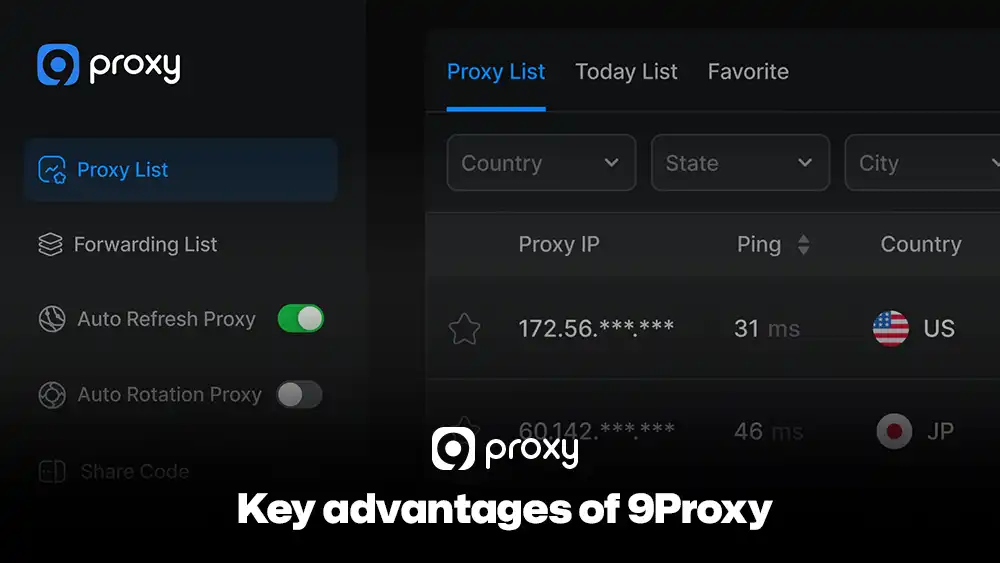
Key advantages of 9Proxy include:
- 100% real residential proxies: IPs come from real users in more than 90 countries.
- Clean and private proxy pool: Our IPs are not shared with other providers, helping reduce blacklist risks.
- Unlimited bandwidth per IP with IP-Based Packages: Suitable for large campaigns, frequent logins, and data-heavy tasks.
- Affordable pricing: Plans start from around $0.04 per IP with no hidden bandwidth limits.
- Crypto payment perks: Receive a 5% bonus in IPs when paying with cryptocurrency.
These features make 9Proxy a practical choice for running stable and secure Google Ads campaigns.
FAQs
Can one proxy safely manage multiple Google Ads accounts?
No, this is not recommended. Using the same IP address for multiple accounts can link them together. If one account runs into a problem, the others may also be affected. To stay safe, you should use a separate proxy for each Google Ads account.
Do I really need an anti-detect browser when using proxies?
It is not mandatory, but it is strongly recommended. An anti-detect browser helps keep browser data and fingerprints separate, which makes your proxy for Google Ads more effective at keeping accounts isolated and reducing risk.
Do proxies impact Quality Score or CPC in Google Ads?
No, proxies do not directly change your Quality Score or CPC. However, they help you accurately check landing pages and ad copy in different regions, which supports better optimization of the factors that influence your ad performance.
Conclusion
Building a stable advertising presence requires a smart balance between a strong marketing strategy and a reliable technical setup. In this guide, we’ve shown how a proxy for Google Ads helps manage regional campaigns, verify ad placements accurately, and protect accounts from technical flags.
By choosing a trusted provider like 9Proxy and following a consistent setup process, you can spend less time dealing with access issues and more time growing your business. Always keep browser profiles separate and make sure your geo-location settings stay consistent. If you’re ready to get started, we’re here to help you choose the right residential IP package for your first campaign.