

A proxy error code appears when the connection breaks somewhere between your device, the proxy server, and the target website. It can cause pages not to load, apps to lose access, or scraping tasks to fail. While these messages may look confusing, they are actually useful clues that show where the problem starts.
This blog of 9Proxy is for browser users, proxy customers, teams, and developers who want to identify the error, understand the cause, and choose the fastest fix path. By following these steps, you can solve proxy error code issues more quickly and keep your connection stable.
What Is a Proxy Error?
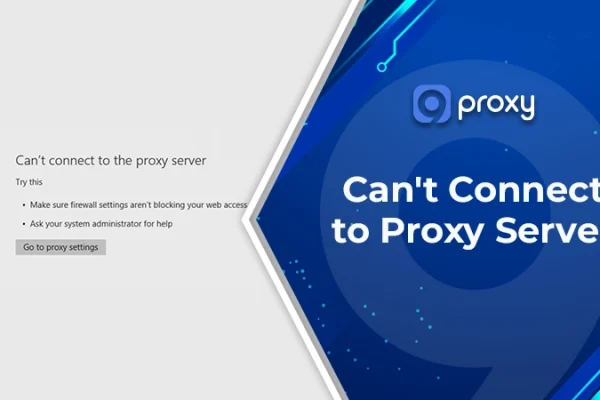
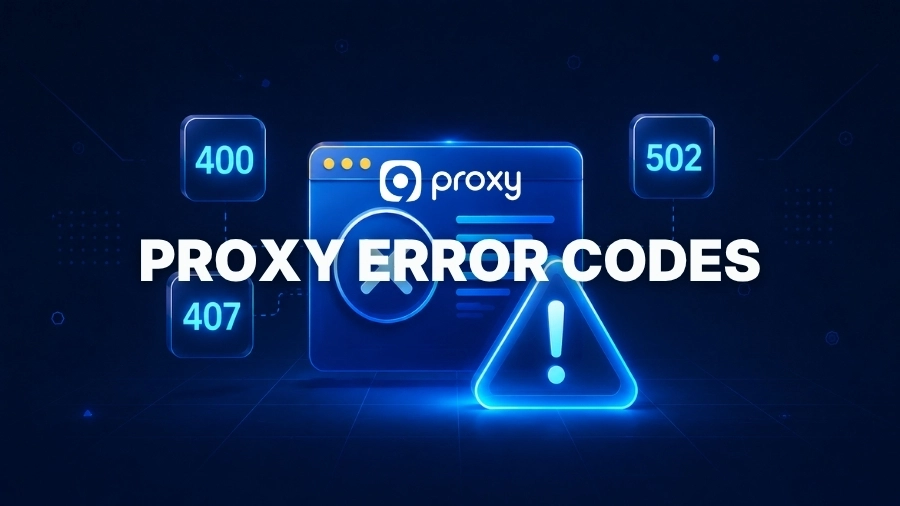
A proxy error happens when your device cannot communicate properly with a proxy server or the website you are trying to access. As a result, web pages may not load, or online services may stop working. In some cases, users may also see messages like can’t connect to proxy server, which clearly indicate that the connection failed before reaching the destination.
A proxy error code is a message that appears when your connection fails while using a proxy server. In simple terms, it acts like a report from the “middleman” that handles your internet traffic, showing where the request stopped.
The issue can come from your side, such as wrong credentials or incorrect settings, or from the proxy server or website itself. Each proxy error code gives a clear clue about what went wrong, helping you quickly identify the cause and choose the right fix instead of guessing.
How Proxy Error Codes Are Grouped
To make troubleshooting easier, HTTP status codes are divided into five main groups. Not all of them mean an error; some simply show that your request is working or completed. Understanding these groups helps you quickly identify and fix a proxy error code.
1xx (Information Responses)
1xx codes mean the request has been received and is still being processed. These are temporary updates, not final results, and most users will not see them in normal browsing. In general, they are not related to any proxy error code and rarely require any action or troubleshooting.
2xx (Successful Responses)
2xx codes mean everything worked correctly. The request successfully traveled from your device through the proxy to the destination website. If you see this type of response, there is no proxy error code to fix, and your connection is working as expected without any issues.
3xx (Redirection Responses)
3xx codes mean the request needs to go to another location, usually through a redirect. This is not always an error, but repeated or unexpected redirects can create access problems. In some situations, redirect loops can look like a proxy error code issue even though the real cause is incorrect routing or site behavior.
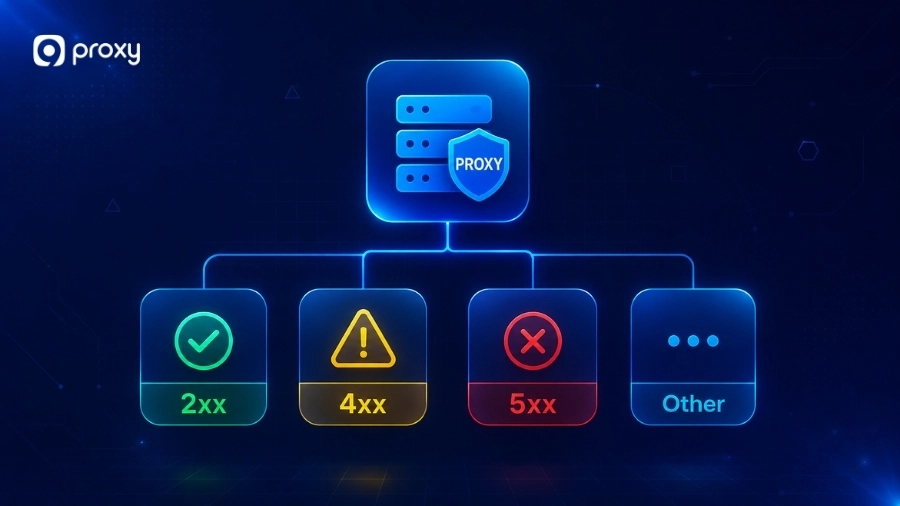
4xx (Client Errors)
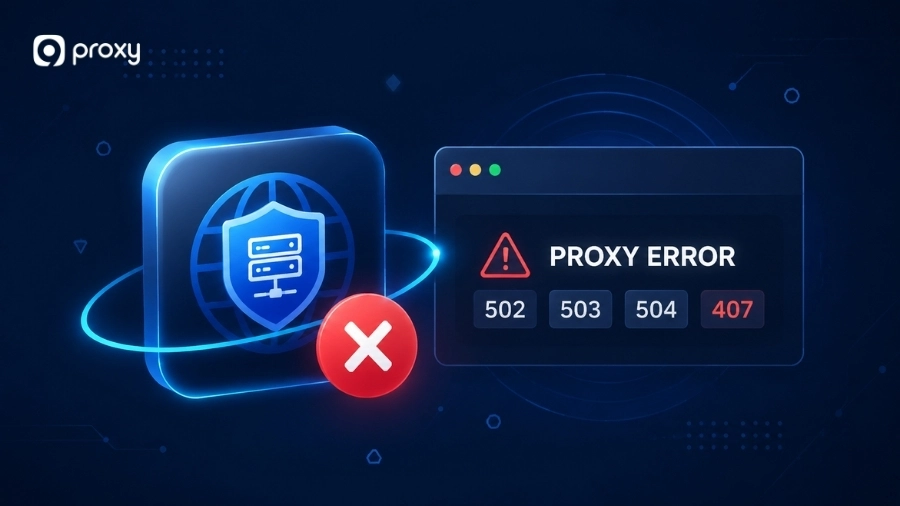
4xx codes mean there is a problem with your request. This is one of the most important groups for proxy error code troubleshooting because the issue usually comes from your side, such as wrong settings or credentials. A common example is error 407 proxy authentication required, which appears when the proxy rejects invalid or missing login details. Other examples include:
- 400 – Bad request due to incorrect format or headers
- 403 – Access blocked, often due to IP or permission issues
- 407 – Proxy authentication failed
- 429 – Too many requests sent in a short time
These errors mean you need to fix your request, proxy setup, or login details before trying again.
5xx (Server Errors)
5xx codes mean the problem comes from the server, proxy, or network path, not your device. These proxy error codes usually appear when the proxy cannot get a proper response from the destination server. If you encounter a 502 response, learning how to fix 502 error can help determine whether the issue comes from the proxy provider or the destination service. Common examples include:
- 500 – Internal server issue
- 502 – Invalid response from upstream server
- 503 – Service temporarily unavailable
- 504 – Request timed out
In most cases, these errors are temporary or need to be resolved by the provider, not fixed on your local device.
Quick Fixes That Solve Many Proxy Errors
Before trying complex changes, it’s best to start with simple and safe steps. Many cases of proxy error code can be fixed quickly without technical knowledge. If the issue continues, you may need to go deeper to fix proxy error in your setup.
The table below shows common situations and the easiest action to try first:
|
Common situation |
Quick check |
Why it helps |
|
Page fails once |
Refresh or retry |
May fix a temporary network issue |
|
Login error |
Recheck username and password |
Fixes common credential mistakes |
|
Works in one app only |
Clear cache or saved data |
Removes outdated information |
|
Stops after VPN/security tools |
Disable them briefly |
Finds software conflicts |
|
One proxy IP fails |
Switch proxy or rotate IP |
Avoids blocked or overloaded nodes |
|
Everything freezes |
Restart device or network |
Resets connection state |
This table helps you start with the easiest fixes. Try one step at a time and stop when the issue is resolved. To troubleshoot faster, follow these steps:
- Refresh the page or retry: A single failure may just be temporary
- Check proxy details carefully: Make sure host, port, username, and password are correct
- Clear cache and saved data: Old data can cause repeated issues
- Disable VPN or extensions temporarily: These tools can interfere with proxy connections
- Try another proxy or rotate IP: Useful if your current IP is blocked or overloaded
- Restart your device or network: Helps clear short-term connection problems
Always test after each step. This helps you quickly find what fixes the issue in your setup.
Choose the Right Fix Based on Where the Error Happens
Not every proxy error code comes from the same place. Browser users, system-level users, proxy customers, and developers often face different root causes. The best fix is usually the one that matches your real setup, not the one that changes the most settings.
Fix Path for Browser Users
If you see a proxy error code in Chrome, Edge, or Firefox, fix it step by step and test after each change. Sometimes, browser-level issues may also show up as unable to connect to the proxy server, especially when credentials or extensions interfere with the connection.
Follow these steps:
- Step 1: Check whether the browser is using a manual proxy or the system proxy. Chrome and Edge usually follow your computer’s settings, while Firefox can use its own proxy settings. Reviewing your proxy server chrome settings can help identify incorrect browser-level configurations.
- Step 2: Make sure the proxy address, port, username, and password are correct and match the details from your provider
- Step 3: Clear saved passwords, cookies, and cached login data related to the proxy in your browser
- Step 4:Disable proxy-related extensions, such as free VPN tools, privacy add-ons, or network manager extensions, one by one
- Step 5: Test the same page after each step to see what fixes the problem
This step-by-step method makes troubleshooting easier. Once the page loads normally after one change, you have likely found the root cause.
Fix Path for Windows and macOS System Settings
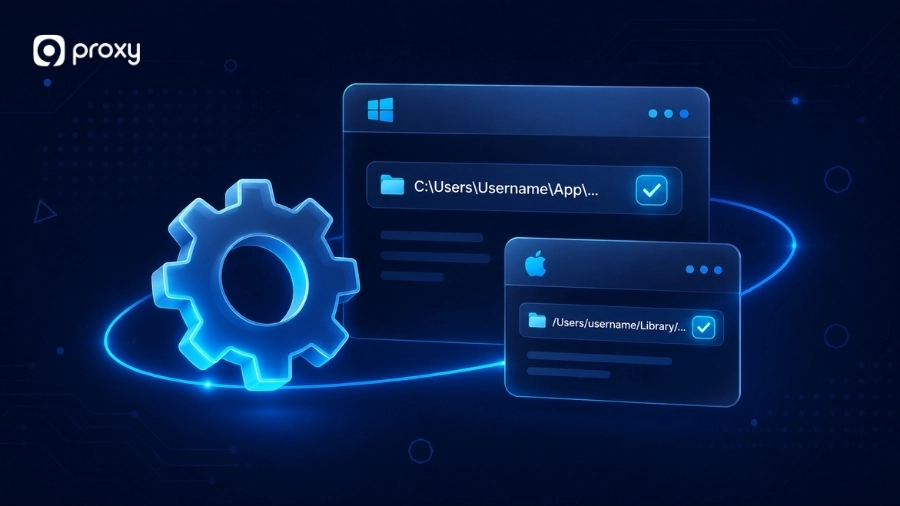
System proxy settings control how your entire device connects to the internet, including browsers, apps, and background services. In some situations, users may encounter messages like cannot locate the internet server or proxy, which often point to incorrect system-level configuration.
Here is where to check:
- Windows: Go to Settings → Network & Internet → Proxy. Check both the manual proxy setup (address, port, credentials) and Automatic proxy setup (toggle and script URL)
- macOS: Go to System Settings → Network → your active connection → Details → Proxies. Make sure the correct protocol (HTTP/HTTPS) is selected and credentials are correct
If you are not sure what is causing the issue, turn off the proxy and test your connection. If everything works normally, then the proxy setup is likely the source of the problem.
Fix Path for Proxy Users and Businesses
For paid or managed proxy setups, most issues are usually related to provider settings, not your device. In real-world scenarios, these problems may appear as warnings like something wrong with the proxy, especially when authentication or endpoint settings are incorrect.
Here’s what you should verify:
- Make sure your account is active and not expired
- Confirm the proxy endpoint, host, and port match your provider’s documentation
- Check that the authentication method (username/password or IP whitelist) matches what your app is using
- Ensure your current public IP is whitelisted if your provider requires it
- Verify the proxy type (HTTP, HTTPS, or SOCKS5) matches your application
If everything looks correct but the issue continues, contact your provider’s support team. Include details like the error code, time of the issue, proxy endpoint, and the tool you are using. This helps them find and fix the problem faster.
For network environments that rely on filtering or access control, reviewing your proxy server firewall configuration can also help identify policy-related connection failures.
Fix Path for Developers and Scraping Tools
For developers, a proxy error code often comes from how credentials or settings are handled in code, not from the proxy itself. Small mistakes in formatting or configuration can easily break the connection.
To troubleshoot effectively, follow these steps:
- Step 1: Start with a simple test request before running a full script. For example, use curl -x host:port -U user:pass -v https://httpbin.org/get to check basic connectivity
- Step 2: Make sure the proxy URL is correct. It should include the full format like http://user:pass@proxyhost:port, not just the host and port
- Step 3: Encode special characters in passwords. For example, use %40 instead of @ or %3A instead of : when needed
- Step 4: Set both uppercase and lowercase environment variables (HTTP_PROXY, http_proxy, HTTPS_PROXY, https_proxy) to avoid conflicts across tools
- Step 5: Check how your library handles proxy authentication. Some require credentials in the URL, others use headers or config settings
- Step 6: Review logs carefully to see where the request fails, whether before the proxy, at the proxy, or after it
You should also verify how DNS requests are handled in your environment, since misconfigured proxy server dns settings can lead to hostname resolution failures even when the proxy itself is online.
Prevent Common Proxy Errors Before They Disrupt Your Workflow
We believe simple habits can help you avoid many problems and reduce the chance of seeing a proxy error code again. A little maintenance can keep your connection stable and clean.
For additional troubleshooting tutorials, setup guides, and networking explanations, you can explore more resources on Blog9Proxy.
- Use a password manager: This helps avoid mistakes like wrong or forgotten credentials, which often cause authentication errors
- Update your IP whitelist regularly: If your home IP changes often, make sure your proxy dashboard is updated
- Monitor your usage: Set alerts when your data is running low to prevent errors like blocked access or limits
- Keep your software updated: Old browsers or tools may not work well with modern proxy systems
These simple habits can help prevent common issues and keep your network running smoothly.
How 9Proxy Helps Minimize Proxy Errors and Improve Connection Stability
Choosing a reliable provider is one of the best ways to reduce proxy error code issues and keep your connection stable. Free proxies often cause problems like 502 errors or 504 gateway timeout responses due to poor performance, while 9Proxy is built for consistent and professional use.
At 9Proxy, we offer features designed to give you a smoother experience:
- 20M+ clean residential proxies: Access IPs in 90+ countries to avoid blocks and restrictions
- 99.95% uptime: Stable servers help reduce timeouts and connection failures
- Precise targeting: Choose location by country, state, city, or ISP for better control
- Flexible pricing: Buy per IP (from $0.015) or per GB (from $0.68), depending on your needs
- Unlimited bandwidth per IP: Browse and run tasks without worrying about limits
- Crypto bonus: Get 5% extra IPs when paying with cryptocurrency
These features help minimize common issues and give you a more reliable proxy experience.
FAQ
How Can I Tell If the Problem Is My Proxy or the Website?
Test the same site without the proxy. If it works directly, the website is probably fine and the problem is more likely in the proxy layer. If it still does not work, the problem may come from the website or network path instead, not just a proxy error code.
What Is the Difference Between Proxy Errors and Regular HTTP Errors?
A proxy error happens between your device and the proxy server, while a regular HTTP error comes from the website itself. Even though both use similar codes, the location of the problem is different.
Why Don’t Some Proxy Errors Show Standard HTTP Codes?
Not all tools display standard codes. Some apps or proxy dashboards show custom messages instead. This means the issue can still be proxy-related even if you do not see a typical code.
Why Do Proxy Errors Look Similar to HTTP Status Codes?
They look similar because many proxy failures are reported using the same HTTP response framework. For example, 407 is defined for proxy authentication, while 502, 503, and 504 are also standard HTTP status responses that often appear in proxy and gateway troubleshooting.
Conclusion
Understanding a proxy error code helps turn a confusing error message into a clear direction for fixing the problem. Most issues, from simple login errors like 407 to more complex timeouts like 504, can be solved by carefully checking your credentials and settings.
By following the right fix path for your browser or code, you can save time and avoid unnecessary troubleshooting. For better stability and fewer errors, consider using a professional solution like 9Proxy to keep your connection smooth and reliable.