

A PS3 Proxy Server can help you fix lag, speed up downloads, and access content that isn’t normally available in your region. Many PS3 users still face slow updates, unstable connections, or disabled games, and a PS3 proxy server offers a simple way to improve these problems.
By sending your PS3’s traffic through an optimised server, you can get faster speeds, more stable connections, and easier access to different PSN regions. This makes it a useful option for anyone who wants better gameplay, quicker downloads, or access to exclusive content from other regions. 9Proxy will explain in this article what a proxy does on PS3, why it helps, and how you can set it up the right way to enjoy a better online experience.

What is a PS3 Proxy Server?
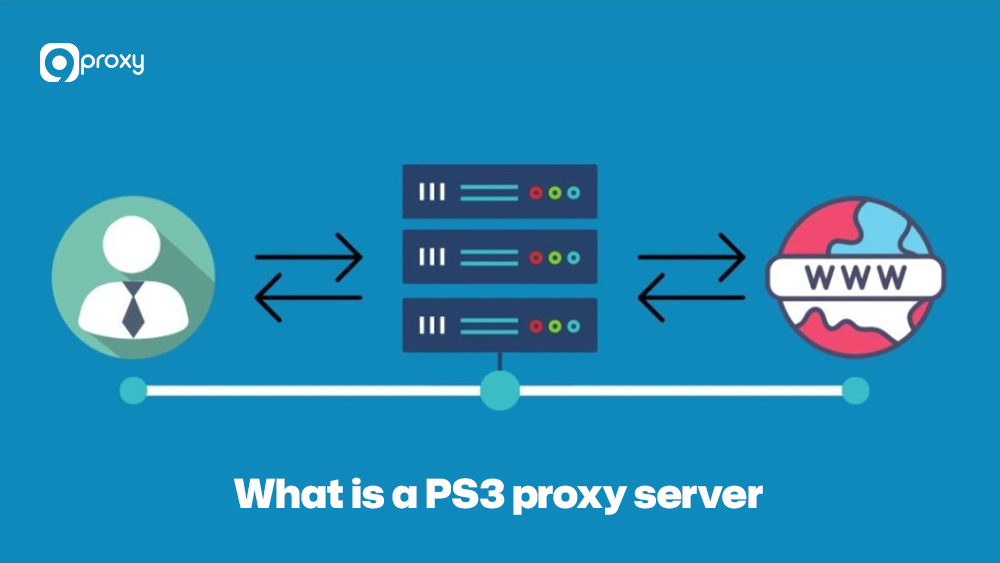
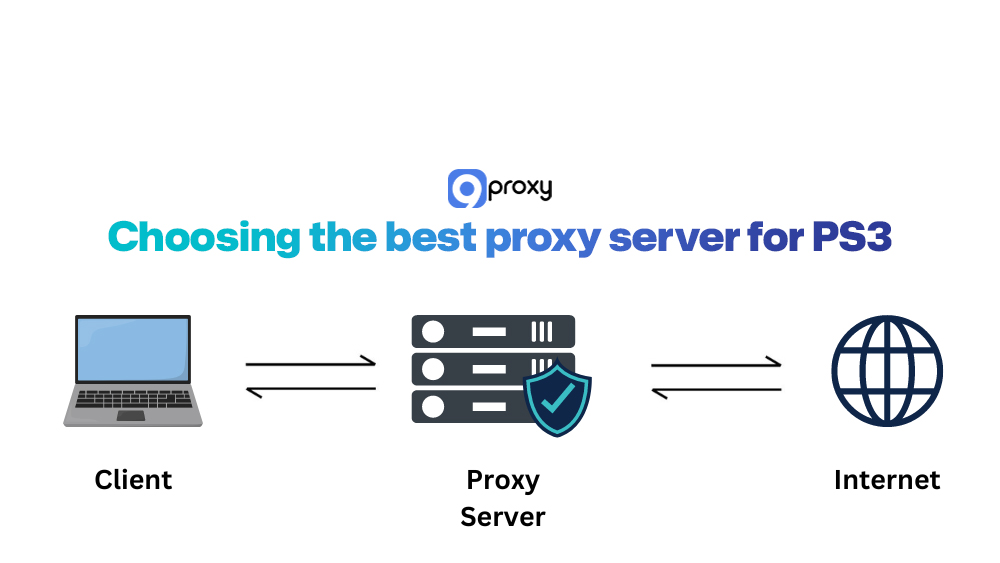
A PS3 Proxy Server is an intermediary server that sits between your PlayStation 3 and the internet. Instead of your PS3 connecting directly to PSN, game servers, or websites with your real IP address, it sends all traffic to the proxy first. The proxy then forwards requests and returns data using its own IP and connection path.
When you add a proxy, that flow changes. Your PS3 sends all traffic to the proxy machine (usually a PC or a remote proxy service). The proxy can then change, filter, or reroute the data, hide your real IP, pass over regional restrictions, and sometimes cache content for faster access. For you, it still feels like a normal connection, but behind the scenes, the proxy is handling routing and masking tasks similar to setups used on newer consoles like a PS4 proxy server or a PS5 proxy server, just adapted to the PS3’s network configuration.
Why Use a Proxy Server with Your PS3?
Using a proxy server with your PS3 has several practical use cases that many players find helpful. You might want better speed, more stable connections, or access to content from another region. In some cases, a proxy can also help you avoid repeating network problems from your ISP or router. Many of these advantages overlap with what players expect from a dedicated gaming proxy, where traffic routing and IP control are optimized specifically for online gameplay.
Common reasons to use a proxy server for PS3 include:
Faster Download Speeds: A well-configured proxy server can sometimes give your PS3 a cleaner, less crowded route to the internet, especially if the proxy is close to the game server. This can help your games download or update faster.
Bypass Regional Restrictions for Games/Media: Using a proxy IP from another country lets you get around region-based limitations. This allows you to access games, updates, and streaming services that aren’t available in your current location.
Connect to Different PSN Regions: A proxy can make your PS3 look like it’s connecting from another country, giving you access to different PlayStation Store content, deals, or promotions.
Avoid IP bans or Reduce Lag: If your home IP is temporarily banned, a proxy gives you a fresh IP immediately. An optimised proxy can also reduce lag by providing a more direct or efficient route to the game server.
Access to Exclusive Content: Some games or updates are only released in certain regions. A proxy helps you reach that exclusive content by masking your real location.
How does the PS3 proxy server work?
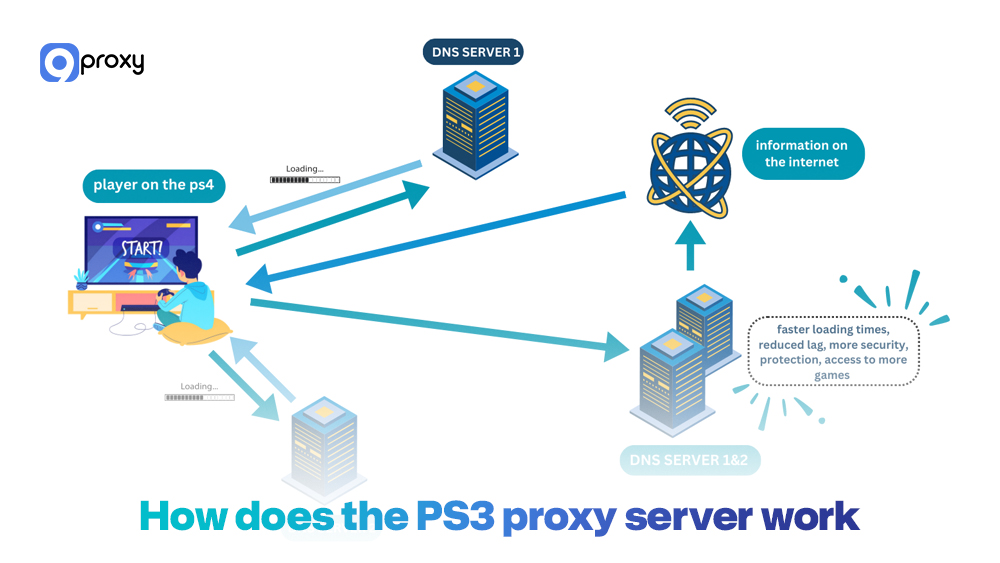
A PS3 Proxy Server works like a traffic controller that handles your PS3’s internet activity. Instead of your console connecting directly to PSN or game servers, every request is sent to the proxy first.
When you set your PS3 to use a proxy, you’re telling it to stop talking to the internet on its own. Your console sends each request to the proxy server, which then forwards it to the final destination. During this process, the proxy usually replaces your PS3’s IP address with its own. As a result, game servers and websites see the proxy’s IP, not yours. The response is then returned to the proxy and finally sent back to your PS3.
The two major changes are:
- IP Masking: Your real IP is hidden and replaced with the proxy’s IP. This improves privacy and allows your PS3 to appear as if it’s in another region.
- Routing Optimisation: A proxy can sometimes cache common data and create a faster route to game servers. If your normal connection path is slow or congested, the proxy’s route may reduce lag and offer a more stable experience.
This routing principle works similarly across different online ecosystems. For example, multiplayer environments that rely heavily on external servers, such as those using a Minecraft proxy server, also depend on traffic redirection to manage latency and region access efficiently.
How to Set Up a Proxy Server on PS3
In this section, we’ll show you everything you need to set up a proxy on your PS3. You’ll prepare the required tools, install the proxy on your computer, adjust the PS3’s network settings, and learn how to fix common problems so your console connects to the proxy smoothly for gaming.
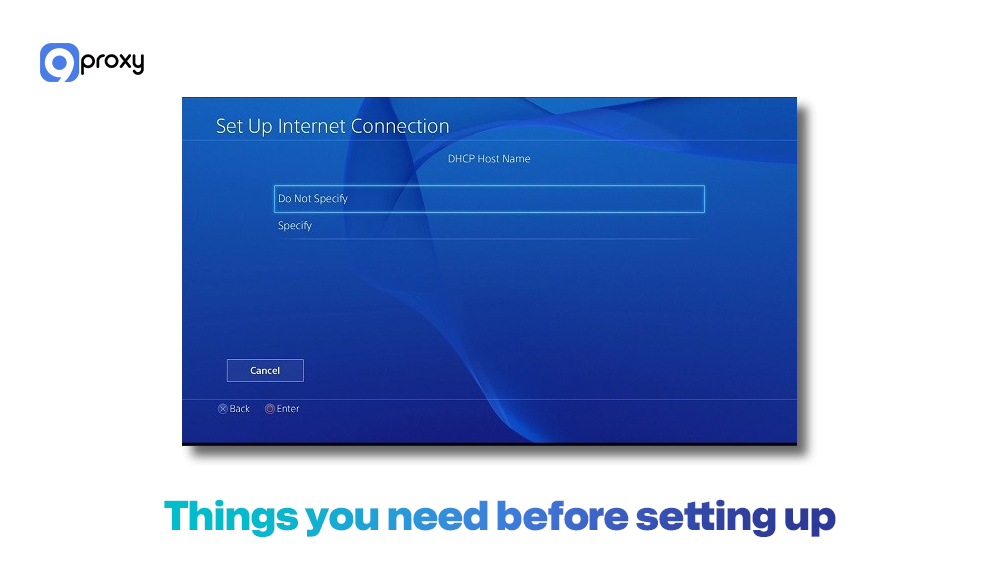
Things You Need Before Setting Up
Before you start setting up your console, make sure you have everything prepared. This will help the process go smoothly.
A Computer (PC or Mac): This device will run the proxy server software, and it needs to stay on while your PS3 uses the proxy.
Proxy Server Software: Install a proxy application such as CCProxy or Squid Proxy on your computer so it can handle the requests from your PS3.
Stable Internet Connection: Both your computer and your PS3 must be connected to a reliable network for the proxy to work properly.
Internal IP Address of Your Computer: You need to know your computer’s local IP address (for example, 192.168.1.5) so your PS3 knows where to connect to the proxy.
Step-by-step instructions
To make things easier, we break the setup into clear steps you can follow and repeat whenever needed. Take your time with each step and confirm details before moving on.
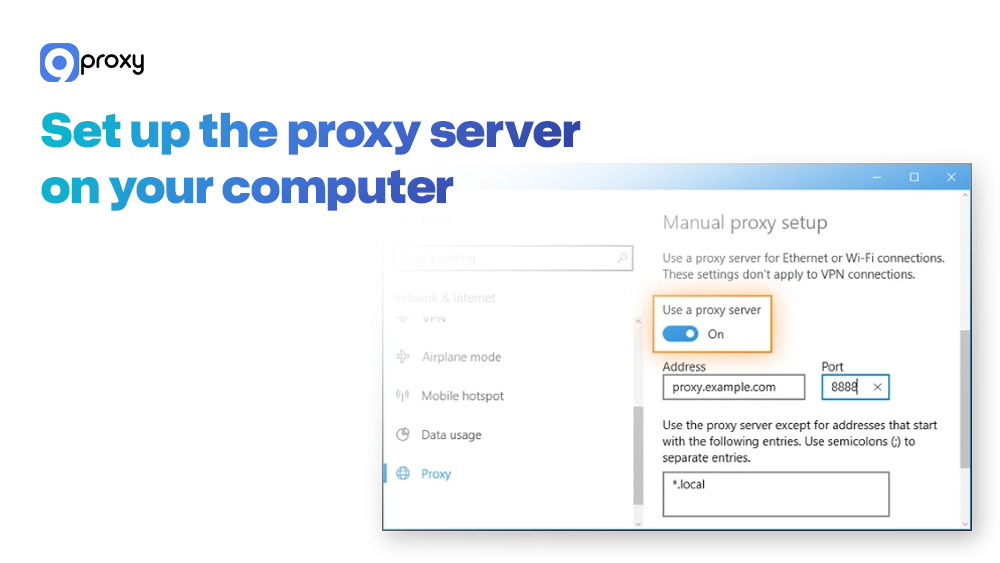
Set up the proxy server on your computer
- Install your chosen proxy software (e.g., CCProxy).
- Note the Port Number the software is using (common ports are 8080 or 3128). This is the port your PS3 will use to communicate.
- Ensure the software is running and configured to allow connections from other devices on your local network.
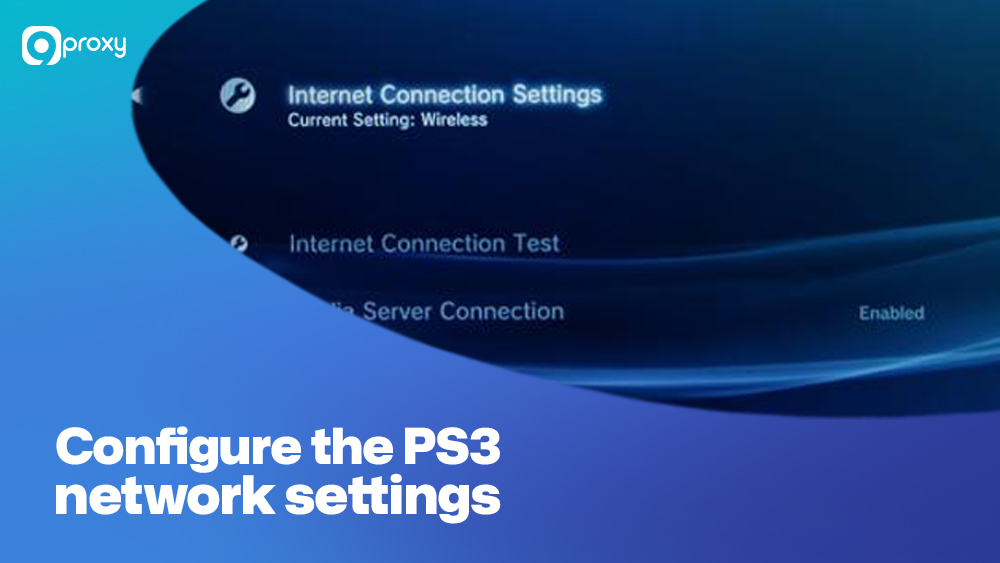
Configure the PS3 network settings to connect to the proxy
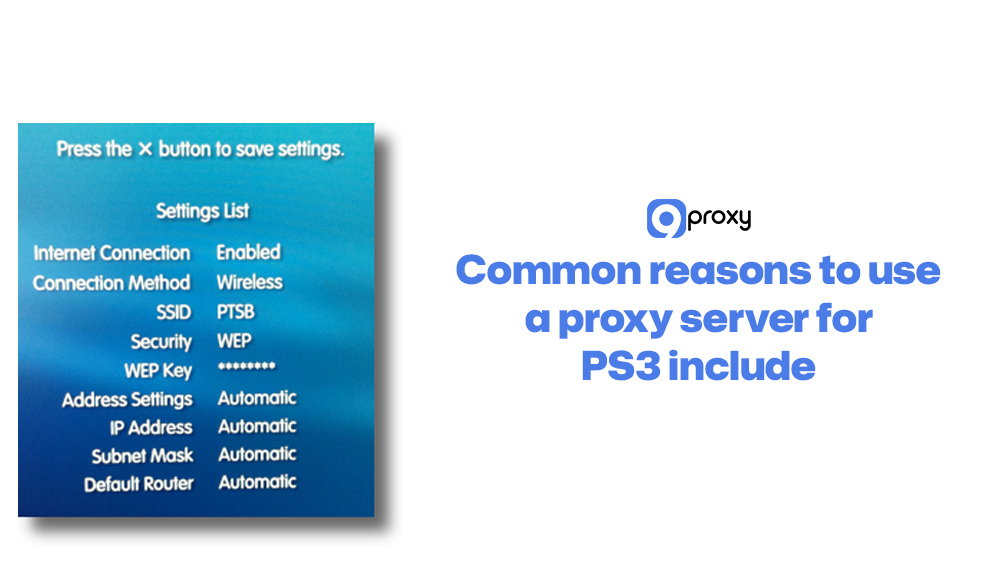
- On your PS3, go to Settings → Network Settings → Internet Connection Settings.
- Choose Custom, then select your connection type (Wired or Wireless).
- For IP Address Settings, usually select Automatic (DHCP).
- When you reach the Proxy Server, choose Use.
- Enter the PC’s IP address and the proxy port you noted earlier.
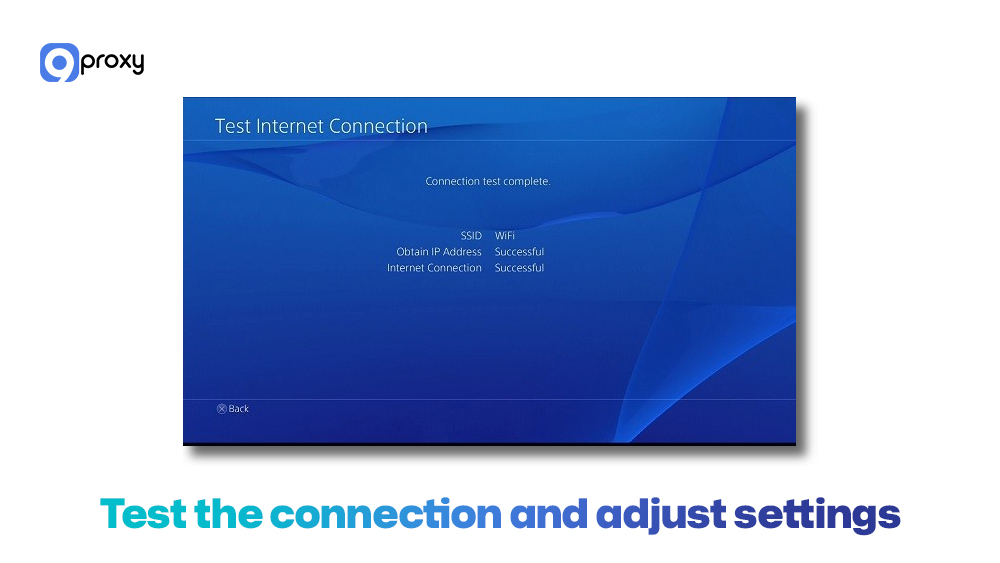
Test the connection and adjust settings for optimal performance
- Run Test Connection on the PS3 to confirm it can reach the internet and PSN.
- If the test passes but speeds feel slow, try a different proxy server or port.
- Monitor download times and in-game latency, then fine-tune your proxy choice and routing if needed.
Common Issues and Troubleshooting
Running into problems during your proxy server PS3 download setup is very common. Here are the easiest ways to fix the issues most users face.
Connection Problems: If you notice slow speeds, dropped connections, or setup failures, check the basics first.
- Verify IP and Port: Make sure the PS3 is using the correct local IP address of your computer and the correct proxy port. Even one wrong number can cause the connection to fail.
- Firewall Block: Your computer’s firewall may be prohibiting the proxy port. Temporarily turn it off during testing or add an exception for the proxy software.
- Check Proxy Software Status: Confirm the proxy server software is running before testing the connection on your PS3.
Firewall and Port Forwarding: Add a firewall exception on your computer so the proxy software can send and receive traffic. If you are using an external proxy service, you may need to set up port forwarding on your router to make sure the PS3’s traffic reaches the correct server.
Compatibility Issues: The PS3 works well with most standard HTTP or SOCKS proxies. If one type fails, switch to another (for example, from SOCKS5 to HTTP). Besides, free proxies may be slow or disabled by PSN. If your connection is unstable, consider using a paid proxy service for better speed and reliability.
Pros and Cons of Proxy Server for PS3
Before you decide to use a proxy server for PS3, it’s good to look at both the pros and the cons. This will help you understand whether a proxy really fits the way you use your console.
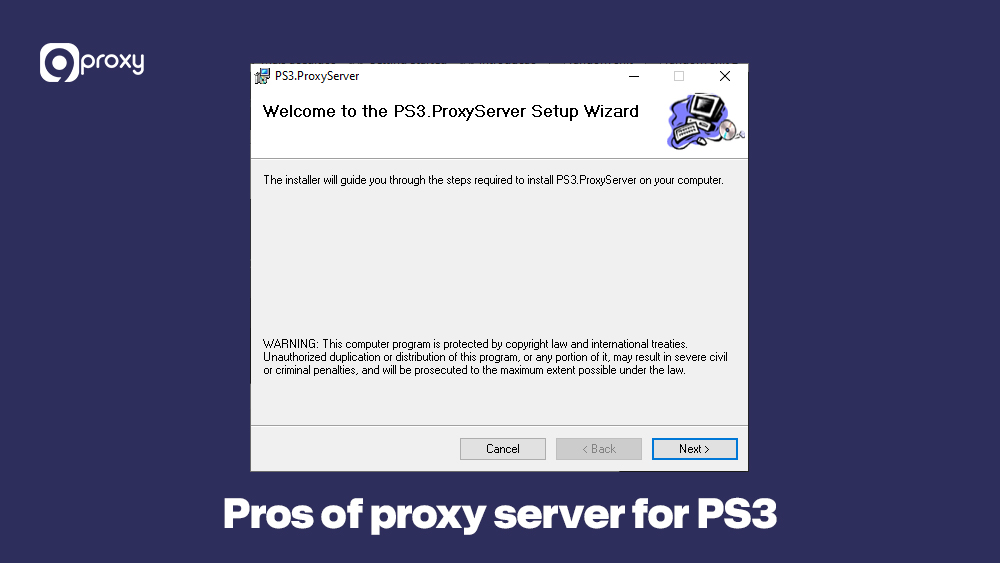
Pros
When you set up a proxy server for PS3, you unlock a range of useful advantages that can improve speed, stability, and privacy on your console.
Improved Connection Stability and Speed:
A proxy can cache common data and give your PS3 a different, sometimes faster route to game servers. This can reduce slowdowns and help keep your online connection more stable.
Enhanced Security and Privacy:
By hiding your real IP address, the proxy adds a layer of protection. This helps keep your online identity safer and reduces the risk of unwanted attacks, especially during competitive games.
Access to Geo-Restricted Content:
A proxy can make your PS3 appear as if it’s in another region. This gives you access to foreign PSN stores, region-locked updates, and restricted streaming services.
Cons
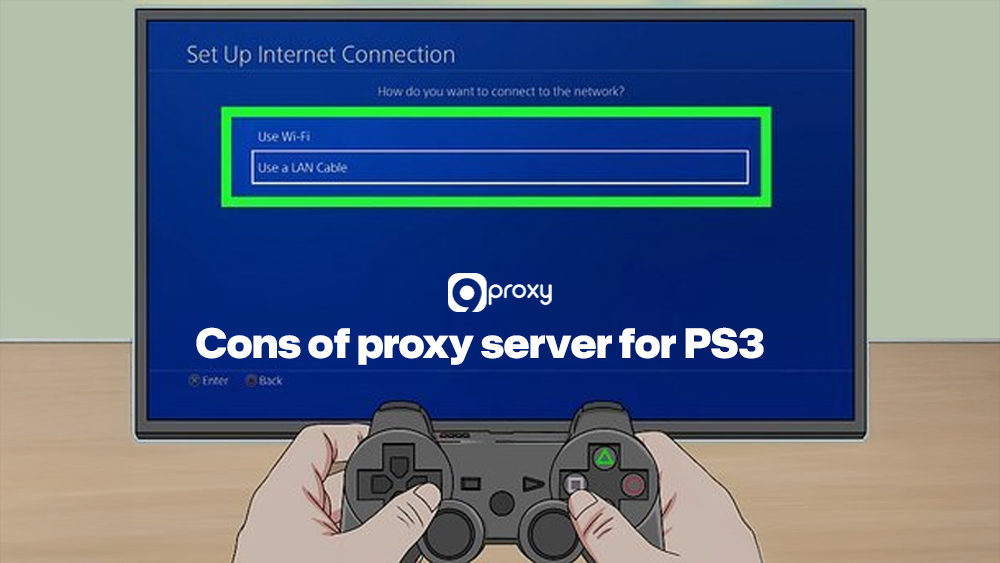
At the same time, using a proxy server for PS3 comes with trade-offs you should understand in advance, so you can decide whether the extra steps and potential limitations are worth it for your gaming setup.
Requires Constant Setup and Maintenance:
The proxy software must stay running on your computer each time you use the PS3. If the software stops or settings are incorrect, your connection may fail.
Reliability and Trust Concerns with Free Proxies:
Free proxies are often slow or unstable. Some may even be unsafe, since all your data goes through their server, and services that watch for patterns often show that proxy servers can be detected more easily when low-quality IPs are used. A trusted paid provider is usually more reliable.
Choosing the Best Proxy Server for PS3
Selecting the right proxy is crucial for achieving the desired performance improvements on your PS3. The best choice depends on your specific needs, such as maximising download speed or bypassing geographical limits.
This table highlights key factors to consider when selecting a proxy server for optimal PS3 performance:
| Proxy Type | Speed & Performance | Ease of Use on PS3 | Price Level | Best Use Case |
| Free Public Proxies | Often slow, unstable | Harder to configure and keep alive | Free | Occasional testing, non-critical browsing |
| ISP Proxies | Depends on the provider and routing | Usually limited control | Low | Basic web usage, not ideal for region hopping |
| Residential Proxy Service | Stable routes, good for gaming | Simple with clear setup guides | Medium | Gaming, PSN regions, streaming |
| VPN with Proxy Support | Good speed, extra encryption | Requires router or PC setup | High | Mixed devices, security-focused users |
| Dedicated Datacenter Proxies | Very fast, but easier to flag | Straightforward for technical users | Medium | Bulk downloads, experiments |
Choosing the right type depends on your budget, how often you use your PS3 online, and how much you value stability and access to different regions. When you compare datacenter vs residential proxies, residential options usually fit gaming and PSN usage better, while datacenter IPs suit testing and bulk tasks.
Free and paid options both work, but for serious gaming, it’s better to avoid random free proxy lists that claim to be the best proxy server free. Paid residential or dedicated services usually provide stronger support, more reliable routes, and clearer setup guides. These things matter when you want smooth gameplay instead of constant troubleshooting.
For most users, a trusted provider with easy-to-follow PlayStation setup instructions is worth more than saving a small amount each month. If you are also considering VPN-based setups, understanding vpn vs reverse proxy can help you decide which approach matches your network and security needs.
9Proxy – Ideal Proxy Provider for PS3
At 9Proxy, we focus on giving you proxy solutions that are friendly for real-world use, including older consoles like the PS3. Our goal is to help you get more stable connections, better routing, and flexible locations without making setup too complicated.
Key advantages of 9Proxy for PS3 users include:
- 100% real residential proxies from users in 90+ countries, ideal for regional PSN access and media libraries
- Clean and private proxy pool, not shared with other providers, which lowers blacklist risks
- Unlimited bandwidth per IP, great for large game downloads, patches, and streaming
- Affordable pricing, starting from roughly $0.04 per IP with no bandwidth caps
- Crypto payment perks, where you can get extra IPs when paying in cryptocurrency
With 9Proxy, you get a proxy partner that understands how gaming traffic works and how to balance performance with privacy.

Conclusion
Using a PS3 Proxy Server is an easy and effective way to cut lag, get around regional limitations, and improve your overall gaming experience. Once you set up the proxy on your PC and update your PS3’s network settings, you can get faster downloads and unlock more content. The setup takes a few steps, but the benefits make it worthwhile.
For the best speed and security, always choose a trusted provider. If you are ready to boost your console’s performance, contact 9Proxy’s proxy solution today to enjoy a smoother and more flexible online experience.