

DuoPlus is emerging as a powerful cloud-based mobile system that allows you to manage multiple virtual devices without needing to maintain physical smartphones. By running virtual devices entirely in the cloud, DuoPlus makes it easy to handle various apps, accounts, and regions from one unified control panel.
This approach is especially useful for people working in automation, testing, marketing, or any workflow that requires switching identities or locations quickly and securely. To help you get started smoothly, 9Proxy will guide you through the full setup process step by step, so you can use DuoPlus safely and confidently.
What is DuoPlus?
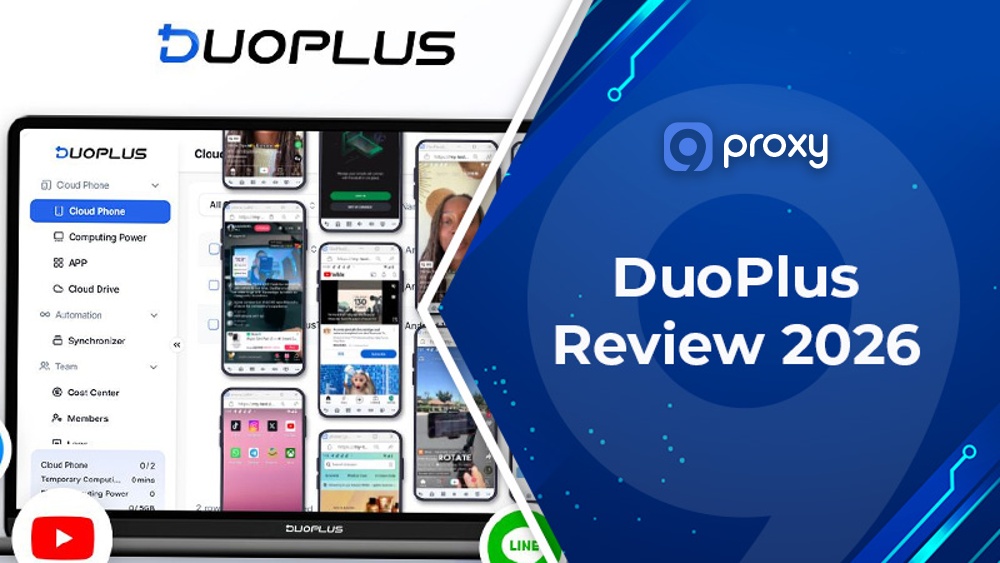
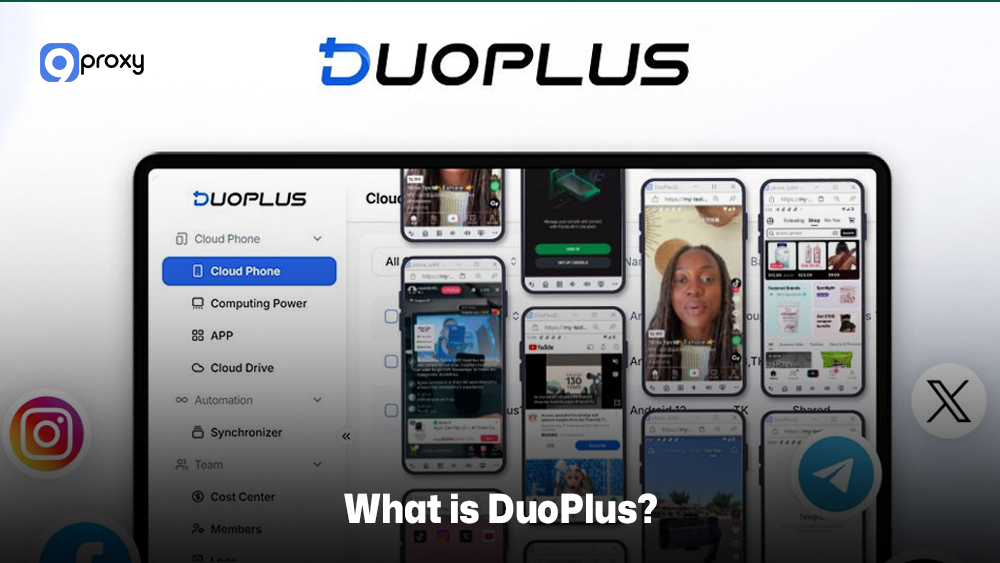
DuoPlus is a cloud phone service that lets you use virtual Android devices hosted on remote servers instead of buying physical smartphones. Each cloud phone works like a real device, with apps, storage, locations, and full mobile functions. With DuoPlus, you can manage many virtual phones at the same time from one browser or desktop panel, making it easier to run multi-account tasks, global e-commerce operations, social media marketing, or testing activities.
Its biggest advantage is flexibility: you can switch regions, run apps in parallel, and keep every device isolated and secure, helping reduce hardware costs and prevent issues like account detection or data risks.
Common Use Cases of DuoPlus
DuoPlus supports a wide range of needs for both businesses and individual users.
For businesses, the platform creates virtual working environments without requiring many physical phones. Companies use DuoPlus for customer support, online operations, app testing, or any task that needs separate device identities. In multi-account ecosystems, it is often combined with tools like an antidetect browser or an undetectable browser to add another identity protection layer at the browser level. While DuoPlus isolates mobile environments, these browsers focus on desktop fingerprint management, making them complementary solutions in larger operational setups.
For marketing and e-commerce, DuoPlus makes it easier to run multiple accounts on different social platforms. This is helpful for live streaming, product promotions, regional campaigns, or content management. Some teams also compare mobile cloud phones with browser-based profile tools such as Dolphin Anty browser or solutions discussed in our Multilogin review to decide whether they need Android-level isolation or browser fingerprint segmentation for their workflow.
For individual users, DuoPlus works like an extra phone line without buying another device. It’s useful for people who need separate profiles, international communication, or a clear split between work and personal activities. Because everything runs in the cloud, users can access their virtual phone anywhere without carrying extra hardware.
DuoPlus Cloud Phone & DuoPlus APK
The DuoPlus platform gives you two ways to access its service: the DuoPlus Cloud Phone and the DuoPlus APK.
The DuoPlus Cloud Phone is the main product. It’s a full virtual Android device running on remote servers. You control it from a web dashboard on your PC. It supports cloud-based operation, batch management, and hardware emulation such as GPS, SIM data, and multiple Android versions, useful for tasks that require local behavior.
The Duoplus APK is an Android app you install on a real smartphone. While most users prefer managing everything from a computer for faster workflow, the APK is helpful when you want quick access or need to monitor cloud phones on the go.
Pros & Cons of DuoPlus
To help you decide whether DuoPlus is the right fit for your work, we’ve prepared a clear and balanced overview of its main advantages and disadvantages so you can choose with confidence.
Pros of DuoPlus
DuoPlus offers several strong benefits for anyone running multi-account or virtual operations, especially if you need a reliable, scalable, and easy-to-manage system that reduces workload and keeps each device environment fully separated.
High operational efficiency: You can control many virtual phones from one web dashboard, making it much easier to handle tasks that used to require several devices and extra staff. This “matrix” setup helps you save time and reduce labor costs.
Enhanced security and anonymity: Because all data runs in the cloud, you avoid common risks such as device damage, data loss, or malicious attacks. Each virtual phone is isolated, and when paired with a good proxy, it greatly lowers the chance of account association or penalties.
Global localized operations: With global ARM deployment, DuoPlus can simulate real GPS and SIM data, making it ideal for targeted marketing, live streaming, and region-specific content in international markets.
Cons of DuoPlus
While DuoPlus is very useful and offers many practical advantages, there are still a few limitations you should keep in mind so you can plan your setup and daily operations more effectively:
Internet connection dependency: Because it’s a cloud phone service, DuoPlus depends heavily on your internet quality. Slow or unstable connections can cause lag or interruptions, especially during batch tasks.
Learning curve for batch operations: The web interface is effective, but managing many virtual devices at once may feel challenging at first. New users often need time to understand how to organize and automate large groups of cloud phones.
Pricing structure: As you increase the number of virtual phones or require more computing power, the overall cost can rise. For very large operations, this may become a bigger investment compared to simple VPS setups.
Key Features of DuoPlus Cloud Phone
DuoPlus comes with a wide range of features built for professional multi-account management and secure virtual operations. The table below highlights the key functions of the DuoPlus platform that digital marketers and e-commerce sellers use every day.
| Feature Category | DuoPlus Capability | Benefit to the User |
| Virtual Device Control | Device Creation, Regions & Real ARM Environments | Creates fully localized mobile environments that match real user behavior and pass regional security checks. |
| Bulk Management | Bulk App Management, Pre-Installation & Reset Workflows | Saves time by installing or updating apps across many devices at once and quickly resetting environments. |
| Android Environment | Android Version Switching (10/11/12+) and Compatibility Considerations | Let you choose the best Android version for each app to avoid compatibility problems. |
| Advanced Operations | Live Streaming, Automation Hooks & One-Click Root (High-Level Only) | Supports automated tasks, live-stream workflows, and advanced customization for testing or complex operations. |
| Collaboration | Team Sharing, Permissions & Cloud Storage for Collaboration | Allows teams to share devices safely, control access, and manage data in one organized place. |
| Productivity | Focus Mode and Productivity Features | Reduces distractions and helps you manage multiple virtual devices more efficiently. |
The strong feature set of the DuoPlus cloud phone is built around realistic device emulation and powerful batch-management tools. These capabilities help your virtual operations behave like real, local smartphone activity while keeping each workflow isolated and secure.
For teams that regularly test digital fingerprints before launching campaigns, tools such as BrowserScan are sometimes used to analyze how a device appears online. In comparison, DuoPlus focuses on providing controlled Android-level environments, which reduces inconsistencies in hardware, system versions, and device signals.
Getting Started With DuoPlus: Step-by-Step Setup Tutorial
In this section, we walk you through the basic steps so you can start using DuoPlus without trouble. These instructions help you avoid common mistakes and set up the platform safely and efficiently.
Creating Your DuoPlus Account Securely
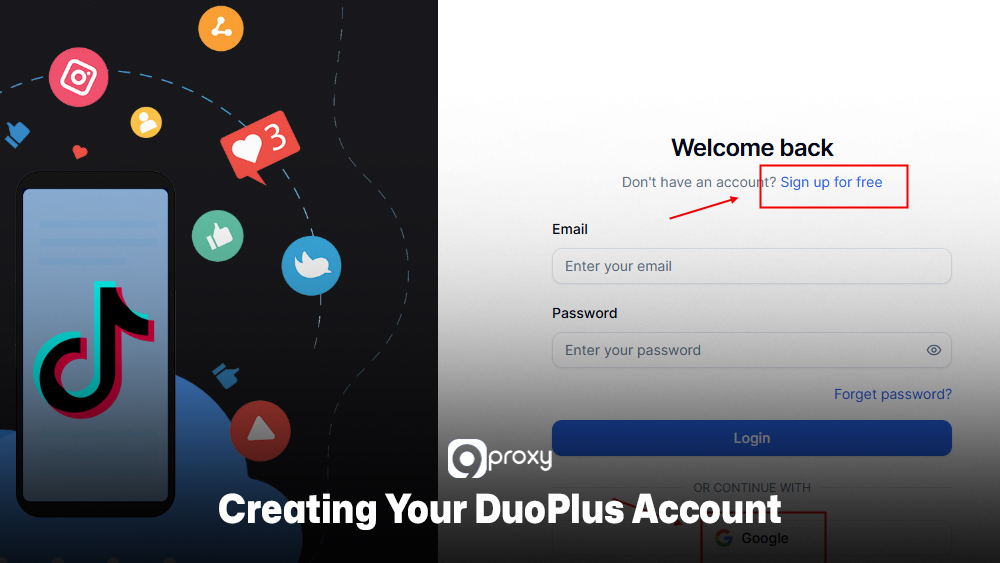
When you create a DuoPlus account, we always suggest taking a few simple steps to keep your information safe. A secure account helps prevent unauthorized access and reduces risks when you manage multiple devices or apps.
Here are basic security practices you can follow:
- Strong password: Create a unique password with uppercase, lowercase, numbers, and symbols. Avoid reusing passwords from other platforms.
- Two-Factor Authentication (2FA): Turn on 2FA right after signing up. This adds extra protection to your account.
- Payment safety: Only use the official DuoPlus payment page. If you pay with crypto, always double-check the wallet address before sending.
Choosing Server Regions, Device Specs & Computing Power for Your Use Case
Picking the right region and device settings helps your cloud phones run smoothly and makes your digital activity look natural.
- For marketers/sellers:
Choose server regions that match your target market. For example, target the US → pick a North American region. Combine this with a local proxy for better authenticity. Add more RAM and CPU if you use heavy apps or live streaming. - For testers/developers:
Focus on choosing the correct Android version to match your app’s requirements. Device specs matter less unless you’re stress-testing or running big workloads.
Creating Your First Cloud Phone & Connecting a Proxy
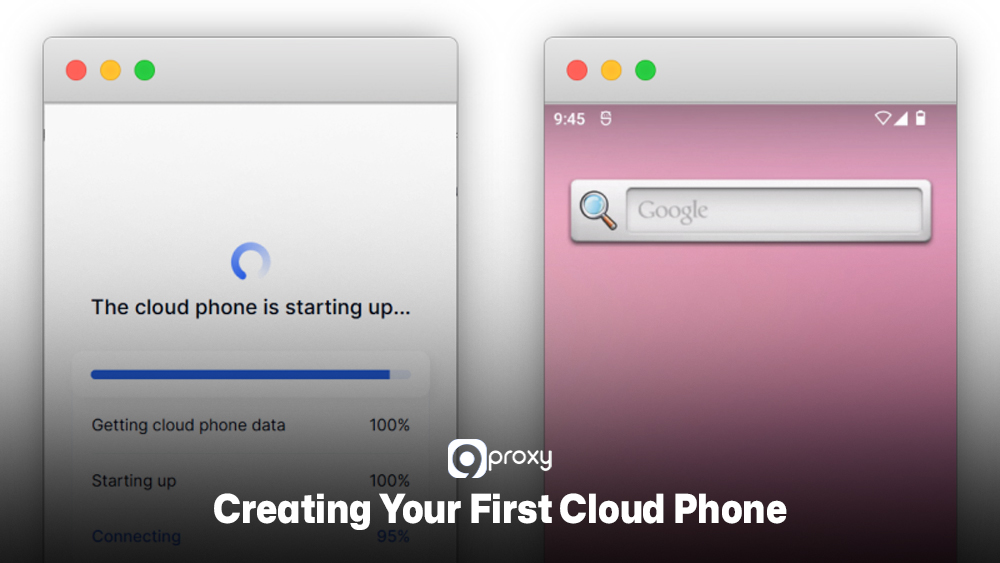
Once your account is ready, you can create your first cloud phone through the dashboard. The system guides you step-by-step, allowing you to choose the device type, Android version, and location. Here’s a simple setup process:
- Access the dashboard: Log in to your DuoPlus web panel.
- Create a new device: Go to “Device Creation,” choose region (match your proxy), CPU, RAM, and Android version.
- Generate proxy credentials: In your account, create SOCKS5/HTTP Residential Proxy credentials.
- Connect the proxy: Inside the DuoPlus network settings, enter the IP, port, username, and password.
- Verify connection: Open a browser inside the cloud phone to confirm the IP matches your proxy location.
Installing Apps via Google Play vs Uploading APKs Inside DuoPlus
After your device is ready, you can install apps using two main methods. Using Google Play is the simplest option when the app is available. This method ensures that apps come from a trusted source and stay updated easily.
- Google Play Store:
This is the easiest and safest option. Just sign in with a Google account inside the virtual phone and download apps directly from the Play Store. It’s the best choice for common apps and services that require strong security.
However, some tools or regional apps may not be available in the Play Store. In those cases, you can upload an APK file directly into DuoPlus.
- Uploading the DuoPlus APK (or other APKs):
You can also upload an APK file manually and install it inside DuoPlus. This method is useful when you need older app versions, custom tools, or apps that are not available on Google Play.
Troubleshooting DuoPlus Cloud Phone & DuoPlus APK
Even with good preparation, technical issues may still appear. Knowing how to fix common problems with your DuoPlus cloud phone or the DuoPlus APK will help you save time and keep your work running smoothly.
Common DuoPlus Cloud Phone Errors and Quick Fixes
It’s normal for cloud devices to show errors from time to time, especially when network speed or app requirements change. Below are the issues many users face and simple steps that help solve them. Common issues and solutions:
- High latency or slow performance: Check your local internet speed first. If the network is stable, switch your cloud phone to a server region closer to you or to your target market.
- App crashes or compatibility issues: Confirm whether the app supports the Android version on your virtual phone. If not, change the device’s Android version (for example, from 12 to 10) in the settings.
- IP address leakage or detection: This usually means the proxy is unstable. Re-enter your proxy details (IP, port, username, password) and make sure you are using a clean Residential Proxy for better anonymity.
- Connection timeout: If the cloud phone keeps timing out, the device may not have enough computing power. Try upgrading the CPU or RAM for smoother performance.
When to Contact DuoPlus Support
If the steps above don’t help, DuoPlus support is available to assist you. We recommend contacting them when issues involve billing, account access, or device errors that repeat even after resets.
You should contact support only when the issue cannot be solved with basic troubleshooting:
- Billing or subscription errors: Problems with payments, renewals, or unexpected charges.
Platform-wide outages: When several cloud phones stop working or the dashboard is not accessible. - Complex technical bugs: Issues like repeated data corruption, Android shell access failures, or automation tools not working.
- Feature requests: You can also contact support to suggest improvements or new functions for DuoPlus.
Pricing Plans and Packages
DuoPlus uses a clear, tiered pricing system that works for both individual users and large teams running many virtual devices. Before you choose a big plan, it’s a good idea to try the initial offer to see if it fits your needs.
Pricing for DuoPlus depends on how many cloud phones you use and the specifications you select, such as CPU and RAM. The table below gives you a simple overview of the main pricing elements and service levels so you can pick the option that matches your workflow.
| Service Tier | Best For | Included Features | Typical Cost Range (Estimated) |
| Basic Trial | Individuals / First-Time Users | One-month trial of the cloud mobile service and a $2 credit | Free Trial |
| Standard | Small Teams / Sellers | Core features, basic device specs, and limited bulk management | Low – Mid Range |
| Premium | Marketers / E-commerce Agencies | Higher device specs, advanced bulk tools, and team collaboration features | Mid – High Range |
| Enterprise | Large Corporations / Dev Teams | Dedicated resources, custom tools, priority support, and API access | Custom Quote |
DuoPlus provides a great starting point with a free one-month trial and an extra $2 credit, making it easy for you to explore the platform. Your final cost depends on the device specifications and the number of virtual phones you need. Higher-spec devices naturally cost more but deliver better performance for demanding tasks.
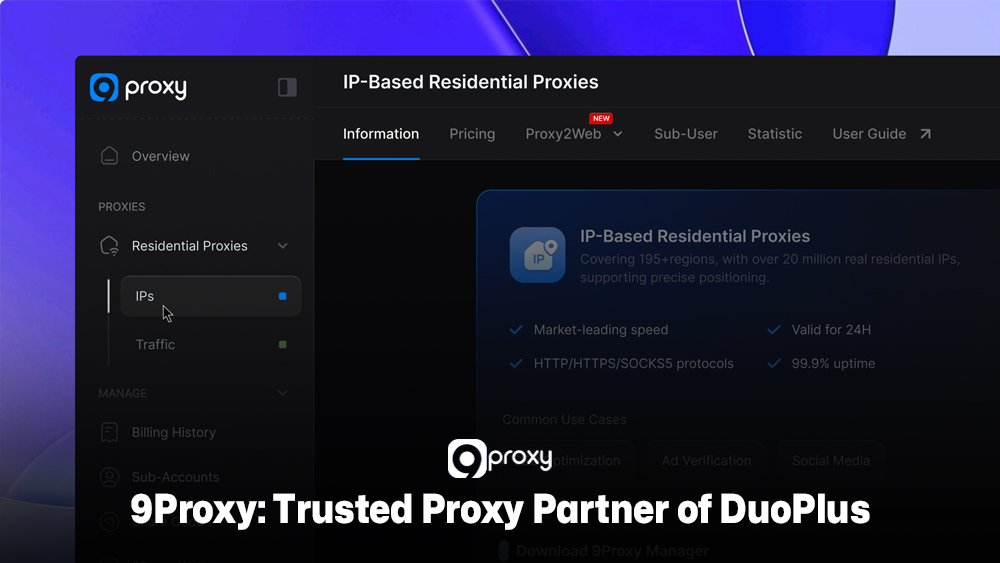
9Proxy: Trusted Proxy Partner of DuoPlus
For your DuoPlus operations to stay anonymous, localized, and hard to detect, using a high-quality proxy is essential. 9Proxy provides reliable residential proxy solutions for virtual environments like the DuoPlus cloud phone. Our proxies are built for multi-account users who need stable uptime and strong privacy.
If you want to explore more technical guides about proxy infrastructure, fingerprinting risks, and identity isolation strategies, you can visit Blog 9Proxy for in-depth breakdowns and real-world use cases.
Key Advantages of 9Proxy for DuoPlus Users:
- 100% real residential proxies: We supply IPs from real residential networks in more than 90 countries. This helps your virtual devices behave like genuine local users and reduces the chance of security checks.
- Clean and private proxy pool: Our IP pool is clean and private, meaning it isn’t shared with other providers. This greatly lowers the risk of blacklisting or repeated detection.
- Unlimited bandwidth per IP: We charge by IP instead of by bandwidth. You get unlimited data usage, which is ideal for DuoPlus tasks such as live streaming, uploading content, and large-scale scraping.
- Affordable pricing: Our Residential Proxies start at around $0.04 per IP, giving you a cost-effective way to scale your DuoPlus setup without overspending.
- Crypto payment perks: If you pay with cryptocurrency, you receive an extra 5% bonus IPs.
Conclusion
The DuoPlus cloud phone is a strong solution for managing multiple accounts, offering fast bulk operations and secure, isolated virtual environments. It helps global marketers and e-commerce sellers reduce costs, save time, and avoid account-related risks.
To get the best results from DuoPlus, pairing it with a clean and stable Residential Proxy is important. That’s why we invite you to try 9Proxy’s affordable plans, starting from about $0.04 per IP, to maximize both performance and security for your DuoPlus operations.