The 9Proxy Updates represent a major shift in how we help you manage large proxy networks with speed, accuracy, and better control. We are thrilled to announce the biggest 9Proxy Updates in our history, rolling out in 2026. Our residential proxy service has long supported users who rely on clean IPs for web scraping, SEO, market research, social media automation, and advertising quality checks.
The 2026 upgrade improves stability, strengthens automation, and adds tools that make scaling easier for both beginners and professionals. Let's explore what’s changing, why it matters, and how to set everything up with ease.

Why Are We Upgrading 9Proxy?
9Proxy constantly listens to customer feedback; we understand that your needs for speed, reliability, and security are increasing. Our commitment to delivering the best residential proxy service means we must continue improving our platform to meet those expectations.
The 2026 overhaul comes from reviewing thousands of user suggestions, forum discussions, and support tickets. Our goal is simple: make proxy management easier for everyone, even when you handle complex or large-scale tasks. The upgrade focuses on several important improvements:
- Simplified Proxy Management: Selecting, binding, and managing hundreds of IPs becomes faster and more convenient.
- Improved Security: Stronger anti-detection logic keeps your activities stable and less likely to face blocks.
- Developer-Centric Controls: Large-scale users gain deeper API options and more accurate control over rotation schedules and port settings.
- Unmatched Efficiency: The new architecture processes more requests at a higher speed with better reliability.
Latest 9Proxy Updates: What Changed & Why It Matters
The 2026 9Proxy Updates introduce a fully redesigned platform with faster performance and stronger stability. You’ll see a cleaner User Interface (UI), smarter IP rotation and refresh systems, and noticeable speed improvements. As part of this transition, the old version of our platform will soon reach end-of-life support.
Major Platform Upgrades
To deliver the best possible experience, we rebuilt the core of our application. These 9Proxy Updates give you more control, flexibility, and speed when managing residential proxies. Below are the key improvements designed to streamline your workflow:
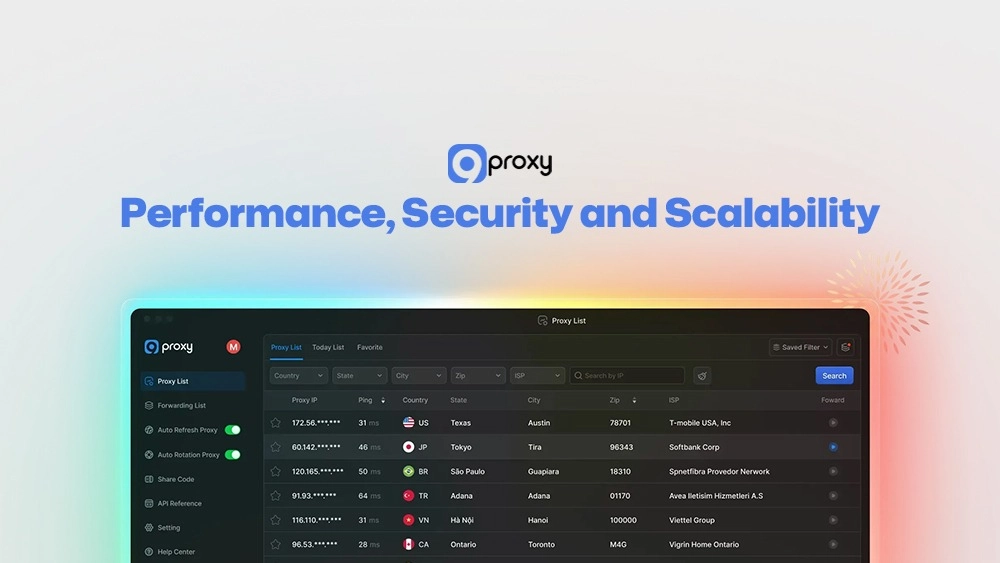
Advanced Proxy List Management
Search, sort, and save your preferred IPs with ease. You can filter by location, ISP, or latency, then create personalised lists for quick access. These capabilities are essential across many real-world proxy use cases where managing large IP pools efficiently can directly impact performance and success rates.
Faster Binding Process
We improved IP-to-Port assignment with one-click binding and batch operations to make your work faster and simpler. Instead of adding IPs one at a time, you can now select many IPs and assign them to ports instantly. The system also shows real-time status updates for each step, so you can easily see which ports are ready, which ones are still processing, and if anything needs your attention. This helps you manage large numbers of IPs more smoothly and with much less effort.
Intelligent Auto-Refresh
The system now checks the health of your IPs and automatically replaces offline ones. You can set custom refresh intervals per port to maintain stable connections. (This feature uses proxies, so configure it carefully to manage your balance.)
Enhanced Auto-Rotation
You can now set minute-level rotation schedules and apply different rules for each port to match the exact needs of your tasks. This flexibility allows you to fine-tune how often IPs change, ensuring smoother operation across different workflows. In many scenarios, this is similar to how users change IP with a proxy to maintain anonymity and avoid detection.
Share-Code System 2.0
Sharing IPs with teammates or clients is now more secure and much easier to manage. You can create custom share codes for any number of IPs you want to distribute, with a minimum of 5 IPs per code. These codes allow others to redeem the IPs without needing access to your main account, helping you keep your information safe. If a code is no longer needed or was shared by mistake, you can revoke it instantly with a single click. This gives you full control over who can use your IPs and ensures that no unused or unauthorised codes remain active.
Next-Gen Port Configuration
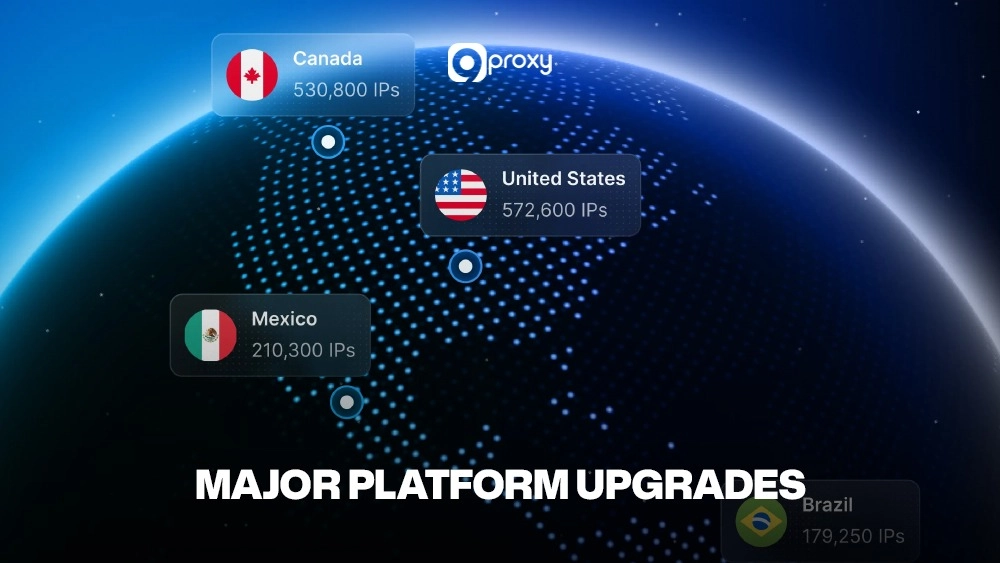
Set detailed rules for each port based on country, state, city, or ISP, giving you much finer control over how IPs are selected and assigned. With these location-based settings in place, the system will automatically choose IPs that fit your criteria, ensuring the IP assigned always matches your exact geographic requirements for any specific task or workflow.
Advanced Filtering
Build and save complex search profiles, then sync them across all your devices so you can access the same filters wherever you work. These filters can also be shared with sub-accounts, ensuring every team member follows the same settings and workflows. This makes collaboration smoother, reduces setup time, and keeps your operations consistent across different projects.
Comprehensive Device Management
Protect your account with real-time device monitoring that lets you instantly see every device currently logged in. You can remove suspicious devices with a single click and review detailed login logs to track any unusual activity. This helps you maintain full control over account access and keep your operations secure at all times.
Performance, Security and Scalability
At the core of the 2026 9Proxy Updates is our focus on performance, security, and the ability to scale as your business grows. We upgraded our infrastructure to support the heavy data demands of enterprise-level workflows. Thanks to these technical improvements, you now benefit from:
- Enterprise-Grade Scaling: Our modern infrastructure supports users managing thousands of ports and complex operations, delivering low latency and consistent high availability.
- Stronger Anti-Detection Logic: Updated algorithms help your proxy traffic appear more natural, reducing blocks, CAPTCHA, and interruptions. This is especially important when comparing residential proxies with datacenter proxies, which are often easier to detect in large-scale automation tasks.
- Improved Reliability and App Stability: The new application runs more smoothly, with fewer crashes and noticeably faster processing.
- Next-Level Anti-Blocking: Our enhanced system is built to minimise detection and blocking, ensuring the proxies you purchase stay active, stable, and ready whenever you need them.
What Happens to the Old Version?
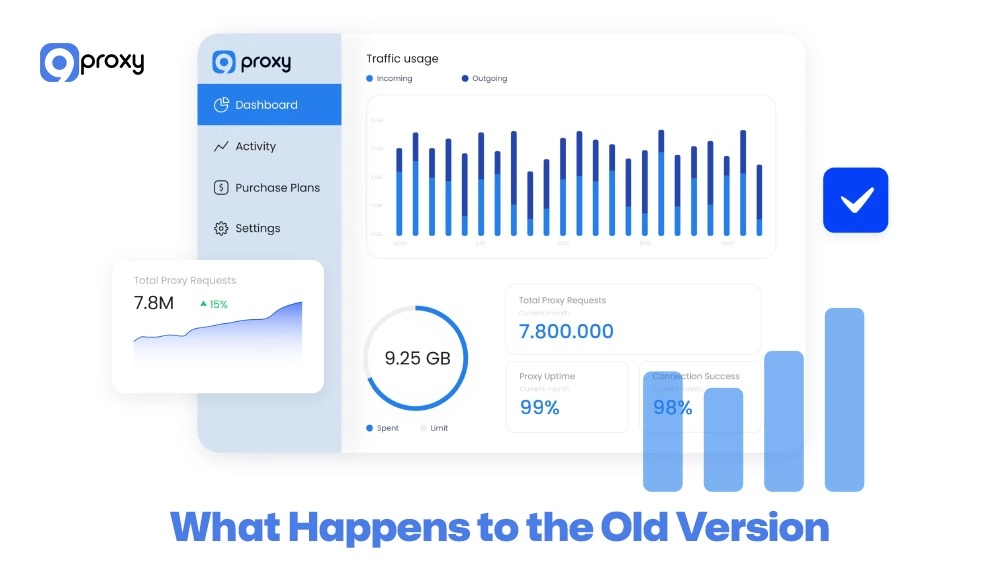
We are fully transitioning to the new platform so our entire development team can focus on delivering the best technology for you. Support for the older version of the application will officially end on March 1st, 2026.
After this date, the old version will stop receiving updates, bug fixes, and customer support. To avoid any service disruption, we strongly recommend upgrading as soon as possible. The migration is simple: just download and install the new application.
If you choose not to upgrade, you will miss out on all the speed, security, and feature improvements included in the latest version. Upgrading now ensures you continue receiving the full benefits of the platform.
9Proxy Download Guide (Windows, macOS, Linux)
To start using our new platform, you need to simply download and install the new 9proxy application. The app works perfectly on all big desktop systems: Windows, macOS, and Linux. Before we explain the steps, remember it is extremely important to only get the official software. This is the best way to avoid scams and keep your account secure.
Official Download Channels & Fake-Seller Warnings
To protect yourself and ensure you receive the real software, always visit our official download page. If you download the software from any other place, we cannot guarantee it will be safe or work correctly. Please be careful of fake sellers who might try to offer cheap 9proxy keys or software on websites or platforms that are not verified.
Here are the most important safety rules to remember:
- Official Website Only: The only safe place to get your 9proxy download is the download section of our official website.
- Check URLs: Always look closely at the web address to make sure it is the correct 9proxy.com domain.
- Verified Socials: Only trust announcements and links found on our officially verified social media accounts.
To stay informed about safe proxy practices and updates, many users also follow Blog 9Proxy for official guides and announcements.

Installation Steps for Each Operating System
The process of installing the new application is easy for all operating systems we support. You just need to download the correct file for your system from our official page. Here are the step-by-step guides to quickly install and start using the new 9proxy app:
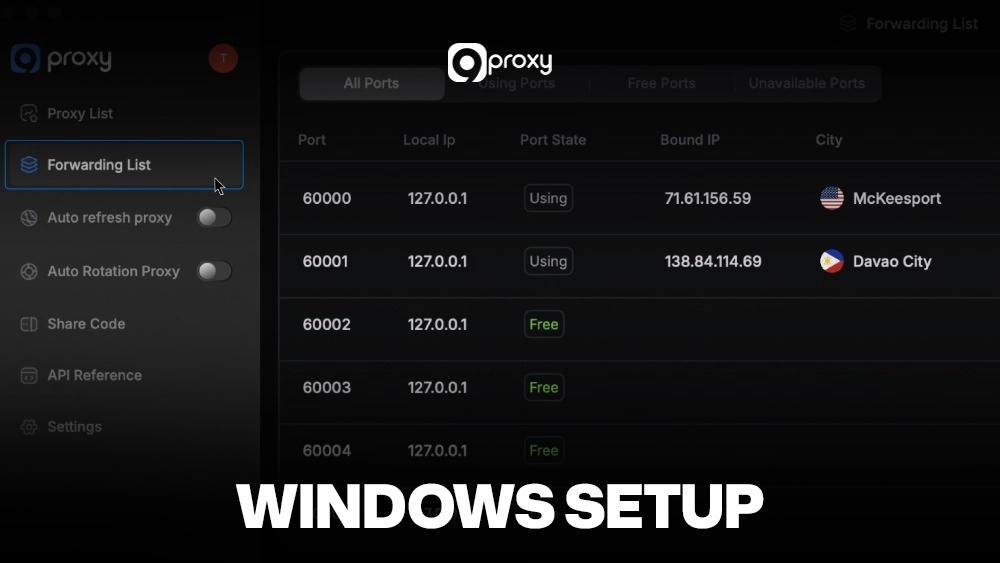
Windows Setup:
- Download the .exe file made for Windows.
- Find the downloaded file and double-click it to begin the installation.
- Follow the instructions on your screen, and agree to the license rules.
- Choose where you want to install it (the default location is usually fine) and click ‘Install’.
- Open the application and log in using your account details.
macOS Setup:
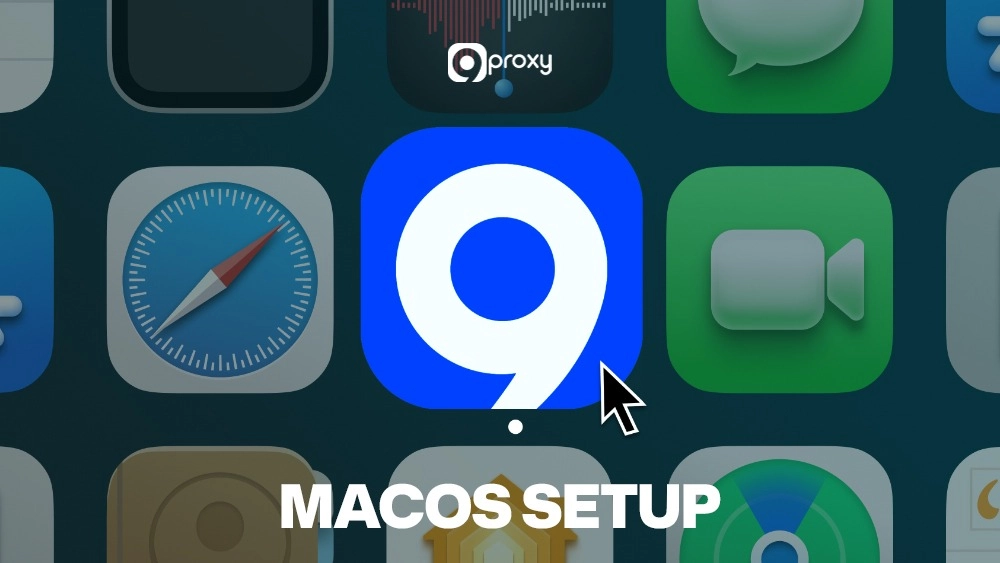
- Download the .dmg file made for macOS.
- Open the .dmg file that you downloaded.
- Drag the 9Proxy app icon into your ‘Applications’ folder.
- If a security message pops up, go to your System Settings > Privacy & Security, and then click ‘Open Anyway’.
- Launch the application and enter your account information.
Linux Setup:
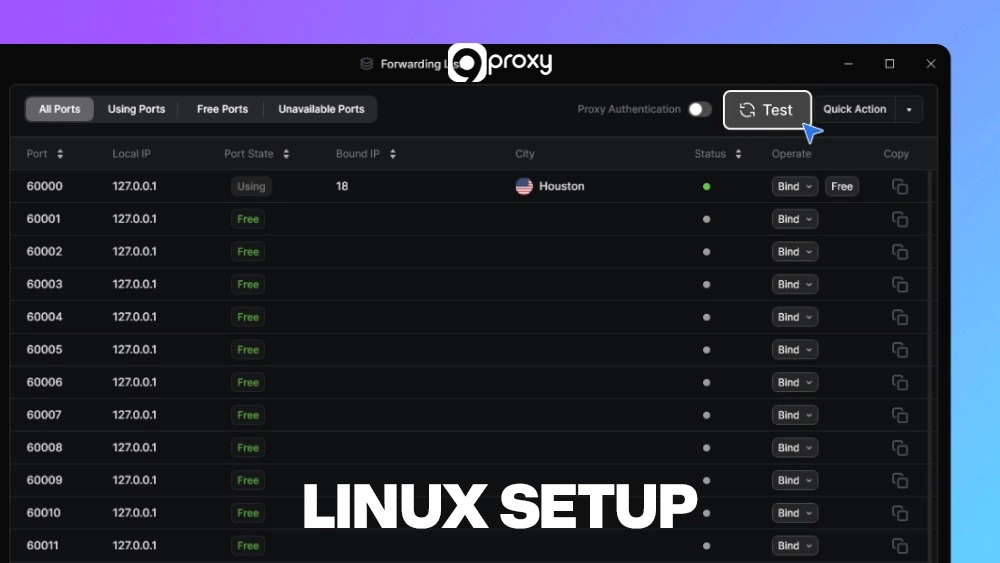
- Download the right package (like .deb or .rpm) that matches your specific Linux distribution.
- Open your terminal and use the correct package manager command to install the file (for example, type: sudo dpkg -i 9proxy.deb).
- After the installation is finished, you can run the application from your terminal or your desktop menu.
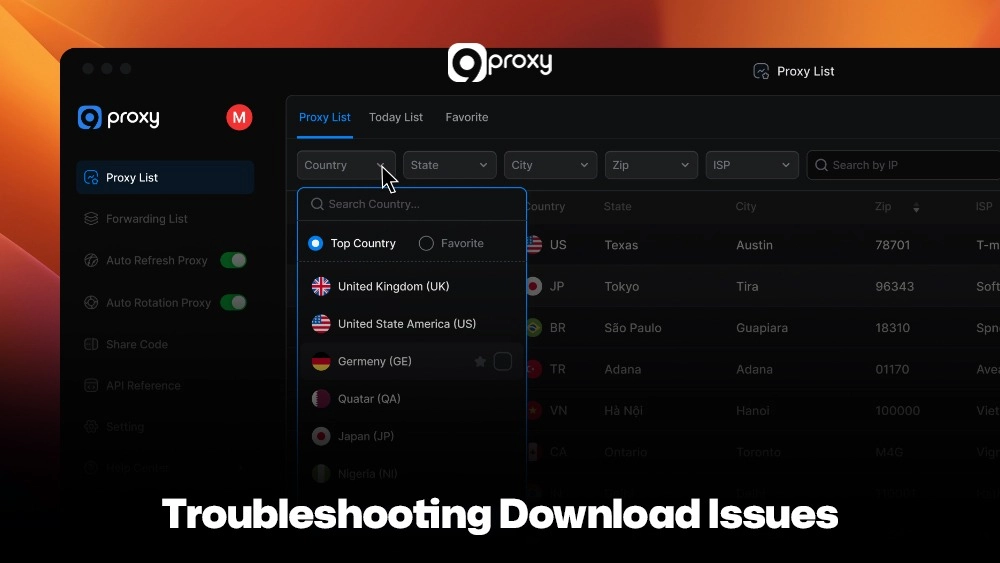
Troubleshooting Download Issues
Sometimes, very cautious security software (like Kaspersky or Windows Defender) might show a warning about the 9proxy download file. This is usually a false positive; it happens because the app does not yet have a digital signature from a large company. However, we promise you the software is 100% safe and free of any viruses or malware.
If you see a warning during installation, please follow these simple steps to safely continue. In some cases, network misconfigurations or local proxy settings may interfere with downloads, requiring steps similar to a fix proxy error process to restore proper connectivity.
- Turn Off Temporarily: Briefly turn off the ‘real-time protection’ feature in your antivirus program. (Only do this while the installation is running).
- Add an Exception: After the app is installed, open your antivirus settings and add the 9Proxy application folder to your ‘Exclusions’ or ‘Whitelisted’ list.
- Turn Protection Back On: Immediately turn your real-time protection back on.
- Trust the Source: Always remember, when you download from our official website, you are guaranteed a clean and safe installation.
Pricing and Value
Unlike most providers who charge you based on the amount of data (gigabytes) you use, our system focuses on the number of IPs you buy. This is great for you because every proxy you purchase includes unlimited bandwidth, and you will never have to worry about running out of data while working.
The table below shows the value you get across our standard plans, with costs decreasing as you purchase more residential IPs.
|
IP Tier (Quantity) |
Approximate Price Per IP |
Total Estimated Price |
Benefits Included |
|
Basic (100 IPs) |
$0.20 |
$20.00 |
Unlimited Bandwidth, SOCKS5/HTTP/HTTPS Support |
|
Standard (500 IPs) |
$0.15 |
$75.00 |
All Basic features, Access to 90+ Countries |
|
Pro (5,000 IPs) |
$0.08 |
$400.00 |
All Standard features, Dedicated Account Manager |
|
Enterprise (50,000+ IPs) |
Negotiated (approx. $0.04) |
Custom |
All Pro features, Reseller Discounts, Priority Support |
By purchasing in bulk, you automatically get a much lower price per IP, making it easy to scale your operations without overspending. Another great benefit for our customers is the 5% bonus IP reward when you choose to pay with cryptocurrency such as Bitcoin, ETH, or USDT.
FAQ
How much does 9Proxy cost, and what is the best pricing option?
9Proxy pricing depends on how many IPs you buy, and the biggest advantage is our unlimited bandwidth. Our entry package starts at about $0.20 per IP for 100 IPs, and the cost can drop to $0.04 per IP for large enterprise orders. The best pricing option is always the highest tier you can comfortably afford because it gives you more IPs at a lower cost per IP.
Is 9Proxy good for social media automation, SEO, and web scraping?
Yes. 9Proxy works extremely well for these tasks because we provide 100% real residential IPs from more than 90 countries. These real-user IPs are much harder to detect or block compared to datacenter IPs. The improved rotation and refresh features in the new 9Proxy Updates ensure stable connections and high anonymity, essential for large-scale web scraping, managing multiple social media accounts, and running SEO tools smoothly.
How accurate are 9Proxy’s geo-targeted IPs by country, state, city, or ISP?
We maintain very high accuracy in our geo-targeting. With the Next-Gen Port Configuration, you can filter proxies by country, state, city, or even ISP with precision. Our pool of over 9 million IPs is updated continuously to keep location data reliable, which is ideal for activities like market research, localised testing, and regional ad verification using the latest 9Proxy Updates.
Can I share my 9Proxy IPs with team members or clients?
Yes, you can. Our upgraded Share-Code System 2.0 lets you generate secure share codes for at least 5 IPs, making it easy to collaborate with team members or clients. For enterprise users, the Sub-Account feature provides full control and monitoring over all shared resources through a unified dashboard, enhanced with the 9Proxy Updates.
Conclusion
The 9Proxy Updates for 2026 introduce a completely redesigned residential proxy experience. With faster speeds, higher stability, and smarter features like Intelligent Auto-Refresh and the Next-Gen Port Configuration, managing your proxies becomes easier, safer, and far more scalable.
You can download the app 9Proxy today, explore the updated interface, and enjoy a smoother experience created from real user feedback.