


Network Anomaly Detection helps you spot unusual or risky network activity before it turns into a real security problem. 9Proxy understands how quickly networks change and how easy it is to miss hidden threats, strange traffic spikes, or slow performance without proper monitoring.
That’s why this blog is written to help you recognize why Network Anomaly Detection matters and how it protects your environment from zero-day attacks, insider risks, and service disruptions. You’ll also learn about common anomaly types, the top tools to use in 2025, and a simple setup process to help you strengthen your network security with confidence.

What is Network Anomaly Detection?
Network Anomaly Detection is the process of monitoring network traffic and spotting behavior that doesn’t match what’s considered normal. The system first builds a baseline of typical activity then continuously compares live traffic to this baseline. When something deviates from the pattern, it gets flagged.
This method is powerful because unusual traffic often reveals real problems, such as malware activity, zero-day attacks, unauthorized access, or data exfiltration attempts. It also helps prevent outages by detecting sudden spikes, routing issues, or latency changes before they impact users. In short, Network Anomaly Detection gives you an early warning system for both security threats and performance issues.

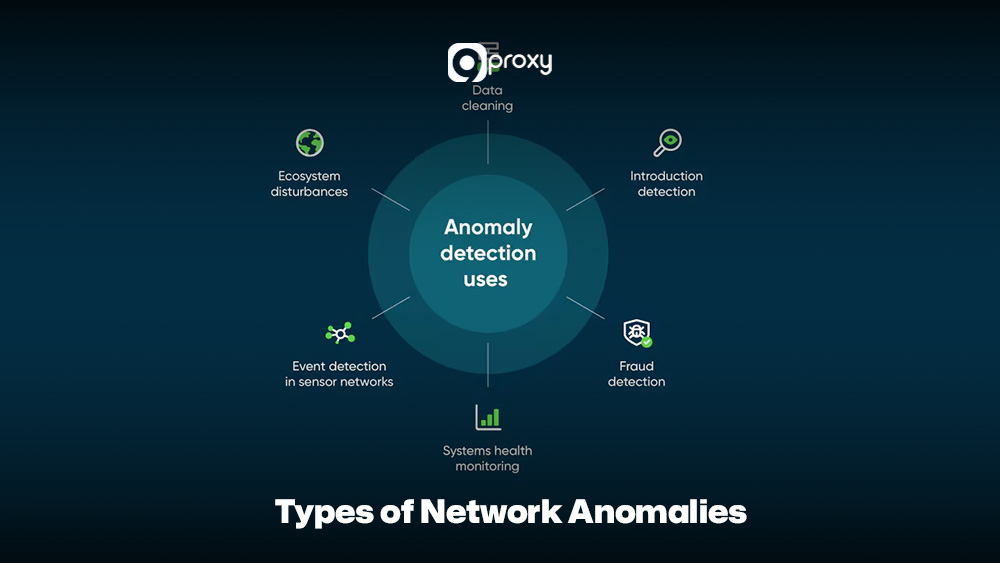
Types of Network Anomalies
Network anomalies can show up in many ways, and each type often points to a different security or performance problem. Understanding these categories makes it easier to create accurate detection rules.
- Traffic Volume Anomalies: Sudden spikes or drops in traffic, such as during a DDoS attack.
- Latency and Performance Anomalies: Unexpected delays between systems or services, which may signal congestion or failing components.
- Unauthorized Access Patterns: Users accessing unusual resources, logging in at odd hours, or connecting from unfamiliar locations.
- Protocol Misuse: Using network protocols in unusual ways, such as sending non-DNS data through DNS port 53 to pass over security controls.
- Port Scanning / Reconnaissance Behavior: A device rapidly checking many ports or hosts, often an early sign of an attacker mapping your network.
- Data Exfiltration Attempts: Small but repeated transfers of data to unknown external destinations, which may indicate insider threats or compromised systems leaking sensitive information.
Why is Network Anomaly Detection Important?
Using strong Network Anomaly Detection is important for keeping your systems secure and ensuring everything runs smoothly. Here are the key benefits explained simply:
- Enhanced Security Breach Prevention: It can detect subtle threats that don’t match known signatures, including advanced attacks or malware changes that traditional firewalls often miss.
- Proactive Downtime Mitigation: By spotting unusual performance issues early, such as sudden congestion or abnormal traffic flows, you can fix problems before they cause major outages.
- Early Insider Threat Identification: It helps identify risky or unusual actions from employees or internal users by monitoring changes in their normal behavior.
- Better Operational Risk Management: With continuous monitoring based on clear baselines, you get a full view of your network’s health, making it easier to reduce security, operational, and financial risks.
Core Techniques for Anomaly Detection
Network Anomaly Detection tools rely on several methods to tell normal traffic apart from suspicious activity. Most effective tools mix multiple techniques to improve accuracy.
Statistical Analysis
The system builds a mathematical model of normal behavior, such as average bandwidth or usual connection duration. Anything far outside these expected ranges is flagged as unusual. This works well for spotting sudden changes in time-series data.
Signature-Based Detection
This method looks for known attack patterns. It is fast and reliable for familiar threats, but it cannot detect zero-day attacks or anything that doesn’t match an existing signature.
Heuristic/Rule-Based Systems
These use predefined rules, such as “warn if a device connects to too many servers in a short time.” They help catch known suspicious behaviors but need regular tuning to avoid false alarms.

Machine Learning Models (Supervised and Unsupervised)
Machine learning models help Network Anomaly Detection by learning normal traffic patterns and quickly spotting anything that looks unusual or unsafe.
- Unsupervised models learn what normal traffic looks like without labeled data, then highlight activity that falls far outside those patterns. This makes them very useful for Network Anomaly Detection.
- Supervised models are trained on large datasets of good and bad traffic so they can classify new behavior accurately. Similar learning principles are used in systems like a machine learning captcha solver, where models are trained to distinguish between legitimate human behavior and automated interactions.
Behavioral Analytics
Instead of focusing only on packets, this approach tracks how specific users, devices, or applications normally behave. If something suddenly acts in a way that does not match its history it gets flagged as an anomaly.
Top 12 Tools & Platforms for Network Anomaly Detection
Choosing the right tool is an important step in building effective Network Anomaly Detection. Below, we walk through 12 popular platforms, highlighting their key features, strengths, weaknesses, and the situations where each tool works best.
Splunk
Splunk is a well-known data analytics and SIEM platform that many teams use as a base for Network Anomaly Detection. It ingests logs, NetFlow, packet data, and security events from many sources.
- Standout Feature: Strong scalability and a powerful Search Processing Language (SPL) that lets you build custom detection rules and perform deep investigations.
- Pros: Great for correlating data across security, network, and application logs. It also has a huge ecosystem of integrations.
- Cons: Can be expensive for large datasets and requires time to master advanced features.
- When to Use: Ideal if you need a centralized platform for data correlation, compliance, and full security operations, not just basic network monitoring.

Darktrace
Darktrace uses AI to provide self-learning Network Anomaly Detection. It automatically learns normal behavior for users, devices, and cloud services, then sends alerts whenever it detects activity that falls outside these baselines.
- Standout Feature: Self-learning ML that can detect new and unknown threats without needing rules or signatures.
- Pros: Very good at finding insider threats and advanced attacks. Requires little initial setup.
- Cons: Expensive. Some alerts can be hard to explain because of the AI model.
- When to Use: Best for companies with complex environments that need strong detection for stealthy threats and zero-day attacks.

IBM QRadar AI
IBM QRadar AI builds on the QRadar SIEM platform with AI-assisted analytics for Network Anomaly Detection. It correlates flow data, logs, and threat intelligence to highlight high-risk events.
- Standout Feature: Strong correlation engine with AI-driven analysis for accurate alerts.
- Pros: Combines logging, SIEM, and Network Anomaly Detection in one system. Scales well for large enterprises.
- Cons: Setup can be complicated. Requires more resources to run smoothly.
- When to Use: Good for large organizations that need a complete SIEM with built-in Network Anomaly Detection and compliance features.

Vectra.ai
Vectra.ai is designed as a network detection and response (NDR) platform with strong Network Anomaly Detection capabilities. It analyzes traffic from data centers, cloud, and IoT networks to detect lateral movement, command-and-control, and data theft.
- Standout Feature: Uses AI to spot signs of lateral movement, command-and-control traffic, and data theft.
- Pros: High accuracy and low false positives. Helps prioritize threats automatically.
- Cons: Focuses mostly on security. Limited performance monitoring.
- When to Use: Suitable if you want strong, AI-driven detection for threats that go around perimeter defenses.

Netdata
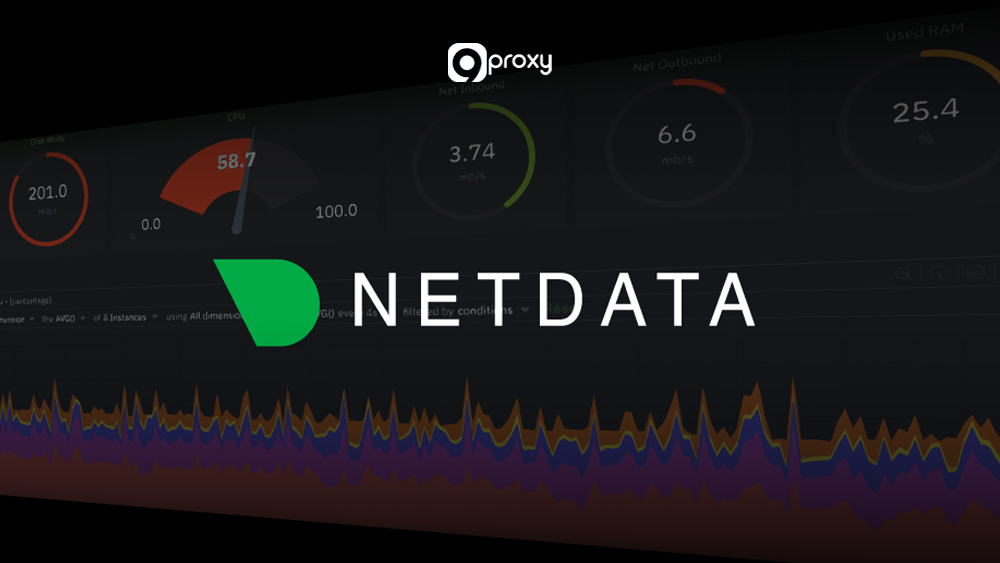
Netdata is an open-source, real-time monitoring tool that can support basic Network Anomaly Detection through metrics and alerts. It focuses on per-node and per-service health, with rich charts for bandwidth, connections, and system load.
- Standout Feature: Lightweight and fast, with clear per-second visualizations.
- Pros: Free, easy to deploy, and great for finding performance anomalies.
- Cons: Focuses on performance rather than security. No advanced ML.
- When to Use: Ideal for small and mid-sized teams needing quick performance anomaly detection.
Cisco Anomaly Detection
Cisco provides anomaly detection features through solutions like Cisco Secure Network Analytics and related products. These tools analyze NetFlow, metadata, and telemetry to deliver Network Anomaly Detection across on-premises and cloud networks.
- Standout Feature: Works smoothly with Cisco hardware and provides strong visibility, even for encrypted traffic.
- Pros: Great for large networks. Strong encrypted traffic analysis.
- Cons: Works best in Cisco-based environments. More complex in mixed networks.
- When to Use: Best for companies already using Cisco infrastructure and needing flow-based Network Anomaly Detection.

ManageEngine OpManager
ManageEngine OpManager is a network monitoring platform that includes alerting and basic Network Anomaly Detection. It tracks device health, interfaces, bandwidth, and application performance.
- Standout Feature: Unified monitoring for servers and network performance with customizable alerts.
- Pros: Affordable, easy to use, and good reporting.
- Cons: Mostly rule-based. Lacks advanced ML detection.
- When to Use: Suitable for mid-sized companies that need simple monitoring with basic anomaly detection.

Flowmon NBAD
Flowmon NBAD is focused on Network Behavior Anomaly Detection, analyzing flow data for unusual patterns tied to attacks or misconfigurations. It supports Network Anomaly Detection for DDoS, insider threats, and data leaks.
- Standout Feature: High precision in detecting DDoS, internal scans, and suspicious tunneling.
- Pros: Strong flow analytics and scalable performance.
- Cons: May need extra hardware. Focuses heavily on flow data.
- When to Use: Best for organizations that want a dedicated flow-based Network Anomaly Detection system.

Snort
Snort is a widely used open-source intrusion detection and prevention system that can contribute to Network Anomaly Detection. It relies mainly on signatures and rules to detect known threats, but it can also support some anomaly-style rules.
- Standout Feature: Free, flexible, and supported by a large rules community.
- Pros: Great for signature-based detection and real-time traffic analysis.
- Cons: Needs expertise and regular rule updates. Not ML-based by default.
- When to Use: Good for technical teams that want a customizable IDS or IPS for Network Anomaly Detection.

Anodot
Anodot is a cloud-based analytics platform that applies machine learning to detect anomalies in metrics and events, including those related to network traffic. It can be used as part of a Network Anomaly Detection strategy by feeding it network KPIs..
- Standout Feature: Uses AI to detect anomalies in complex time-series data.
- Pros: Excellent for identifying performance issues and correlated anomalies.
- Cons: Not focused on pure security. Pricing depends on data volume.
- When to Use: Best for DevOps and ITOps teams monitoring performance-related anomalies.

AWS GuardDuty
AWS GuardDuty is a threat detection service that analyzes AWS logs (like VPC Flow Logs, DNS logs, and CloudTrail) to spot suspicious behavior. For cloud-native workloads, it acts as a managed Network Anomaly Detection engine.
- Standout Feature: Integrated with AWS logs and uses ML and threat intelligence to detect cloud anomalies.
- Pros: Easy to enable, low maintenance, pay-as-you-go.
- Cons: Only works inside AWS. No on-prem monitoring.
- When to Use: Perfect for teams running most of their infrastructure in AWS.

Azure Security Center
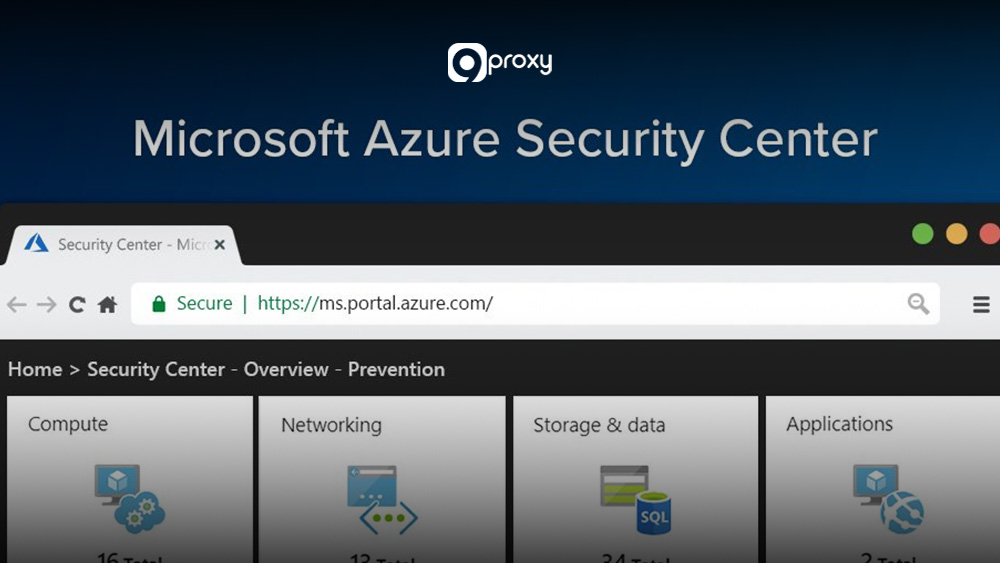
Azure Security Center (now part of Microsoft Defender for Cloud) provides security recommendations and alerts for Azure resources. It includes Network Anomaly Detection for unusual traffic, port scanning, and risky access patterns.
- Standout Feature: Built-in anomaly detection powered by Microsoft threat intelligence.
- Pros: Strong Azure integration. Effective in hybrid settings.
- Cons: Best for Azure-centric environments. Harder to integrate with many non-Microsoft tools.
- When to Use: Ideal for companies using Azure as their primary cloud platform.
Choosing the Right Network Anomaly Detection
Selecting the right Network Anomaly Detection tool depends on your environment, budget, and security needs.
The table below highlights the main factors to help you compare the top 12 tools and decide which one fits your organization best.
| Factor | Small / Growing Teams | Mid-Sized IT & Security | Large Enterprise / SOC |
| Ease of Use | Netdata, OpManager | Flowmon NBAD, Anodot | Splunk, Vectra.ai |
| Cloud Fit | AWS GuardDuty, Azure Security Center | Anodot, Darktrace | IBM QRadar AI, Splunk |
| Security Depth | Snort, Cisco Anomaly Detection | Flowmon NBAD, Darktrace | Vectra.ai, IBM QRadar AI |
| Deployment Model | Open-source / simple agents | Virtual appliances or SaaS | Hybrid, sensors plus SIEM |
| Best For | Basic monitoring and simple alerts | Balanced performance and security | Full SOC with advanced analytics |
This overview gives you a simple starting point, but you should still review your team’s requirements, budget, and technical skills before selecting a final Network Anomaly Detection solution.
- If your goal is to detect stealthy or unknown threats, Darktrace or Vectra.ai are good options.
- If you need deep data correlation and customization, Splunk or IBM QRadar AI fit well.
- For cloud-focused setups, AWS GuardDuty or Azure Security Center provides strong native protection.
For deeper technical insights into detection logic, traffic masking strategies, and infrastructure security, you can explore additional resources on Blog 9Proxy.
How to Set Up a Network Anomaly Detection System?
Deploying an effective Network Anomaly Detection system works best when you follow a clear plan. You need proper preparation, a reliable data pipeline, and ongoing tuning to keep alerts accurate. When done in phases, the system gives you better visibility and reduces unnecessary noise.
Pre-Deployment Checklist
Before installing any tool, take time to prepare your network and data sources. This foundation will make the entire setup smoother.
- Mapping the Network
Start by documenting all important assets, subnets, and communication paths. Identify which flows are considered normal and which systems are critical so the detection tool knows what to monitor closely.
- Selecting Data Sources
Decide how you will feed data into the Network Anomaly Detection system. This can include SPAN or TAP ports for raw packet capture, NetFlow or IPFIX from routers and switches, or endpoint agents that send logs to your platform.
- Establishing Baselines
Collect traffic data over several days or weeks. This includes traffic volume, connection frequency, and resource usage. These measurements create the “normal behavior” baseline that the system will use to detect anomalies.
- Choosing Tools and Metrics
After mapping your needs, choose the right tool from the earlier list. Then define which metrics matter most, such as DNS queries, failed login attempts, traffic spikes, or access to uncommon ports.

Building the Data Pipeline
A strong data pipeline is the heart of every Network Anomaly Detection setup. The system can only detect threats if the data it receives is complete, clean, and timely.
Data Collection
Deploy collectors, flow sensors, or log agents in key parts of your network. These tools gather traffic data such as NetFlow, Syslog, or packet captures. Place them where they will see the most important communication paths. If your monitoring infrastructure depends on upstream proxy routing, resolving connectivity issues such as how to fix proxy error situations is critical to prevent blind spots in data collection.
Storage and Preprocessing
Use a scalable log management platform, SIEM, or a message queue like Kafka to store and process incoming data. During preprocessing, clean the data, unify formats, and add helpful details like geographic information or device tags. This makes the analysis more accurate.
Ensure Timeliness
The pipeline must handle incoming data quickly so you don’t experience delays. Near real-time data ingestion is important because Network Anomaly Detection depends heavily on fresh information to catch issues as soon as they appear.

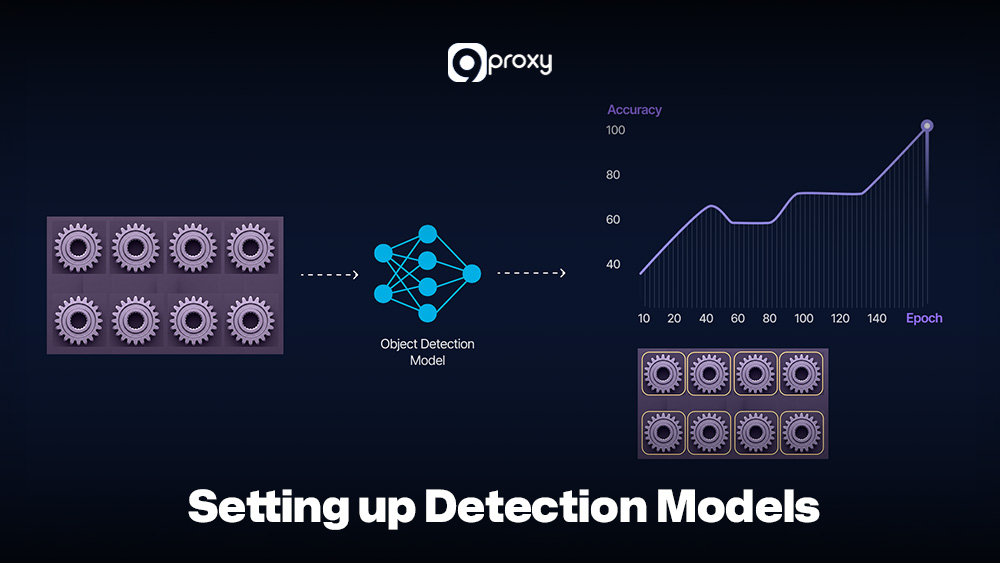
Setting up Detection Models
This is where the system begins to understand your network’s behavior and identify what looks suspicious.
- Rule Setup: Start with simple rules based on well-known bad activity. Examples include blocking traffic from malicious IPs or alerting on connections to unusual external domains.
- Threshold Definition: Create thresholds based on your baseline data. For example, you can alert when outbound traffic from a device suddenly becomes five times higher than usual or when login failures exceed a certain number.
- ML Model Training: If your tool uses machine learning, begin the training phase. During this learning period, the model studies normal behavior patterns without sending alerts. Depending on your environment, this phase can last from a few days to several weeks.
- Parameter Tuning: Adjust the sensitivity of the detection model. High sensitivity finds more anomalies but may produce false positives. Low sensitivity reduces noise but may miss subtle threats. Start with a balanced setting, then fine-tune based on real testing.
- Detection Modes: Decide how the system should respond. Some setups alert only, while others can stop suspicious activity for signature-based or rule-based detections. Choose the mode that fits your risk tolerance.
Deployment & Testing
Before relying on the system in production, you must test and validate that everything works as expected.
Phased Deployment:
Begin with an alert-only setup. Run your Network Anomaly Detection tool alongside existing security tools so you can compare results and understand differences without disrupting operations.
Simulate Anomalies:
Use testing tools or scripts to create small, controlled anomalies. Examples include running a port scan, generating a burst of DNS requests, or sending a small amount of unusual outbound traffic. This helps confirm that the system correctly identifies suspicious behavior.
Tune Thresholds:
Review alerts generated during testing. If the system produces too many false positives, adjust the thresholds or add exceptions for legitimate traffic patterns. The goal is to make alerts both meaningful and manageable.
Validate Detection Results:
For each alert, review the details and identify the cause. This step confirms whether the detection model is accurate. It also helps you understand what kind of tuning or additional rules might be needed before going live.

Common Challenges, Pitfalls & How to Overcome Them
Even though Network Anomaly Detection is very effective, it still faces several challenges in real-world networks.
High False Positive Rate
This is the most common problem. The system may generate too many harmless alerts, causing alert fatigue and making teams ignore real threats.
Fix: Use Behavioral Analytics instead of simple thresholds. Keep refining baselines and automatically suppress alerts during known high-traffic periods, such as scheduled system updates.

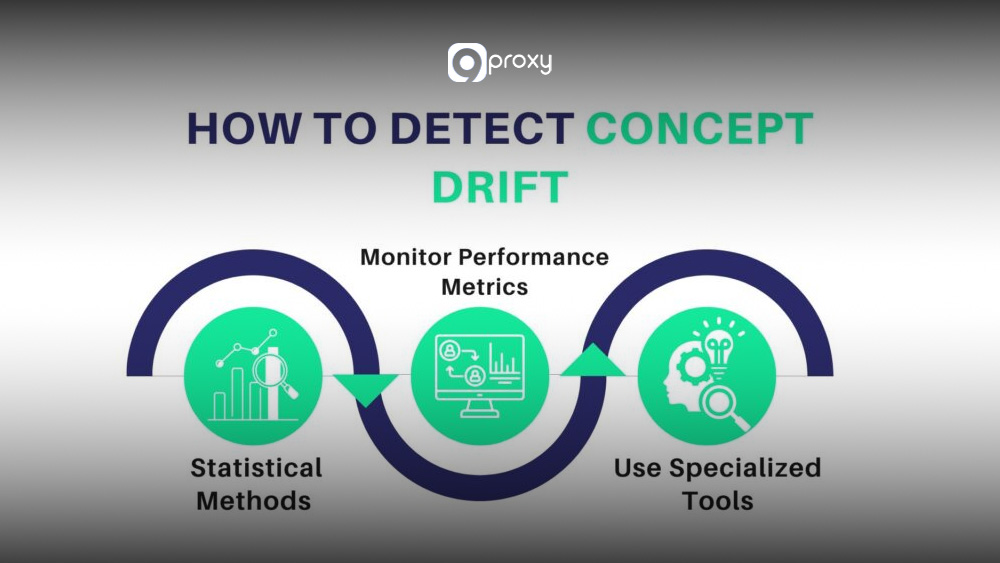
Concept Drift
What is considered “normal” in a network changes over time as new apps, users, or systems are added. When the model becomes outdated, it may miss real anomalies.
Fix: Retrain models regularly. Set up routine re-baselining or use unsupervised ML models that automatically adapt to new traffic behaviors.
Data Quality Issues
Missing, corrupted, or incomplete flow logs and packet data make it difficult for the system to learn accurate baselines. In some cases, ingestion failures are caused by misconfigured gateways or undocumented proxy error codes that interrupt log forwarding between sensors and SIEM platforms.
Fix: Monitor the health of all data collectors, such as NetFlow sensors and log agents. Make sure your ingestion pipelines are stable and fully functional.

Detection Blind Spots
Encrypted traffic hides packet content, and some internal segments may lack monitoring, creating areas where threats can pass unnoticed.
Fix: Use flow-based analysis methods, such as those in Cisco or Flowmon, which rely on metadata like timing, volume, and destinations to detect anomalies without decrypting traffic.

Scalability Problems
Network Anomaly Detection systems must process huge amounts of data. Without proper scaling, SIEM or log systems can easily become overloaded.
Fix: Use a distributed architecture that separates collection, processing, and storage. Choose tools built specifically for analyzing high-volume network traffic.

Real-World Use Cases of Network Anomaly Detection
Network Anomaly Detection provides real, practical benefits across many security and operational situations. Below are common examples of how it works in real environments.
DDoS Mitigation in an Enterprise
- Scenario: A public-facing web service suddenly receives ten times its normal inbound traffic.
- Detection: The system flags a Traffic Volume Anomaly because the spike is far above the usual baseline.
- Action: Automated rules route traffic to a scrubbing service, keeping the website online and stable.
Detecting Internal Data Leaks (Insider Threat)
- Scenario: A user who normally sends less than 10MB of data per day starts sending 100MB every night to an unknown cloud storage service.
- Detection: Behavioral Analytics identifies this as an Unauthorized Access Pattern or Data Exfiltration Attempt, since it breaks the user’s normal behavior.
- Action: The security team reviews the activity and stops the suspicious data transfer.
Identifying Compromised IoT Devices
- Scenario: A security camera that should only talk to its management server suddenly tries to contact risky external domains and scan internal ports.
- Detection: The system marks this as Protocol Misuse or Reconnaissance, because the device is acting outside its usual role.
- Action: The device is isolated to prevent further spread of the compromise.
Preventing Service Degradation in Hybrid Networks
- Scenario: A cloud application becomes slow because the VPN tunnel to an on-premises database starts showing high latency.
- Detection: The system triggers a Latency and Performance Anomaly alert and links it to the application monitoring data.
- Action: Network operations teams find congestion on the tunnel and adjust bandwidth before users are affected.
Conclusion
Network Anomaly Detection is now a must-have for any modern network. With the right tools and well-tuned detection models, you can turn noisy network traffic into clear alerts that help you spot attacks and performance problems early.
At 9Proxy, we believe that a stable and well-monitored network is the foundation of any strong security setup. Your next step is to review the 12 tools in this blog, pick the ones that fit your size and environment, and start testing Network Anomaly Detection in a safe, controlled setting. This will help you build a stronger and more reliable security posture.