


Machine Learning CAPTCHA Solver systems are becoming more important as websites upgrade their defenses against automated bots. CAPTCHAs were made to block automation, but modern AI models can now solve them surprisingly well.
The goal of this blog is to help developers, researchers, and tech teams understand the essentials: how CAPTCHAs work, the step-by-step implementation process, and practical troubleshooting. By the end, 9Proxy will show you ways to build and train your own Machine Learning CAPTCHA Solver for ethical testing, research, or strengthening your application’s security.
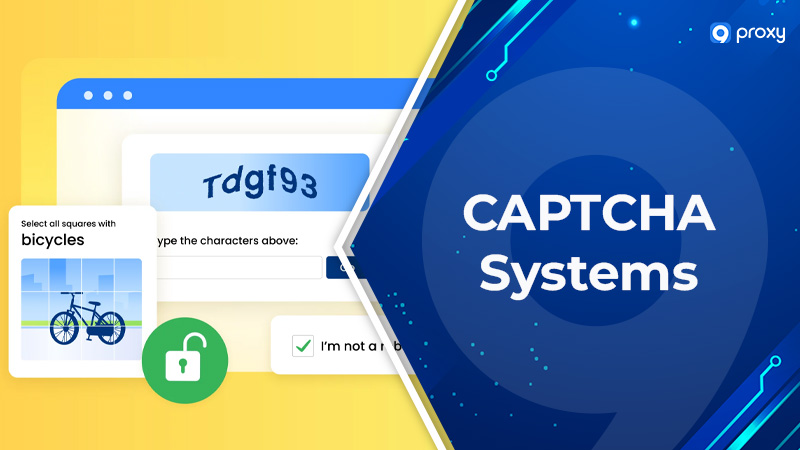
Understanding CAPTCHA Systems
CAPTCHA is a security system designed to tell human users apart from automated bots by using simple challenges that people solve easily but machines struggle with. At their core, CAPTCHA systems follow a challenge-response pattern: the website presents a puzzle, and access is granted only when the user solves it correctly.
CAPTCHA remains essential because bots keep evolving. Modern designs use distortion, noise, motion, puzzles, and behavioral signals to stay ahead of automated attacks. Understanding how CAPTCHA works helps you see why it continues to be a foundational layer of online security.
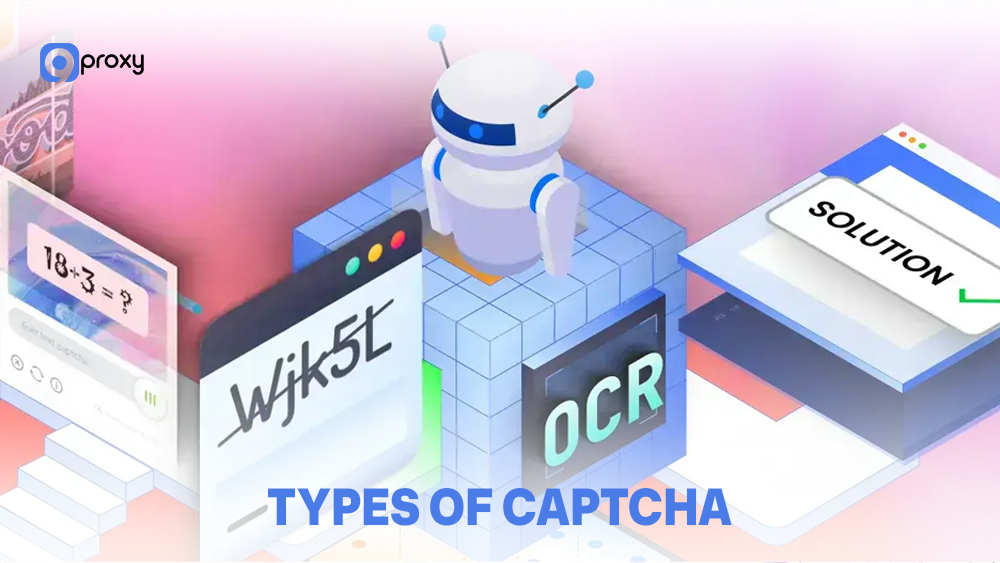
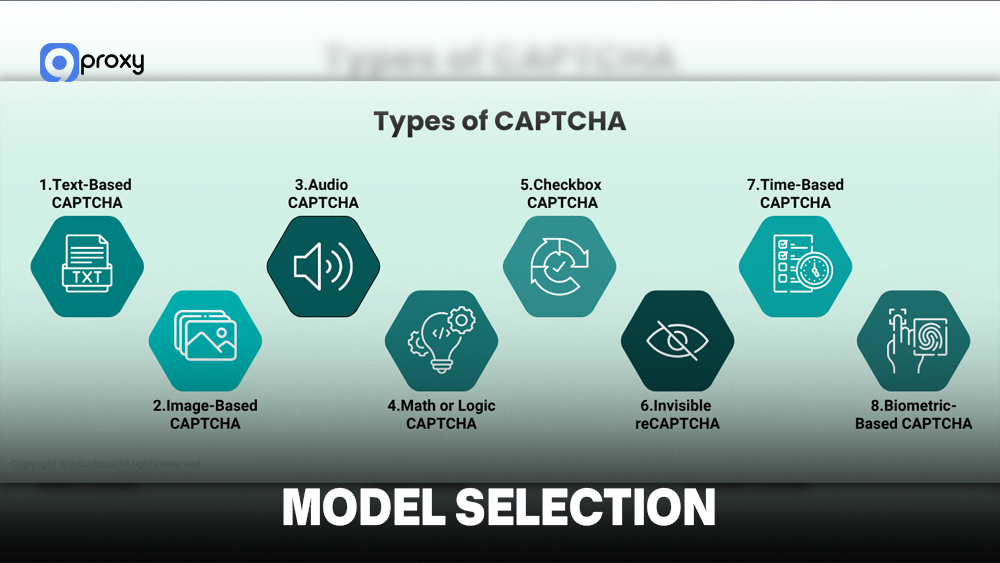
Types of CAPTCHA
Websites use different CAPTCHA types because no single method balances security, usability, and accessibility for every scenario. Modern CAPTCHA systems appear in several forms:
- Text-Based CAPTCHA: Users type distorted characters. Older versions are now easier for OCR to break, but they remain simple to use and implement.
- Image-Based CAPTCHA: Users choose images that match a prompt like “cars” or “traffic lights.” Harder for machines, but requires well-designed image sets.
- Audio CAPTCHA: Users listen to distorted audio and type what they hear. Helpful for accessibility, though advanced speech recognition can weaken them.
- Behavioral CAPTCHA: These examine mouse movement, typing patterns, or browsing behavior without showing a visible challenge. Seamless for users, but requires large behavioral datasets.
- Puzzle and Logic CAPTCHA: Simple tasks or math problems. Easy to generate but often simple for humans to get through creatively.
- Invisible CAPTCHA: Systems like reCAPTCHA v3 score behavior without user interaction. Smooth for humans but less transparent.
The Role of CAPTCHA in Internet Security
CAPTCHAs act as the first line of defense against harmful automated activity. They protect login systems from credential stuffing, disable bots from scraping sensitive information, and prevent large-scale abuse. In more advanced security architectures, CAPTCHA systems are often combined with behavioral monitoring and network anomaly detection to identify unusual traffic spikes, bot clusters, or suspicious IP patterns before damage spreads.
However, balancing security and user experience is difficult. CAPTCHA that are too challenging annoy real users, while CAPTCHA that are too simple get passed through easily. As AI grows stronger, CAPTCHA providers must constantly update their systems to stay effective. This rapid evolution is why understanding how CAPTCHA works is valuable for both security teams and researchers.

Step-by-Step Guide to Building an ML-Based CAPTCHA Solver
To build a CAPTCHA solver, you need to follow five basic steps: collect data, clean the data, choose a model, train the model, and test how well it works. Below is a straightforward explanation of each step.
Data Collection
Your data is the most important part of a CAPTCHA solver. If your dataset is too small or not diverse enough, the model will not learn well. You can get CAPTCHA data from:
- Public Datasets: Research datasets like Synthetic CAPTCHA or SVHN.
- Web Scraping: Collecting real CAPTCHA from websites (only if allowed by their rules).
- Synthetic Generation: Creating fake CAPTCHA using Python tools such as Pillow.
- Private Collections: Images collected from your own system or company.
A combination of these sources works best. Try to gather at least 5,000-10,000 images for good accuracy.

Preprocessing
Before training, you must prepare the images properly so the model can learn effectively and understand the important patterns hidden inside the CAPTCHA samples. Basic steps include:
- Resize: Make all images the same size (for example, 224×224).
- Convert to Grayscale: Reduces complexity and makes training easier.
- Remove Noise: Use filters to clean background clutter.
- Improve Contrast: Make characters clearer and easier to identify.
- Normalize: Scale pixel values for better training stability.
- Augment Data: Add small variations like rotation or zoom to avoid overfitting.
Good preprocessing can improve your accuracy from about 60-70% to more than 90%.
Model Selection
Different problems need different machine learning models because each CAPTCHA type requires its own way of recognizing patterns, handling distortions, and interpreting characters or images.
- Convolutional Neural Networks (CNNs): Best for most CAPTCHA images.
- OCR Models: Tools like Tesseract work well for simple text CAPTCHA.
- RNNs / LSTMs: Useful when the CAPTCHA contains multiple characters in sequence.
- Vision Transformers (ViTs): Powerful for complex, distorted CCAPTCHAbut need more data.
Most people start with CNNs because they are effective, fast, and easy to use.
Training the Model
Once your data is ready, you can begin training your CAPTCHA solver. To build an effective model, here’s what you need to do step by step:
- Choose a framework such as TensorFlow/Keras or PyTorch.
- Split data into training, validation, and test sets (70/15/15).
- Use a suitable loss function like categorical cross-entropy.
- Start with Adam optimizer (learning rate 0.001)
- Train using batch size 32 for about 50 epochs with early stopping.
- Evaluate using accuracy, precision, recall, and F1-score.
A dataset of 10,000 images usually takes 30 minutes to 2 hours to train on a modern GPU.

Testing and Evaluating Performance
Rigorous testing is important because it shows whether your CAPTCHA solver truly works on real CAPTCHAs, not only on the images it learned during training.
To understand model performance clearly, you should look at several metrics, not just accuracy:
| Metric | Definition | What it means |
| Accuracy | Correct predictions / Total predictions | Overall score, but may hide problems if the data is imbalanced |
| Precision | True Positives / (True Positives + False Positives) | When the model says “this is correct,” how often is it actually right |
| Recall | True Positives / (True Positives + False Negatives) | How many real correct answers does the model find |
| F1-Score | Combined score of precision and recall | Good overall indicator of model balance |
| Confusion Matrix | Table of predictions vs. real labels | Shows which characters or classes the model mixes up |
These metrics reveal details that accuracy alone cannot. For example, a solver might show 95% accuracy on your test set but only reach 60% on real CAPTCHA if the test images do not match real-world difficulty. This usually means overfitting, where the model memorizes training images instead of learning general patterns.
To evaluate properly, always test on real CAPTCHA samples that were never part of the training data. Try cross-validation, test on different difficulty levels, and measure prediction speed to confirm the solver runs efficiently in production environments. If deployment involves proxy routing or distributed scraping systems, monitor connection stability and quickly fix proxy error issues that could distort real-world performance metrics.
A good production solver usually has 90%+ accuracy, responds in under 500ms, and performs consistently across many different test sets.
Advanced Techniques for CAPTCHA Solving
Once you have a basic solver, advanced techniques help improve performance on difficult image-recognition tasks, especially when characters are distorted, overlapped, or heavily stylized.
Deep learning models handle these complex variations by automatically learning high-level visual features.
Deep Learning for Complex CAPTCHA Modern
Modern CAPTCHA challenges are much harder than older versions, so they need stronger models to solve them. Deep learning models such as ResNet, Inception, and EfficientNet work well because they can learn detailed visual patterns. These models handle distorted characters, messy backgrounds, and images where letters overlap. In short, they can understand complex CAPTCHA images better than basic models.
Hybrid Models
Using more than one model together can improve accuracy. This approach is called a hybrid model, and it helps the solver become more flexible and reliable.
Common hybrid methods include:
- CNN + RNN: The CNN reads the image, and the RNN reads characters in order, making it good for multi-character CAPTCHA.
- CNN + Attention: The attention layer helps the model focus on important parts of the image, useful for CAPTCHA with different text lengths.
- Ensemble models: Several models make predictions, and the final output is a combination of all of them.
These methods make the CAPTCHA solver more robust and effective across many different CAPTCHA styles.

Using GANs for CAPTCHA Generation
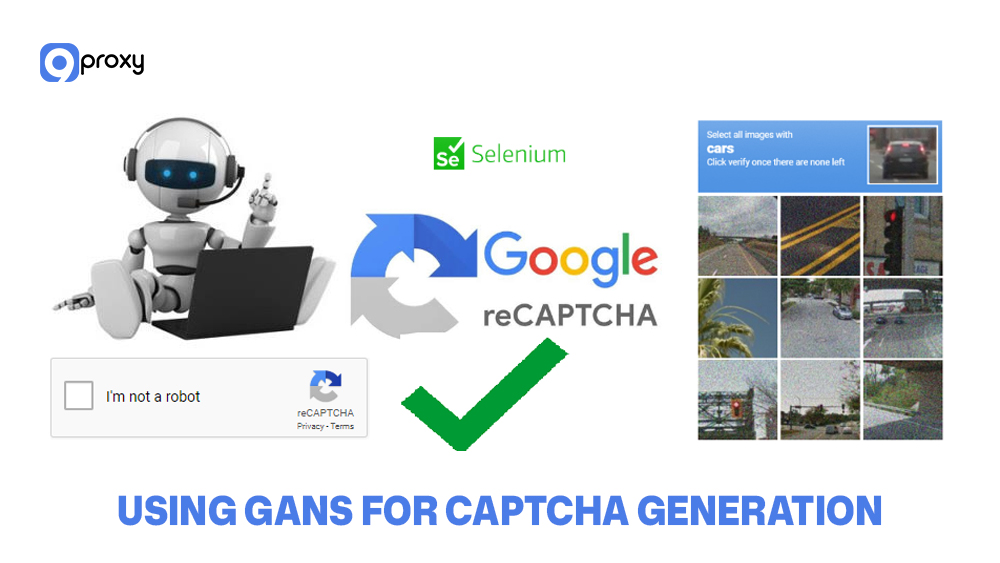
When real CAPTCHA datasets are limited or hard to collect, GANs (Generative Adversarial Networks) offer a powerful way to create synthetic training images. A GAN can learn the visual style of real CAPTCHA and generate new samples that look very similar. This helps machine learning models train on a much larger and more diverse dataset.
Common techniques include:
- Training a GAN to mimic real CAPTCHA distortions: The GAN studies real CAPTCHA examples and reproduces their noise, shapes, distortions, and character patterns.
- Creating large datasets quickly: Once trained, a GAN can generate thousands of CAPTCHA images in minutes, helping you scale your dataset without manual collection.
- Improving model generalization: Synthetic images add variety, which reduces the risk of your solver memorizing specific patterns.
GAN-generated CAPTCHA makes your dataset richer and more diverse, helping reduce overfitting and boosting overall solver performance, especially on real-world CAPTCHA systems.
Troubleshooting Common Issues
Most ML projects run into common problems, and experienced developers usually fix them by checking each issue step by step. Some common training problems and simple solutions include:
Low Accuracy (Below 70%): Often caused by poor data. Make sure labels are correct, images are clean, and preprocessing removes the right amount of noise. Add more variety to the dataset. Start with a simple model, then increase complexity if needed.
Overfitting (High Training Accuracy, Low Test Accuracy): The model is memorizing instead of learning. Use data augmentation, add dropout, reduce model size, or train with more diverse data.
Underfitting (Low Accuracy on Both Sets): The model is too weak or not trained enough. Use a larger model, increase training epochs, reduce dropout, or simplify heavy augmentation.
Class Imbalance: Some characters appear too rarely. Use weighted loss functions, oversample rare classes, or generate synthetic examples to balance the dataset.
Memory Errors (Out of VRAM): Batch size or model is too large. Reduce batch size, use gradient accumulation, switch to a smaller model, or use mixed-precision training.
NaN Loss (Training Crashes): Usually a learning rate issue. Lower the learning rate, apply gradient clipping, or improve input normalization.
Experienced developers debug systematically: change one thing at a time, measure the results, and document what improves performance. Most issues come from data quality, so always check the data first.
Tools and Libraries for CAPTCHA Solving
Many frameworks and libraries can be used to build a CAPTCHA solver, each offering different strengths depending on your goals and skill level.
Below is a simplified overview of the most important tools, what they do, and when to use them:
| Tool / Library | Primary Function | Best For | Key Features |
| TensorFlow + Keras | Deep learning | Production models, large teams | Strong ecosystem, great documentation, and deployment support |
| PyTorch | Deep learning | Research, custom models | Flexible, dynamic graphs, ideal for experimentation |
| OpenCV | Image processing | Preprocessing, cleanup | Fast, lightweight, powerful vision algorithms |
| Pillow (PIL) | Image manipulation | CAPTCHA generation | Easy to use, good for synthetic datasets |
| scikit-learn | Traditional ML | Small datasets, interpretable models | Includes SVM, RandomForest, DecisionTrees |
| Tesseract OCR | Character recognition | Text-based CAPTCHA | Free, simple, good for legacy CAPTCHA |
| YOLO / Faster R-CNN | Object detection | Finding characters or objects | Useful for location-based CAPTCHA tasks |
| Albumentations | Data augmentation | Reducing overfitting | Fast, diverse augmentation options |
| Weights & Biases | Experiment tracking | Tuning and reproducibility | Dashboards, comparisons, logging |
| Docker | Deployment | Production and scaling | Easy packaging, consistent environments |
TensorFlow is popular for production because of its deployment tools and large ecosystem. PyTorch is preferred in research because of its flexibility. Most professional teams combine OpenCV for preprocessing and PyTorch for deep learning. Beginners often start with scikit-learn before moving into deep learning frameworks.
Ethical Use Cases for Machine Learning CAPTCHA Solvers
Understanding legitimate uses of a CAPTCHA solver is important because it separates responsible work from harmful activities. Below are the main ethical reasons for creating or studying CAPTCHA solvers:
Security Testing and Improvement
Companies build CAPTCHA solvers to test their own systems. This helps them find weaknesses before attackers do. Security teams and penetration testers use these tools to check how strong their login and protection systems are.
Accessibility Support
Some users with visual or physical disabilities cannot solve regular CAPTCHA easily. Solvers can be built into accessibility tools to help them complete verification while still keeping websites secure. This ensures everyone has fair access.
Academic Research
Researchers study CAPTCHA technology to understand its strengths and weaknesses. Their studies help improve online security and teach developers how to build safer systems. These projects follow ethical rules and responsible disclosure.
Authorized Automation
Developers sometimes need to solve CAPTCHA on systems they own or manage, such as during internal testing or approved automation tasks. This is very different from using solvers on websites without permission.
All ethical use cases share the same principles: clear intention, respect for the website owner, and using the solver for positive and legal purposes.
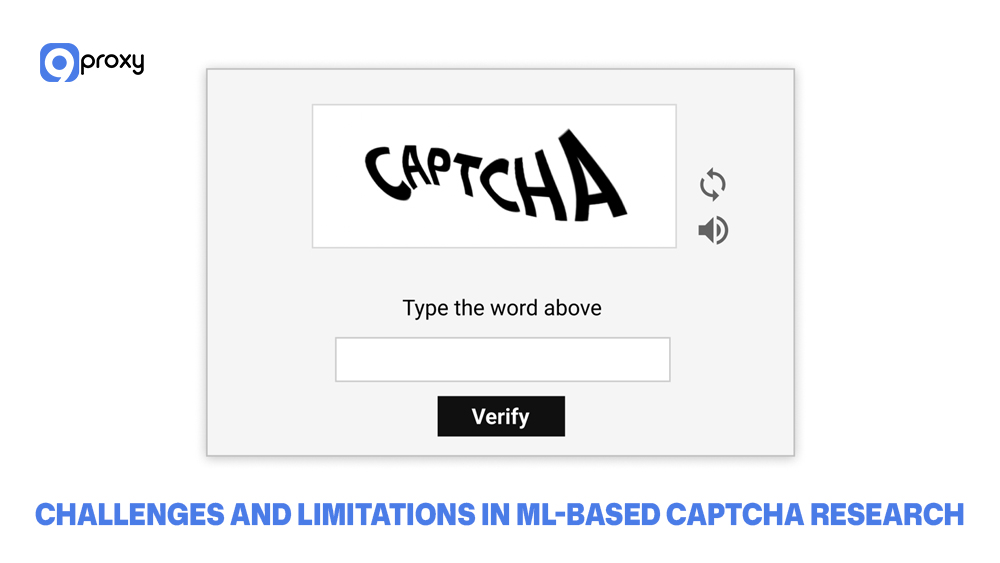
Challenges and Limitations in ML-Based CAPTCHA Research
ML-based CAPTCHA solvers still face many challenges, especially as modern CAPTCHA systems evolve quickly and introduce new obstacles for machine learning models to overcome.
Dataset Limitations: Public CAPTCHA datasets are small and outdated. Real datasets are private, and collecting CAPTCHA from websites can be legally risky.
Model Overfitting: Models often learn one CAPTCHA style and fail on others because every website uses different fonts, noise, and distortion.
Adversarial Robustness: Modern designs use distortion, noise, motion, puzzles, behavioral signals, and advanced risk analysis models to stay ahead of automated attacks. Some systems even combine CAPTCHA with broader AI detection mechanisms that analyze browsing patterns, device fingerprints, and automation signals to determine whether a request comes from a real user or a bot.
Real-World Variability: Live CAPTCHA is messier than training data. Small changes in design can cause a big drop in accuracy.
FAQ
What is the best machine learning algorithm for solving CAPTCHA?
No single best model. CNNs work well for most CAPTCHA. ResNet/EfficientNet handles complex cases. Tesseract OCR works for simple text. Vision Transformers are strong but need more data.
How accurate can ML models be in solving CAPTCHA?
A well-trained model can achieve high accuracy, often above 90 percent, depending on the dataset quality and CAPTCHA complexity.
- Simple text: 95–99%
- Image-based: 85–95%
- Distorted CAPTCHA: 60–80% (up to 80–95% with ensembles)
Real-world accuracy might drop because live CAPTCHAs differ from training data.
What legal risks or consequences come with using CAPTCHA-solving tools?
Risks include violating website terms, anti-hacking laws, or aiding fraud. Safer uses include testing your own systems, researching with public datasets, or building accessibility tools. Always get permission and avoid harmful use.
Conclusion
In this blog, we explored how CAPTCHAs work, how to build a solver from start to finish, and how to avoid common issues like overfitting and low performance. However, real-world CAPTCHA solving remains challenging because datasets are limited, CAPTCHA designs evolve quickly, and legal restrictions shape how research can be done.
Successful projects rely on clean, diverse data, thoughtful model selection, and honest evaluation of real-world results. By understanding these principles and applying them responsibly, you can develop safer and more reliable ML CAPTCHA solutions. To continue learning, explore more 9Proxy blogs covering related topics so you can understand the full picture.