When you work with data, choosing between JSON vs CSV can feel confusing, especially if you're handling APIs, analytics, or large automation workflows. Many developers, analysts, and digital teams also face the same challenge: understanding which format truly fits their project.
Through this article, 9Proxy will bring you clear, practical answers based on real use cases, performance needs, and readability considerations. By the end, you’ll know exactly when JSON makes sense and when CSV becomes the smarter, lighter choice.
What Is JSON?
JSON (JavaScript Object Notation) is a lightweight, text-based format used to organise and exchange data in modern applications. Even though it comes from JavaScript, JSON works with almost every programming language, so developers can integrate it easily.
It has a flexible structure, allowing you to add new fields or nested data without breaking existing information. Because of this simplicity and flexibility, JSON is widely used in APIs, configuration files, logs, and many distributed systems.
Basic Structure & Features of JSON
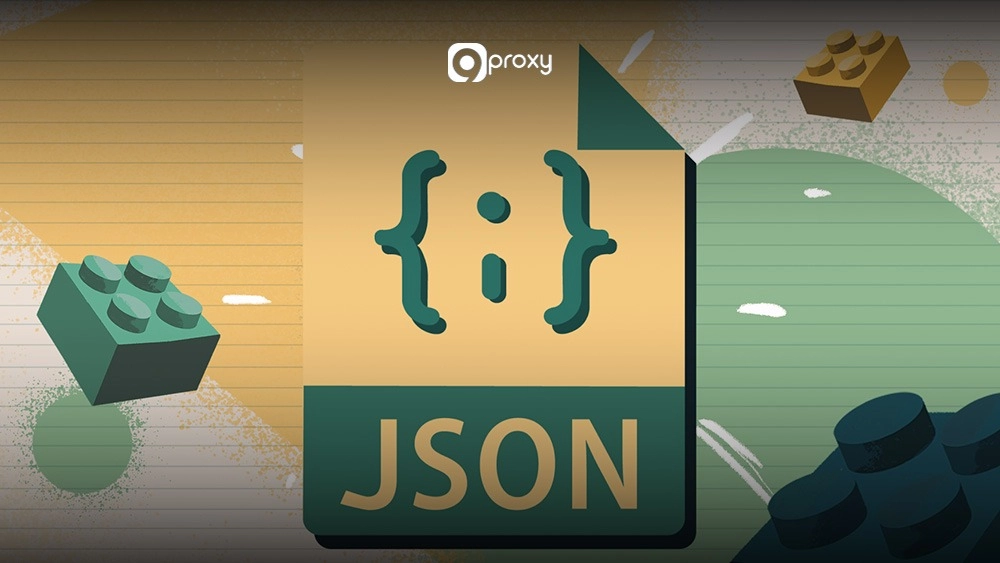
The structure of JSON is based on two main parts: objects and arrays, which allow it to represent complex, hierarchical data.
- Objects: These are unordered sets of key–value pairs enclosed in curly braces {}. Keys must be strings, while values can be strings, numbers, booleans, arrays, objects, or null. Objects are ideal for describing a single entity, such as a user profile.
- Arrays: These are ordered lists of values placed inside square brackets []. Arrays are used to store multiple items, such as a list of customer addresses. The values inside an array can be of different types.
- Data Types and Flexibility: JSON supports many data types (strings, numbers, booleans) and can handle nested structures by allowing objects or arrays to contain other objects or arrays.
What Is CSV?
CSV (Comma-Separated Values) is a simple, plain-text format used to store tabular data, similar to a spreadsheet. Each line represents a row, and the values in that row are separated by commas. Because CSV is lightweight and universally supported, it can be opened or imported by almost any spreadsheet, database, or analysis tool. Its straightforward structure makes CSV files small, fast to process, and ideal for large, flat datasets.
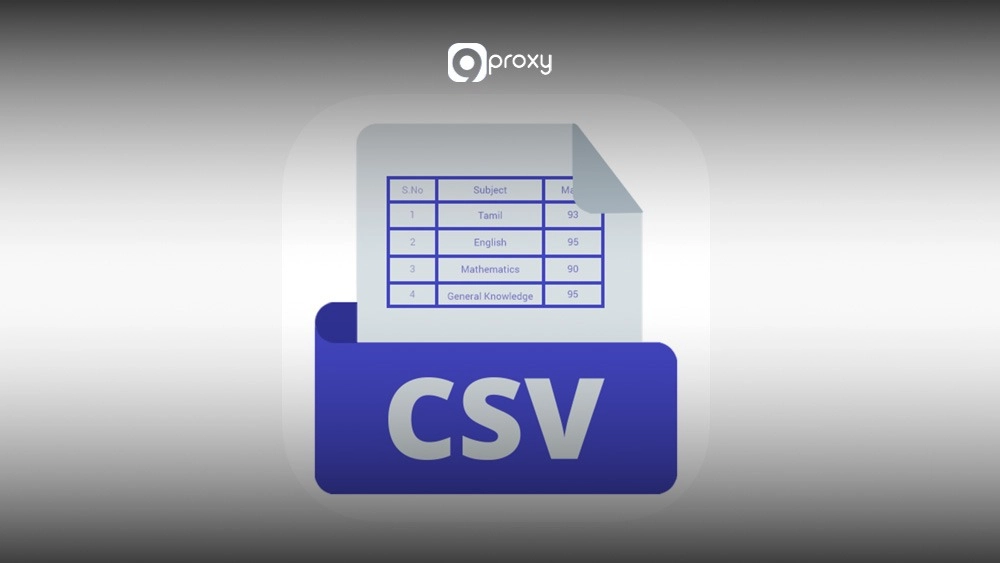
Its straightforward structure makes CSV files small, fast to process, and ideal for large, flat datasets often collected from automation workflows such as web scraping proxy systems that handle high-volume data extraction.
Basic Structure & Features of CSV
The structure of CSV is very straightforward, using only rows and columns separated by a delimiter.
- Rows: Each line in a CSV file represents one data record, similar to a single entry in a table.
- Columns and Delimiters: Inside each row, values are separated by a delimiter, usually a comma. This separator defines the columns of the dataset. In some regions, a semicolon or tab may be used instead.
- Headers: The first line often serves as the header row, listing the column names so users understand what each value represents.
- Simplicity and Readability: CSV files are easy to create, edit, and read with any basic text editor, making them accessible for both technical and non-technical users.
JSON vs CSV: Benefits & Drawbacks
Choosing between JSON vs CSV depends on how your data is structured and where it will be used. The table below outlines the key advantages and disadvantages of both formats, helping you see which option fits your needs more effectively.
|
Benefit |
Drawback |
Use Case |
|
JSON supports nested data and flexible schemas |
Larger file size due to structural syntax |
APIs, logs, events, and configuration files |
|
CSV is lightweight and fast to process |
Cannot store nested structures cleanly |
Analytics, spreadsheets, BI dashboards |
|
JSON keeps relationships intact |
Harder to scan visually for large datasets |
Storing user profiles, product metadata |
|
CSV is easy for non-technical users |
Limited to flat structures only |
Marketing, finance, bulk imports |
|
JSON integrates smoothly with web apps |
More complex to edit manually |
Modern web services, NoSQL databases |
While JSON offers flexibility and rich structure, CSV focuses on speed, compact size, and simplicity. CSV works best for transferring large, flat datasets, especially in workflows like Python web scraping, where structured output is needed for analysis. JSON, on the other hand, is more suitable for modern web services and complex data relationships.
Key Differences Between JSON and CSV: Comparison Table
CSV organises data in a flat, two-dimensional table, while JSON stores information in a hierarchical, tree-like structure. Knowing this difference makes it easier to choose the format that provides the best Semantic Interoperability for your application.
The table below highlights the main technical differences between JSON vs CSV so you can quickly determine which one fits your project requirements.
|
Feature |
JSON (JavaScript Object Notation) |
CSV (Comma-Separated Values) |
|
Structure |
Key-Value pairs, Arrays, Objects (Hierarchical/Nested) |
Tabular (Rows and Columns) |
|
Readability |
High, especially for complex or nested data. |
High, especially for simple, tabular data. |
|
Schema |
Flexible / Schema-less |
Rigid (Schema is defined by the fixed header row). |
|
Nested Support |
Yes (Excellent) |
No (Requires flattening complex structures). |
|
File Size |
Larger (due to repetitive keys and structural characters). |
Smaller (minimal overhead). |
|
Tooling |
Requires dedicated JSON parsers/libraries. |
Directly readable by spreadsheet software and basic text editors. |
|
Data Types |
Supports explicit data types (String, Number, Boolean, Null). |
Treats almost all data as strings; data types must be inferred. |
These two formats process data in completely different ways. JSON uses a hierarchical structure with clear data types, making it a strong choice for modern APIs and applications that deal with complex relationships. In contrast, CSV uses a flat and compact layout, which is better suited for large volumes of raw data and analysis tasks that fit easily into a spreadsheet.
When to Use JSON?
JSON is the better choice when your data is complex, organized in layers, or needs to stay flexible for modern applications. We suggest using JSON when keeping relationships between data points is more important than having a small file size.
- API Data Exchange: JSON is the main format for sharing data between servers and web applications. It works well for API responses that include nested data, such as a product that contains a list of reviews.
- Configuration Files: Many applications store settings in JSON because its key-value structure is easy for machines to read and update. It can also handle deeper, more detailed settings.
- Schema-less Databases: NoSQL databases like MongoDB save data in BSON, which is based on JSON. If your records do not all follow the same structure, JSON is the best way to keep that flexibility.
- Complex Events and Logs: JSON can store detailed information about system events, including nested values, timestamps, and metadata. This makes logs easier to understand and easier for machines to process.
Example Code and Tools
One of JSON’s biggest strengths is its high level of Semantic Interoperability across different programming languages. Below are simple examples of what a JSON structure looks like and how you can parse it.
Examples of JSON data:
JSON
{
"user_id": 1001,
"username": "9ProxyUser",
"is_active": true,
"purchases": [
{"item_id": "P-45", "quantity": 1},
{"item_id": "P-12", "quantity": 3}
]
}
Parsing JSON in Python: Python’s built-in json library makes processing a JSON vs CSV comparison trivial. When handling JSON from external APIs, developers sometimes run into gateway or server issues that interrupt the parsing process, especially when troubleshooting backend connectivity or a 502 error fix during API responses.
Python
import json
json_string = '{"user_id": 1001, "username": "9ProxyUser"}'
data = json.loads(json_string) # Deserialize JSON string to a Python dictionary
print(data['username']) # Output: 9ProxyUser
Parsing JSON in JavaScript: JavaScript uses JSON.parse() to easily convert a JSON string into a native object.
JavaScript
const jsonString = '{"user_id": 1001, "username": "9ProxyUser"}';
const data = JSON.parse(jsonString); // Converts JSON string to JavaScript Object
console.log(data.user_id); // Output: 1001
When to Use CSV?
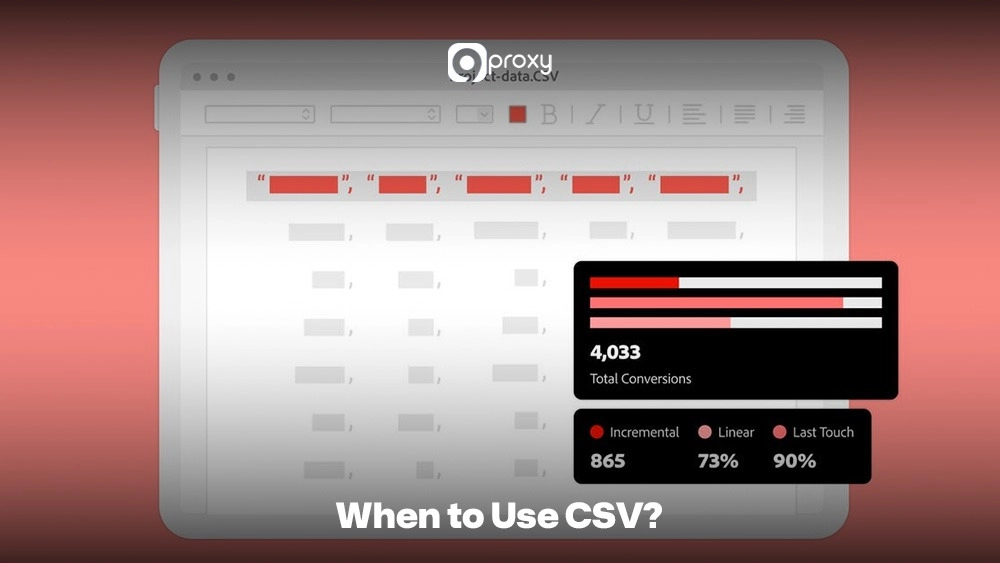
CSV is the best option when you work with large amounts of simple, flat data that needs to be reviewed by people or used for basic analysis. We recommend CSV whenever you need universal compatibility, very small file sizes, and a clean, table-like structure.
- Spreadsheet Compatibility: CSV works with all major spreadsheet tools like Excel and Google Sheets. It is the easiest format for importing or exporting data used in budgeting, business intelligence, or simple filtering tasks.
- Analytics and BI Tools: Most data warehouse and Business Intelligence platforms, including Tableau and Power BI, read CSV files quickly because the format is compact and consistent.
- Large Data Logging and Transfers: When you need to move huge datasets, such as marketing history or financial records, CSV is efficient because the files stay small and transfer quickly.
- Database Import and Export: CSV is commonly used as a simple and fast format for loading or extracting large batches of data from relational databases.
Example Code and Tools
CSV vs JSON file formats differ clearly in how they structure data, and this simple layout makes CSV much easier to view and check without any special tools.
Example CSV Data Structure:
Code snippet
user_id,username,is_active
1001,9ProxyUser,TRUE
1002,ClientX,FALSE
Parsing CSV in Python: Python’s csv module handles common quoting and delimiter issues, making it robust for processing a CSV vs JSON dataset. CSV imports through proxy-dependent services may occasionally fail due to authentication interruptions, often linked to a 407 proxy authentication required condition that stops the data pull.
Python
import csv
from io import StringIO
csv_data = StringIO("user_id,username\n1001,9ProxyUser")
reader = csv.reader(csv_data)
for row in reader:
print(row)
# Output:
# ['user_id', 'username']
# ['1001', '9ProxyUser']
Parsing CSV in JavaScript (using Papa Parse): While not native, libraries like Papa Parse are common in JavaScript environments for robust CSV handling.
JavaScript
// (Requires Papa Parse library)
// Papa.parse("user_id,username\n1001,9ProxyUser", {
// header: true,
// complete: function(results) {
// console.log(results.data);
// }
// });
/* Output:
[
{ "user_id": "1001", "username": "9ProxyUser" }
]
*/
Is It Possible To Use JSON and CSV Together?
Yes, it is very common to use JSON and CSV together, especially in data pipelines that connect different systems. Data often needs to be converted from one format to the other depending on the stage of the workflow.
For example, an e-commerce API may provide order data in JSON because the information is complex and hierarchical. The Marketing team, however, may need that same data in a spreadsheet, which requires converting it to a simple CSV file. In the opposite situation, a legacy system might export customer data in CSV, but a modern web application may need it in JSON before sending it to a NoSQL database.
This ability to switch between formats helps maintain smooth Semantic Interoperability across different platforms and tools. This is common in scraping pipelines and data workflows discussed across the Blog 9Proxy.
Converting Between JSON and CSV
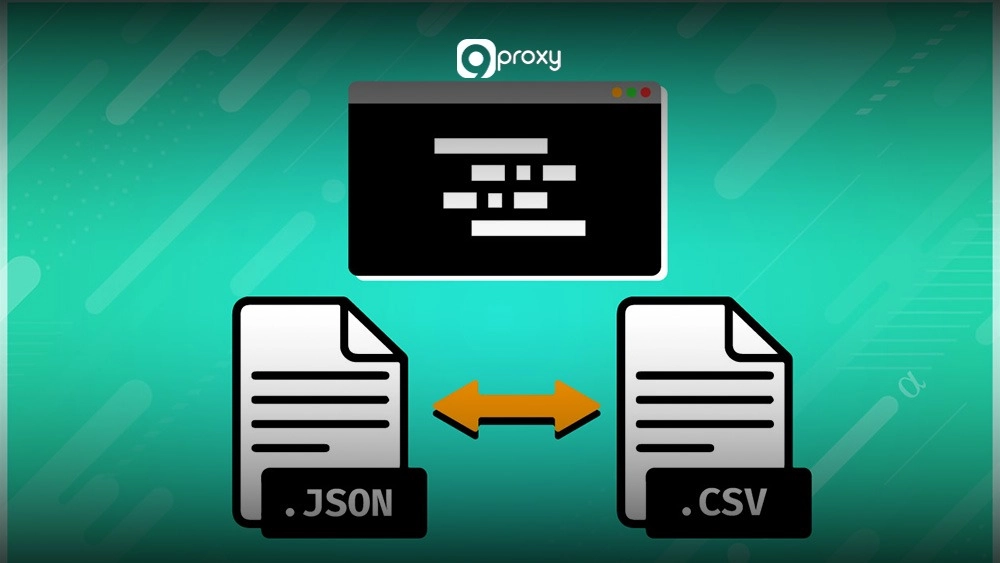
Converting between JSON vs CSV usually requires a tool or a script because the two formats store data in very different ways. JSON is hierarchical, while CSV is flat and tabular, so an extra step is needed to bridge the gap.
Online Tools:
- Online Converters: Many websites, such as ConvertCSV or CSVJSON, allow quick drag-and-drop conversion for small, simple files.
- Spreadsheet Tools: Programs like Google Sheets and Microsoft Excel can import JSON (sometimes with an add-on or query) and export it as a CSV file.
- Code Snippets (Python): The pandas library in Python is widely used for converting and manipulating data, making it one of the best options for switching between JSON and CSV.
JSON → CSV Conversion Example (Python):
import json
import csv
with open("data.json") as f:
data = json.load(f)
with open("data.csv", "w", newline="") as f:
writer = csv.writer(f)
writer.writerow(data[0].keys())
for row in data:
writer.writerow(row.values())
CSV → JSON Conversion Example (JavaScript):
const fs = require("fs");
const lines = fs.readFileSync("data.csv", "utf8").split("\n");
const headers = lines[0].split(",");
const json = lines.slice(1).map(line => {
const values = line.split(",");
return headers.reduce((obj, header, i) => {
obj[header] = values[i];
return obj;
}, {});
});
console.log(JSON.stringify(json, null, 2));
Conversion Challenges & Best Practices
While conversion between CSV vs JSON is possible, the process is not always smooth, especially when the JSON data is complex.
Key Conversion Challenges:
- Nested Structures (JSON to CSV): This is the hardest part. Nested objects must be flattened into new columns, such as address.street or address.city. Once flattened, it becomes difficult to convert the CSV back into the original JSON structure without errors. Network-based conversions may also be delayed during high server load, which can result in timeout-related issues, such as a 504 gateway timeout affecting automated pipelines.
- Arrays within JSON: Arrays, like a list of phone numbers, do not fit cleanly into a single CSV cell. They may be turned into a delimited string in one cell or expanded into multiple columns or rows, which can create duplicate data.
- Missing Fields: Flexible JSON schemas often contain objects with different sets of keys. When converting to CSV, missing keys must be filled with placeholders such as null or an empty string so that every row has the same number of columns.
- Quoting and Encoding: CSV is sensitive to commas inside data. Any value containing a comma must be enclosed in quotes, such as “Smith, John”. Encoding issues, especially with UTF-8, also need careful handling to prevent corrupted characters.
Conversion Best Practices:
- Define Your Schema First: Identify which nested fields you need before converting JSON to CSV, and plan how those fields should be flattened.
- Use Libraries: Tools like Python’s Pandas handle tricky cases such as quoting, missing fields, and encoding problems better than custom scripts.
- Test and Validate: Always test the conversion on a small sample to make sure the structure and data types are correct before processing large datasets.

Conclusion
Choosing between JSON and CSV depends on your data structure, performance needs, and workflow. CSV is still the top choice for large, flat, table-like datasets used in spreadsheets or basic analytics. JSON, however, has become the modern standard for data exchange thanks to its hierarchical structure, clear data types, and flexibility.
Before making a choice, take a moment to consider how your data is organized and what your system needs. If you’d like to dive deeper into related topics, visit the 9Proxy Blog for more helpful articles.