

AI Fingerprinting Proxy is becoming essential as websites adopt advanced AI-driven identification systems capable of reading browser, device, and behavioral patterns. The digital world has already moved past simple IP checks, and traditional proxies can’t keep up with this level of tracking.
That's why 9Proxy will help you understand why these AI-enhanced methods matter, how they differ from classic fingerprinting, and what you need to stay anonymous and stable. This article includes technical internals, key solutions, evaluation criteria, and a full setup tutorial, giving you the clarity and confidence to run scraping, automation, or accounting operations safely in 2026.
What Is an AI Fingerprinting Proxy?
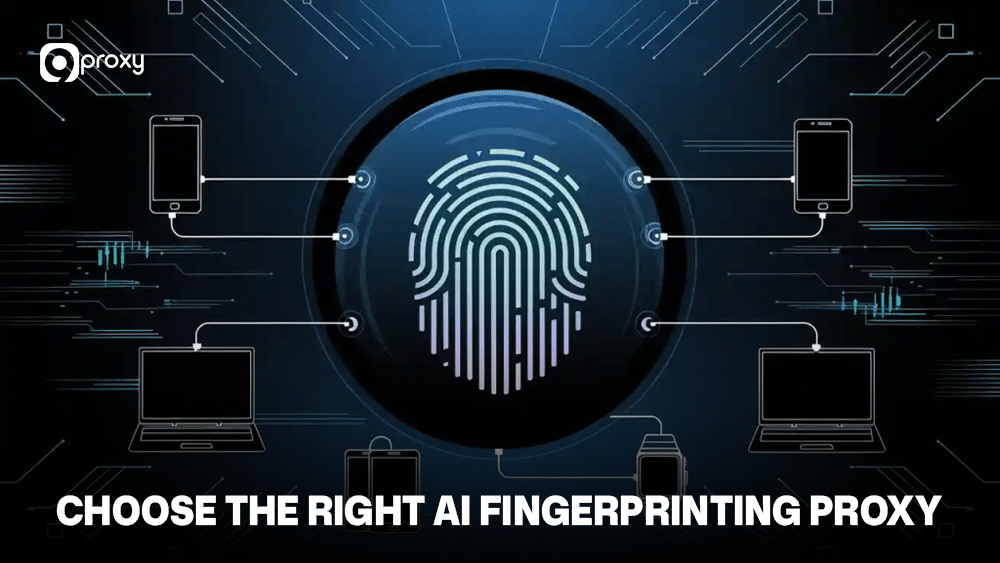
AI Fingerprinting Proxy is a special type of proxy that helps you avoid modern AI spotting systems used by websites. These systems don’t just look at your IP address; they also analyze your browser settings, device details, network patterns, and small behaviors to tell whether you’re a real person or an automated bot.
Instead of only rotating IPs, an AI Fingerprinting Proxy creates a natural, human-like digital identity. It does this by adjusting browser fingerprints, hiding network signals, shaping TLS data, and using residential or mobile IP pools.
How AI Fingerprinting Proxy Works
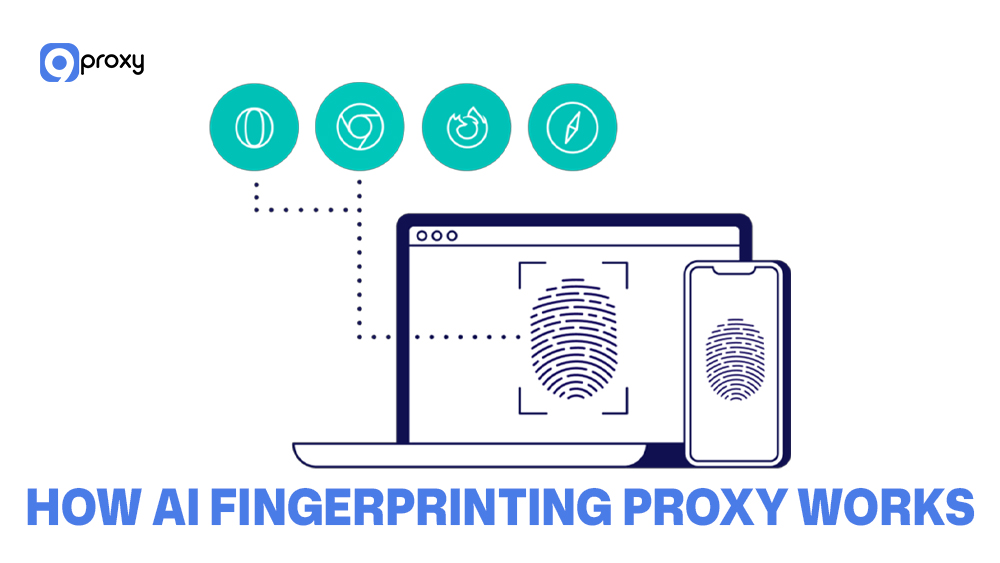
AI fingerprinting proxies work by combining smart network techniques with tools that imitate real user environments. First, these proxies shape your TLS fingerprint by changing the handshake details. This makes your traffic look like it comes from a real browser or device.
Next, the proxy uses rotating IPs so your connection doesn’t keep showing the same network data. It also performs device fingerprint spoofing by adjusting canvas, WebGL, audio, timezone, and other signals to look like a real user’s setup. With added browser environment randomization, your activity becomes less predictable.
At the infrastructure layer, some advanced systems combine fingerprint control with traffic routing logic similar to a reverse proxy setup, where requests are filtered and normalized before reaching the target website. This approach helps reduce anomalies in request headers and session behavior.
Finally, the proxy manages traffic entropy, making your browsing behavior match natural patterns. This helps you avoid anti-bot triggers and keeps your automation or multi-session tasks stable over long periods.
Common Use Cases of AI Fingerprinting Proxy
The main purpose of using an AI Fingerprinting Proxy is to get stable, reliable, and unnoticed access to websites you rely on for important business tasks.
- Web Scraping and Data Aggregation: Helps you collect data from protected e-commerce sites, financial platforms, or SERPs without being disabled by systems like Cloudflare or Akamai.
- Automation and Quality Assurance: Allows automated tests and QA scripts to behave like real users, so your workflows run smoothly without triggering anti-bot filters.
- SEO Tools and Competitive Intelligence: Let you track competitor prices, product details, and search rankings from different regions without your tools getting prohibited.
- Ad Verification and Brand Protection: Ensures your ads appear correctly and helps you spot misuse or unauthorized content across online platforms.
- Multi-Accounting: Makes it safe to run multiple social or e-commerce accounts on one device by giving each account a separate, consistent digital identity.
- Privacy and Anonymity: Protects sensitive research or internal activities by fully hiding your real device and network information.
Types of Proxies for Passing over AI Fingerprinting
Below is a comparison of the main proxy types used to pass over AI fingerprinting. This table shows how each type performs against modern identification systems.
The following table gives you the key features of residential, mobile, datacenter, and rotating proxies, along with browser fingerprint environments, so you can quickly see their strengths and limitations.
| Proxy Type | Strengths | Weaknesses | Best For | Undetectability |
| Residential | Real household IPs, stable reputation | Higher cost | Long sessions, multi-accounting | High |
| Mobile | Highest trust rating, carrier-grade IPs | Slower speeds | Ads, social platforms | High |
| Datacenter | Fast, cheap | Easily flagged | Bulk scraping | Low |
| Rotating | Continuous identity refresh | Less predictable | High-volume scraping | Medium |
| Browser Fingerprint Systems | Deep environment spoofing | Requires setup | Automation, stealth tasks | High |
In summary, residential and mobile proxies give you the highest level of undetectability, while datacenter proxies are faster but much easier for websites to recognise. Browser fingerprint systems offer an extra layer of protection, especially when used together with rotating pools.
How to Choose the Right AI Fingerprinting Proxy
Choosing a provider means looking at more than just the size of its IP pool. You need a solution that can actively stop AI systems from spotting patterns or inconsistencies in your traffic.
At 9Proxy, we use the following criteria to evaluate the best AI Fingerprinting Proxy providers:
- AI Spotting Resistance: The provider must regularly update its anti-detection methods to stay ahead of systems like Cloudflare, Akamai, and Imperva.
- IP Pool Freshness and Diversity: The IP pool should be large, ethically sourced, frequently checked for prohibitions, and spread across many ISPs to keep success rates high.
- TLS Fingerprint Control: The proxy should offer precise control, or automatic spoofing of JA3 and JA4 fingerprints so they match real browser profiles.
- JA3/JA4 Masking: The provider must reliably hide your true network signature from firewalls and other network-level checks.
- API Support and Integration: Look for simple, flexible APIs or a dedicated Anti-Detection Web Scraper API that handles fingerprint spoofing, CAPTCHA solving, and IP rotation automatically, making your workflow easier and more efficient.
Some providers also integrate fingerprint management with internal filtering layers similar to a proxy firewall, which inspects outbound and inbound traffic to remove suspicious patterns before they trigger anti-bot systems. This extra control is especially useful for high-risk automation targets.
Top 7 AI Fingerprinting Proxy Providers (2025)
Below is an overview of the leading AI-resistant proxy platforms for 2025. Each provider has its own strengths, and we evaluated them based on stability, stealth, and suitability for different workloads.
9Proxy
9Proxy delivers high-quality residential proxies built to go around AI-driven identification using clean IP pools, TLS shaping, and JA3 masking. With millions of real residential IPs, unlimited bandwidth, and a clean, non-shared pool, it provides strong stability and low blacklist rates.
- Pros: Clean residential IPs, strong undetectability, unlimited bandwidth, flexible API tools.
- Cons: Some advanced features may require a bit of setup for beginners.
- When to Use: Ideal for automation, multi-accounting, ad verification, and any task needing high-stealth residential IPs.
Bright Data
Bright Data offers residential and mobile IP pools globally, and its platform provides a wide range of advanced tools that integrate smoothly with large-scale enterprise automation workflows.
- Pros: Huge network, strong APIs
- Cons: Higher pricing
- When to Use: Large scraping operations or enterprise-scale research
Oxylabs
Oxylabs is known for residential and mobile proxies paired with AI filtering systems, offering strong performance, reliable uptime, and enterprise-grade infrastructure.
- Pros: Reliability, strong infrastructure
- Cons: Costly for smaller teams
- When to Use: SEO monitoring, big data collection

NetNut
NetNut uses ISP-assigned static residential IPs to give you steady and reliable connections. This setup helps your sessions stay stable for a long time, making it a good choice when you need consistent access without constant IP changes.
- Pros: Stable IPs, low latency
- Cons: Smaller pool than some competitors
- When to Use: Long-session workloads or identity-sensitive platforms
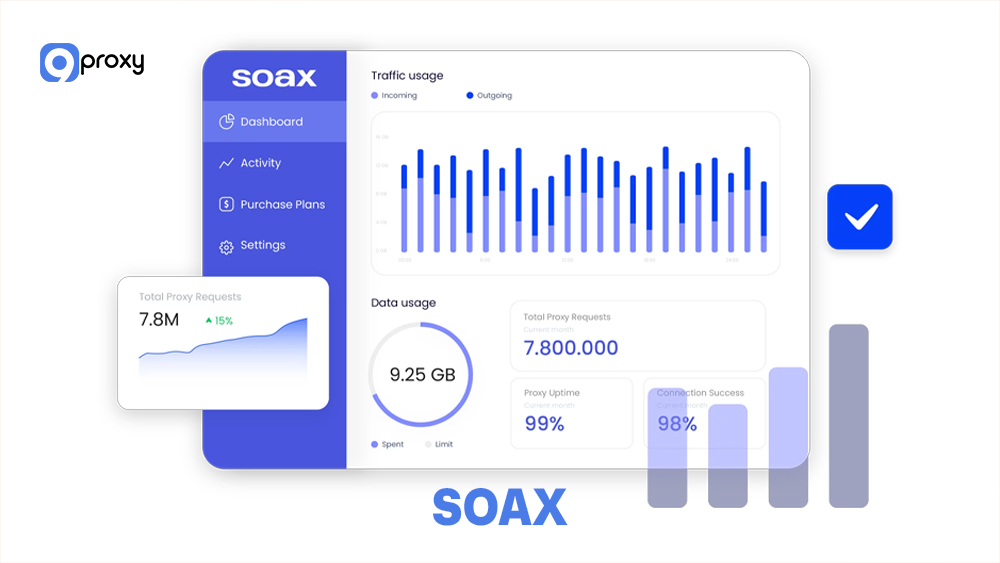
SOAX
SOAX provides residential and mobile IP pools with regional tuning, giving you the ability to target specific countries or cities while maintaining stable connections and low recognition rates for tasks that require precise location control and reliable performance.
- Pros: Flexible rotation controls
- Cons: Mixed speeds depending on the region
- When to Use: Localized testing, ad verification
IPRoyal
IPRoyal offers budget-friendly residential and datacenter proxies with reasonable performance, making it a practical choice for users who need an affordable solution that still delivers stable connections and supports everyday scraping, browsing tasks without high costs.
- Pros: Affordable pricing
- Cons: Not as advanced in fingerprinting features
- When to Use: Entry-level scraping or hobby automation
Zyte
Zyte is known for smart crawling tools and managed scraping solutions with fingerprint shielding, giving users an easier way to collect data at scale while avoiding recognition and reducing the need for complex manual setup or constant maintenance.
- Pros: Built-in anti-detection logic
- Cons: Less control for advanced users
- When to Use: Automated scraping without manual setup
How to Set Up an AI Fingerprinting Proxy (Step-by-Step)
Setting up an AI fingerprinting proxy can feel difficult at first, but once you understand the basic steps, it becomes much easier to manage. Below is a simple, practical setup method you can use with most automation tools and browser environments.
Configure Your Proxy Connection
To start, you need to configure your proxy at the network layer. This involves getting the endpoint, port, username, and password from your provider, such as 9Proxy. After that, choose a protocol like SOCKS5 or HTTP(S). Many users prefer HTTP(S) when the proxy needs to inspect or modify traffic, while SOCKS5 is often used for simple tunneling.
Once you have the details, integrate them directly into your chosen environment, like Python Requests, Playwright, or Selenium. You should also decide when and how your IP will rotate to match your session requirements.
Adjust TLS Fingerprint Settings
When configuring your browser profile, you need to adjust your TLS fingerprint. This step ensures your connection looks like a real browser and avoids AI-based spotting.
- Use Specialized Clients: Avoid standard clients like Python Requests. Use tools designed for impersonation, such as curl impersonate or a TLS client in Go. These allow you to control cipher suites and extension order for proper JA3 and JA4 spoofing.
- Configure Profile: Set your client to mimic a real browser and operating system combination, such as Chrome 120 on macOS, to produce a consistent JA3 fingerprint.
Browser Profile Setup (Client Layer)
Your browser environment should match a real device’s configuration. This includes time zones, languages, hardware patterns, and canvas fingerprints. Building separate profiles for separate tasks prevents cross-session contamination, which AI spotting systems can easily identify.
- Headless Browser Tuning: If you use Puppeteer or Playwright, apply stealth plugins to hide automation signals, such as removing WebDriver and adjusting Chrome-specific properties.
- Set Browser Environment: Match User Agent, screen size, timezone, and language to the browser profile you are copying. This consistency is essential for passing fingerprint checks.
- Canvas and WebGL Spoofing: Use JavaScript scripts to slightly randomize Canvas and WebGL results so your browser does not send the same fingerprint each time.
Rotating Pool Integration
To maintain stable, unnoticed sessions, you need to manage how your IP changes over time. Proper rotation and clean browser data help each session appear completely new.
- Session Management: Rotate your IP regularly for long tasks. You can switch IPs per session or after a certain number of requests to prevent rate limits and notices.
- Cookie and Header Consistency: When an IP rotates, clear cookies and storage, then generate new browser headers. This helps your traffic look like a completely new user.
Common Problems & Troubleshooting Guide
When using AI fingerprinting proxies, you may face issues that come from mismatched fingerprints or network inconsistencies. Here we’ve gathered the most frequent problems and practical ways you can resolve them.
IP Bans (Proxy Identification Triggers)
Cause: The website stops your IP because it identifies patterns or a poor IP reputation.
Fix: Rotate IPs more often or switch to better Residential Proxies or Mobile Proxies.
TLS Mismatches (Network Level Blocks)
Cause: Your TLS handshake differs from a real browser.
Fix: Ensure your JA3 and JA4 fingerprints match your User Agent. Check cipher suite order and TLS extensions.
JA3 Conflicts (Immediate Connection Refusal)
Cause: Your declared browser profile does not match your TLS fingerprint.
Fix: Use a proxy API that manages TLS for you. Test your fingerprint on JA3 checking tools before accessing the target site.
Async Behavior Spotting (JavaScript Triggers)
Cause: Your automation acts too fast or too perfectly, for example, no mouse movement or no scrolling.
Fix: Add human-like pauses and simulate real mouse and keyboard behavior.
Anti Bot Triggers
Cause: The website AI still suspects automation.
Fix: Use an AI Fingerprinting Proxy that provides CAPTCHA solving or a Web Unlocker API to pass over this final barrier.

FAQ
Is AI fingerprinting avoidable?
Yes, it is avoidable, but it takes ongoing work. AI spotting gets smarter all the time, so your AI Fingerprinting Proxy must also keep updating its browser and network spoofing profiles to stay effective.
Are AI-resistant proxies legal?
Using proxies for privacy or accessing the web is legal. However, what you do with them may not be. Activities that break website rules or access protected data can be illegal. Always make sure your data collection follows laws like GDPR and CCPA and respects your provider’s usage policies.
Which proxy type works best?
Mobile Proxies usually offer the strongest resistance because their IPs have an excellent reputation. Residential Proxies with anti-fingerprinting features are often more affordable and scale better for large or enterprise-level workloads.
How long do fingerprints stay effective?
A real browser fingerprint can last for months, even after clearing cookies. Spoofed fingerprints from an AI Fingerprinting Proxy need frequent updates, often every few months, to match new browser versions like Chrome or Firefox, since these updates change JA3 and JA4 hashes.
Conclusion
The challenge of AI Fingerprinting Proxy identification is real, but you can handle it with the right setup. When you understand how AI checks your network signals and device behavior, you can choose a proxy configuration that stays stable for a long time. The most important part is picking a provider that constantly updates its anti-detection technology.
Instead of relying only on basic IP rotation, using a more modern and complete approach will keep your automation and data tasks safe in 2025 and beyond. If you need stronger performance and better stealth, contact 9Proxy to test our high-quality residential proxy and keep your workflows fully unnoticed.
For deeper technical guides, comparisons, and infrastructure insights about proxy technologies, you can explore more resources on Blog 9Proxy.