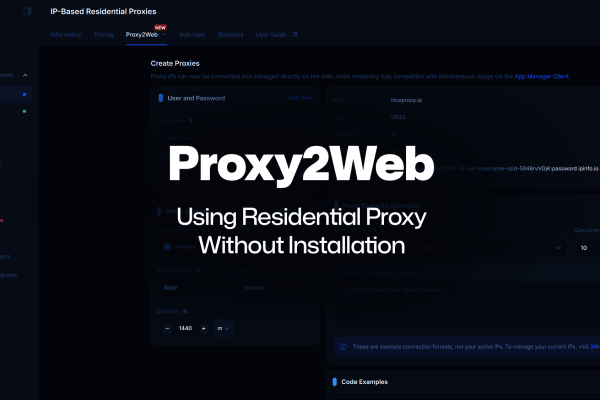
Picture this: you're traveling for work, hotel Wi-Fi barely holding on, and you need to get your proxy connected fast on your mobile device. Old you would've needed your laptop, a desktop app, a third-party mobile app, and a local network setup just to make it happen, a logistical headache when you're already juggling bags and meetings.
New you? Opens ProxyHub Lite, taps connect, and you're good to go.
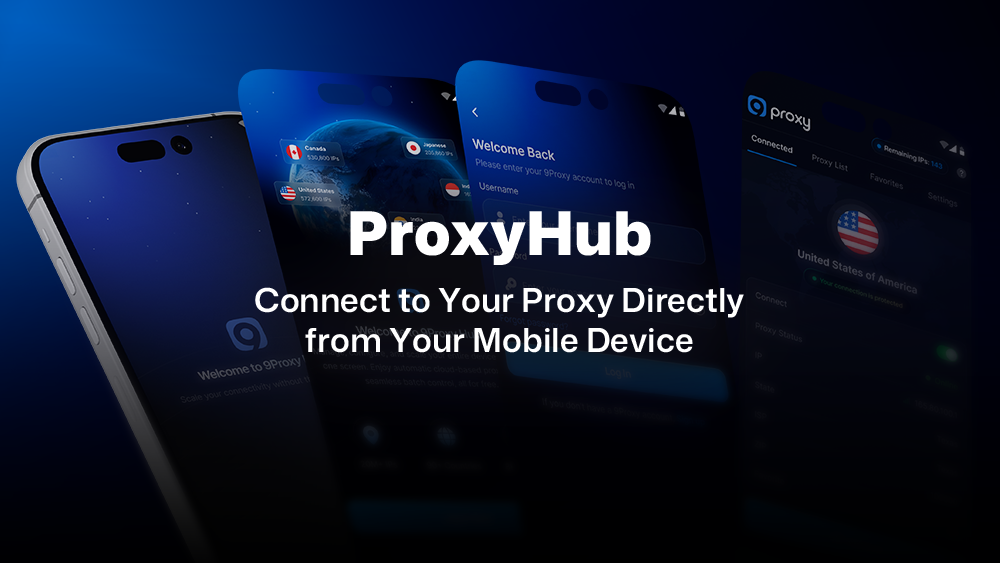
That's exactly what the 9Proxy mobile app is built for. Not a workaround. Not a shortcut. Just a simpler, faster way to connect to your proxy directly from your mobile device with no extra steps, no extra gear required.
Why Setting Up Mobile Proxy Connections Used to Be So Complicated
Let’s not sugarcoat it. Establishing a proxy connection on mobile used to be a process. And not a fun one.
If you wanted to route your mobile traffic through a proxy, the workflow looked something like this:
- Make sure your desktop app was installed and running
- Find, download, and configure a compatible third-party app on your mobile device
- Get both devices connected on the same local network
- Cross your fingers that everything talked to each other correctly
- Then, finally, connect
For a developer running a scraping pipeline, that’s friction you don’t need when you’re trying to move fast. For a freelancer switching between projects and locations throughout the day, it’s a mobile setup you’d rather avoid entirely. For a data team or agency managing multiple accounts and campaigns, it’s a workflow that just doesn’t scale well when half your team is remote or on the move.
And the worst part? If something went wrong mid-session, a dropped mobile connection, a misconfigured setting, you were basically stuck until you could get back to a proper setup.
That gap between “I need to connect” and “I’m actually connected on my mobile device” was one of the most consistent pain points we heard from users. And honestly, it made sense. The technology to close that gap existed. It just hadn’t been applied yet in a way that was seamless and accessible. So we decided to build it.
How ProxyHub Lite Makes Direct Proxy Connections Simple on Mobile
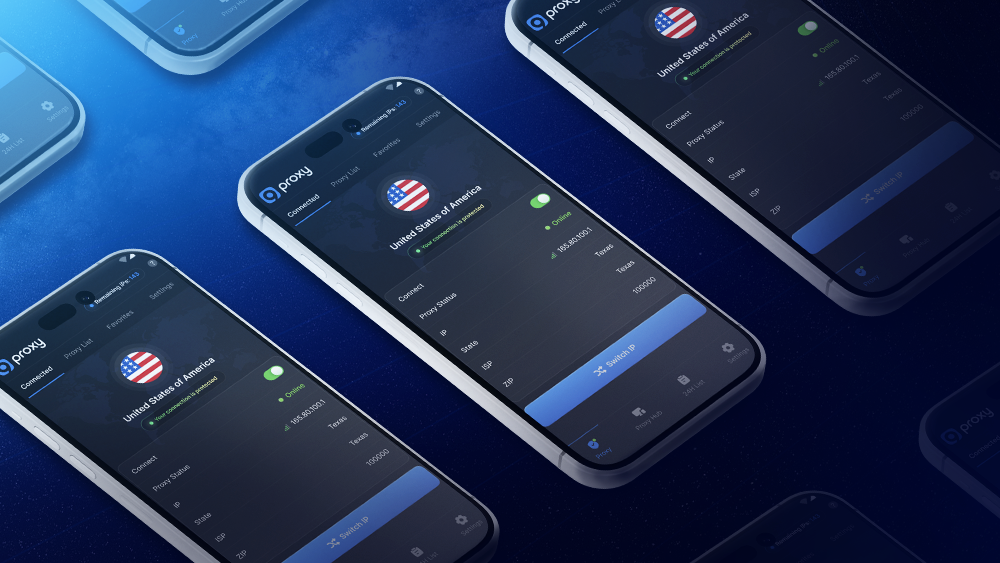
ProxyHub Lite does two things really well: it lets you connect to your proxy directly from your mobile device, and it lets you monitor your connections in real time, all from the palm of your hand.
No desktop app running in the background. No third-party tools to install or configure. No LAN dependency. You download ProxyHub Lite, log in with your existing 9Proxy credentials, and your proxy connection is live on your mobile device in under two minutes.
With ProxyHub Lite, you get:
- Direct proxy connection on mobile, connect instantly without any additional tools or desktop dependency
- Real-time connection monitoring, see exactly what’s happening with your proxy connection as it happens, straight from your mobile device
It sounds almost too simple, which is kind of the point. The best tools don’t make you think about how they work, they just work. And that’s the standard we held ourselves to when building this.
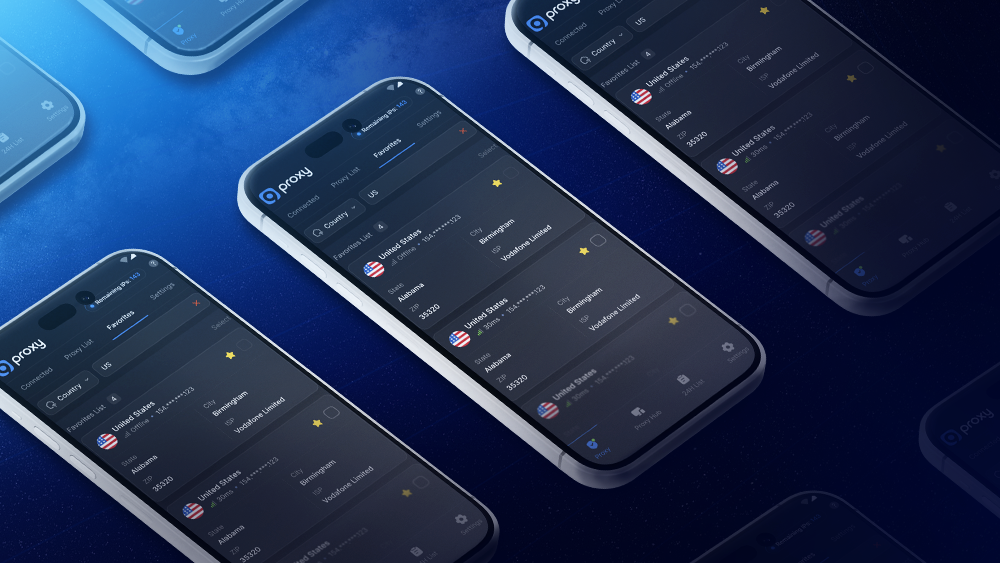
The app is built natively for mobile, which matters more than you might expect. This isn’t a desktop interface crammed onto a smaller screen. The flows are touch-first, the experience is fast, and it performs well even on mobile data, not just Wi-Fi. Whether you’re at an airport with spotty terminal internet or hopping between locations throughout your day, your mobile proxy connection stays responsive.
Who Benefits Most from ProxyHub Lite
The honest answer is: anyone who’s ever needed proxy access away from their desk.
Developers running scraping pipelines or testing environments know that work doesn’t stop when you step away from your workstation. Sometimes a quick reconnect or a real-time connection check from your mobile device is all you need to keep things moving. ProxyHub Lite makes that possible without breaking your flow.
Freelancers working across multiple clients or platforms often need reliable proxy connections as part of their daily toolkit. Having direct mobile access, plus the ability to monitor connections in real time, removes one more dependency from your setup.
Agencies and data teams dealing with high-volume operations and multiple accounts understand that connectivity needs to be consistent, not conditional on whether someone’s physically at their desk. ProxyHub Lite means your team members can connect and stay on top of their proxy connections from their mobile devices, wherever they are.
If you’ve ever thought “I just need to connect quickly and I can’t”, this was built for you.
A Real-World Use Case for Mobile Proxy Users
Let’s say you’re a freelance data researcher. You’ve got a client deliverable due by end of day, you’re out for lunch, and you realize you need to switch your proxy connection to a different location to pull the data you need.
Before ProxyHub Lite: you’d finish lunch, head back, boot up your workstation, go through the full setup, and lose an hour you didn’t have.
With ProxyHub Lite: you pull out your mobile device while you’re still at the table, switch the connection in a few taps, confirm it’s live through real-time monitoring, and by the time you’re done eating, you’re ready to work the moment you get back.
That’s not a dramatic transformation. It’s just 45 minutes back in your day, and the confidence that your mobile proxy connection is never more than a few taps away.
Need to Manage Thousands of Mobile Devices? Meet ProxyHub Pro
ProxyHub Lite is built for individuals connecting and monitoring on their own mobile device. But if you’re running operations at a larger scale, that’s where ProxyHub Pro comes in.
ProxyHub Pro is the desktop-grade solution for teams and enterprises that need to manage proxy connections across thousands of mobile devices from a single interface. Whether you’re coordinating large-scale deployments, overseeing distributed teams, or running operations that span hundreds of devices simultaneously, ProxyHub Pro gives you the control and visibility to manage it all.
The two products are designed to work together, not against each other. Team members in the field use ProxyHub Lite on their mobile devices to connect and monitor their own connections. Operations and management teams use ProxyHub Pro on desktop to oversee the entire infrastructure. It’s a complete ecosystem built for how modern teams actually work.
Get Your Mobile Proxy Connection Running in Under Two Minutes
ProxyHub Lite is live now on iOS and Android. If you’ve already got a 9Proxy account, you’re ready to go: download the app, log in with your existing credentials, and your proxy connection is live on your mobile device straight away.
New to 9Proxy? Check out our step-by-step mobile setup guide to get your first mobile proxy connection up and running in under two minutes.
No extra steps. No extra tools. Just your proxy, on your mobile device, whenever you need it.