The internet changes fast, and so does your need for strong online security and smooth performance. If you use proxies for web scraping, marketing, or better privacy, knowing how to test proxy performance is crucial.
If you’re a dedicated scraper, digital marketer, IT security expert, or anyone who values reliable and anonymous connections, this article from 9Proxy is made for you. We will cover everything, from the basics of proxy testing and key measurements to choosing the best proxy tester tools, understanding complicated results, and setting up automatic checks for large operations. Read the entire article to make sure your proxies are always fast, never disabled, and truly private.
How to Test If Your Proxies Are Working Properly?
Making sure your proxies work properly is key to staying safe and efficient online. To test proxy performance, you need to check both technical settings and how well they work in real use.
Key proxy testing metrics
To test proxy performance effectively, we need to look deeper than just whether the proxy connects. A reliable proxy tester (ProxyCheck.io or IP-Checker) should help you check important factors like speed, security, and how stable the proxy is. These measurements give you a clear picture of how well the proxy actually performs.
Connectivity and IP masking.
This is the most basic step in any proxy test. You need to make sure the proxy connects properly and that it hides your real IP address by showing the proxy’s IP instead. If your real IP still shows up, the proxy isn’t working correctly.
Speed and latency.
This includes how long it takes to respond (ping time), how quickly the connection is made, and the upload/download speed. Low latency is important for things like real-time apps or trading platforms. Fast speed is also key for tasks like web scraping or video streaming.
Anonymity level
Proxies are classified based on how much they hide your identity:
- Transparent proxies show both your real IP and the proxy IP.
- Anonymous proxies hide your real IP but still reveal that you’re using a proxy.
- Elite proxies hide both your real IP and the fact you’re using a proxy.
- For anything that requires privacy or security, it’s best to use Anonymous or Elite proxies.
Geolocation accuracy.
This means checking whether the proxy IP is located in the country or region you need. This is especially important if you’re trying to access region-locked websites or local content.
Success rate with target websites
A good proxy should consistently return an HTTP 200 OK response when visiting the site you want. If you often get blocked (HTTP 403) or redirected, the proxy might already be flagged or unreliable.
IP Reputation & Blacklist Status
See if the proxy IP appears on spam or threat blacklists. If it’s blacklisted, many websites will disable it immediately. For businesses running proxies for brand protection, maintaining a clean IP reputation is vital to prevent automated monitoring systems from being hindered.
Bulk / Pool Reliability & Value
If you’re using a large proxy pool, test proxy performance across the full list. Look at how many work well consistently, and consider whether the cost matches the quality you’re getting.
Basic Testing Methods (Beginner-Friendly)
When you first get a new proxy or just need to check it quickly, there are several easy, manual ways you can use to check if the basic features work. These methods are important for a fast proxy test before you use the proxy for complicated tasks.
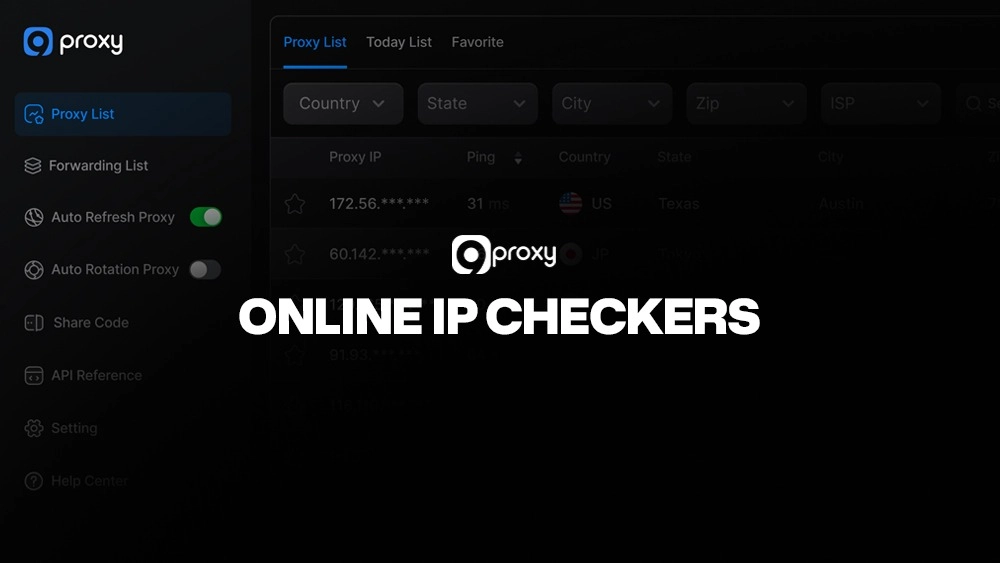
Online IP Checkers
The easiest way to check if a proxy is working and hiding your IP is to use a special website IP checker.
- How to use: Set up your browser or computer to use the proxy, then visit a site like whatismyip.com or iplocation.net.
- What they show: They instantly show the IP address the world sees, its location, and often the privacy level.
- Limitations: They are only a single check and cannot test speed, blacklist status, or how it performs on a specific target site.
Browser / Terminal Commands
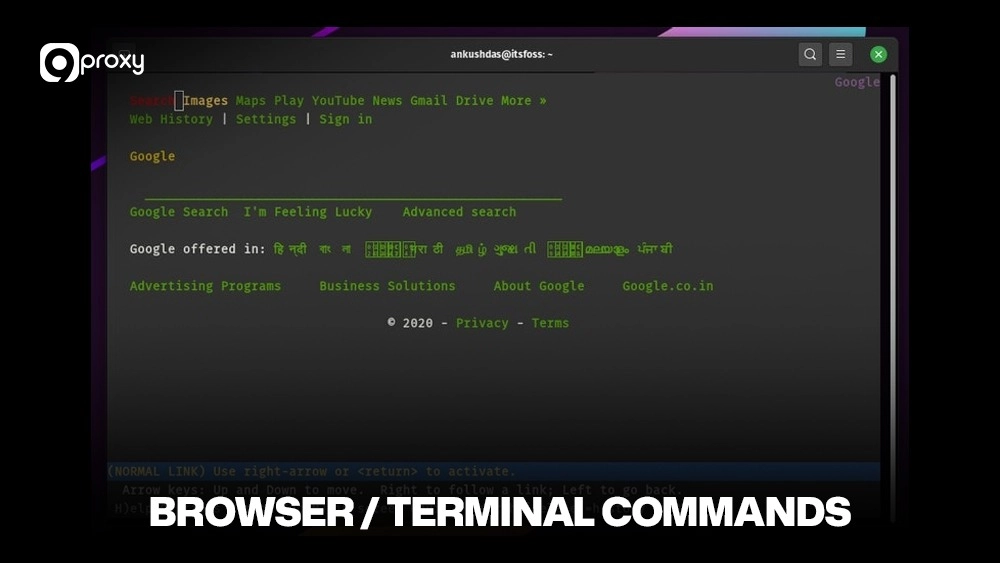
For a more technical check without a web browser, we can use tools built into your computer system.
- The ping command can check the delay (speed) to the proxy server or to the target site through the proxy.
- curl or telnet can be used to check the connection to the proxy’s port and check basic response details.
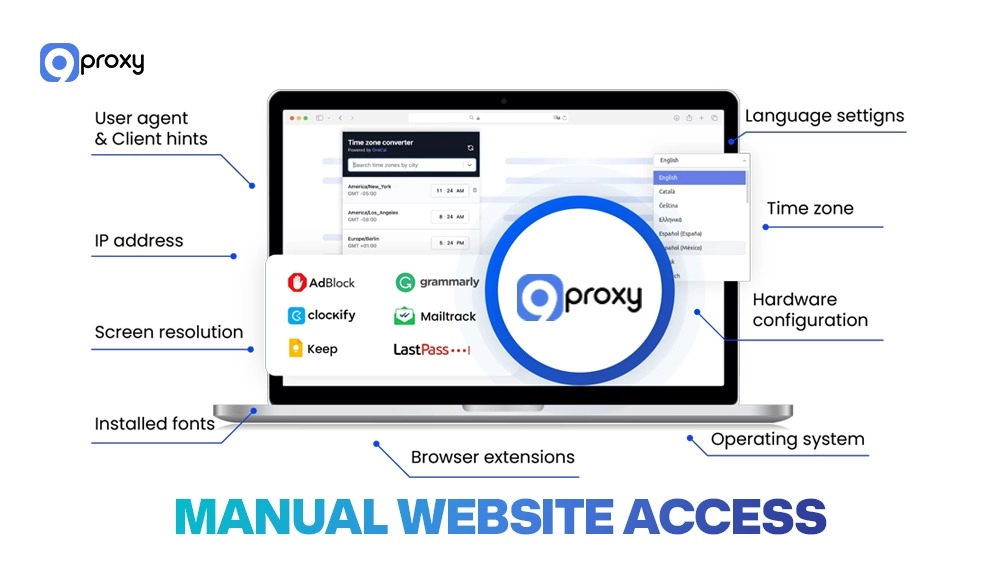
Manual Website Access
This is the most practical real-world proxy test for a single connection.
- Change your browser’s proxy settings to use the new proxy IP and port.
- Visit your specific target website (e.g., a site known for strong anti-bot security).
- Check two things: does the page load successfully (HTTP 200)? Does the content look right (not a block page or a geo-specific page)?
- Use an online IP checker after visiting the target site to confirm the proxy IP is still active.
Online “Proxy Tester” Tools
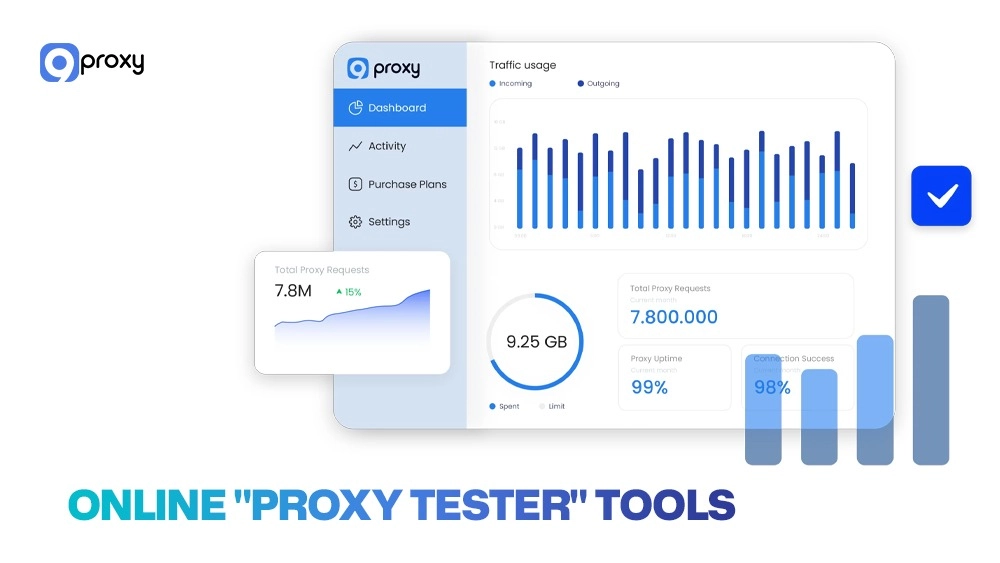
Once you move past the basic checks, online proxy tester tools become very useful. These web-based services let you input a proxy’s details and get a detailed report on different measurements without needing to set up anything on your own computer.
Online tools, which can be free or paid, are a fast and easy way to test proxy details. They usually check speed, privacy level (transparent, anonymous, elite), IP type, and location. While they are handy, they have limits. Most free tools only allow you to check a few proxies at once. Also, the data they give is simple; they usually check the proxy’s connection to the tester’s server, not how it really acts or its success rate with your specific target website. This means a proxy might pass the proxy test but still fail when trying to reach a highly protected site.
In some cases, using advanced configurations like Squid cache proxy servers can improve efficiency, especially when combined with automated testing to optimize response speed and caching performance.
Common Online Tools for Testing Proxies
When doing quick proxy tests, online tools offer ease and immediate results. The table below compares five popular online testers (as of 2025) to help you decide which one is best for you.
|
Online Proxy Tester |
Key Features |
Free Tier Available? |
Best For |
|
Proxy-Checker.net |
Bulk list input, simple speed check, anonymity level check. |
Yes |
Casual users, fast privacy checks. |
|
IP-Checker.com |
Detailed IP location, blacklist status check, and browser info detection. |
Yes |
Security/privacy checks, checking location accuracy. |
|
Geosurf Proxy Check |
Focus on mobile/residential IP check, real-time response time tracking. |
No (Paid service feature) |
Professional users needing high-trust IPs. |
|
Hydroshok Tester |
Multi-protocol (SOCKS5/HTTP) support, simple pass/fail log. |
Yes |
Testing SOCKS5 connection and simple bulk checks. |
|
ProxyJudge.info |
Detects advanced details, very precise anonymity level check. |
Yes |
Expert users, detailed analysis of connection details. |
To choose the right online proxy tester, you should match it to what you need. For a casual user who just wants to check if the proxy is active, a free tool like Proxy-Checker.net is enough. For professional users who depend on premium residential proxies, using a specialized, possibly paid, tester like Geosurf’s feature is a better choice for a deep check.
Local/Desktop & Bulk Testing Tools
While online tools are easy, they are not enough when you need to do a large number of constant or highly customized proxy tests. This is where local/desktop and bulk testing tools are much better.
You should use local/desktop tools when you have many proxies, need detailed, long-term records, or need custom testing settings (like specific headers or user agents). Since the testing runs on your computer, you have full control over the process. Key features to look for in a local proxy tester include support for many protocols (HTTP/HTTPS/SOCKS5), strong security for login details, the ability to schedule regular tests, and the option to export detailed performance logs for later review. These tools are the base for serious proxy management.
Local/Desktop & Bulk Tools for Testing Proxies
For developers, large-scale scrapers, or IT professionals managing thousands of IPs, a local proxy test program is key for performance and control. Below are five popular examples of such tools.
|
Local/Desktop Proxy Tester |
Key Features |
How to Run |
Best For |
|
Angry IP Scanner |
Network scanner, checks port availability and host status, fast checks at the same time. |
Input IP range/list, set ports (e.g., 8080), Run. |
Checking large groups of IPs for basic port connection. |
|
cURL / Wget (via Script) |
Highly scriptable, custom header injection, status code checking, all protocols. |
curl -x <proxy:port> <target URL> in a loop (in command line). |
Automation, custom protocol/header testing. |
|
Proxy Scraper/Checker Apps |
Made for finding and checking proxies, with built-in proxy list management/filtering. |
Load .txt file, set timeout, click ‘Check’. Logs pass/fail. |
Bulk list management and fast quality filtering. |
|
FOGLDN Proxy Tester |
Simple program window, checks the delay to a specific target URL, good for basic use. |
Paste the proxy list, enter the target URL, and start. |
Beginner / intermediate users needing URL-specific testing. |
|
Python Requests Library |
Full customization, can pretend to be a browser, detailed logging, and advanced automation. |
Write Python code to go through the list and check the response time/status. |
Advanced users, linking with scraping/automation projects. |
This method is too much for casual users who only need to check a few proxies. However, for heavy users running large operations or for those who need to put proxy testing right into their automated work, a local / desktop tool gives the necessary detail and size.
Automation & Advanced Testing for Scale
For big operations, like managing a rotating pool of thousands of residential IPs or running web scraping that needs to be done quickly, manual or basic testing is not enough. When you need to be big, you need to make your proxy test automatic.
Why Automation? Automation is necessary to keep a huge proxy pool healthy, especially pools that automatically change IPs. Automated scripts can constantly watch, schedule checks, record detailed performance numbers, and, most importantly, automatically find and remove proxies that fail (e.g., those that are slow, disabed, or dead).
How to Code Tests (Example: Python): We can use a coding language like Python with the requests library to build a simple but powerful proxy tester.
Python
# Sample code logic (Idea)
import requests
import time
proxies = {
'http': 'http://user:pass@ip:port',
'https': 'http://user:pass@ip:port',
}
target_url = "https://www.target-website.com"
start_time = time.time()
try:
response = requests.get(target_url, proxies=proxies, timeout=10)
response_time = time.time() - start_time
# Check status code (e.g., HTTP 200 OK) and if content is right
if response.status_code == 200 and "expected_keyword" in response.text:
print(f"PASS: {response.status_code}, Time: {response_time:.2f}s")
else:
print(f"FAIL: {response.status_code}, Blocked/Error.")
except requests.exceptions.RequestException as e:
print(f"FAIL: Timeout/Connection Error: {e}")
This example shows how a script can measure response time and check the status code and content for a specific target. You would put this code in a loop to run through all your proxies.
Structure for Large-Scale Testing: For big business needs, we suggest a strong structure:
- Proxy Pool: The database or list of all active proxies.
- Tester Engine: The script/program that runs the tests at scheduled times.
- Database/Log: Keeps records of performance history (response time, status codes, time of failure) for every proxy.
- Analytics Dashboard: Shows the data visually and gives alerts for proxies that perform below a set level.
Best Practices for Advanced Testing: To make sure your automated proxy test is good and safe:
- Randomization: Do not test the list in the same order every time; mix up the order to spread the work.
- Copy Browser Behavior: Always include a realistic User-Agent and other details to stop the target site from easily finding your script.
- Rate-Limiting: Follow good and ethical testing rules. Limit the number of requests per second to avoid crashing the target website (or your proxy provider’s system).
- Ethical / Legal Rules: Make sure your automated testing completely follows the target website’s Rules of Service and all relevant local laws.
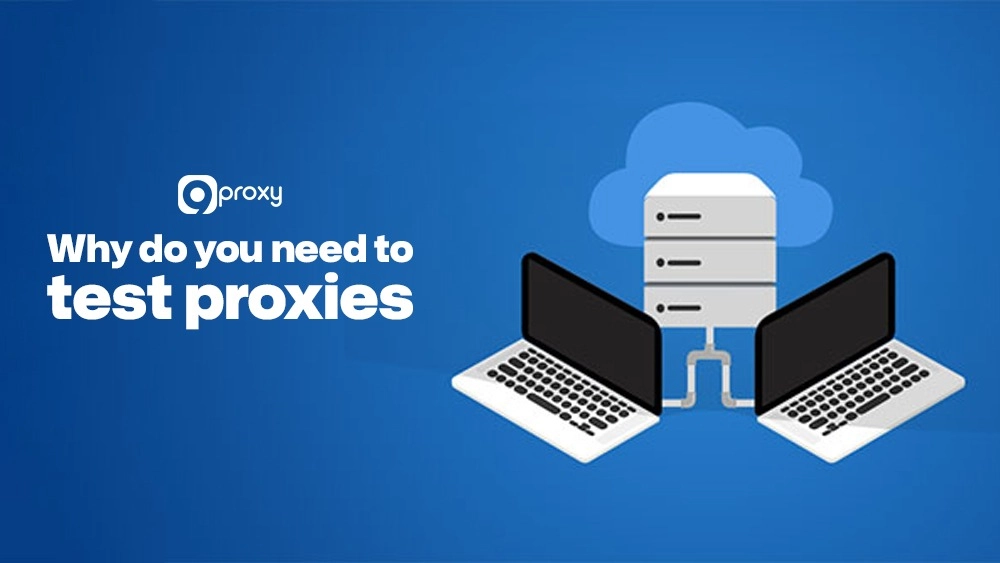
Why Do You Need to Test Proxies?
Using a proxy server is a big step toward making your online activity safe and accessing content that is usually disabled in your area. But simply using a proxy is not enough; you must constantly test the proxy function to make sure it works as you expect. The main reasons for testing are: to promise the best performance (speed and stability), to confirm they are not blocked by the websites you target, and most importantly, to keep your identity private and secure.
If you use proxies without testing them, you risk serious problems. A bad proxy can cause very slow connections, leading to annoying delays and missed chances for tasks that need to be done quickly. Even worse, an unreliable proxy can cause your IP to be disallowed from target sites, which can mean big data loss or business downtime. This is also where the real difference between proxy vs VPN becomes clear, since a VPN only changes your IP while a proxy’s reliability, fingerprint exposure, and target-site compatibility still need to be verified. That’s why proxies should be tested on a regular basis to avoid these risks.
Types of Proxies You May Need to Test
Before we talk about how to test proxy servers, it helps to know about the different kinds you might use and need to check. Each kind has its own special features that affect how reliable and fast it is. Below is a quick comparison of the most common proxy types, showing where their IPs come from and what they are best used for.
|
Proxy Type |
Source |
Best For |
Reliability |
|
Residential Proxy |
Real user IPs |
Web scraping, geo-access enabling |
High |
|
Datacenter Proxy |
Server farms |
Speed, automation, cost-efficiency |
Medium to High |
|
Mobile Proxy |
Mobile carriers |
Social media, mobile ad testing |
Very High |
|
Shared Proxy |
Used by many |
Low-cost, non-critical tasks |
Low |
|
Dedicated Proxy |
Used by one user |
Secure browsing, exclusive tasks |
High |
|
Rotating Proxy |
IP changes often |
Avoiding prohibits, large-scale scraping |
Variable |
It is important to understand these differences because the problems you face when you test proxy performance will be different. For example, testing a mobile proxy often means checking if the location is right, while testing a datacenter proxy focuses more on speed and IP reputation. Specialized types such as email proxy servers and torrent proxy servers also require specific testing to ensure they function well with their intended applications and maintain anonymity.
Essential Guidelines for Effective Proxy Testing
A successful proxy test is more than just running a tool. It is about a planned approach that includes the right setup, constant watching, and a correct understanding of the results. To get the most from your proxy service, we suggest you follow these important rules.
Reading and Analyzing Proxy Test Results
Understanding the data collected by your proxy tester is key to making good decisions about which IPs to use and which to stop using. The table below explains the key measurements, what is considered a “good” range, and what the result tells you about the proxy’s performance.
This table gives a breakdown of the core proxy test measurements, acceptable performance ranges, and what they mean in the real world.
|
Metric |
Good Range |
What It Tells You |
|
IP Match |
100% (Tested IP = Reported IP) |
Confirms the proxy is correctly hiding your real IP address. |
|
Speed (Latency / Ping) |
< 200ms (Global), < 50ms (Local) |
Shows how fast it responds; very important for real-time use. |
|
Geolocation |
Matches Expected Region / City |
Make sure you can avoid the locations that obstruct you. |
|
Anonymity Level |
Anonymous or Elite |
Confirms the proxy is not showing your real IP or connection details. |
|
Target Success Rate |
> 95% (HTTP 200) |
The real measure of how well it works on your specific target site. |
A high success rate with your target website and a short delay are the main signs of a reliable, high-speed proxy. If a metric is outside the “Good Range,” it shows a possible problem that needs more looking or that the proxy needs to be changed.
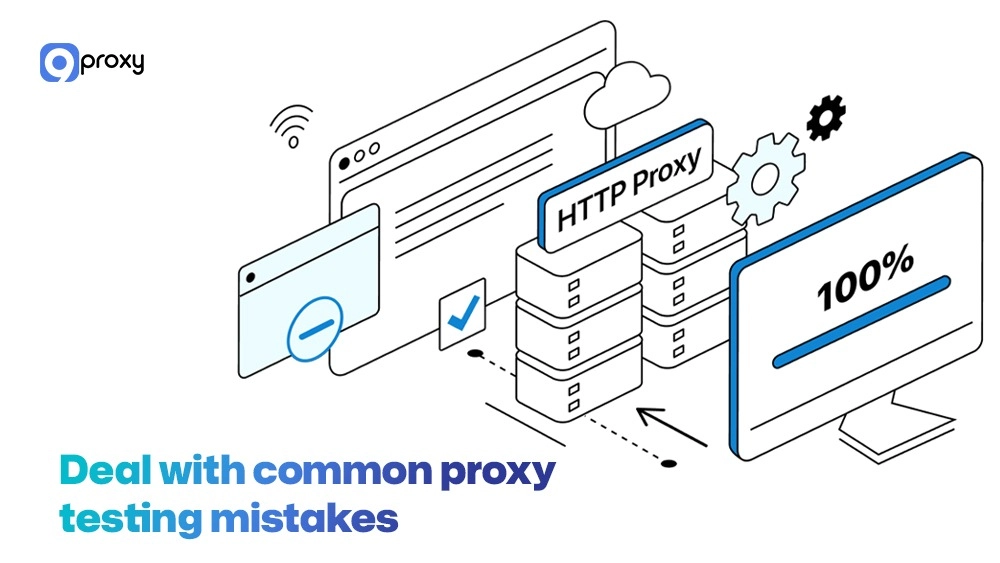
Deal with Common Proxy Testing Mistakes
Even people with experience can make simple but expensive errors when they test proxy connections. By knowing about these common mistakes, you can get results that are more accurate and reliable.
Testing from the Wrong Location
If you need a US proxy to reach a US-only site, testing it from a server overseas might add extra delay, making the proxy seem slower than it is.
Solution: Always test the proxy from a location close to where it will be used, or use a proxy tester tool that can pretend to be in the needed starting location.
Ignoring DNS Leaks
A proxy might hide your IP, but your DNS request (the request to find the website’s address) could still go through your local internet provider, showing your true location.
Solution: Use special online DNS leak testers to confirm the proxy handles all traffic, including DNS requests.
Not Rotating Proxies During Tests
For big automation projects, testing all proxies on the same target very quickly can look like a simple attack, leading to a temporary prohibit on your whole test group.
Solution: Always add a reasonable pause between tests (rate-limiting) and use a random test order to look like real user behavior.
Misinterpreting Timeouts: A connection timeout does not always mean the proxy is broken. It could mean the target site is limiting your requests, the proxy server is too busy for a moment, or there is a temporary network problem.
Solution: Try the test again after a short wait (e.g., 5 minutes) before marking the proxy as failed forever.
FAQ
How often should I test my proxies?
We recommend testing your proxies every day if you handle large or critical workloads. For moderate usage, testing once a week is enough, and for lighter tasks, you can test every two weeks or once a month.
If you’re using automated systems, make sure they run regular checks on a set schedule, especially when managing advanced setups like private proxy servers or high-turnover proxy pools.
Do I need to test every proxy in my pool?
Yes, for the best reliability, you should test every single proxy in your pool, especially if they are part of a rotating or shared pool. Automated, bulk testing tools are necessary for this.
Can a proxy tester guarantee anonymity?
A proxy tester can confirm the level of anonymity (Elite, Anonymous) based on connection details, but it cannot guarantee complete security or stop all leaks (like DNS leaks). Always check anonymity with multiple tests and make sure your computer is set up correctly.
Conclusion
Understanding how to test proxy performance is not just an extra skill; it is necessary for anyone who needs secure, fast, and anonymous connections. This complete guide has given you the knowledge to go from basic IP checks to advanced automatic testing. The main points include: choose the right proxy for your job, focus on important measurements like speed and success rate, and set up an automated proxy test solution for big projects.
If you want stronger security and faster speed, we recommend using dedicated or premium paid proxies. These options offer better performance and fewer risks. Want to start using your proxies with confidence? Contact 9Proxy’s support team for the best proxy solution.