An antidetect browser helps you stay anonymous online by hiding your digital identity. In today’s digital world, keeping your privacy safe while using multiple accounts is very important. An antidetect browser can hide your digital fingerprint, so you can manage many profiles without being tracked or blocked. This is useful for people working in marketing, e-commerce, social media, or cybersecurity.
This article of 9Proxy explains what an antidetect browser is, how it works, and shows 11 top tools in 2025. You will learn about their main features, prices, and how they help protect your identity. These browsers also work well with proxy services to give you better privacy and smooth multi-account access.
What Is An Antidetect Browser?
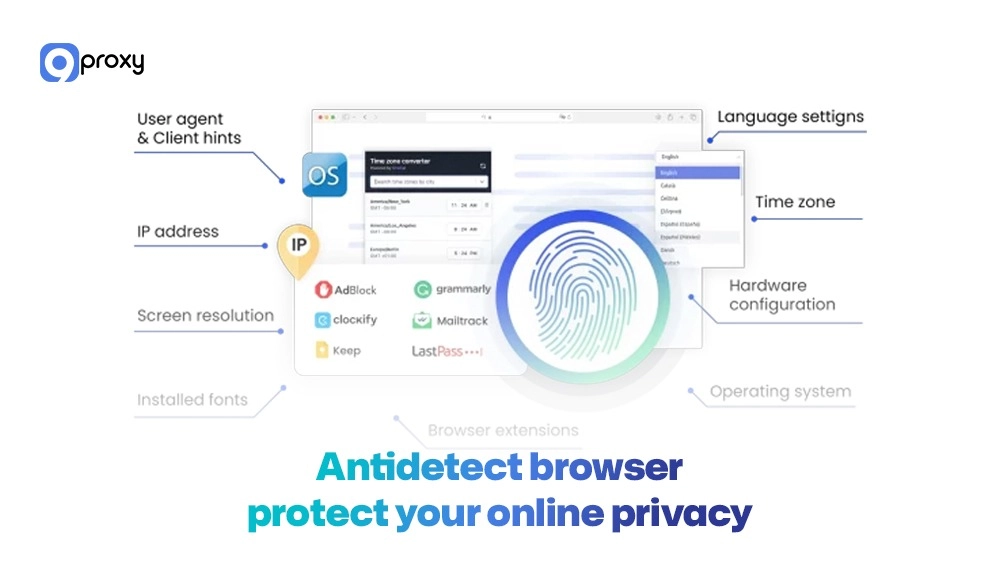
An antidetect browser is a specialized web browser that helps protect your online privacy and manage multiple accounts by hiding your digital fingerprint. Unlike VPNs or incognito mode, it changes key identifiers like IP address, user agent, screen size, language, and more. Each browser profile acts like a unique user on a different device, allowing you to log into several accounts at once without being detected or linked. This makes antidetect browsers ideal for social media marketing, e-commerce, affiliate campaigns, and other privacy-sensitive tasks.
How Does Antidetect Browser Work?
An antidetect browser works by creating separate virtual spaces for each profile, so every browsing session is completely isolated from the others. Each profile comes with its own digital fingerprint, which includes unique details like browser type, IP address, and system settings. This approach is similar to how an Undetectable browser masks identity signals across sessions, making websites treat each profile as a completely different user-even when they run on the same device. Here’s how this isolation is made possible:
User-Agent Randomization: The browser changes the user-agent string, which tells websites what browser and operating system you’re using. Randomizing this information hides your real device details and avoids linking between accounts.
WebRTC Blocking: WebRTC is a browser feature that can leak your real IP address, even if you’re using a proxy. Antidetect browsers block this feature to keep your real IP hidden during all sessions.
Canvas Fingerprint Spoofing: Many websites use the way your computer renders images (through the HTML5 canvas element) to track you. Antidetect browsers change how images are rendered, so each profile appears to have a different device. As tracking methods evolve, newer techniques like AI fingerprinting proxy systems are being developed to detect and counter advanced machine learning-based tracking that analyzes behavioral patterns beyond traditional browser fingerprints.
Proxy Integration: These browsers can work with built-in or third-party proxy services, and if you’re comparing architectures, see reverse proxy vs api gateway. By assigning each profile a different proxy, they make it seem like each user is browsing from a different location.
Local Storage Isolation: Items like cookies, cached files, and local storage data are kept separate for each profile. This prevents websites from using shared browser data to connect different accounts.
All these features combine to create truly independent browsing environments. This is especially useful for professionals such as digital advertisers, affiliate marketers, e-commerce sellers, or cybersecurity experts who need to manage many identities at once without getting blocked or detected.
Benefits of Antidetect Browsers
Antidetect browsers offer powerful features for managing multiple accounts, protecting privacy, bypassing geo-blocks, and boosting efficiency. For users who want to validate how their fingerprints appear to websites, tools like NSTBrowser are often used alongside antidetect browsers to check detection signals before launching real campaigns.
- Multi-Account Management: Easily run multiple accounts on the same platform without triggering alerts or getting profiles linked. Every profile stays fully independent, allowing you to manage ad accounts, social media, and online stores on one device.
- Privacy Protection: Your real IP, device info, and history are hidden from tracking tools. An antidetect browser blocks cookies, fingerprint tracking, and location detection to keep your identity private.
- Bypass Geographic Restrictions: With proxies assigned to each profile, you can appear as users in different countries. This lets you view region-specific content and test geo-based campaigns without being there.
- Testing and Research: Use separate profiles with clean cache and cookies to test ads, visit websites, or run market research. This ensures accurate, uncontaminated data for development and analytics.
- Operational Efficiency: Handle multiple business tasks from one computer without logging in and out. Antidetect browsers let you stay logged in across profiles and switch quickly between them.
How Antidetect Browsers Are Used in Different Fields
Antidetect browsers are used across many industries to support secure, anonymous, and efficient workflows. From market research to social media, e-commerce, and cybersecurity, they enable users to work with multiple identities without detection or data conflicts.
Market Research: Researchers gather data on prices, reviews, and competitors without being flagged. By using different profiles, they avoid anti-scraping tools and collect insights without IP blocks.
E-Commerce: Sellers manage multiple online stores, test different product setups, and watch competitors. Each store profile is separate, helping improve pricing and track performance across marketplaces.
Social Media Marketing: Agencies and creators manage many accounts for brands and clients. Antidetect browsers help with scheduling, audience research, and posting across accounts without risking detection.
Cybersecurity: Testers perform legal penetration tests and check for system weaknesses without being noticed. Antidetect browsers let them analyze defenses and test firewalls without alerts or IP bans.
Affiliate Marketing: Marketers run and compare multiple campaigns across networks. Each one has its own profile, helping avoid tracking errors and get clear performance data. For search engine optimization and ranking analysis, many professionals also rely on proxies for SEO to track keyword positions across different locations and verify SERP data without triggering anti-bot measures or skewing analytics.
Web Scraping: Data teams collect information at scale for analysis and reporting. Antidetect browsers use automation and proxy tools to bypass rate limits, blocks, and scraping protections.
11 Best Antidetect Browsers in 2025
We’ve tested and compared the top antidetect browsers to help you choose the right one for your needs. Below are 11 trusted options with key features, pros, cons, and ideal use cases.
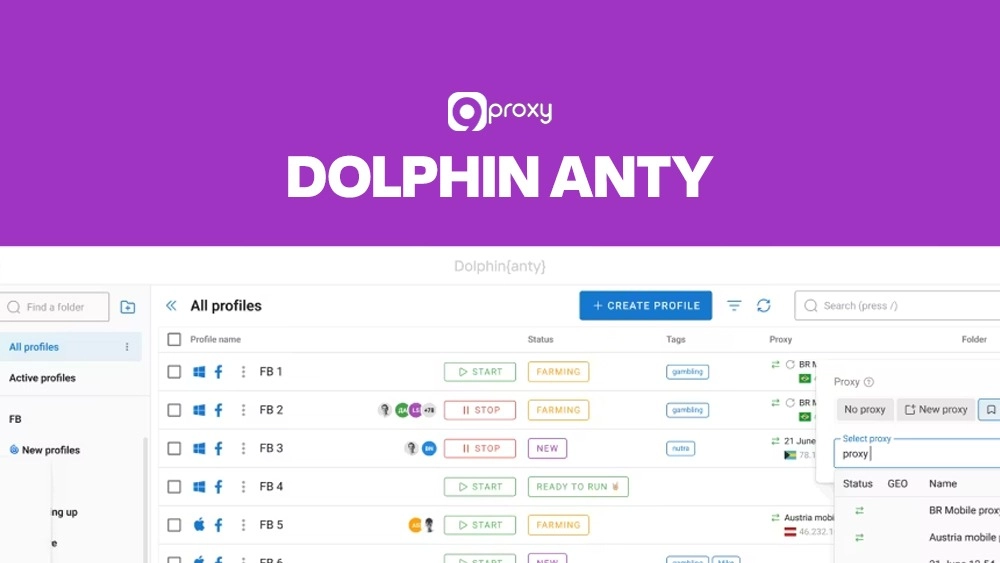
Dolphin Anty
Dolphin Anty is a powerful Chromium-based antidetect browser designed for users who manage multiple accounts. As covered in our detailed Dolphin Anty browser analysis, it combines automation, fingerprint control, and cloud syncing, making it a strong option for marketers, developers, and teams that need efficient, scalable multi-account workflows.
- Key Features: Sync actions across profiles, custom script builder, and Dolphin Cloud login automation.
- Pros: Affordable ($10/month for 60 profiles), free trial with 10 profiles, strong automation.
- Cons: Not compatible with older OS versions, no built-in proxy.
- Best For: Users who need automation and manage many accounts on a budget.
Multilogin
Multilogin is an enterprise-grade antidetect browser built for advanced fingerprint customization and large-scale account management. Our in-depth Multilogin review highlights why it is widely adopted by agencies handling international advertising, thanks to its strong profile isolation, proxy flexibility, and stability at scale.
- Key Features: Profile isolation, proxy flexibility (HTTP/SOCKS5), cookie import, global IP targeting.
- Pros: Supports 150+ countries, stable IPs, strong for large ad operations.
- Cons: No mobile support, higher cost (€9 ~ $10.36/month for 10 profiles), no IPv6.
- Best For: Agencies or teams managing 50+ accounts across global markets.
GeeLark
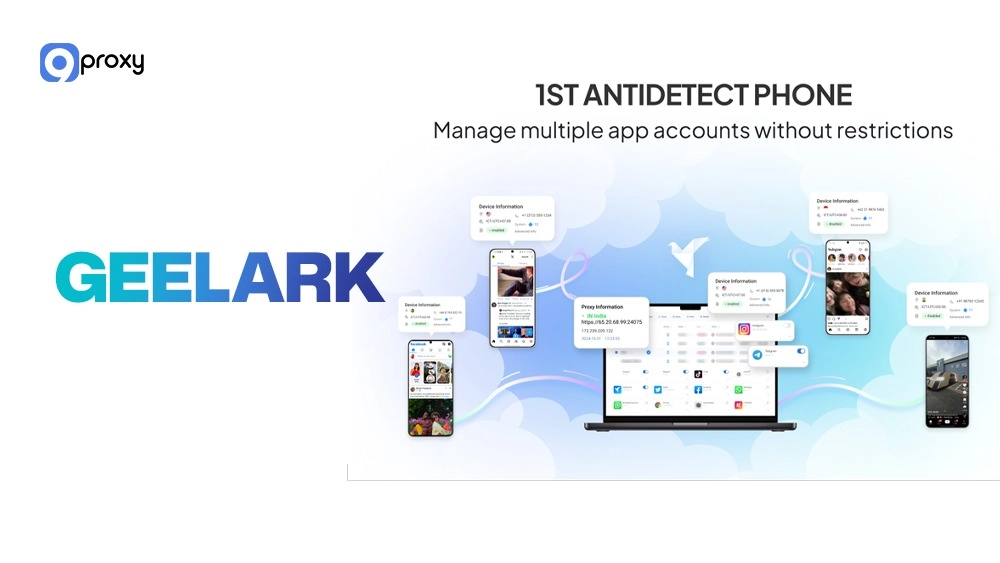
GeeLark combines antidetect browsing with real Android cloud phones, giving users authentic mobile environments and strong automation. With RPA templates, cross-platform support, and real device fingerprints, it’s ideal for app marketers and teams managing both mobile and desktop accounts efficiently.
- Key Features: Cloud Android environments, RPA templates, action synchronizer, and cross-platform support.
- Pros: Real mobile fingerprints, strong automation, supports Windows/macOS/Linux. Cons: Extra fees for cloud phone use, limited free trial.
- Best For: Teams managing both mobile and desktop accounts, especially app marketers.
GoLogin
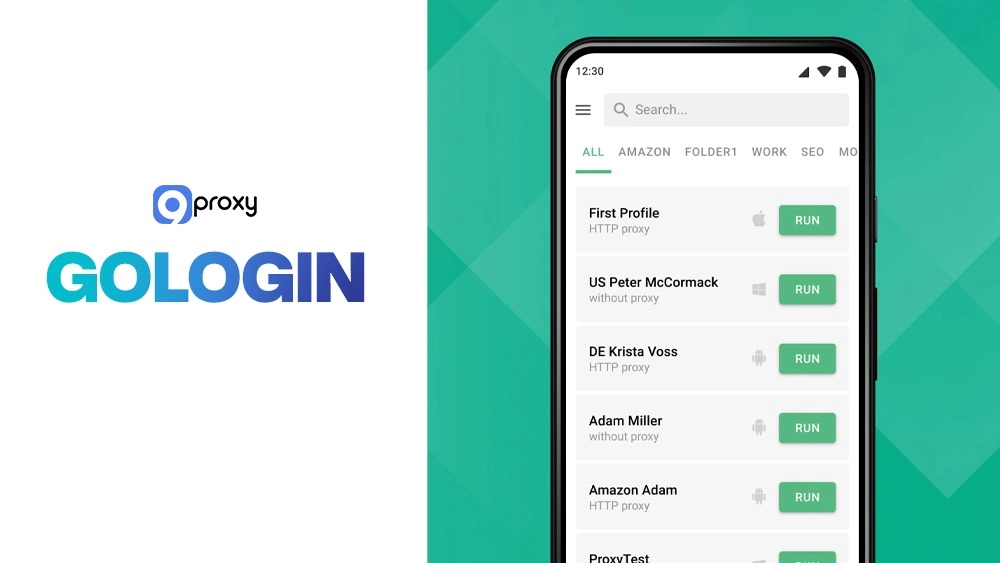
GoLogin is a budget-friendly antidetect browser offering mobile support and built-in datacenter proxies. With its Chromium-based Orbita browser, customizable dashboard, and mobile app, it’s perfect for beginners, small teams, or researchers looking for an affordable solution.
- Key Features: Orbita browser (Chromium-based), dashboard customization, mobile app, 7-day trial.
- Pros: $24/month for 100 profiles, free datacenter proxies, cross-device sync.
- Cons: Weak performance on secure sites, limited trial (3 profiles), and mobile features are basic.
- Best For: New users, small teams, or researchers with limited budgets.
Decodo (X-Browser)
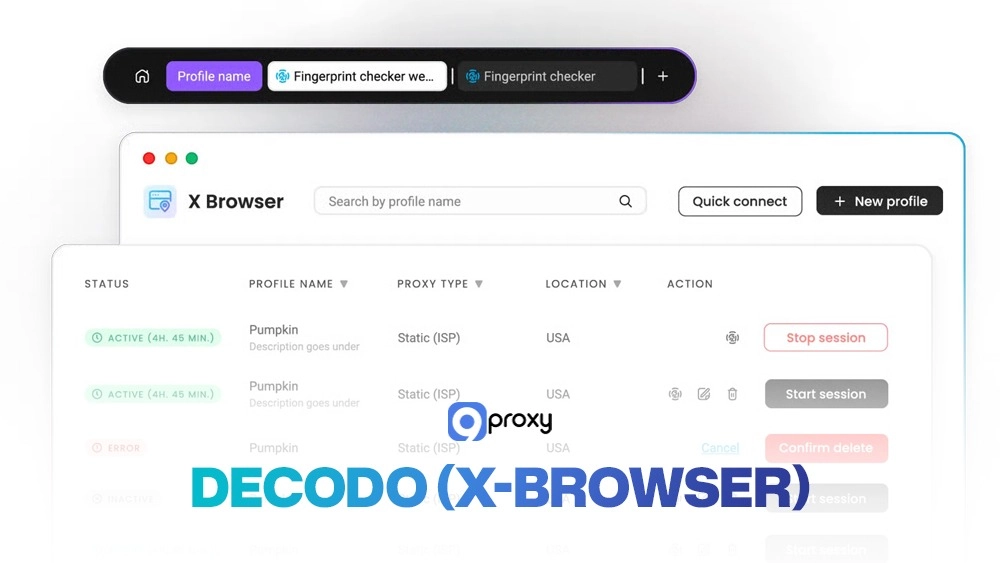
X-Browser is an easy-to-use browser that comes with high-quality residential proxies. It supports all proxy types, including residential, mobile, and ISP, and works with Chrome or Firefox extensions. It’s best for users who already use Decodo proxies.
- Key Features: Supports all proxy types (residential, mobile, ISP), Chrome/Firefox extensions, simple setup.
- Pros: Great IP pool, flexible rotation, minimal setup required.
- Cons: Requires a paid proxy plan, lacks advanced features like sync or cookie import.
- Best For: Users already using Decodo proxies who need basic fingerprinting.
AdsPower
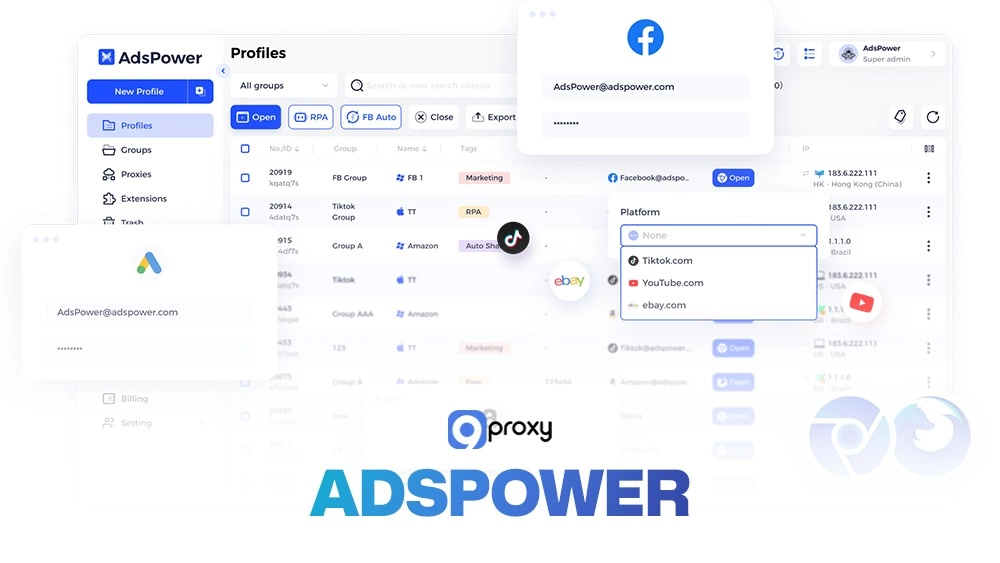
AdsPower is an automation-focused antidetect browser built for managing multiple accounts easily without coding. With RPA templates and ready-made setups for platforms like Amazon, TikTok, and LinkedIn.
- Key Features: RPA templates, task synchronization, ready-made setups for Amazon, TikTok, LinkedIn, etc.
- Pros: Strong automation, affordable ($9/month), no coding needed.
- Cons: No built-in proxies, limited mobile support, SunBrowser-only extensions.
- Best For: Marketers and e-commerce sellers who need to automate tasks across accounts.
Incogniton
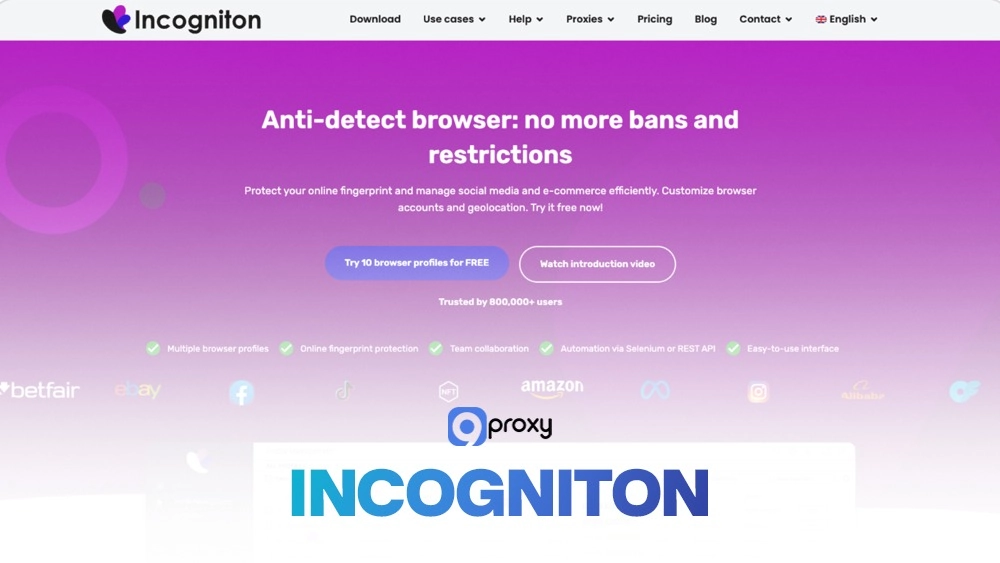
Incogniton is a privacy-focused antidetect browser designed for teams and developers. It offers fingerprint customization, API support, and smart features like “paste as human.” With a free plan for up to 10 profiles, it’s perfect for users who need flexible, automation-friendly fingerprint control.
- Key Features: Fingerprint customization, profile recovery, “paste as human”, API support.
- Pros: Free plan with 10 profiles, supports automation tools (Selenium, Puppeteer).
- Cons: No built-in proxy, no custom browser engine.
- Best For: Developers, teams, and advanced users needing fingerprint flexibility.
Ghost Browser
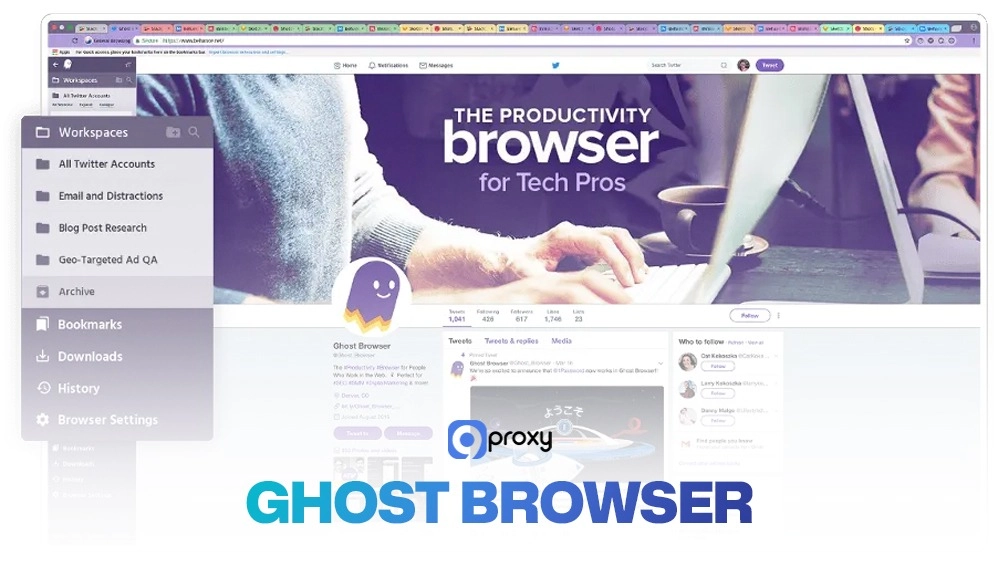
Ghost Browser is designed for simple, organized multi-account management with powerful per-tab proxy control. Its Ghost Proxy Control (GPC) feature, tab grouping, and data sync make it easy to manage multiple clients.
- Key Features: Ghost Proxy Control (GPC), tab grouping, data sync, WebRTC blocking.
- Pros: Assign proxies per tab, clean interface, ideal for managing client accounts.
- Cons: Requires external proxies, limited to 4 profiles in the free plan.
- Best For: Social media freelancers or small teams handling multiple clients.
VMLogin
VMLogin is a security-focused antidetect browser built for large-scale account management. It offers full virtual environments, fingerprint isolation, and Selenium automation support. Ideal for agencies or businesses handling a large number of profiles, it delivers enterprise-level privacy and control, though it comes at a higher price point.
- Key Features: Full virtual environments, automatic timezone sync, and Selenium automation.
- Pros: Reliable fingerprint isolation, good for 200+ profiles, enterprise-grade automation.
- Cons: High price ($99/month), short 3-day trial, no proxy included.
- Best For: Agencies or businesses managing large-scale multi-account operations.
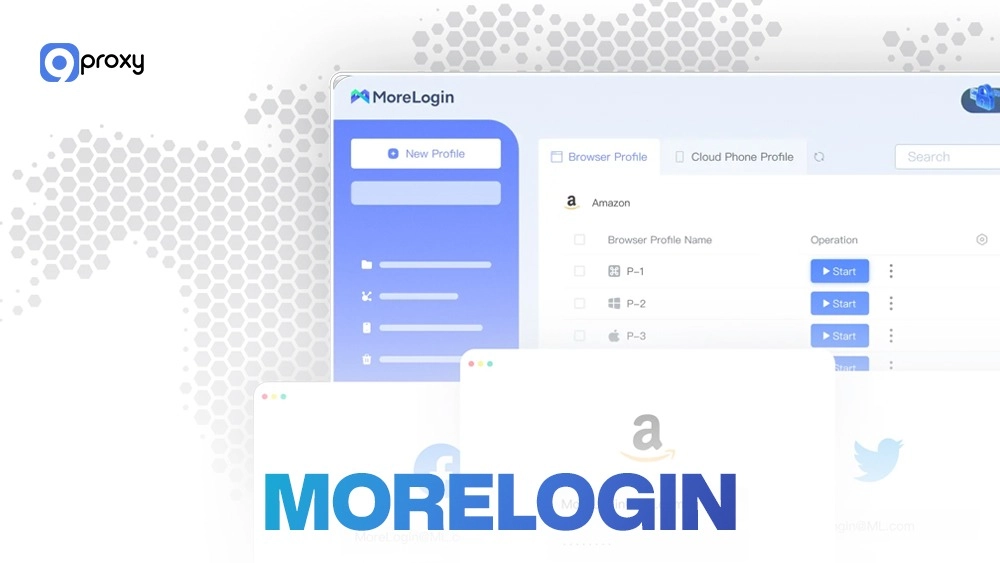
MoreLogin
MoreLogin is an easy-to-use antidetect browser that combines cloud phone profiles with simple automation tools. It allows action syncing, auto profile creation, and group sharing for teams. Affordable and beginner-friendly, it’s ideal for teams needing secure virtual phone identities.
- Key Features: Cloud phone profiles, action sync, auto profile creation, and group authorization.
- Pros: Only $9/month for 10 profiles, cloud phone saves device costs, free plan with 2 profiles.
- Cons: Limited proxy countries, lacks deep proxy integration.
- Best For: E-commerce sellers and small teams needing a virtual phone identity.
iXBrowser
iXBrowser is a professional antidetect platform built for large teams and enterprises. It offers advanced fingerprint editing, team collaboration, and detailed usage reports. With role-based access and bulk sync features.
- Key Features: Advanced fingerprint editing, team collaboration tools, bulk sync, and usage reports.
- Pros: Pros: Role-based access, automation-friendly, great for teams using ixbrowser workflows.
- Cons: High cost, steep learning curve, no built-in proxy.
- Best For: Large agencies and enterprises managing hundreds of profiles with team members.
Choosing the Right Antidetect Browser
Below is a comparison table to help guide your decision-making based on features: The table below helps you compare key factors like free plan availability, proxy integration, mobile compatibility, and ideal use cases.
| Feature | Free Plan | Proxy Integration | Profile Limit | Mobile Support | Best For |
| Dolphin Anty | Yes | Yes | 60 | No | Social Media |
| Multilogin | Trial | Yes | 10+ | No | Ad Professionals |
| Geelark | Trial | Optional | 50 | Yes (Cloud) | App Testing & Android Campaigns |
| Gologin | Yes | Yes | 100 | Yes | Agencies |
| Decodo (X-Browser) | Trial | Yes | Varies | No | Proxy-focused Campaigns |
| AdsPower | Yes | No | 10+ | No | Automation Marketers |
| Incogniton | Yes | No | 10 | No | Small Marketing Teams |
| Ghost Browser | Yes | No | 4 | No | Developers & Freelancers |
| VMLogin | Trial | No | 200 | No | Enterprise |
| MoreLogin | Yes | Yes | 10 | No | Affiliate & E-commerce Sellers |
| ixbrowser | Yes | Yes | Varies | No | Privacy-first Users |
Key takeaways to choose the right antidetect browser: match your business needs with the features each platform offers.
- Dolphin Anty and Decodo are affordable and good for users with a small budget.
- Multilogin and Gologin stand out in proxy management and allow high-profile limits.
- AdsPower and GeeLark focus on automation and mobile-friendly features.
- VMLogin and iXBrowser are better suited for enterprise-scale operations.
Free vs Paid Antidetect Browsers
Free and paid antidetect browsers offer very different levels of functionality. This comparison helps you understand profile limits, feature access, proxy support, and overall value so you can choose the right option based on your needs and budget.
Free Antidetect Browsers
- Profile Limits: Usually offer 2 to 10 profiles, enough for testing or small-scale use. For more, you’ll need to upgrade.
- Feature Restrictions: Free plans often miss out on key tools like automation, API access, profile sync, or cloud storage.
- Proxy Access: Most free versions don’t include proxies, so you’ll need to buy and configure them separately.
- Support: Support is limited. If you face issues, getting help can take time and slow down your work.
Paid Antidetect Browsers
- More Profiles: Paid plans often allow 50 to 200+ profiles—ideal for teams or large operations.
- Full Features: Includes tools like automation scripts, RPA, API access, team management, and sync features.
- Built-in Proxies: Some paid browsers offer integrated proxies, saving setup time and costs.
- Priority Support: Get fast and dedicated support to resolve issues quickly.
While free browsers are great for testing, paid versions often offer better long-term value. Consider the total cost of extra tools like proxies, lost time, or missing features before committing to a free option.
Alternatives to Antidetect Browsers
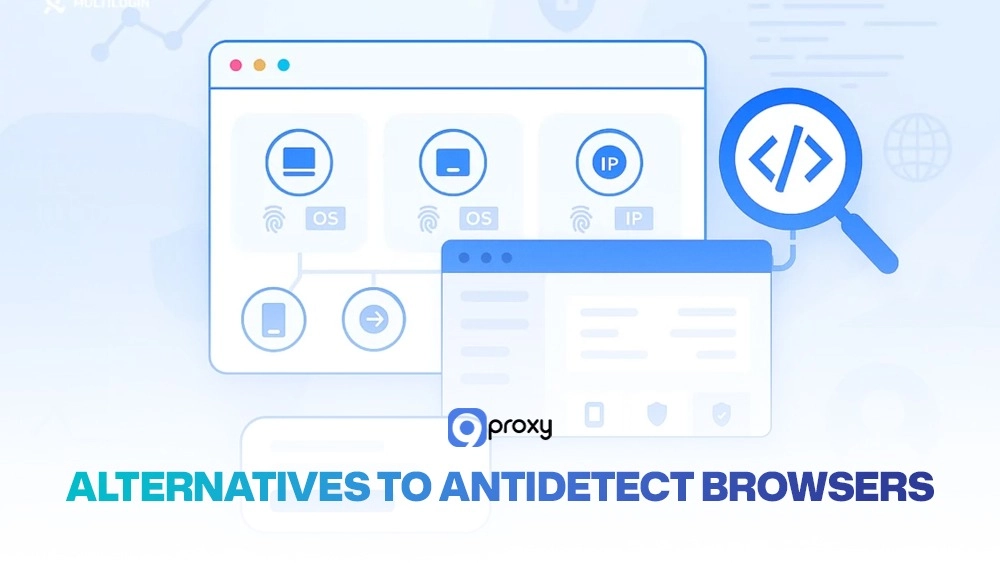
If a full antidetect browser isn’t the right fit for your needs, there are alternative tools that offer partial privacy and anonymity solutions. However, each of these comes with its own limitations
Proxy services are useful for changing your IP address and hiding your location, see anonymous proxy vs anonymous vpn for a deeper comparison.. However, they don’t protect other parts of your digital fingerprint, such as your browser version, operating system, language, or timezone. This means websites can still recognize your device in other ways.
VPNs provide encrypted connections and also change your IP address. They’re effective for securing your internet traffic and maintaining general privacy. However, VPNs do not isolate browser profiles or spoof fingerprints. Also, many websites block traffic coming from known VPN IPs, which limits their usefulness for multi-account tasks.
Tor Browser is another tool that offers high-level anonymity by routing your connection through multiple servers. While Tor excels in privacy, it’s extremely slow and doesn’t support managing multiple accounts efficiently. In fact, many websites block Tor traffic entirely or offer only limited functionality when accessed through it.
Troubleshooting & Anti-Bot Reality
Even the best antidetect browser can’t promise complete invisibility. Below are common issues you might face and how to fix them.
reCAPTCHA Prompts Some websites will display CAPTCHA challenges if they detect abnormal browsing behavior.
Fix: Try to mimic natural browsing behavior. Use clean, trusted proxy IPs and consider using CAPTCHA-solving services if you’re operating at scale.
Session Timeouts If your profile keeps getting logged out or disconnected, it may be due to suspicious behavior.
Fix: Avoid switching between profiles too quickly. Simulate realistic browsing patterns and reduce the number of profiles running at the same time.
Cookie Conflicts When cookies from different profiles mix, websites may link accounts together.
Fix: Clear cookies and cache after each session. Make sure each browser profile is fully isolated from the others.

Detection Is Still Possible
Even if your fingerprint spoofing is advanced, websites can still detect non-human behavior. The best way to avoid this is to behave like a real user:
- Add short, random delays between clicks
- Simulate realistic typing speed and mouse motion
- Limit the number of profiles you run at once
- Always respect a website’s terms of service
Using an antidetect browser responsibly means balancing stealth with ethical use, especially when dealing with automation or large-scale data collection.
9Proxy – Best Proxy Provider for Your Antidetect Browser
9Proxy delivers highly compatible and reliable proxy services designed to work seamlessly with any antidetect browser. Whether you use Multilogin or other tools for managing multiple accounts, 9Proxy helps keep your identity hidden and operations smooth. We offer residential, mobile, and datacenter proxies optimized for large-scale tasks and automation.
Why 9Proxy is the Ideal Choice for Antidetect Browser Users:
- 100% Real Residential Proxies: Our IPs come from real users in over 90 countries, making them appear as natural, residential connections. You can also target specific cities for precise geo-location needs.
- Private and Clean Proxy Pool: We operate a dedicated network not shared with other providers. This lowers the risk of being blacklisted and ensures low detection rates.
- Unlimited Bandwidth: Every proxy comes with no data limits. This is perfect for heavy use cases like web scraping, streaming, or uploading content, without worrying about extra costs.
- Affordable Pricing: Starting from just ~$0.04 per IP, 9Proxy provides one of the most cost-effective solutions on the market, especially when compared to providers with bandwidth restrictions.
- Crypto Payment Bonus: Pay with cryptocurrency and get 5% bonus IPs. It’s a simple way to save more while keeping your payment method private and secure.
Conclusion
Antidetect browsers are useful tools that help you remain private online and manage many accounts safely on the same device. This guide explained how they work, shared safety tips, and reviewed the 11 best options available in 2025. Each browser has its own strengths, so the right choice depends on your needs, such as automation, mobile access, or team use.
For better protection and performance, use your chosen antidetect browser with a reliable proxy service like 9Proxy. Start with a free trial or choose a paid plan to enjoy stronger privacy, faster speed, and more secure multi-account operations. For more detailed guides, tutorials, and expert insights on antidetect browsers and proxy configurations, visit Blog9Proxy.