

If you're working in lead generation, market research, or hiring, LinkedIn is a valuable source of information. But collecting data by hand takes too much time. That’s why LinkedIn Web Scraper tools are so useful; they help you automatically gather public LinkedIn data quickly and accurately.
Whether you’re a developer, data engineer, recruiter, or part of a SaaS team, this article from 9Proxy will help you collect LinkedIn data more efficiently and safely. We’ll show you how to set up a LinkedIn Web Scraper, compare the best tools, and use proxies to keep your account safe while scraping. With the right setup, you can create targeted lead lists, find top talent, or research markets more easily.
What is a LinkedIn Web Scraper?
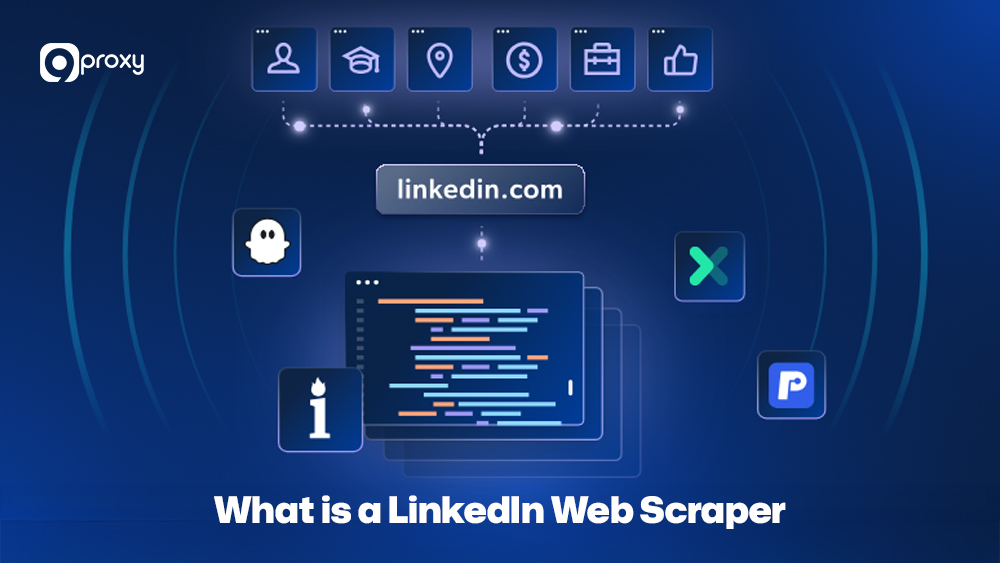
A LinkedIn Web Scraper is a tool that automatically collects public data from LinkedIn profiles, company pages, or job listings. Instead of copying information manually, it extracts details like names, job titles, companies, locations, and emails (if available) and organizes them into usable formats like CSV or JSON. This helps teams save time and use LinkedIn data more effectively for lead generation, market research, talent sourcing, and CRM enrichment.
LinkedIn Web Scraper tools are now widely used because they help with important tasks like:
- Lead generation: creating precise sales lists based on job roles, industries, or locations.
- Market research: tracking trends and keeping an eye on competitors.
- Recruitment: quickly finding the right candidates for open jobs.
By using scraping instead of manual research, teams can save a lot of time, work more efficiently, and make better decisions using up-to-date LinkedIn data.
How Does a LinkedIn Scraper Work?
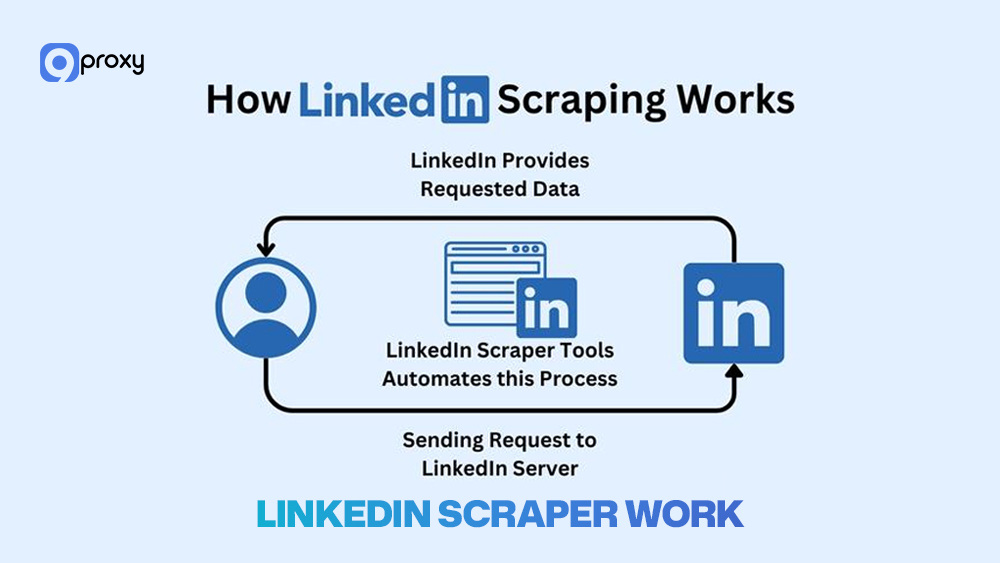
Basically, how to web scrape LinkedIn means using a tool to collect public LinkedIn data automatically instead of doing it by hand. The scraper works like a person browsing LinkedIn. First, you give it a starting point, like a search results page or a list of profile links.
After that, it pulls out the data and saves it in a clear format like a CSV or JSON file. This process repeats across many pages, helping you gather large amounts of LinkedIn data quickly, especially when combining automation with tools like Python web scraping for better flexibility and control.
After that, it pulls out the data and saves it in a clear format like a CSV or JSON file. This process repeats across many pages, helping you gather large amounts of LinkedIn data quickly, especially when combining automation with tools like web scraping Python for better flexibility and control.
Types of LinkedIn Scrapers
Choosing the right web scraper for LinkedIn depends on how big your project is, how much you’re willing to spend, and your level of technical skill. You can pick from different types of tools based on your needs:
Free vs Paid Scrapers
- Free Scrapers: These are usually open-source code (like Python scripts) or basic browser extensions. They’re great if you’re just starting to learn how to web scrape LinkedIn or only need to scrape a small amount of data. However, they can break easily when LinkedIn changes its layout, don’t have strong protection against prohibition, and usually don’t offer support.
- Paid Scrapers: These include full platforms and APIs with useful features like proxy support, automatic behavior simulation, and clean data formatting. If you’re doing large or ongoing scraping projects, paid tools are more stable and reduce the risk of LinkedIn limiting your account.
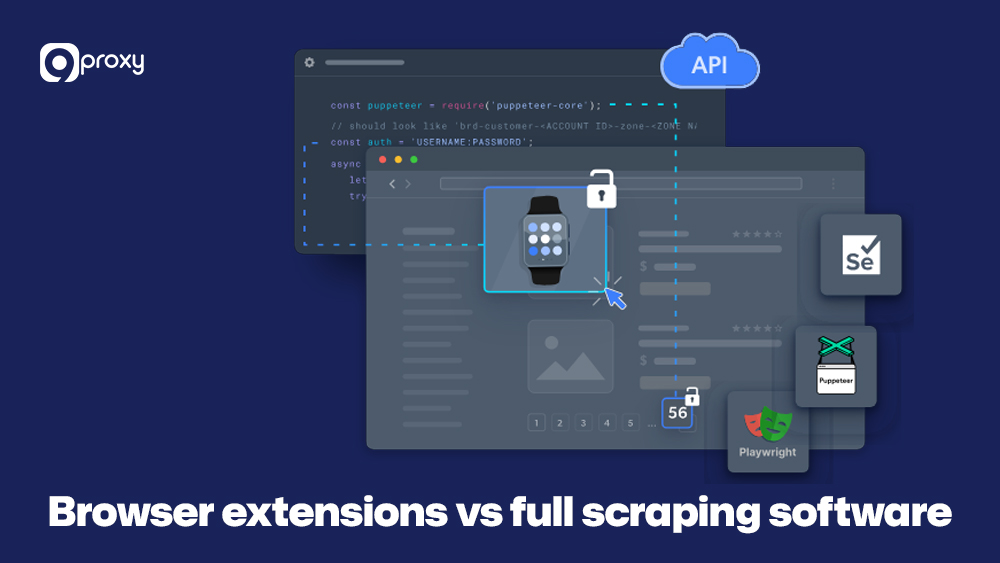
Browser Extensions vs Full Scraping Software
- Browser Extensions: These lightweight tools are easy to install in browsers like Chrome. They work well for small tasks, such as scraping a few LinkedIn profiles.
- Full Scraping Software or APIs: These are more powerful and built for large-scale data collection. They often include desktop apps, cloud platforms, or advanced scraping APIs. These tools can handle proxy rotation, avoid detection, and even connect directly to your CRM. They’re ideal for businesses or teams that need to scrape a lot of data safely and reliably.
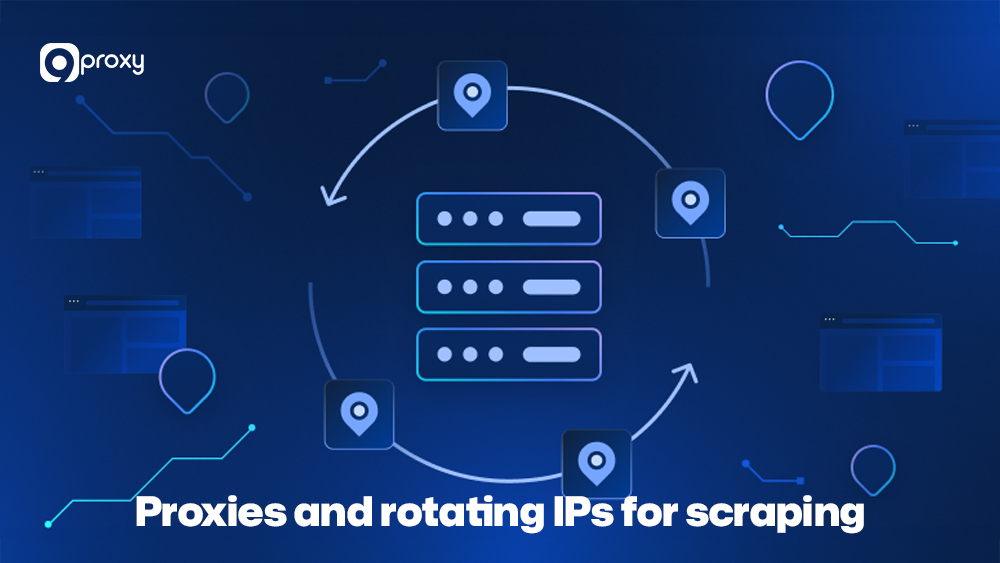
Proxies and Rotating IPs for Scraping
To safely scrape LinkedIn without getting disabled, you’ll need to use proxies. Proxies hide your real IP address and send your requests through different ones. Here are some types of proxies for scraping:
- Datacenter Proxies: These are cheap and fast, but easy for LinkedIn to detect, which increases the chance of getting disabled.
- Residential Proxies: These use real IPs from internet users at home, so your scraping looks more natural. They are harder to detect and are the best option for LinkedIn scraping.
- Rotating Proxies: These automatically switch to a new IP for every request or after a short time. This helps avoid getting flagged for sending too many requests from one IP.
If you’re new to using proxies for automation, you can check out tools like nstbrowser, which help manage multiple accounts and scraping tasks more efficiently. Using trusted rotating residential proxies, like those from 9Proxy, makes your LinkedIn Web Scraper behave more like a real person browsing. Pairing this setup with a reliable web scraping proxy also helps reduce IP-based restrictions and keeps long-term data collection stable.
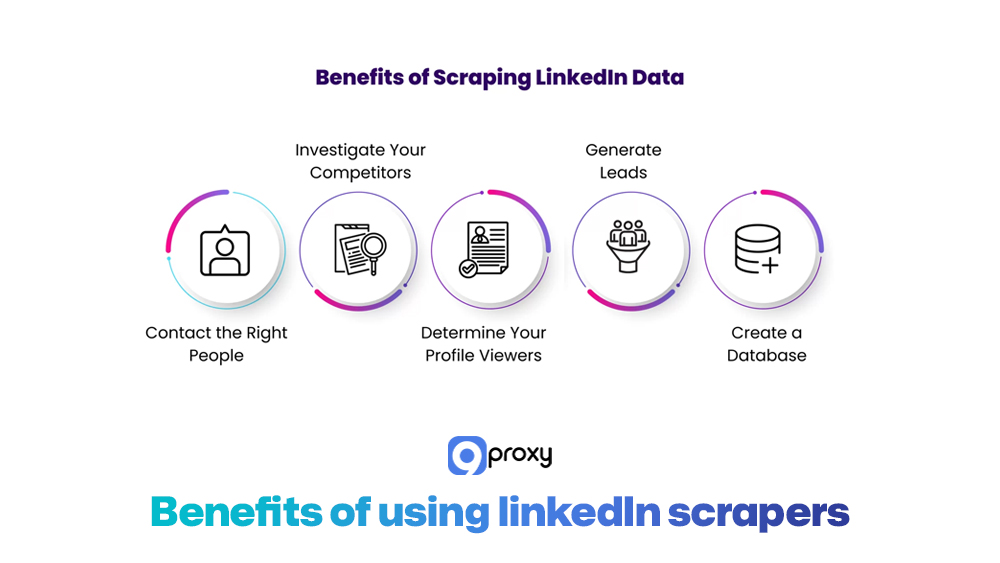
Benefits of Using LinkedIn Scrapers
Using a LinkedIn Web Scraper gives businesses big advantages when it comes to growing faster and understanding the market better.
Faster Lead Generation
Instead of collecting profiles manually, a scraper can pull thousands of targeted leads with job titles, company size, and location in just minutes. This saves time and helps sales teams focus on outreach rather than research.
Market and Competitor Insights
You can track hiring trends, key decision-makers, and even the tools competitors are using by analyzing employee profiles. This helps you notice market changes early and adjust your strategy before others do.
Better Talent Sourcing
Recruiters can quickly find skilled candidates who may not be actively looking for jobs. This makes it easier to fill difficult positions and reduces time spent searching.
Clean and Organized Data
Scraped data is saved in easy-to-use formats like CSV or JSON. It is more accurate than manual data entry and can be added directly to your CRM or database.
Personalized Outreach at Scale
With access to detailed career information, you can write more relevant and personal messages. This leads to better responses compared to generic cold emails.
Step-by-Step Guide to Scraping LinkedIn
In this section, we’ll walk you through all the important steps you need to successfully set up, run, and manage a LinkedIn scraping project from start to finish, using a reliable web scraper for LinkedIn to ensure accurate data collection, stable performance, and safe operation.
Setting Up Your Scraping Tool
Setting things up the right way from the start is important because it helps your LinkedIn scraper work smoothly and reduces the chances of your account getting limited.
- Choose Your Tool: Pick a reliable scraper, like a desktop app or commercial API, that offers proxy support and protection against being blocked.
- Configure Proxies: Connect a trusted proxy service, ideally one with rotating residential proxies. These hide your real IP address and help your scraper stay under LinkedIn’s radar.
- Create a Separate Account: Use a different LinkedIn account just for scraping. This protects your main account from getting suspended.
- Add Delays: Set random delays (for example, 5 – 15 seconds) between actions. This makes the scraper act more like a real person and lowers the risk of detection.
Extracting Data from LinkedIn Profiles
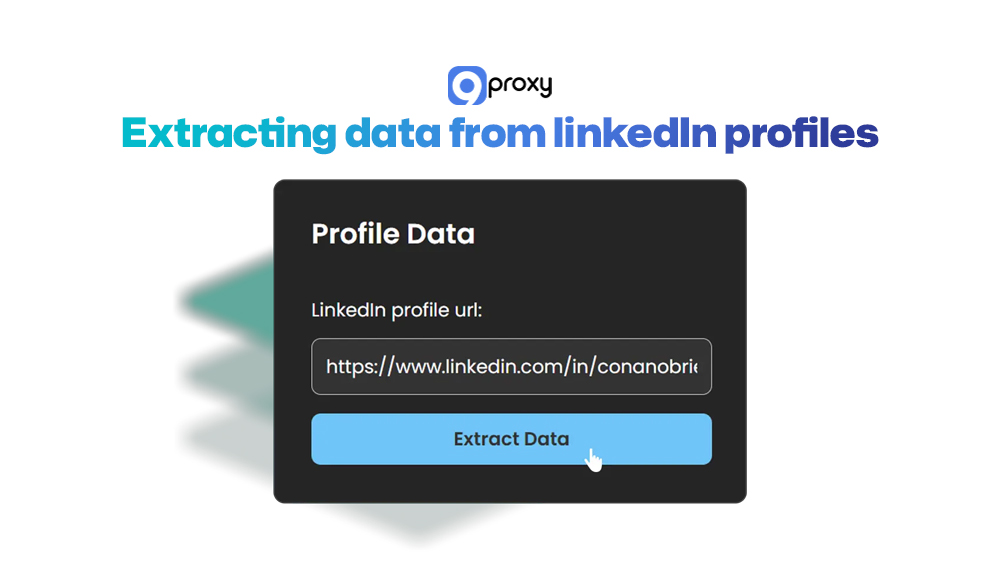
To get useful data from LinkedIn, you need to clearly choose who you want to collect data from and what specific information you need, so the scraper can focus on the right people and details.
- Define Your Target URLs: Use LinkedIn or Sales Navigator to filter your search (e.g., “CTOs in Finance in New York”) and get a list of relevant profiles.
- Add the Search URL: Copy the URL of that search results page and paste it into your LinkedIn Web Scraper. This is where the scraper will start collecting data.
- Choose Data Fields: Tell the tool which information to collect, such as Name, Job Title, Company, Location, Education, and Profile URL.
- Start Scraping: Run the scraper at a slow, steady pace and keep an eye on the process to make sure everything is working well.
Managing Data Collected from LinkedIn
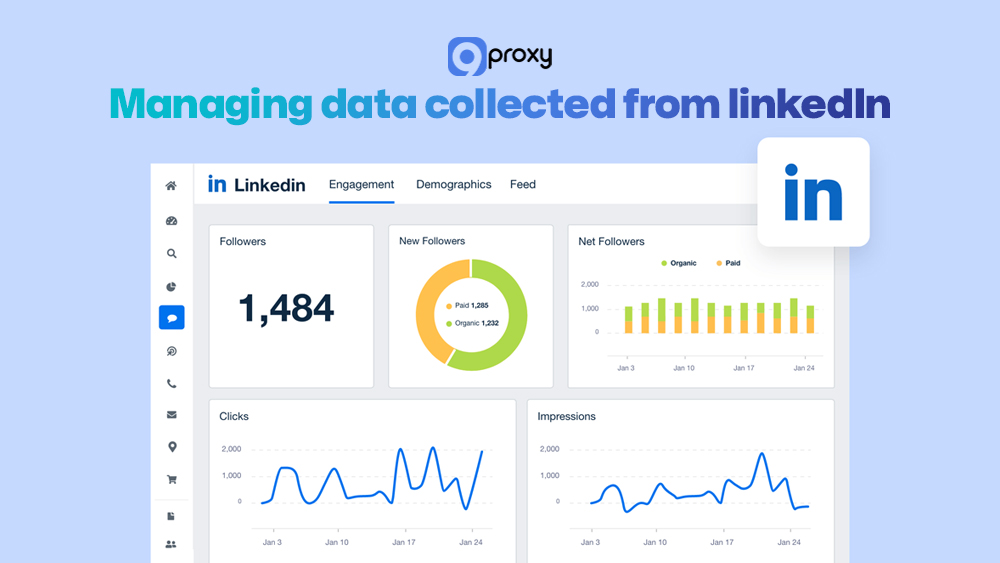
The data you collect is only truly valuable when it has been cleaned, properly organized, and formatted in a way that makes it easy to use for tasks like outreach, analysis, or importing into your CRM system.
- Export and Format: Save the data in an easy-to-use format like CSV (for Excel) or JSON (for apps).
- Clean the Data: Remove duplicates, fix formatting issues, and check that all important fields are filled in.
- Enrich and Validate: Use tools to confirm email addresses and find missing phone numbers. This helps ensure your contact info is accurate and up to date.
- Send to Your CRM: Import the final, cleaned data into your CRM or spreadsheet. This makes it easy for your sales or marketing team to use the data for outreach or campaigns.
By following these steps, your web scraper for LinkedIn can safely and effectively gather the data you need for lead generation, recruitment, or market research.
Common Problems in LinkedIn Scraping
Even if you’re using the best tools, scraping LinkedIn can still come with challenges. That’s why it’s important to know how to handle them the right way.
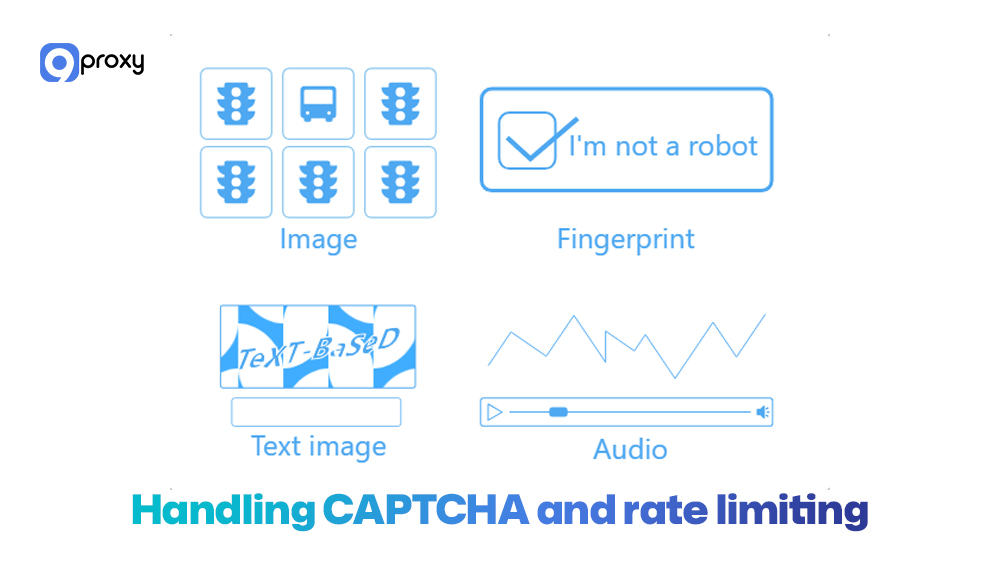
Handling CAPTCHA and Rate Limiting:
LinkedIn can detect when you’re collecting too much data too quickly. When that happens, it may show a CAPTCHA, ask you to log in again, or limit you from viewing more pages for a while.
To avoid this, use a rotating proxy system to spread your scraping traffic across many IP addresses. Also, set up your scraper to make random, slow requests instead of acting too fast. Some modern tools now combine traditional scraping with AI web scraping techniques to better detect page changes, adapt to anti-bot systems, and reduce manual maintenance.
Avoiding Detection by LinkedIn:
LinkedIn uses advanced systems to spot bots. It looks for things like scraping at the same speed all the time, using the same browser setting (user agent), or sending too many requests from one IP. To stay safe, try the following:
- Act like a real user by adding random pauses, mouse movement, and scrolling.
- Rotate your user agents so LinkedIn thinks the requests are coming from different browsers.
- Limit how much you scrape daily, such as under 100–200 profiles per account.
- Only collect public data. Don’t try to access private or login-only content.
These steps help you not get disabled and keep your LinkedIn scraping running smoothly.
5 Common LinkedIn Scraping Tools
To help you choose the right tool, we’ve put together a comparison of some of the best LinkedIn web scraper options. The table below gives you a quick overview of what each tool is best for, how it works, and its main features.
These tools meet different needs; some are simple browser extensions for small tasks, while others are powerful cloud-based tools designed for large-scale data scraping in enterprise environments.
|
Tool Name |
Type |
Best For |
Free Plan |
CRM Integration |
|
Phantombuster |
Cloud |
Automation & scale |
Yes |
Yes |
|
TexAu |
Desktop/Cloud |
Multi-platform scraping |
Limited |
Yes |
|
Evaboot |
Chrome Extension |
Quick lead lists |
No |
Yes |
|
Captain Data |
Cloud |
Bulk operations |
Yes |
Yes |
|
Dux-Soup |
Extension |
Outreach + scraping |
Yes |
Yes |
When it comes to most professional data extraction tasks, using a cloud-based or API-based solution is usually a better choice than basic browser extensions. While simple extensions may work for small, one-time scraping jobs, they often lack the features and stability needed for long-term use.
In contrast, cloud or API-based tools offer better performance, higher reliability, and greater scalability. This makes them ideal for businesses or teams that need to run large-scale or ongoing projects using the best LinkedIn web scraper tools.
How to Choose the Best Tool for Your Needs
Choosing the right LinkedIn Web Scraper isn’t just about picking the most popular tool. It requires careful thinking about your project’s specific needs, goals, and any limitations you may have, such as budget, technical skills, or data volume. Making the right choice from the start will help ensure your scraping process is smooth, efficient, and delivers the results you’re aiming for.
Here are the critical factors we recommend you consider:
Budget: Free scripts are available, but they are maintenance-intensive. Professional solutions can range from $15 to over $100 per month, often priced per feature or volume of data. Match the tool’s cost to your expected Return on Investment (ROI) from the data.
Scalability: If you need to process hundreds of thousands of profiles regularly, a dedicated API or robust cloud-based platform is essential. Browser extensions cannot handle enterprise-level scale reliably.
Ease of Use: If you are a beginner or a non-technical user, a no-code tool with a visual interface is a better starting point than a Python script.
Reliability and Access continuity Features: For long-term projects, prioritize tools that offer advanced anti-bot defenses, such as automatic proxy rotation, human-like behavior simulation, and JavaScript rendering.
Data Output and Integration: Ensure the tool exports data in a format you can immediately use (CSV, JSON) and, ideally, offers direct integration with your existing CRM or marketing automation software. Some advanced scrapers even support command-line tools for automation, where configuring something like a wget proxy can be useful for scripted data pulls in backend systems.
Legal and Ethical Considerations in LinkedIn Scraping
While scraping public data is generally allowed in many countries, using a LinkedIn Web Scraper still requires careful attention to legal and ethical guidelines, especially because of LinkedIn’s strict Terms of Service.
LinkedIn’s Terms of Service
LinkedIn’s policies clearly say that users are not allowed to use automated tools such as scrapers, bots, or crawlers to access, copy, or collect information without permission. Even if the data is public, scraping it still goes against LinkedIn’s rules.
Legal Status vs. LinkedIn’s Rules
A U.S. court case (LinkedIn vs. hiQ) decided that scraping publicly available data can be legal in some cases. However, this does not cancel LinkedIn’s right to protect its platform through its own terms and policies. That means your actions might be legal under the law, but still against LinkedIn’s rules.
What Happens if You Violate the Rules
If you go against LinkedIn’s Terms of Service, your account can be restricted or banned permanently. Your IP address may also be limited. To avoid this, it’s important to use high-quality proxies and a separate LinkedIn account only for scraping activities when using a LinkedIn Web Scraper.
Conclusion
Using a LinkedIn Web Scraper the right way can give your team a strong advantage in lead generation, market research, and recruitment. Through this blog, we’ve walked you through from how a scraper works to choosing the right tools and running a safe, step-by-step extraction process. When done responsibly, scraping LinkedIn allows you to collect valuable data faster and more efficiently.
However, success relies on more than just tools; it also requires ethical scraping, realistic behavior, and strong anti-blocking measures. For the best results, invest in the best LinkedIn web scraper and high-quality rotating residential proxies. These proxies help you stay undetected and follow LinkedIn’s rules. For safer, faster scraping, we recommend using 9Proxy’s premium residential proxies to keep your process smooth, secure, and reliable.